Hoodie Skin Pack
- 11-01-2026, 16:56
- 861
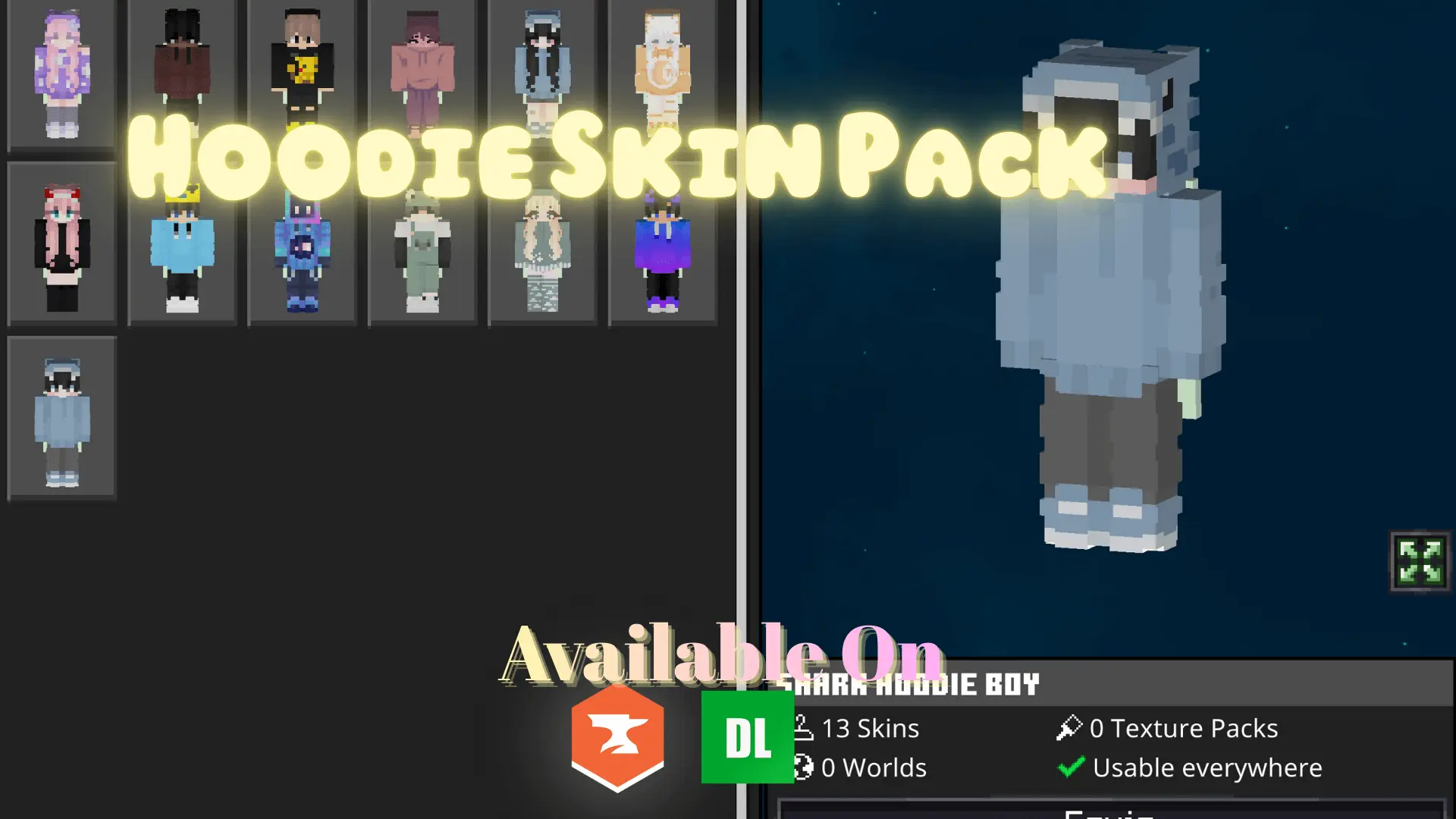
Hoodie Skin Pack is the definition of “easy pick, no drama.” It’s a simple hoodie-themed set with 13 unique skins, and the whole point is that you can throw one on and it just works in basically any world. The outfits are casual, the colors are clean, and nothing is overdone, so you don’t feel like you’re roleplaying a whole character every time you log in. It’s the kind of pack that fits normal Minecraft Bedrock life: building your base, farming, doing cave runs, trading, or just hopping on a server to hang out.

The best part about a hoodie-style pack is how universal it feels. If you’re playing survival, these skins match that “everyday” vibe—like you’re just a regular player getting stuff done, not a boss mob or some glowing neon superhero. When you’re mining for hours or grinding materials, having a chill skin actually fits the mood better than some loud design. And when you’re in multiplayer, hoodie skins are a solid middle ground: they look modern and clean, but they don’t scream for attention. You’ll still look put together in screenshots or group sessions without turning into a walking billboard.
Because Hoodie Skin Pack focuses on clean color palettes, it’s also nice for visibility. Some skins get so noisy that your character looks weird in motion, especially during PvP, parkour, or fast movement. Cleaner colors and simpler outfits tend to read better when you’re sprinting, jumping, or fighting, which makes this pack a good option if you bounce between survival and minigames. It’s also a good “main skin” pack—something you can keep on long-term without getting tired of it.
A small tip: if you’re playing with friends, have everyone pick a different skin from Hoodie Skin Pack so you still look like a crew without matching exactly. Thirteen skins is enough to keep it feeling varied while staying in the same relaxed style. Hoodie Skin Pack is a clean Minecraft Bedrock choice when you want casual outfits, modern hoodie vibes, and a simple look that fits everyday gameplay.
How to Install Skins in Minecraft Bedrock
- Download a .png skin (64×64 or 128×128).
- Open Minecraft Bedrock.
- Go to Profile (hanger icon) → Edit Character.
- Tap Owned → Import → Choose New Skin.
- Select your .png file.
- Pick a model: Classic (Steve) or Slim (Alex).
- Confirm to equip and play.
Comments (0)