Karmaland Skin Pack
- 11-01-2026, 21:15
- 738

Funko Box Skin Pack – Karmaland: Time Travelers is made for players who want their skins to feel like a crew with a theme, not just random outfits. The whole pack is inspired by the Karmaland time-travel story, so the vibe is “lost eras, broken timelines, strange futures,” but wrapped in that collectible Funko Box style. That means cute proportions, clear silhouettes, and characters that look great in motion whether you’re exploring or just hanging around your base.
You get 8 members, each with their own flavor. Rubius is described as chaotic and timeline-lost with glowing details, so he’s the one that fits the “something went wrong in the portal” energy when you’re doing risky cave dives or sprinting through a night biome. Willyrex comes off like the mission leader with armor and strategy vibes, which is perfect for group survival where one person is always calling shots and keeping everyone alive. Fargan’s got malfunctioning gadgets and funny expressions, so that’s the skin you wear when your plans go sideways and the session turns into pure chaos. Vegetta777 is more elegant and protective, which plays well if you’re the builder or the “keep the base safe” friend. Luzu leans into maps and mystery, so it matches exploration runs and those long travel sessions where you’re mapping new territory. Lolito is improvised gear and fearless attitude, basically made for players who rush danger first and ask questions later. Alexby is the futuristic tech vibe with holograms, which fits modern builds and sci-fi themed bases. Auron is the darker, mysterious pick, ideal for roleplay worlds where you want to feel like the quiet character who knows more than they say.
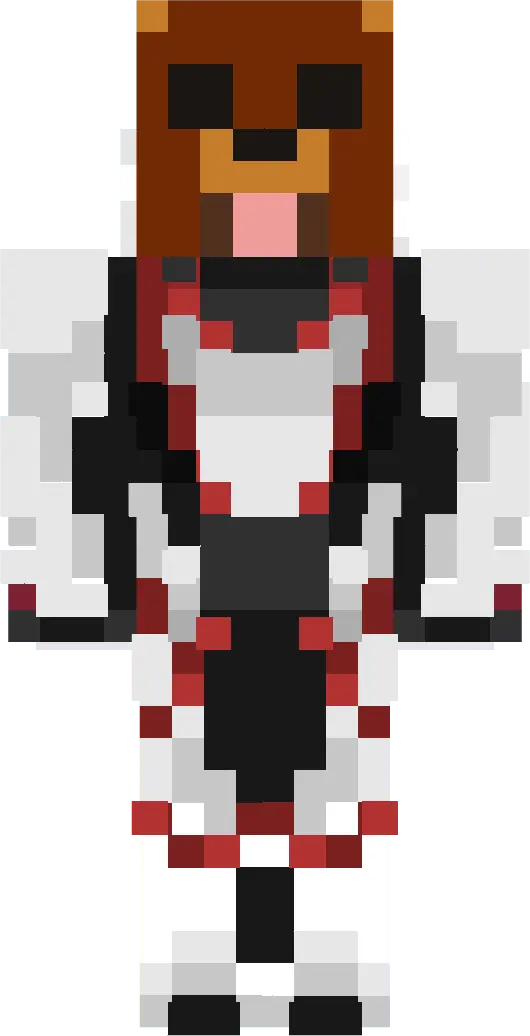
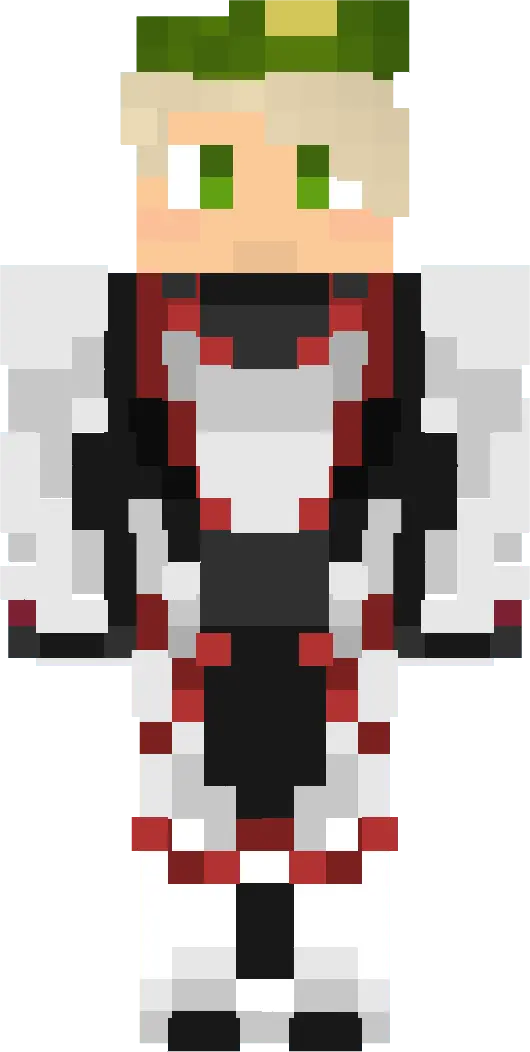
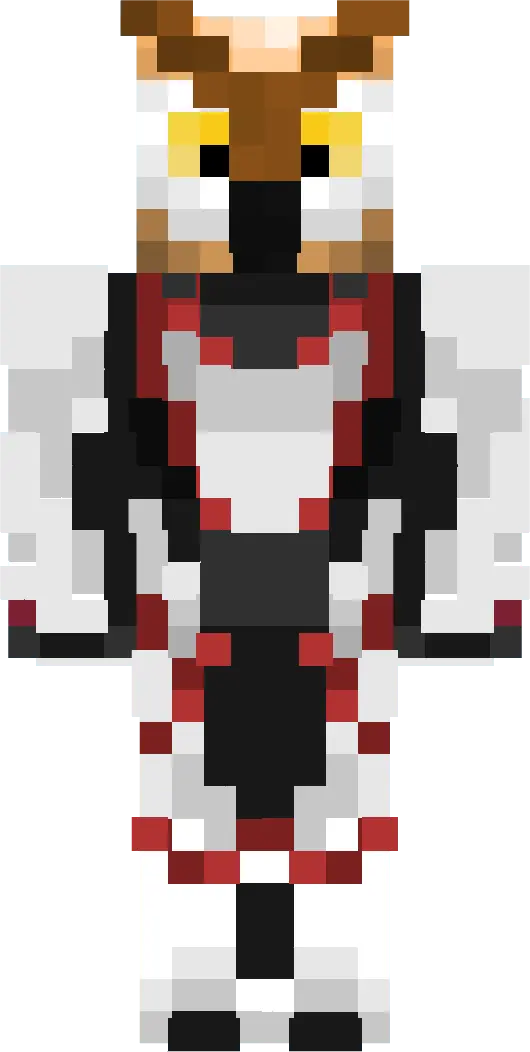
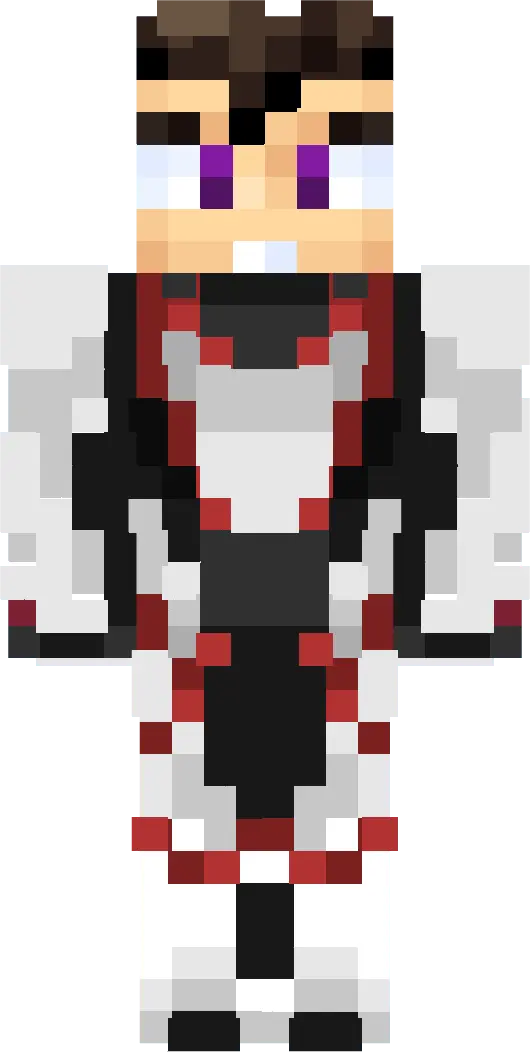
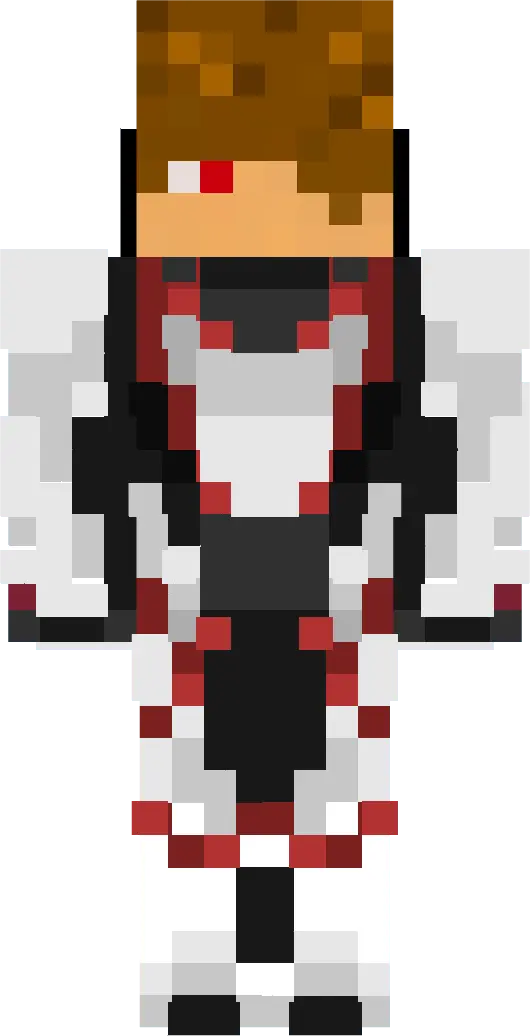
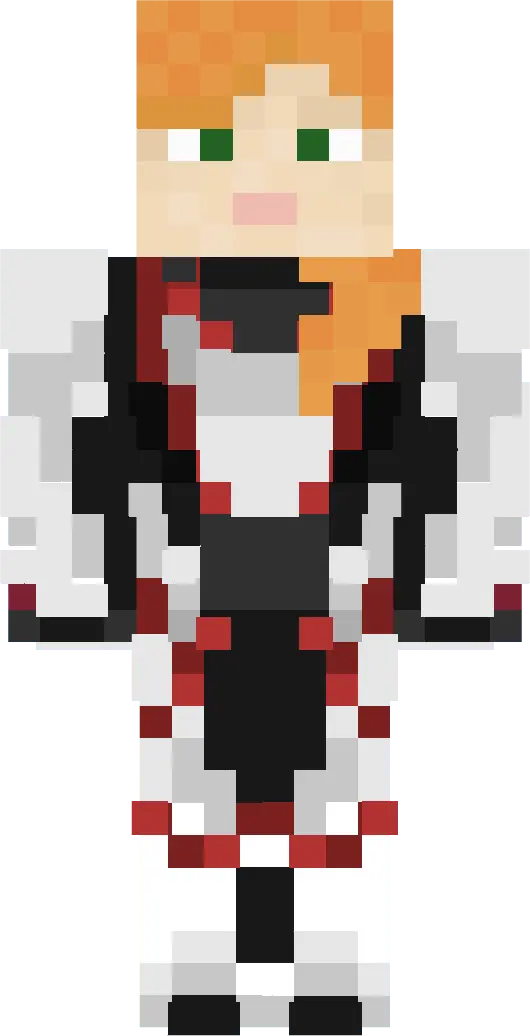
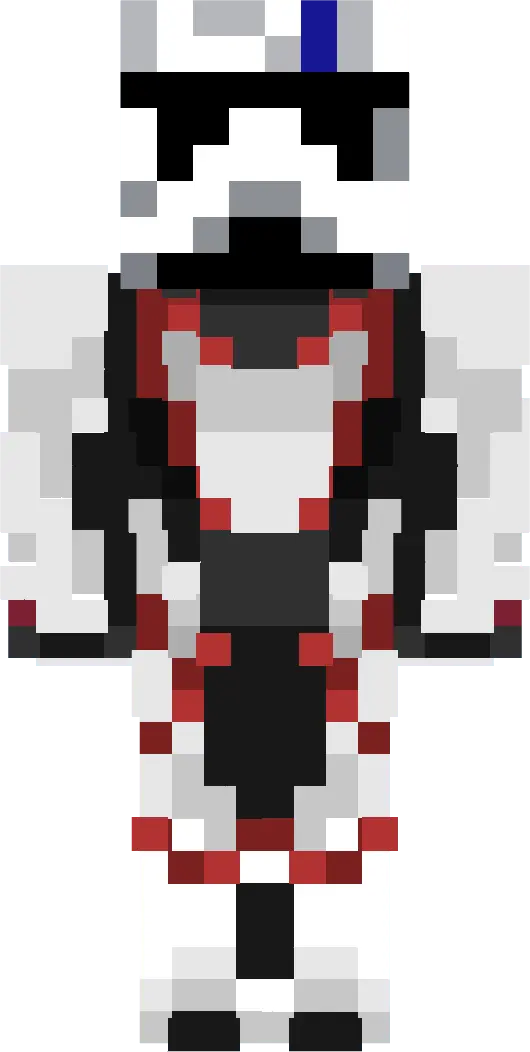
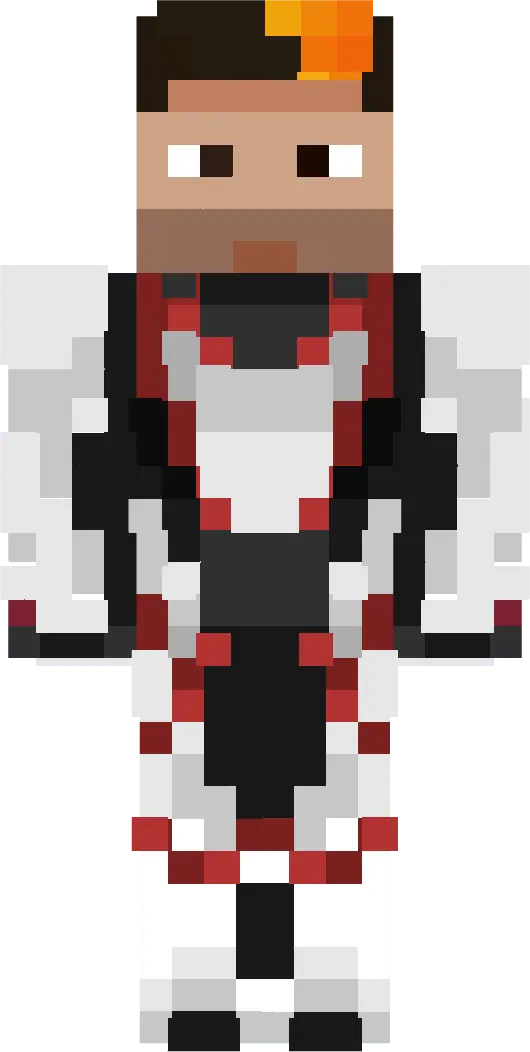
The Funko-style design is a big deal in Minecraft Bedrock because it keeps the characters readable in multiplayer, parkour, and normal survival movement. You don’t lose the look in motion, and the skins still stand out when everyone’s gathered for screenshots or a server event. Funko Box Skin Pack – Karmaland: Time Travelers is a strong pick if you want a themed set of 8 recognizable characters with that collectible style and a built-in story vibe you can lean into while you play.
How to Install Skins in Minecraft Bedrock
- Download a .png skin (64×64 or 128×128).
- Open Minecraft Bedrock.
- Go to Profile (hanger icon) → Edit Character.
- Tap Owned → Import → Choose New Skin.
- Select your .png file.
- Pick a model: Classic (Steve) or Slim (Alex).
- Confirm to equip and play.
Comments (0)