Another Sunday Skin Pack
- 12-01-2026, 15:48
- 515
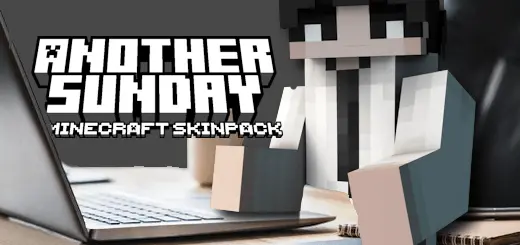
Another Sunday Skin Pack goes for a relatable theme instead of something loud or flashy. The idea is an office worker-student trying to find balance on a Sunday, stuck between real-life responsibilities and finally getting a little breathing room. That vibe fits surprisingly well in Minecraft Bedrock because a lot of worlds feel exactly like that—half grind, half “I just want to build something and relax.”


You get four characters here—David, John, Robert, and Susan—so it’s a clean pack for friends who want matching energy without everyone looking identical. In a survival world, these skins work great when you’re doing the “responsible” stuff: sorting storage, fixing the base, farming, patching up paths, and just getting your world back under control after a messy week of exploring. It’s the kind of look that matches slow, steady progress instead of going full chaos mode.
If you’re playing multiplayer, the theme makes it easy to lean into light roleplay without forcing it. You can set up a little “Sunday routine” session: one person handles farming, another expands the house, someone goes on a quick resource run, and it all feels like a team just trying to keep life together. Even when you do head out for caves or night trips, it’s funny in a good way—pulling up to danger while still rocking that everyday, balanced-life vibe.
Practical tip: because the pack is simple and grounded, it pairs really well with worlds that have clean builds—town streets, small apartments, office-style towers, or a cozy starter base that slowly turns into something bigger. Swap between David, John, Robert, and Susan depending on what you’re doing that day, and it gives your world a little “chapter change” feeling without needing anything fancy. Another Sunday Skin Pack is perfect when you want your character to feel like a real person living in your Minecraft Bedrock world, not a costume.
How to Install Skins in Minecraft Bedrock
- Download a .png skin (64×64 or 128×128).
- Open Minecraft Bedrock.
- Go to Profile (hanger icon) → Edit Character.
- Tap Owned → Import → Choose New Skin.
- Select your .png file.
- Pick a model: Classic (Steve) or Slim (Alex).
- Confirm to equip and play.
Comments (0)