Realistic Enderman Skin
- 22-01-2026, 15:15
- 793
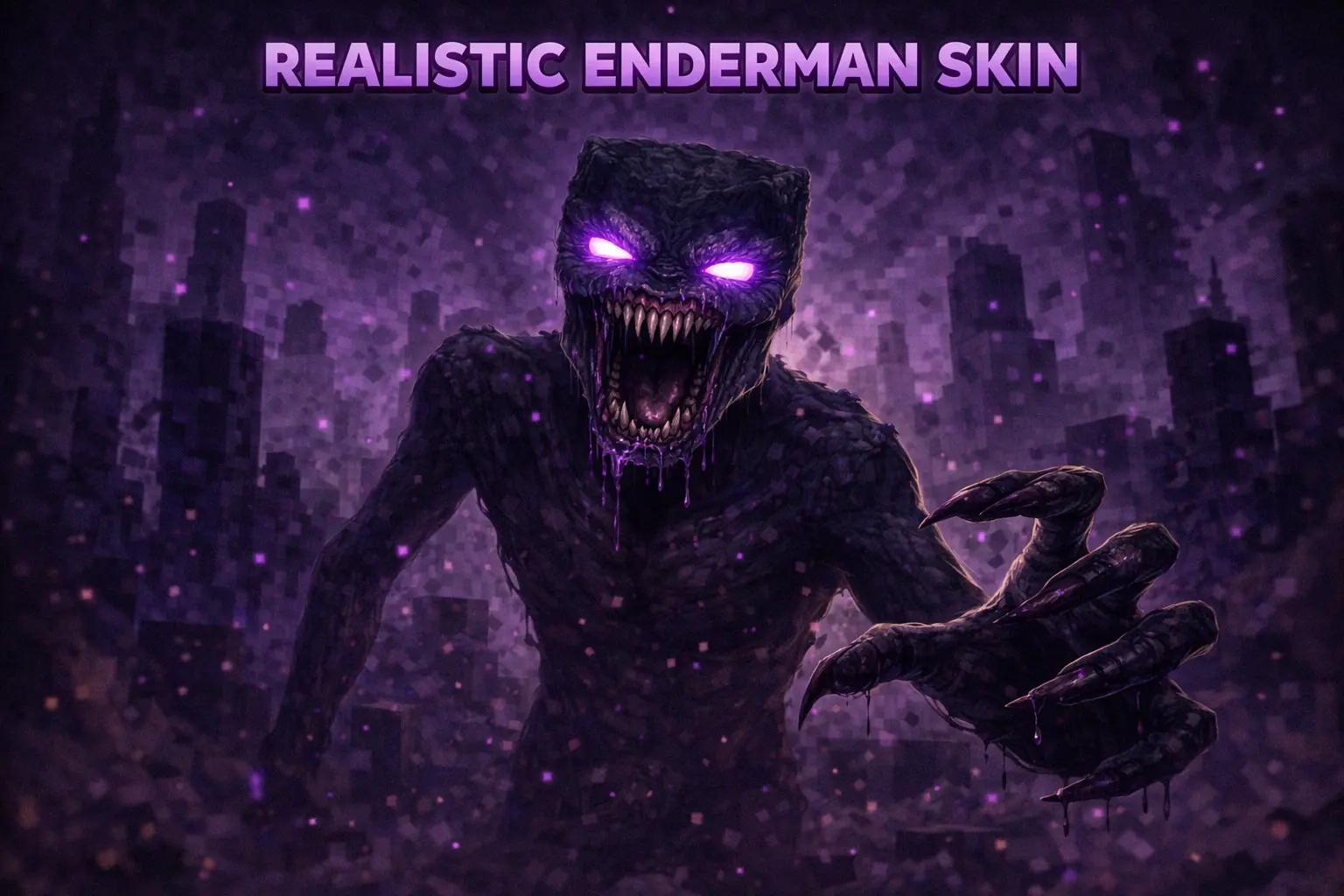
Realistic Enderman Skin is for players who want their character to look unsettling on purpose. The only info given is “Scary Enderman,” so the core promise is straight vibes: you’re wearing an Enderman-themed skin that’s meant to hit harder visually than a normal goofy or cartoon style. It’s the kind of skin you throw on when you want people to double-take in a dark cave or when you step out of the shadows near someone’s base.
In survival, this skin shines in those low-light moments where Enderman energy already feels creepy—nighttime walks, deep mining trips, wandering through forests, or just standing still while someone hears footsteps behind them. If you’re playing multiplayer, Realistic Enderman Skin is perfect for harmless trolling without needing any extra mechanics: post up in a corner, don’t move, and let your friends notice you way too late. It’s also a fun pick for horror maps or spooky-themed worlds where a normal bright skin would kill the mood.

An Enderman arrives at spawn dressed for a formal event, except this one has traded the usual dark look for white. The suit adds another twist, giving the character a dressed-up look without losing its connection to the mob. It’s a combination that can be played completely straight or turned into a joke. Perhaps this Enderman has come to negotiate a trade, inspect a new base, or attend an event where everyone else forgot there was a dress code. Whatever role you choose, the outfit gives your character a reason to look composed even when the rest of the server is in chaos.
That formal style fits nicely into a multiplayer world. Wear it to the opening of a friend’s shop, a meeting between factions, or a group tour of a new city build. You could make your character the owner of a mysterious hotel or the quiet host of a trading hall; those are stories you invent, but the suit gives you a place to start. For a quick laugh, show up at a friend’s door looking ready for business while carrying nothing more important than a stack of dirt. A recognizable character and the right timing can make an ordinary visit memorable. You can also gather a group for a fancy server event and see who notices that one guest seems a little less human than the others.
The light-colored look can make an interesting contrast in screenshots. Try standing against a wall of dark stone, at the entrance to an underground base, or beside a portal at night. A modern building with a meeting room or a quiet hallway gives the formal outfit another setting to work with. If you enjoy designing around your character, a small office, a reception desk, or a private room overlooking the town could become part of your next base. A few pieces of furniture and a good view are enough to suggest that your Enderman has somewhere important to be when the mining is done. You don’t need an elaborate project, though; the skin works just as well while you’re mining, sorting storage, or helping friends build.
White Enderman in a Suit is a cosmetic skin, so it won’t let you teleport, make you taller, or change the way Endermen behave toward you. It gives your player a different appearance while the usual survival rules stay in place. Wear it as your regular Bedrock character, save it for a server event, or use it whenever you want a familiar mob theme with a more formal personality. Whether your Enderman becomes a polite host or the strangest business partner in town, the character’s story is yours to decide.
For PvP or mini-games, the “scary” look can actually add pressure. Even if it doesn’t change gameplay, people react differently when your character looks like something they’re supposed to fear, especially in tight spaces. Practical tip: if you want the skin to land, pair it with darker environments—hang around caves, ruins, or nighttime bases—and avoid bright, colorful builds that make the vibe feel off. Realistic Enderman Skin is basically a simple, scary cosmetic choice for Minecraft Bedrock players who want to look like a walking threat.
How to Install Skins in Minecraft Bedrock
- Download a .png skin (64×64 or 128×128).
- Open Minecraft Bedrock.
- Go to Profile (hanger icon) → Edit Character.
- Tap Owned → Import → Choose New Skin.
- Select your .png file.
- Pick a model: Classic (Steve) or Slim (Alex).
- Confirm to equip and play.
Comments (0)