Classic Doomguy Skin
- 23-01-2026, 14:26
- 419
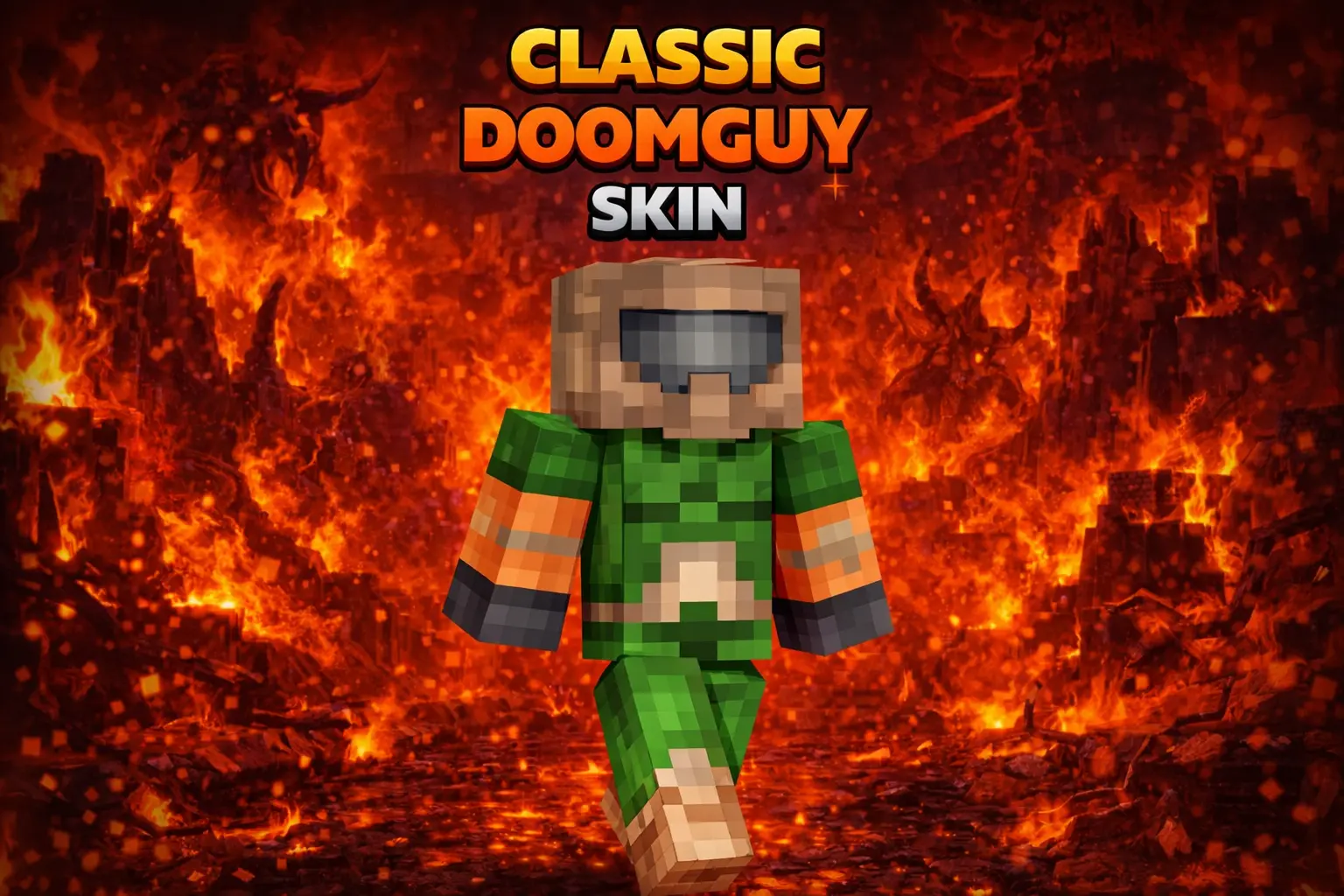
Classic Doomguy Skin is for anyone who wants their character to look like they’re always ready to kick a door in and clear a room. The Doom (1993) hero look is instantly iconic, and it fits Minecraft way better than you’d think, especially when you’re running combat-heavy stuff like dungeons, mob farms, or PvP arenas.
In survival, this skin hits hardest when you’re living that “never back down” playstyle. Charging into caves, taking on spawners, fighting off raids, or sprinting through the Nether feels extra fitting when you’re dressed like a classic shooter protagonist. It also makes your clips and screenshots feel more “action game” without needing any extra addons—your character alone sets the tone.

On multiplayer servers, Classic Doomguy Skin stands out because it’s a recognizable throwback, and it’s clean and readable in motion. If your friend group loves retro games or you just want a skin that screams confidence, this one is a perfect main. Classic Doomguy Skin basically says, “I’m here to survive, and I’m not running.”
How to Install Skins in Minecraft Bedrock
- Download a .png skin (64×64 or 128×128).
- Open Minecraft Bedrock.
- Go to Profile (hanger icon) → Edit Character.
- Tap Owned → Import → Choose New Skin.
- Select your .png file.
- Pick a model: Classic (Steve) or Slim (Alex).
- Confirm to equip and play.
Comments (0)