PM Devil Skin
- 23-01-2026, 13:44
- 701
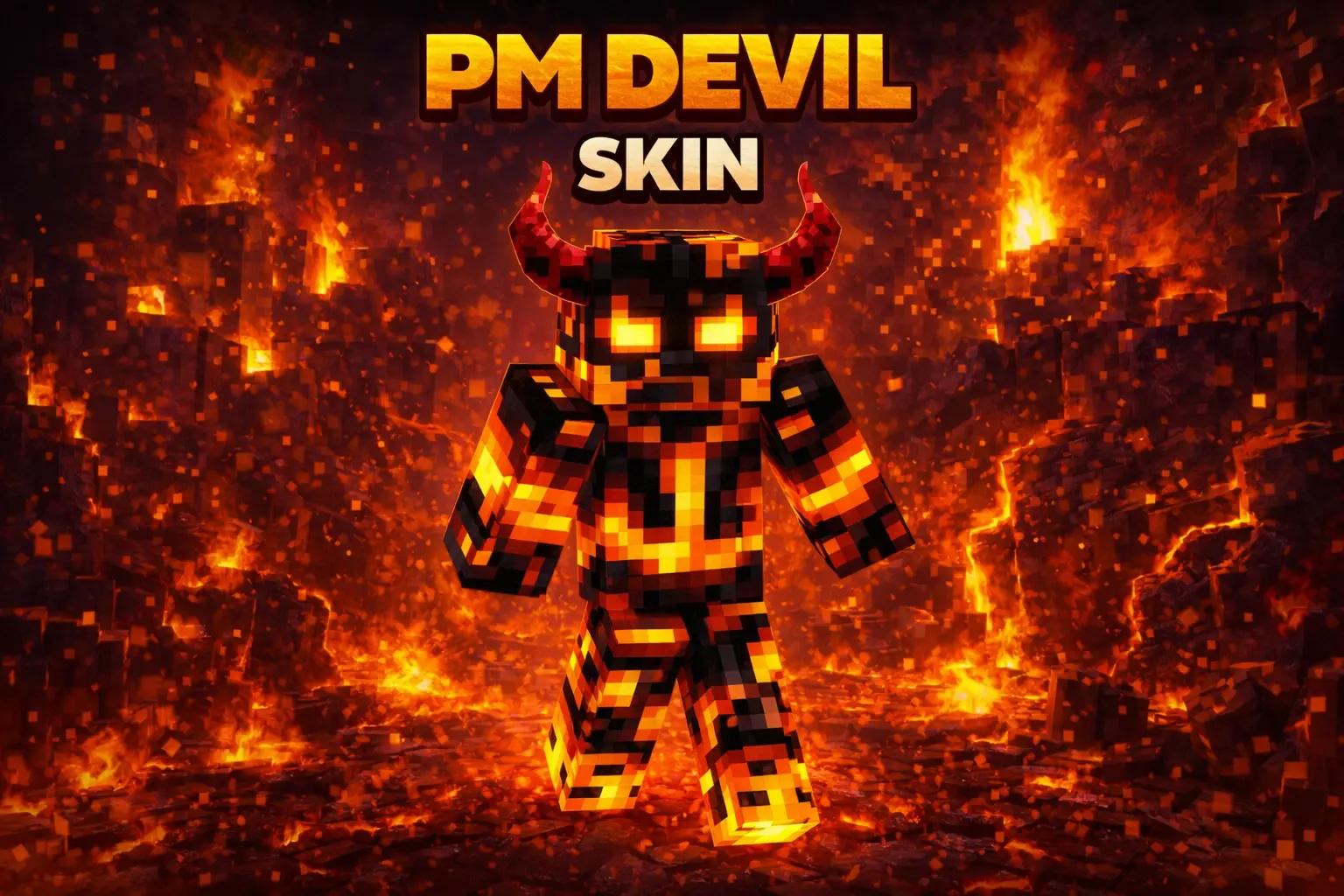
PM Devil skin is all about that “walking lava hazard� energy. The magma monster theme instantly fits anything fiery—Nether trips, volcano builds, basalt caves, or just roaming your world at night looking like a boss mob that escaped. The devil-inspired look gives it extra attitude, like your character isn’t just hot-themed, it’s actually meant to feel dangerous.

In survival, this skin is super fun because it matches the moments when the game gets intense: blaze fights, fortress raids, lava lake crossings, or those deep mining runs where everything’s dark and you’re living off pure confidence. Even if you’re doing normal stuff like farming or building, the skin still sells a strong identity, like you’re the “Nether guy� of the friend group.
On multiplayer servers, PM Devil skin stands out fast because fiery monster skins are easy to spot and they look clean in motion. It’s also great for roleplay—demon faction, magma guardian, Nether warlord, whatever your server lore is. If you want a skin that feels aggressive, themed, and instantly readable, PM Devil skin is a solid pick.
How to Install Skins in Minecraft Bedrock
- Download a .png skin (64×64 or 128×128).
- Open Minecraft Bedrock.
- Go to Profile (hanger icon) → Edit Character.
- Tap Owned → Import → Choose New Skin.
- Select your .png file.
- Pick a model: Classic (Steve) or Slim (Alex).
- Confirm to equip and play.
Comments (0)