Nether Armor Robot Skin
- 23-01-2026, 09:30
- 705
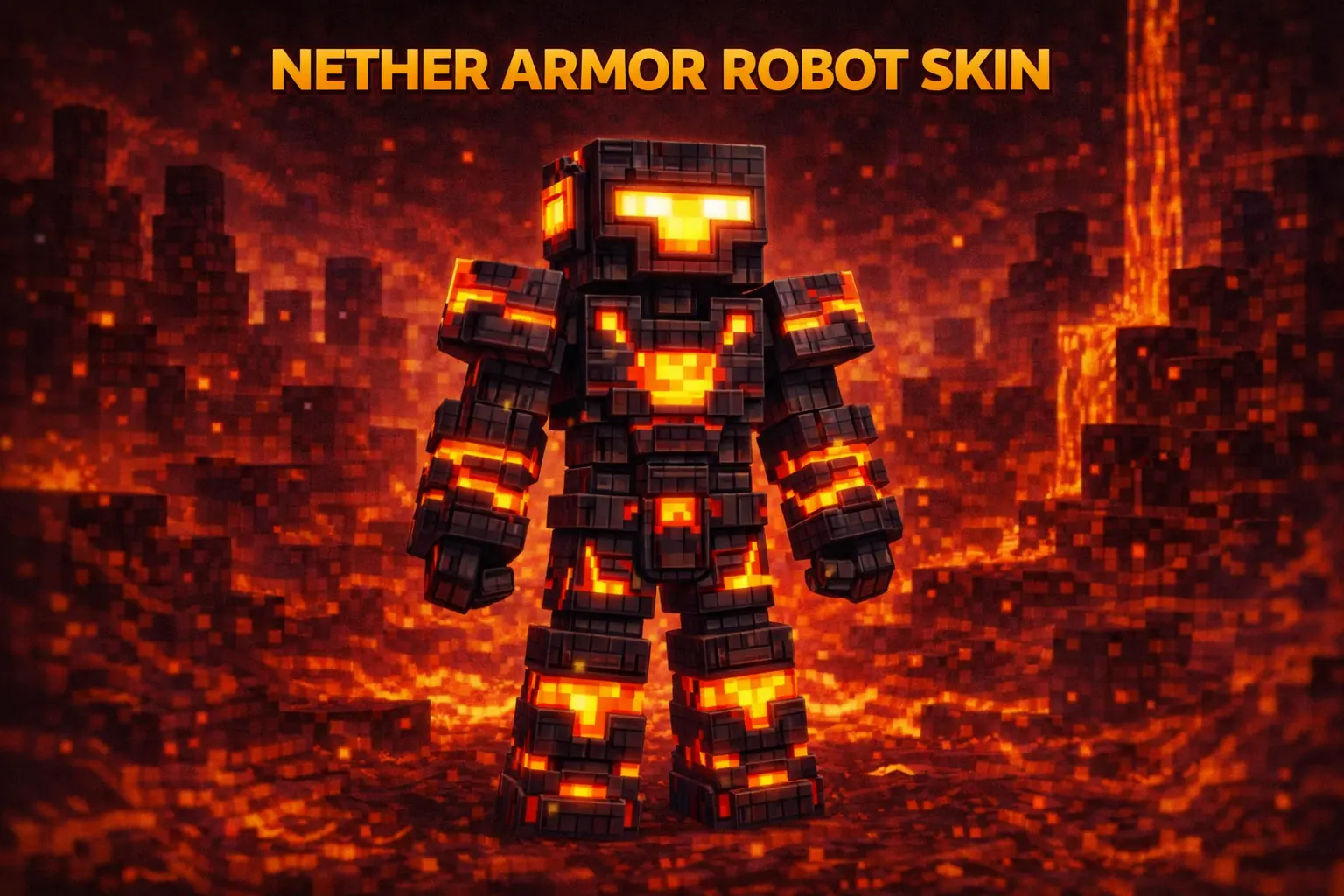
Nether Armor Robot Skin is for players who want their character to look like they were engineered to survive the hottest parts of the game. The whole “robot with lava proof gear� theme instantly screams Nether energy, like you’re a walking heat-shield suit that’s ready to charge into basalt deltas, sprint across lava lakes, and come back with ancient debris without flinching.
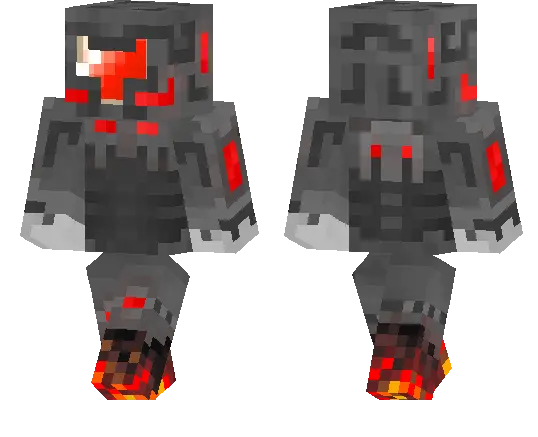
On survival worlds, this skin pairs insanely well with Nether-focused gameplay. Even if your actual gear is still early-game, the look makes you feel like a late-game explorer who lives in fortresses and treats blaze spawners like free XP. It’s also a great skin for building Nether bases, industrial factories, or sci-fi strongholds, because the robotic vibe matches anything mechanical, dark, and fiery.
In multiplayer, Nether Armor Robot Skin stands out in lobbies because it’s a clean concept that’s easy to read from a distance. It also works great for roleplay, especially if your crew has themes like “Nether squad,� “robot faction,� or “lava raiders.� If you want a skin that looks tough, heat-ready, and different from the usual humanoid outfits, Nether Armor Robot Skin is a strong main.
How to Install Skins in Minecraft Bedrock
- Download a .png skin (64×64 or 128×128).
- Open Minecraft Bedrock.
- Go to Profile (hanger icon) → Edit Character.
- Tap Owned → Import → Choose New Skin.
- Select your .png file.
- Pick a model: Classic (Steve) or Slim (Alex).
- Confirm to equip and play.
Comments (0)