Aspects of the Dungeons Arcade / Slim Skin Pack
- 12-02-2026, 11:11
- 727
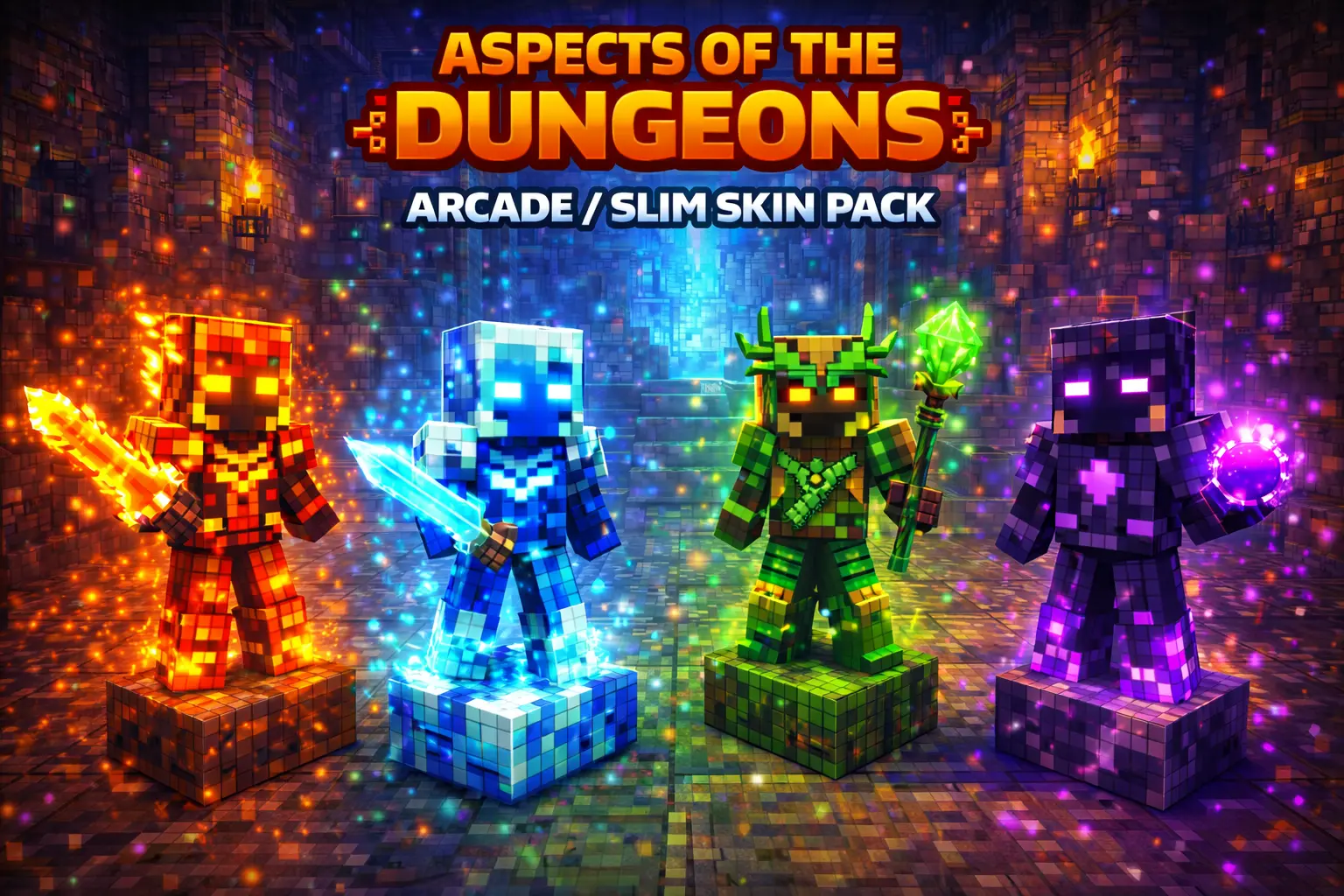
Aspects of the Dungeons Arcade / Slim Skin Pack is made for players who like the Dungeons Arcade look but prefer the Slim body style in Minecraft Bedrock. The whole point is simple: you’re getting the same core style and design, just adapted cleanly to Slim so it fits your character model without looking off or mismatched. If you’ve ever found a skin you liked but hated how it sat on your character, this kind of slim-adapted pack is exactly the fix.
The pack includes four named skins: Jade, Neo, Shikoba, and Bediako. Because they’re all pulled from the same “Arcade� theme, they naturally feel like they belong together, which is great if you like swapping skins while keeping a consistent vibe. In survival worlds, that’s perfect for keeping your screenshots and your character identity steady—same style, different flavor depending on your mood or what you’re doing that day.


In multiplayer, Aspects of the Dungeons Arcade / Slim Skin Pack shines even more. Slim-format skins help your character stand out without being bulky, and having four options makes it easy for a friend group to coordinate. Everyone can pick a different name—Jade, Neo, Shikoba, or Bediako—and you still look like a squad instead of four random skins thrown together. It’s also a nice move for mini-games where a clean silhouette matters, because you want your skin to be readable while you’re sprinting around and making quick plays.
Practical tip: choose one skin as your “main� for long-term worlds so your character feels consistent, then rotate the others when you start a new build, join a new server, or just want a reset without changing the theme. Aspects of the Dungeons Arcade / Slim Skin Pack is basically a clean, slim-format refresh that keeps the Arcade style intact for Minecraft Bedrock players who care about look and consistency.
How to Install Skins in Minecraft Bedrock
- Download a .png skin (64×64 or 128×128).
- Open Minecraft Bedrock.
- Go to Profile (hanger icon) → Edit Character.
- Tap Owned → Import → Choose New Skin.
- Select your .png file.
- Pick a model: Classic (Steve) or Slim (Alex).
- Confirm to equip and play.
Comments (0)