CartoonLand Skin Pack
- 22-02-2026, 12:48
- 530
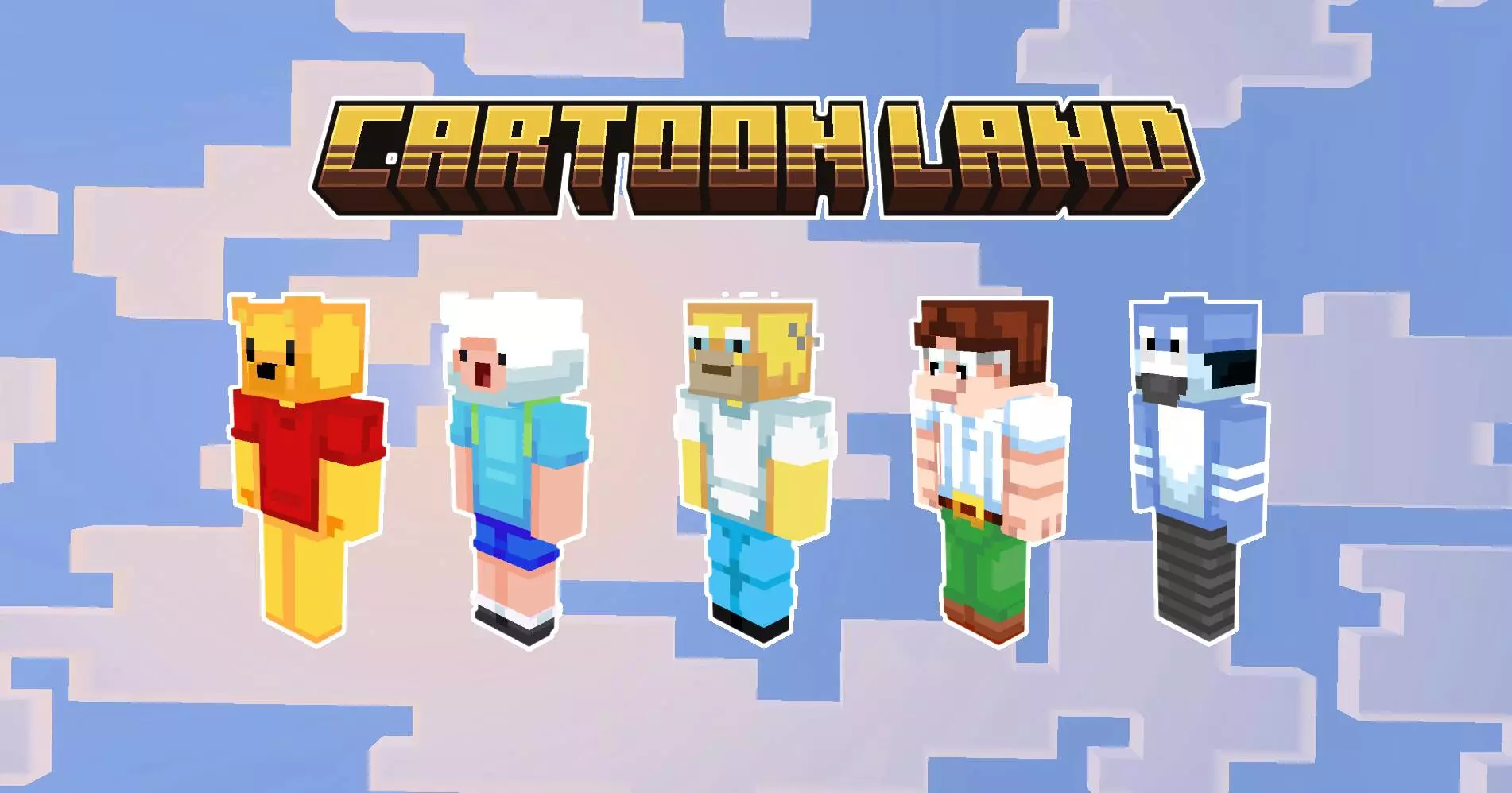
CartoonLand Skin Pack is all about turning your Minecraft Bedrock sessions into a bright, chaotic “cartoon lobby” vibe. The theme is classic cartoons stepping off the screen and landing in your world, which fits perfectly if you’re playing on servers, running mini-games with friends, or building a hub area that’s meant to feel energetic instead of serious. It’s not trying to be realistic at all—these characters are styled like they were drawn with a thick marker on paper, which makes them stand out immediately in a lobby full of normal-looking skins.
The pack includes 6 characters, and the fun comes from how instantly recognizable that art style is. When everyone’s in a cartoon skin, the whole mood shifts from “survival grind” to “we’re here to mess around.” It’s especially good for mini-games like Hide and Seek and Deathrun, because bold outlines and high-contrast cartoon looks make players easy to spot and memorable. You’ll know exactly who just juked you around a corner, who got trapped, and who’s acting like the main character in the lobby.


CartoonLand Skin Pack also matches well with neon-style hubs and bright arenas. If you’ve got a server lobby or a personal mini-game world, these skins help sell the “party zone” feeling where people hang out, flex skins, and start games back-to-back. Even if you’re just playing with friends in a private world, it’s perfect for making your own little game night feel more like a real server event—everyone shows up looking like they belong in the same universe.
Practical tip: if you’re running mini-games, assign roles by skin. Pick one cartoon character as the “seeker,” another as the “runner,” or set up teams where each skin becomes a team identity. It makes matches easier to follow and way funnier when the same character keeps winning. CartoonLand Skin Pack is basically for players who want loud, positive, mini-game energy—six bold cartoon skins that look like they jumped out of a drawing and showed up to dominate the lobby.
How to Install Skins in Minecraft Bedrock
- Download a .png skin (64×64 or 128×128).
- Open Minecraft Bedrock.
- Go to Profile (hanger icon) → Edit Character.
- Tap Owned → Import → Choose New Skin.
- Select your .png file.
- Pick a model: Classic (Steve) or Slim (Alex).
- Confirm to equip and play.
Comments (0)