Neon Creepers Skin Pack
- 30-04-2026, 12:22
- 545
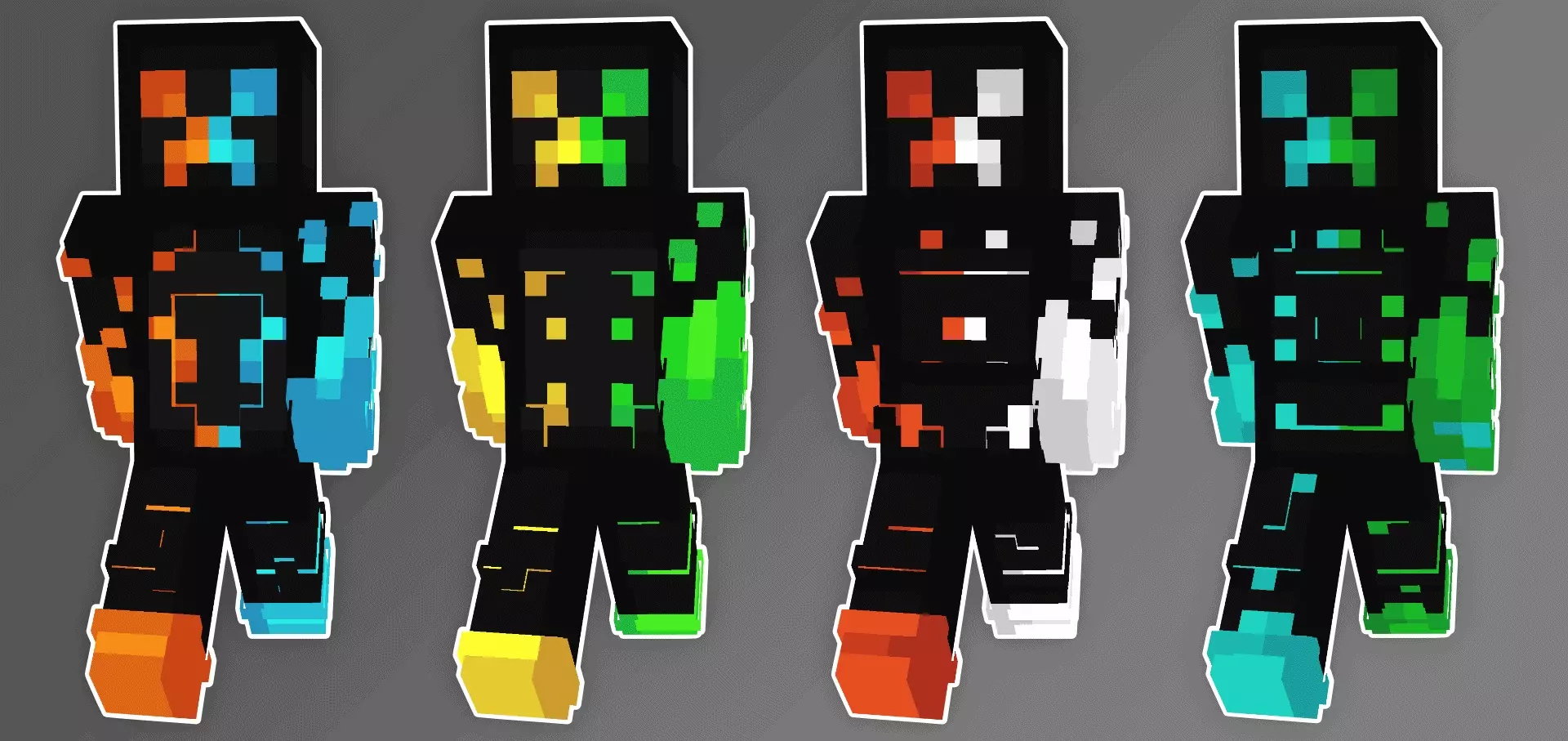
Neon Creepers Skin Pack is a unique set of neon creeper skins. Everyone has a Creeper story. Maybe one blew a hole in the side of your house just as you finished building it. Maybe you heard the hiss behind you while mining and knew there wasn’t enough time to turn around. Neon Creepers lets you take that familiar Minecraft face and give it a brighter look. It’s a collection of Creeper-inspired skins with neon colors, made for players who want something a little more eye-catching than the usual green mob.
The fun starts when you bring one of these skins into a world with friends. Walk up behind someone while they’re busy sorting chests, and there’s a fair chance they’ll turn around quickly when they notice a Creeper face nearby. The bright design makes it clear you’re a player once they get a proper look, but that first moment can still be funny. Of course, if they’ve just lost half their storage room to a real Creeper, you might want to give them a little time before trying the joke.
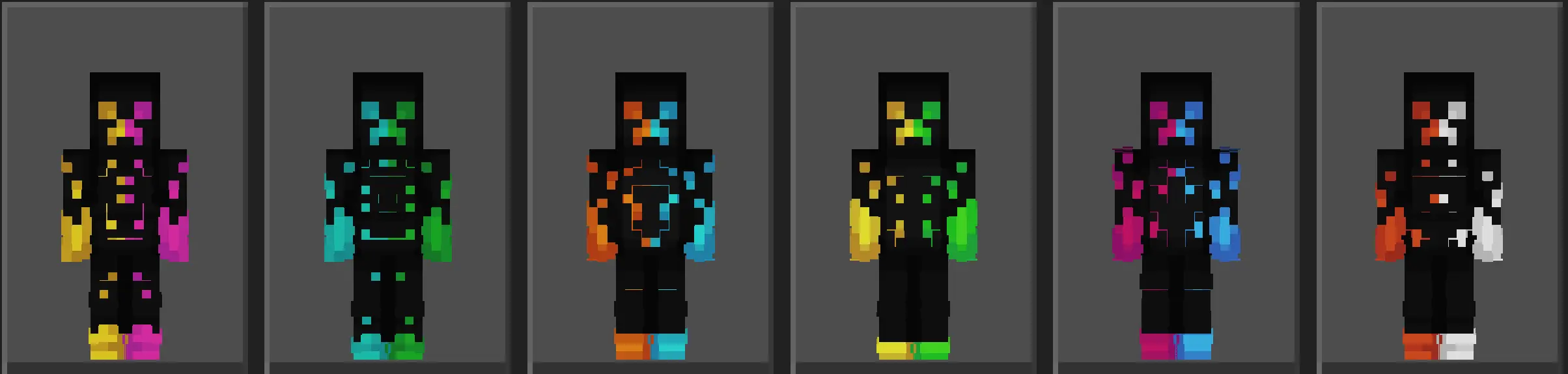
There are several designs to choose from, all based on the same Creeper and neon theme. Take a look through them and pick the one you’d actually enjoy wearing while you play. A skin can look great in the selection screen but feel different once you see it beside your friends or against the colors of your world. Try your favorite for a while, then switch to another if you feel like a change. You can use it in a survival world, wear it to a minigame lobby, or save it for the evenings when your group plays together.
If your friends like the idea too, everyone can choose a Creeper-inspired look and turn up as a colorful group. It’s a simple theme for a game night: meet at someone’s base, take a picture, and decide what to play. You could race to gather materials, build a small Creeper statue, or see who can make the best house before nightfall. The pack doesn’t add those challenges; they’re just things you can arrange yourselves. Sometimes choosing a shared set of skins is enough to turn an ordinary session into something you’ll remember.
The neon look also gives you a starting point for a build. You might make a room with a Creeper face on one wall, add colorful glass, and use it as your group’s meeting place. If you have a city world, a bright sign or a small shop could suit the theme. For a survival base, even a banner or a bit of pixel art beside the entrance can be enough. You don’t need to spend hours building an enormous statue unless that sounds like fun to you.
One thing to remember: wearing a Creeper skin doesn’t change how mobs treat you. Real Creepers will still approach and explode, and your character won’t gain an explosion attack. The neon design is part of your appearance rather than a light source, so you’ll still need torches underground. Think of Neon Creepers as a way to dress up your character, not a replacement for your usual equipment.
If Creepers are your favorite Minecraft mob—or you just like bright skins—this pack is an easy one to try. Pick a look, join a friend’s world, and see how long it takes before someone jokes about keeping you away from their house.
How to Install Skins in Minecraft Bedrock
- Download a .png skin (64×64 or 128×128).
- Open Minecraft Bedrock.
- Go to Profile (hanger icon) → Edit Character.
- Tap Owned → Import → Choose New Skin.
- Select your .png file.
- Pick a model: Classic (Steve) or Slim (Alex).
- Confirm to equip and play.
Comments (0)