Neon Reapers Skin Pack
- 24-03-2026, 14:19
- 1 149
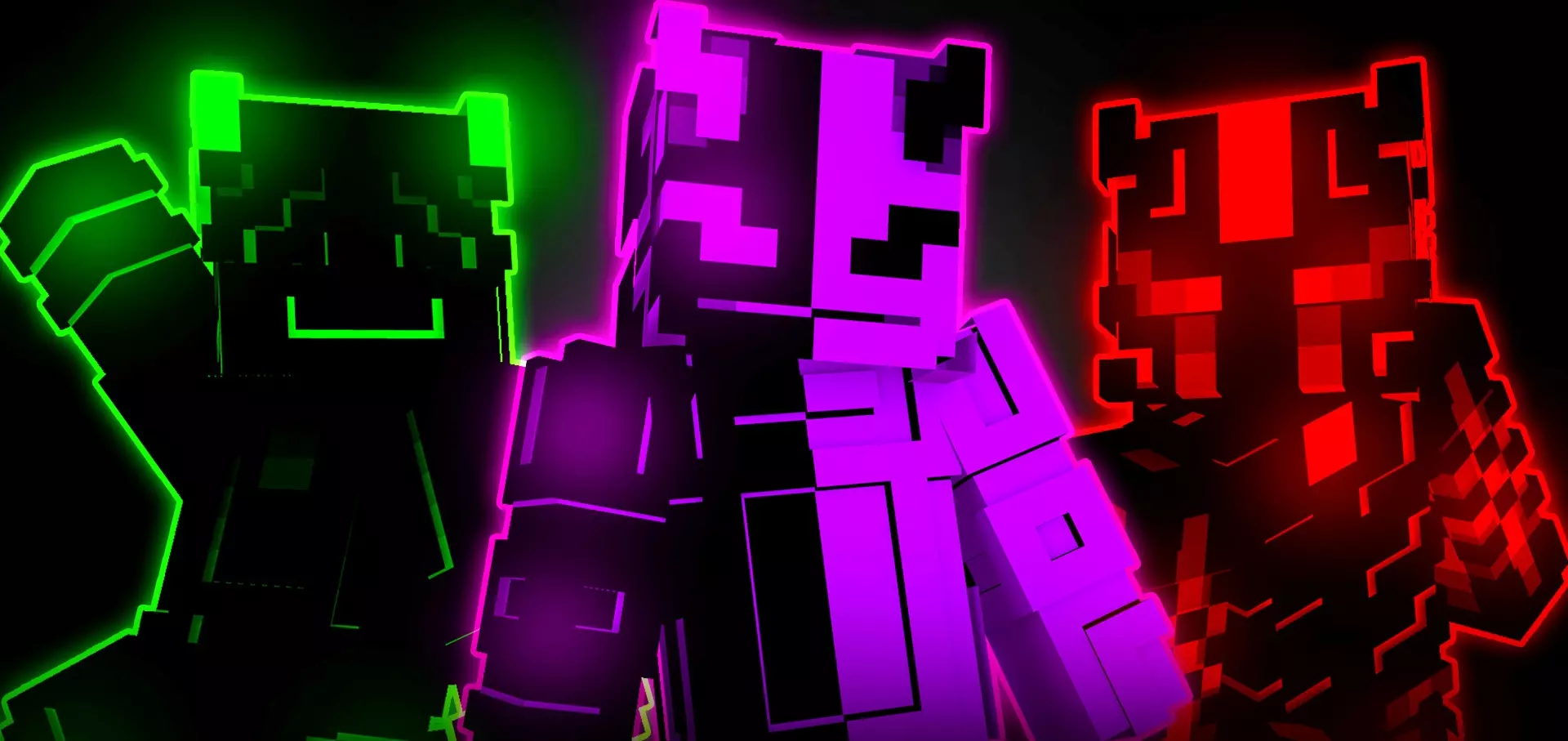
Neon Reapers Skin Pack with high-quality, technological and cool neon skins for Minecraft. A neon character can look wonderfully out of place against a field of wheat or a wooden starter house. That contrast is part of the appeal of Neon Reapers. The skin pack brings a futuristic look to Minecraft, with ten colorful designs built around bright neon details. Pick one for your next survival world, a multiplayer game, or simply because you’re ready to give your character a different look.

The collection has a high-tech style, with vivid colors that give the skins an eye-catching appearance. Take a look through the choices in the character selection screen before settling on one: the color combinations can make each design feel quite different, even though they belong to the same collection. One might suit the character you have in mind for a futuristic city, while another could be the one you keep coming back to for everyday play. If you’ve spent a long time using the same skin, changing to something this colorful is an easy way to make an old world feel fresh when you next log in.
Neon Reapers could be especially fun to use with friends. Everyone can choose a design from the pack and arrive with a coordinated look while still picking a favorite. You might use the skins for a team in a minigame, a group of travelers in a roleplay world, or a crew living in a city full of glass and colorful lights. They can work just as well somewhere unexpected: imagine the whole group showing up dressed in neon for a trip through a medieval castle or a quiet village. There’s no need to build a world around the skins, though. Choose one you like and wear it while mining, exploring, or working on the same house you started last week.
To install the pack, download the file and open it with Minecraft so the game can import it. Then open the Dressing Room or character editor and look through your owned skin packs to select a design. You can return there later if another color catches your eye or you want to change your character for a different world. The neon appearance comes from the skin design, so it shouldn’t be expected to light up caves or change how your character plays. Its purpose is to give you a new look. Try viewing your choice in a few places around your world—a bright daytime build, a torchlit room, or a multiplayer gathering—and see which design you enjoy wearing. With several options in the same pack, you can swap whenever you want a change without searching for a new skin each time.
How to Install Skins in Minecraft Bedrock
- Download a .png skin (64×64 or 128×128).
- Open Minecraft Bedrock.
- Go to Profile (hanger icon) → Edit Character.
- Tap Owned → Import → Choose New Skin.
- Select your .png file.
- Pick a model: Classic (Steve) or Slim (Alex).
- Confirm to equip and play.
Comments (0)