Basketball Skins
- 8-05-2026, 14:52
- 625
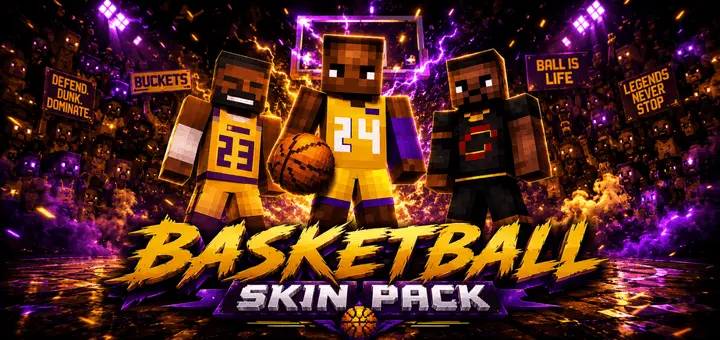
Basketball Skins is for all basketball fans in the USA. It is our favorite sport and now you can choose a basketball player skin.


How to Install Skins in Minecraft Bedrock
- Download a .png skin (64×64 or 128×128).
- Open Minecraft Bedrock.
- Go to Profile (hanger icon) → Edit Character.
- Tap Owned → Import → Choose New Skin.
- Select your .png file.
- Pick a model: Classic (Steve) or Slim (Alex).
- Confirm to equip and play.
Comments (0)