Knockout PVP Skin Pack
- 25-05-2026, 06:36
- 364
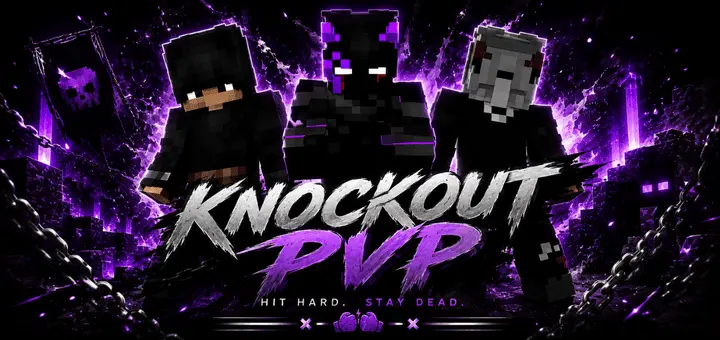
Knockout PVP - skinpack for PVP servers and game modes, see the screenshots of how your character will look now. Landing that perfect sprint-hit combo in a tight duel feels twice as sweet when your avatar looks built specifically for the cage. Knockout PvP Skin Pack outfits your character in aggressive combat sports gear that brings pure fight-night intensity straight into competitive Bedrock arenas.
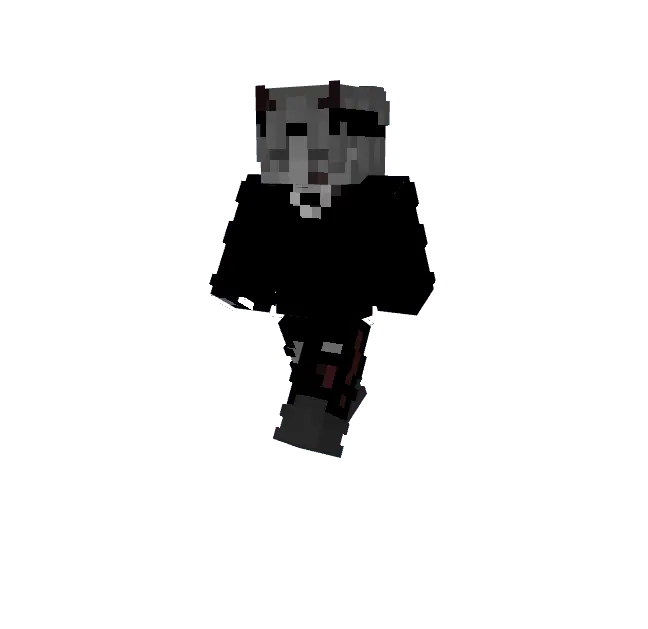
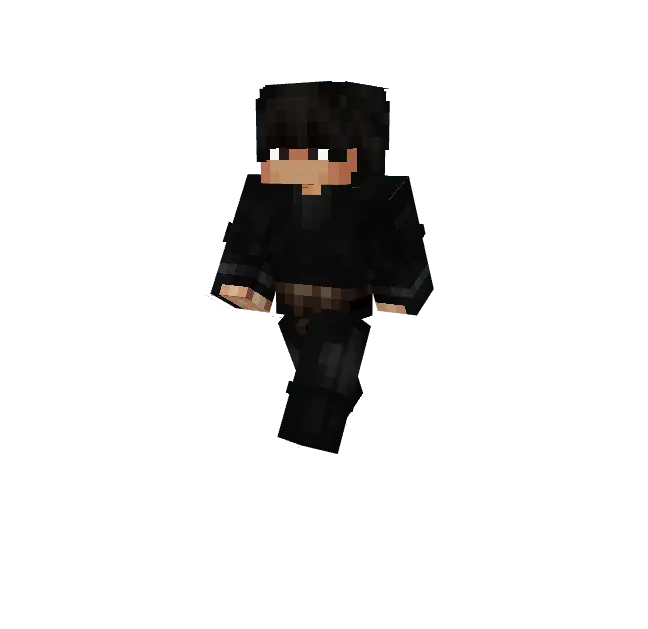
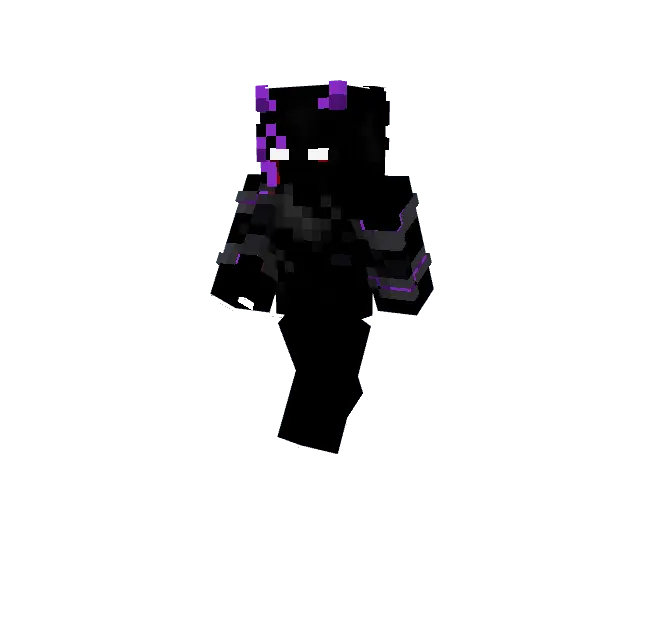
Most arena sweat skins out there fall flat because they try way too hard to be edgy anime clones with messy bandanas and misplaced pixel daggers. You end up trading hits in skywars looking like every other kid wearing a dark hoodie with red demon eyes. Finding clean athletic cosmetics that match the actual energy of trading blows on a bridge shouldn't feel like pulling teeth. Stripping away the fantasy armor clutter and throwing on raw boxing wraps, athletic shorts, and mouthguards changes the entire vibe of your session. It treats every single player encounter like a sanctioned main event where someone is leaving on a stretcher.
The visual execution on these brawler models stands out immediately during third-person play. The texturing captures realistic athletic wear, from taped wrists and padded sparring gloves to sweat-stained trunks and combat boots. Modern pixel placement highlights defined muscular contours along the shoulders and back without making the limbs look cluttered or muddy under low lighting. Little details like bruised cheekbones, split brows, and wrapped knuckles give the fighters genuine ring wear, selling the idea that your avatar has survived hundreds of grueling rounds in the combat circuit. When you ready a splash potion or wind up an overhead weapon swing, the fighter stance looks lethal and natural.
Taking this wardrobe into competitive multiplayer changes how your squad rolls up on opposing teams. If you run custom colosseums, boxing rings, or bare-knuckle brawl tournaments on your realm, having everyone deck out in different corner colors turns casual scrap nights into high-stakes pay-per-view spectacles. One guy rocks classic crimson gym trunks while his rival steps out in championship gold, turning an ordinary duel into an all-out rivalry match over voice chat. Even in standard Bedwars or bridge duels, rocking ring gear projects immediate confidence, letting the opposing team know you plan to run straight at their frontline and trade hits until someone drops into the void.
Running crossplay lobbies with these skins causes zero technical headaches on any modern gaming setup. Every cosmetic file conforms strictly to the default player skeleton, avoiding bloated dimensional layers that usually cause rendering bugs or transparent limb glitches on mobile screens and console ports. Friends playing on handhelds, tablets, or PC rigs will see your boxing wraps and customized fight kit with crisp fidelity, keeping server performance snappy so your hit registration never skips a beat during clutch trades.
Getting these combat outfits ready takes only a moment inside your profile dressing room. Import the pack files into your system, pick the fighter that matches your fighting spirit, and jump into your favorite competitive server queue. When fantasy robes and boring basic clothes no longer match your aggressive playstyle, stepping out in professional knockout fight wear will make every victory feel like a clean unanimous decision.
How to Install Skins in Minecraft Bedrock
- Download a .png skin (64×64 or 128×128).
- Open Minecraft Bedrock.
- Go to Profile (hanger icon) → Edit Character.
- Tap Owned → Import → Choose New Skin.
- Select your .png file.
- Pick a model: Classic (Steve) or Slim (Alex).
- Confirm to equip and play.
Comments (0)