Neon Blackout Skin Pack
- 25-05-2026, 07:29
- 392
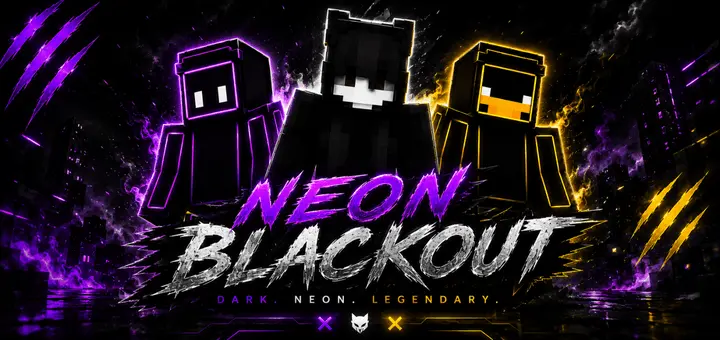
Neon Blackout Skin Pack - a dark and neon set with stylish skins. Nothing hits harder in a packed multiplayer hub than an outfit that cuts through dark terrain with electric edge lines. Neon Blackout Skin Pack fuses pitch-dark midnight materials with radioactive highlights to give your avatar a sharp, high-contrast presence on every server.
I spend plenty of hours running nighttime PvP lobbies and mini-games, and my biggest gripe with most modern fashion packs is how washed out they look. You either see people running around in muddy gray hoodies that look like untextured stone, or they swing in the opposite direction with blinding rainbow messes that give away their coordinates across the entire render distance. Finding that sweet balance between low-profile camouflage and eye-catching swagger is tough. You want an outfit that blends into dark oak forests and deepslate mines while still looking like a customized powerhouse whenever someone catches your silhouette under torchlight.
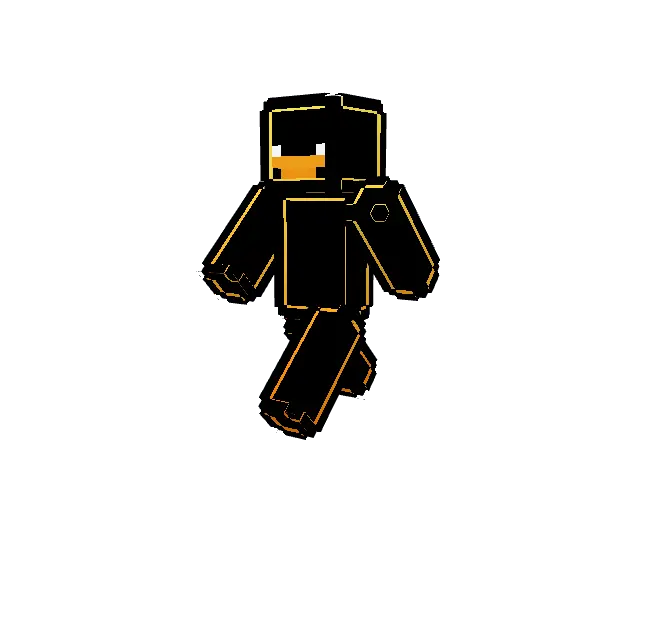
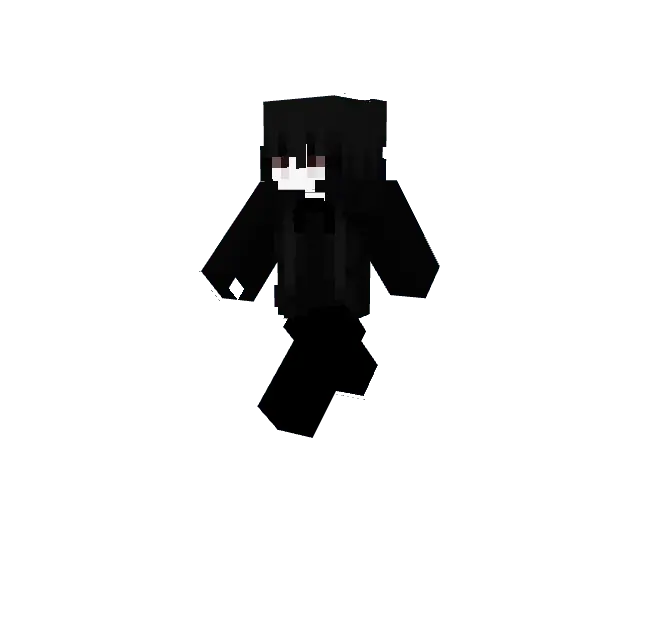
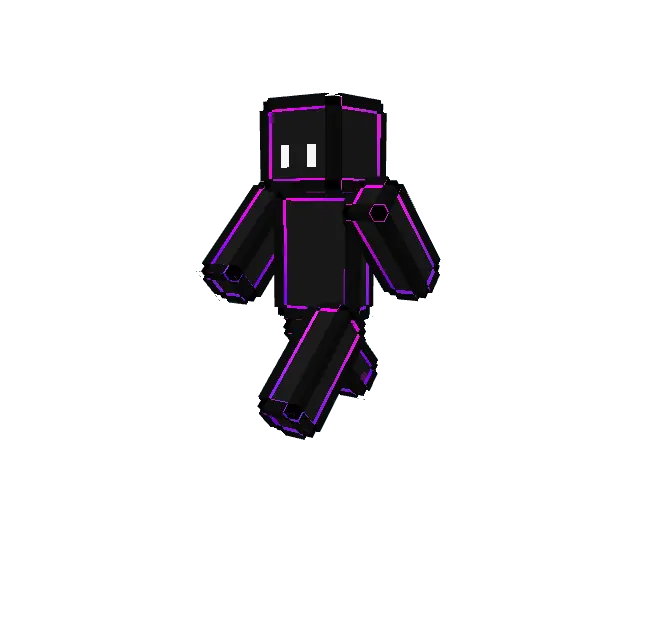
This lineup nails that dark cybernetic look by using deep obsidian textiles as a clean backdrop for luminescent trim. Instead of just splashing solid glowing paint across random limbs, the artist laid down precise light conduits along seamlines, faceplates, combat cuffs, and footwear. The deep carbon blacks make the cyan, toxic green, hot magenta, and violet piping look like active energy circuits running beneath reinforced armor plating. When you draw back an enchanted bow or sprint through an unlit underground canyon, those accent lines trace your movements like glowing trails in a sci-fi arena.
The custom geometry layers do serious heavy lifting here. Raised collars, protective shoulder pads, and tactical utility straps give the models genuine physical depth, preventing the suits from looking like a flat wallpaper print plastered over a standard player rig. The visor details feel especially clean during first-person and third-person play, delivering a masked mercenary aesthetic that fits right in whether you are raiding ancient cities or defending a skyblock bridge against incoming rushers. Your character model carries weight and intention rather than looking like an accidental randomizer creation.
Crossplay lobbies will appreciate how reliably these textures sync up across varying systems. Certain custom skin sets with weird dimensions glitch out on console ports or fail to load properly on mobile screens, leaving you looking like a fractured black-and-pink checkerboard to your teammates. These skins are built strictly to Bedrock standards, so your friends on Android, iOS, Xbox, PlayStation, and Windows will see every single glowing circuit trace exactly as intended. That makes the collection prime material for competitive factions or realm squads who want a unified tactical uniform without dealing with rendering errors.
Equipping the set takes minimal effort inside your game menu. After securing the mcpack archive, open it to trigger the automated Bedrock client import, head straight into the dressing room character editor, select the classic or slim template, and pick whichever colorway matches your current energy. If your current wardrobe feels stale and you want an aggressive, sleek cosmetic that commands attention while owning the shadows, this neon-infused collection gives your roster an immediate aesthetic upgrade.
How to Install Skins in Minecraft Bedrock
- Download a .png skin (64×64 or 128×128).
- Open Minecraft Bedrock.
- Go to Profile (hanger icon) → Edit Character.
- Tap Owned → Import → Choose New Skin.
- Select your .png file.
- Pick a model: Classic (Steve) or Slim (Alex).
- Confirm to equip and play.
Comments (0)