Masked Squad – Skin Pack
- 1-06-2026, 02:33
- 243
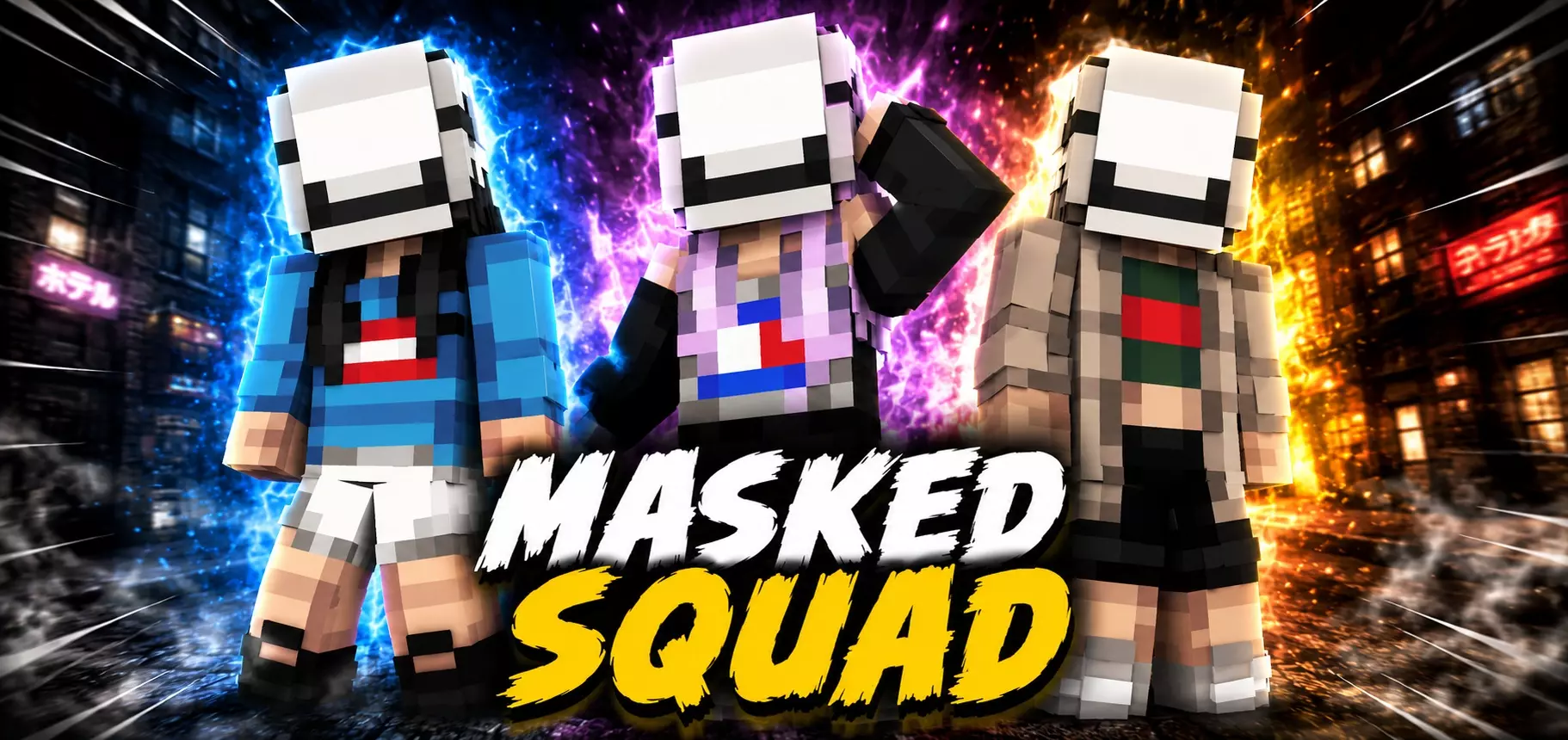
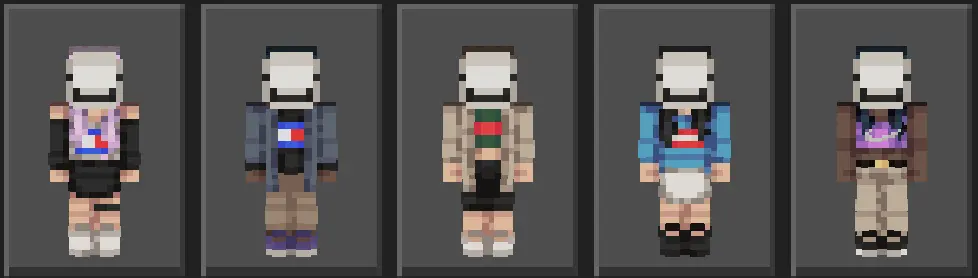
Masked Squad - you will get 5 new masked skins, the screenshots show how you will look with these skins.
How to Install Skins in Minecraft Bedrock
- Download a .png skin (64×64 or 128×128).
- Open Minecraft Bedrock.
- Go to Profile (hanger icon) → Edit Character.
- Tap Owned → Import → Choose New Skin.
- Select your .png file.
- Pick a model: Classic (Steve) or Slim (Alex).
- Confirm to equip and play.
Comments (0)