PVP Skinpack
- 6-06-2026, 02:05
- 293
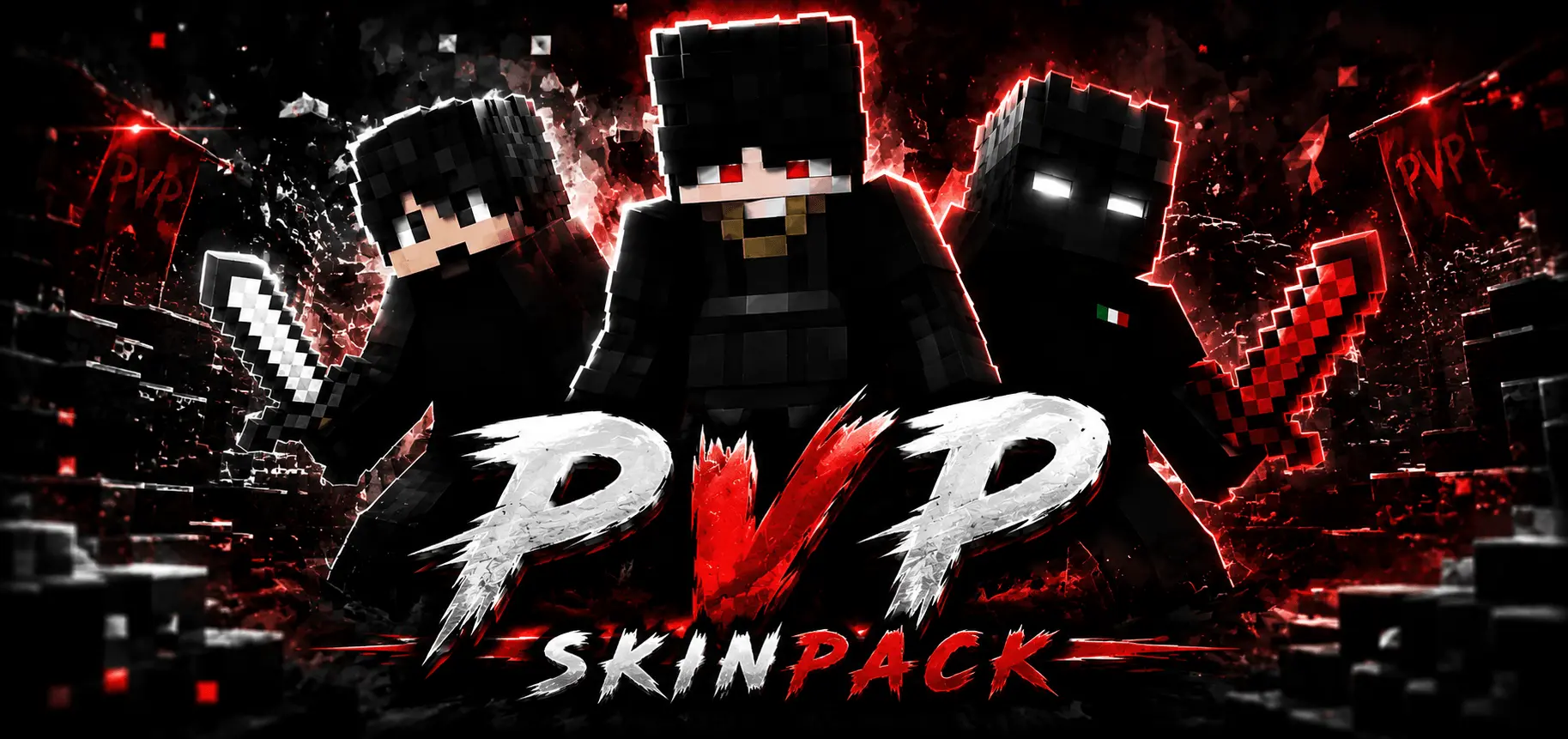
PvP Skinpack will add 7+ new PvP skins in dark style for Minecraft PvP servers. Locking down clean sword combos while maintaining a shadowy, lethal silhouette is the ultimate goal in ranked matchmaking, and the PVP Skinpack brings seven razor-sharp dark outfits built specifically to dominate high-stakes Minecraft Bedrock duels.
Too many combat cosmetics get bogged down in flashy distractions, blinding neon gradients, or bloated geometry that messes with your first-person perspective. When you are queuing into brutal LifeSteal SMPs, sweating through ranked Bridge matches, or clutching out late-game Bedwars defense, you need clean visual feedback and a profile that blends seamlessly into the heat of battle. This bundle cuts straight to the core of competitive dueling, stripping away goofy novelty gimmicks to deliver seven distinct, shadow-themed warrior skins tailored for aggressive duelists who prefer letting their iron swords do the talking.
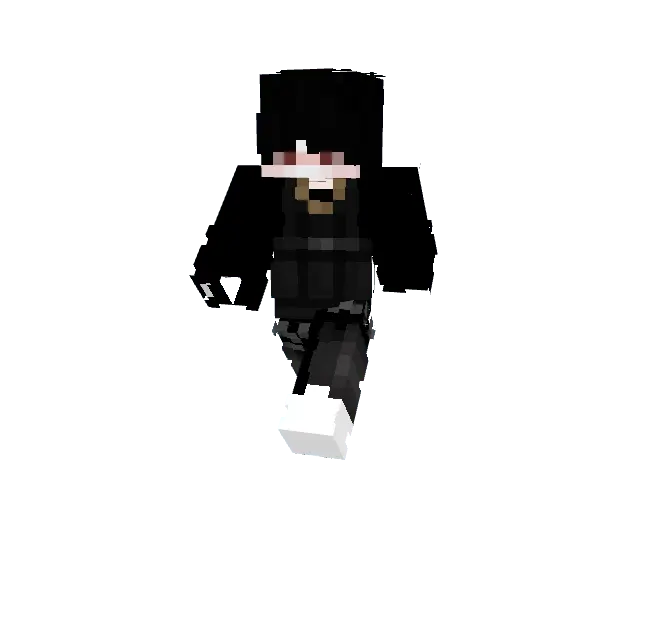
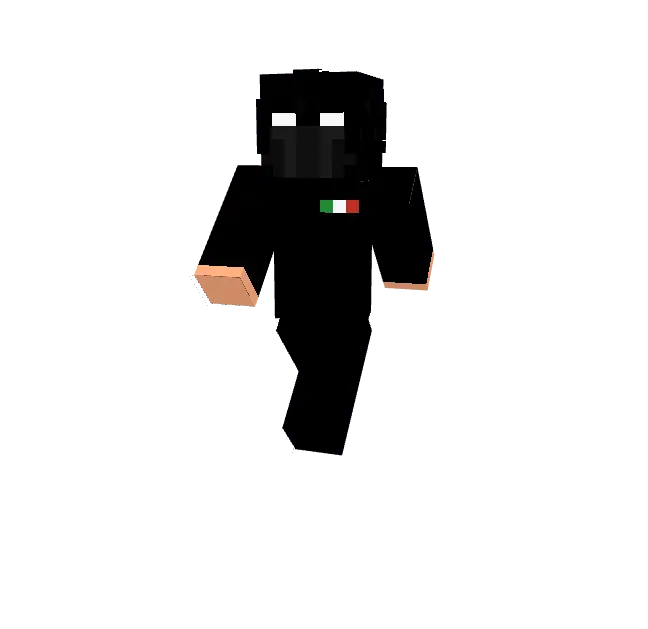
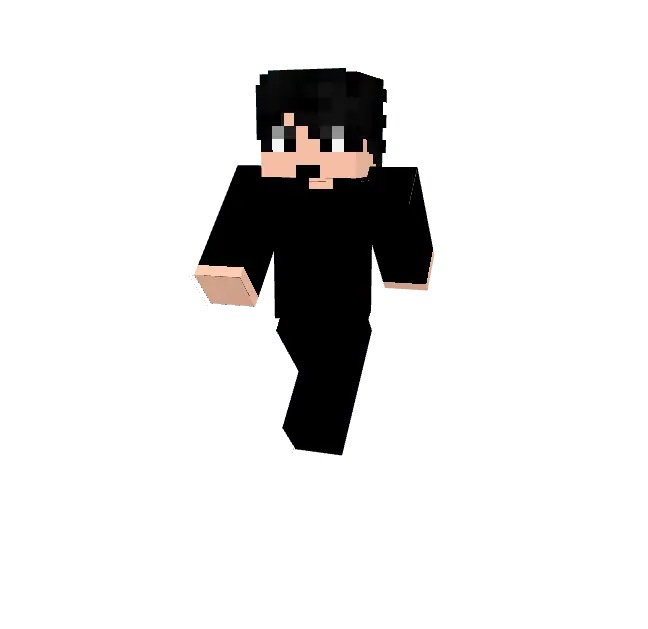
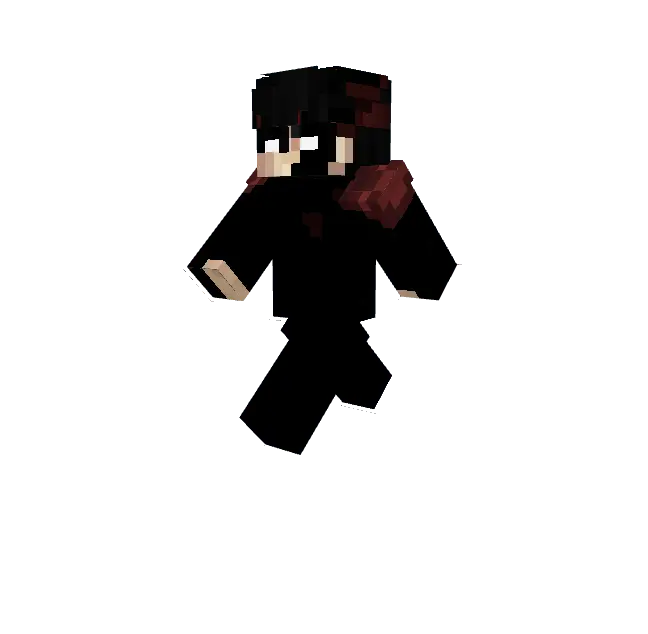
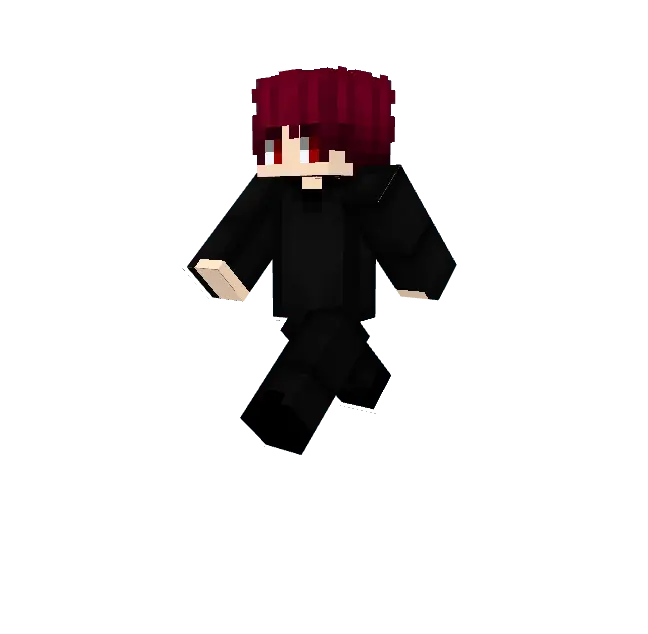
The texturing across every single outfit in this roster demonstrates top-tier pixel shading without drowning in muddy black noise. Instead of looking like a lazy solid-black template, the models utilize deep charcoal tones, slate-gray creases, and subtle midnight-blue undertones to create realistic fabric definition. Hooded cowls cast believable shadows over piercing, minimalist eyes that seem locked onto the opponent crosshair. The second skin layer adds crisp three-dimensional depth around combat straps, fingerless battle wraps, leather pauldrons, and high-top boots, giving your biped avatar an agile, battle-hardened appearance that never looks clunky during high-velocity sprint-jumps.
Taking these dark outfits into competitive servers like The Hive, Galaxite, or high-octane custom PvP networks provides a noticeable psychological and tactical edge. The low-profile, shadowy palette allows you to maneuver through dimly lit arenas, subterranean ravines, and night-cycle sky islands without sticking out like a glowing beacon. In fast-paced melee scuffles, having a tight, slimmed-down visual profile makes your w-taps and jump-resets feel snappier on screen, letting you gauge your hitboxes and strafe lines with extreme accuracy while keeping opponents guessing about your next directional dodge.
Outside of competitive matchmaking, the collection fits effortlessly into cutthroat survival realms, faction anarchy servers, and grim fantasy adventures. If you and your squad spend weekends hunting down bounties on LifeSteal servers, ambushing rivals inside trial chambers, or building fortified obsidian vaults deep beneath the surface, these grim enforcer skins give your crew a unified, menacing identity. The variety across the seven presets ensures each teammate can select a unique hooded variant or masked combat look without sacrificing the squad's coordinated assassin theme.
From an engine standpoint, this package delivers absolute peak performance on all Bedrock platforms. Because the textures adhere strictly to vanilla player constraints without heavy custom scripts or experimental bones, you never have to worry about frame drops, stuttering chunk loads, or weird armor clipping when equipping diamond or netherite gear. Everything renders with instant, crystal-clear fidelity whether you are swiping on mobile touchscreens, gripping a console gamepad, or tracking targets with high-DPI mouse flicks on PC. If you want to dump the clown suits and step into your next duel looking like an untouchable shadow predator, equipping the PVP Skinpack is the sharpest tactical upgrade you can make to your locker today.
How to Install Skins in Minecraft Bedrock
- Download a .png skin (64×64 or 128×128).
- Open Minecraft Bedrock.
- Go to Profile (hanger icon) → Edit Character.
- Tap Owned → Import → Choose New Skin.
- Select your .png file.
- Pick a model: Classic (Steve) or Slim (Alex).
- Confirm to equip and play.
Comments (0)