Carlotta From Wuthering Waves Skins
- 17-07-2026, 11:11
- 284
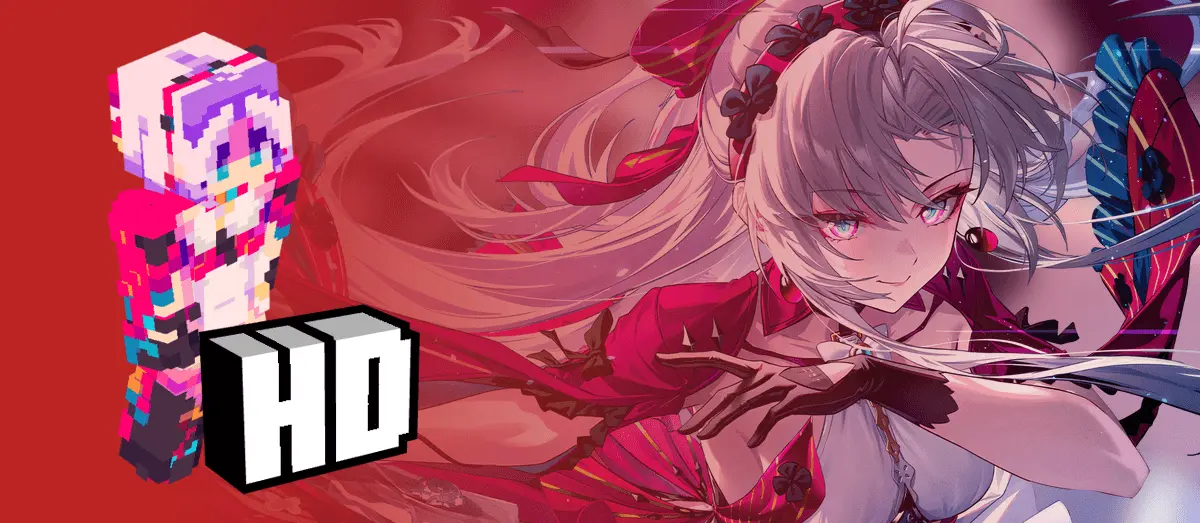
Bring the elegant aesthetic of the Wuthering Waves roster into your next blocky survival run with the Carlotta skin pack. This download flawlessly translates her highly detailed gacha design directly into Minecraft Bedrock Edition.
If you spend half your time grinding echoes in WuWa and the other half building massive bases in your vanilla realm, merging the two games just makes sense. Finding solid anime skins for Minecraft that don't look like a pixelated, unrecognizable mess can be super frustrating. Luckily, this creator actually put in the time to get the details right.

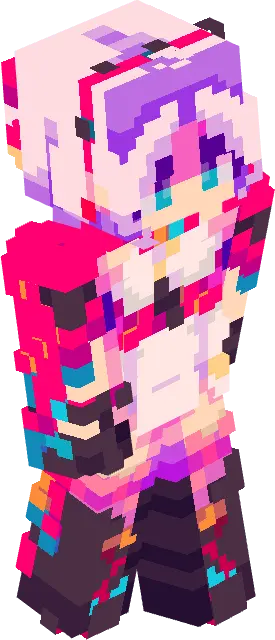
Running around the Overworld looking like a default blockhead is completely unacceptable when you could be flexing top-tier Kuro Games gacha drip. The Carlotta From Wuthering Waves skin flawlessly ports that pristine, high-fashion Resonator aesthetic directly into your Minecraft Bedrock client.
Compressing a highly complex anime character model down into a tiny pixel grid is usually a recipe for visual disaster. Most crossover cosmetics end up looking incredibly muddy, losing all the intricate details that made the original design pop. This specific Bedrock anime skin dodges that bullet entirely. The creator meticulously mapped out Carlotta’s elegant wardrobe, utilizing advanced pixel shading to capture the layered fabrics, intricate accessories, and that signature pristine color palette. You can actually read the depth in her outfit. The lighting gradients on the hair and the subtle contrast in the clothing folds make the flat textures feel remarkably three-dimensional.
Whether you are diving deep into the Nether to farm ancient debris or just hanging out in your starter base, having a high-quality MCPE custom skin makes the everyday grind way more enjoyable. If you want to rep your favorite action RPG while you play, grab this Minecraft Bedrock skin pack today. Equip the skin, load up your favorite realistic shader, and bring some serious anime flair to the Overworld.
Quick guide: How to install this Minecraft skinpack
Downloaded the .mcpack file? Here is exactly how to get it into your game depending on what device you are using right now.
- On Windows or Android: Just click or tap the downloaded file twice. Minecraft will open up on its own and load the skins immediately.
- On iPhone or iPad: Save the file, open your Files app, and hold your finger on it. Hit Share, select Minecraft from the list, and the game will handle the rest.
To put the skins on, just open Minecraft, head over to the Dressing Room (Profile), click on Classic Skins on the left, find this pack under Owned, and tap Equip.
Comments (0)