Temporary Memories Skin Pack
- 17-07-2026, 14:13
- 245
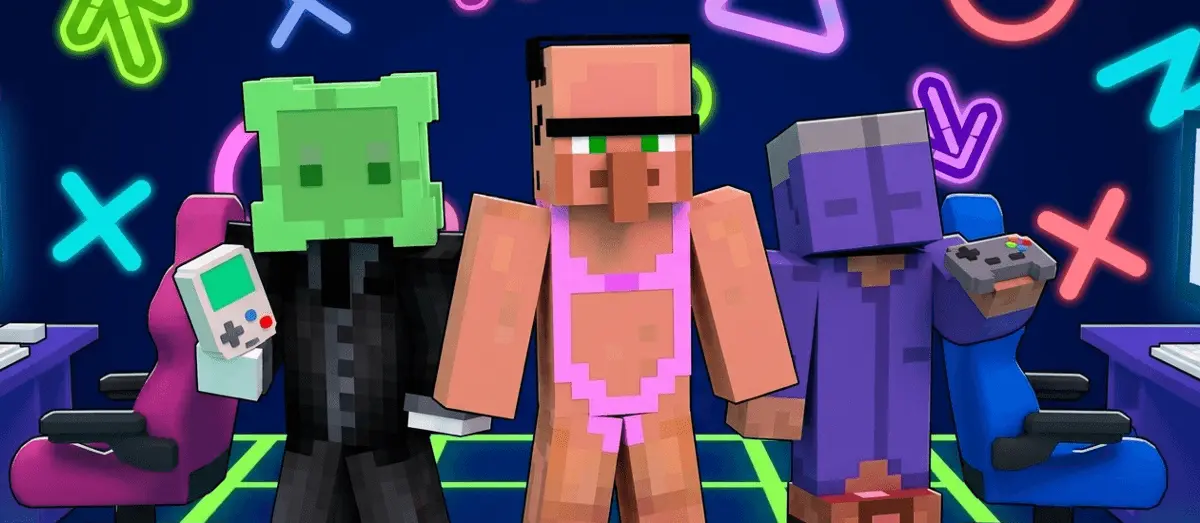
Most skin packs try to sell you on flashy colors or edgy designs, but this one goes for a completely different vibe. Temporary Memories really leans into that soft, nostalgic, almost lo-fi aesthetic. The creator didn't even write up a massive feature list for it—they just dropped a super cryptic little poem about dreams and feelings, which honestly sets the mood perfectly.
We’ve all had those weirdly quiet late-night sessions where the Discord call empties out, and you are just wandering around a massive, half-finished base listening to C418 track loops. Most MCPE cosmetics on the current marketplace completely ruin that solitary, introspective mood by forcing you into a hyper-saturated neon demon suit or an overly complex medieval armor setup. This specific collection dials the visual noise all the way down to zero. The creators leaned heavily into a washed-out, VHS-glitch aesthetic that feels incredibly raw. You are looking at a roster of outfits featuring oversized flannel shirts, faded thrift-store denim, and subtle static-grain textures that almost look like they are actively degrading in the rain.
It creates a wildly specific atmosphere if you run heavy weather addons or play with atmospheric Minecraft Bedrock shaders. Standing on top of a mountain during a thunderstorm wearing a glitching, muted hoodie naturally gives off that eerie, abandoned-server aura. The texture work isn't just flat blocks of gray; the pixel artists layered subtle color noise and fragmented gradients into the clothing geometry to make the characters look like corrupted save files or fading dreams. It is a brilliant conceptual departure from the standard streetwear packs that just slap a hypebeast logo on a generic teenager model and charge you Minecoins for it.

You can definitely expect the designs in this pack to have that dreamy, slightly faded look to match the whole concept. It is honestly a really great choice if you just want something super chill and atmospheric to use while listening to music, building, or just hanging out on a relaxed survival server. It definitely stands out just by how low-key and emotional the whole theme is compared to the usual bright, over-the-top character models you see everywhere.
Quick guide: How to install this Minecraft skinpack
Downloaded the .mcpack file? Here is exactly how to get it into your game depending on what device you are using right now.
- On Windows or Android: Just click or tap the downloaded file twice. Minecraft will open up on its own and load the skins immediately.
- On iPhone or iPad: Save the file, open your Files app, and hold your finger on it. Hit Share, select Minecraft from the list, and the game will handle the rest.
To put the skins on, just open Minecraft, head over to the Dressing Room (Profile), click on Classic Skins on the left, find this pack under Owned, and tap Equip.
Comments (0)