Momo Yaoyorozu Skin Pack
- 21-07-2026, 05:26
- 248
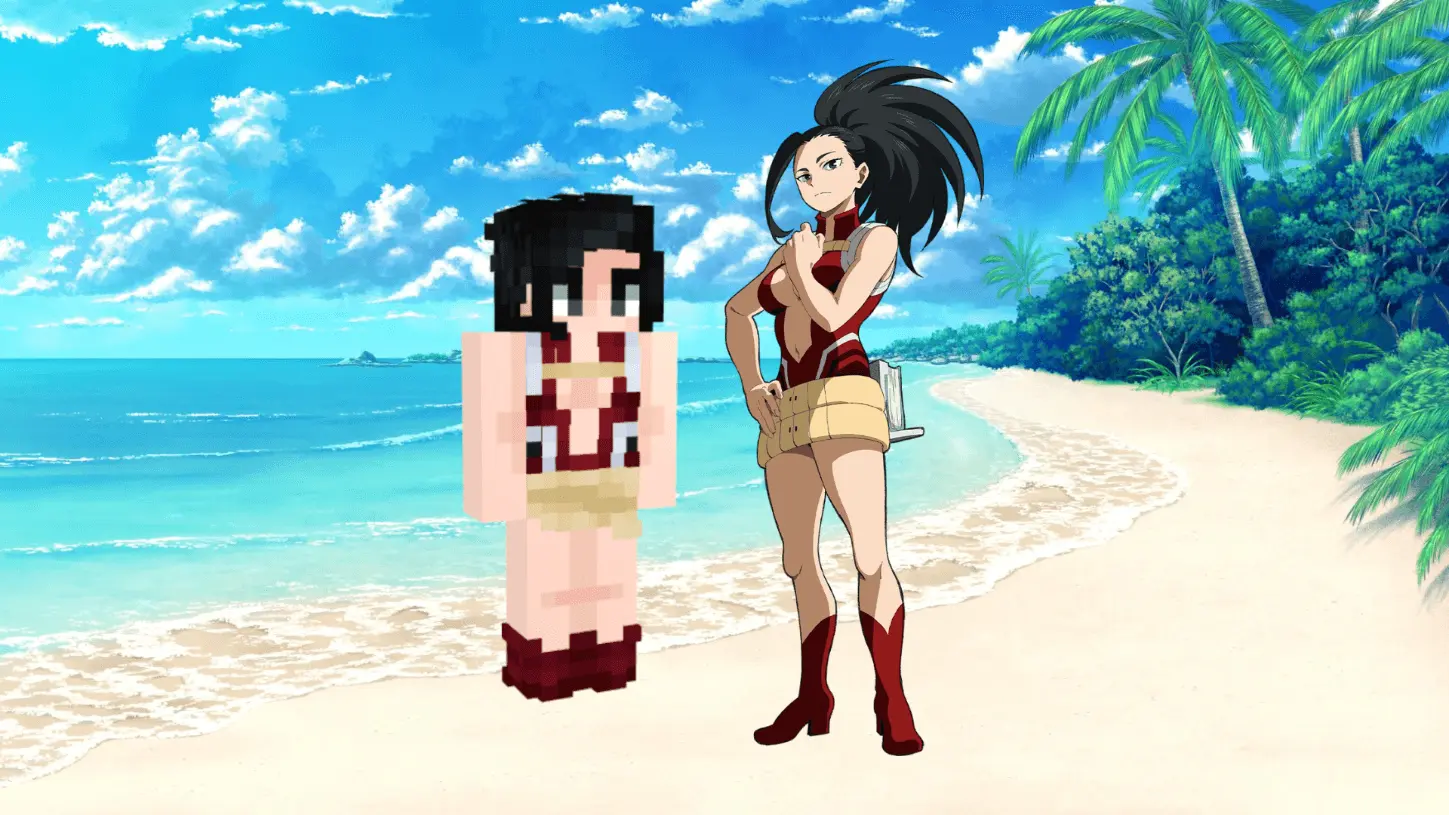
The Momo Yaoyorozu skin pack finally lets you bring one of the most versatile students from U.A. High straight into your Bedrock realm. It is an absolute must-have if you want to rep My Hero Academia while grinding out your next survival world.
Let's be real, running around a server in the default Steve or Alex outfit is just boring at this point. If you are an anime fan building a massive Japanese-style city or setting up a custom PvP arena with your friends, you need a look that actually stands out. Momo's hero outfit translates surprisingly well to blocky textures without looking like a blurry pixelated mess. You get her classic red and black design, which just looks incredibly clean whether you are aggressively speed-bridging in a SkyWars match or just organizing your chests back at base.
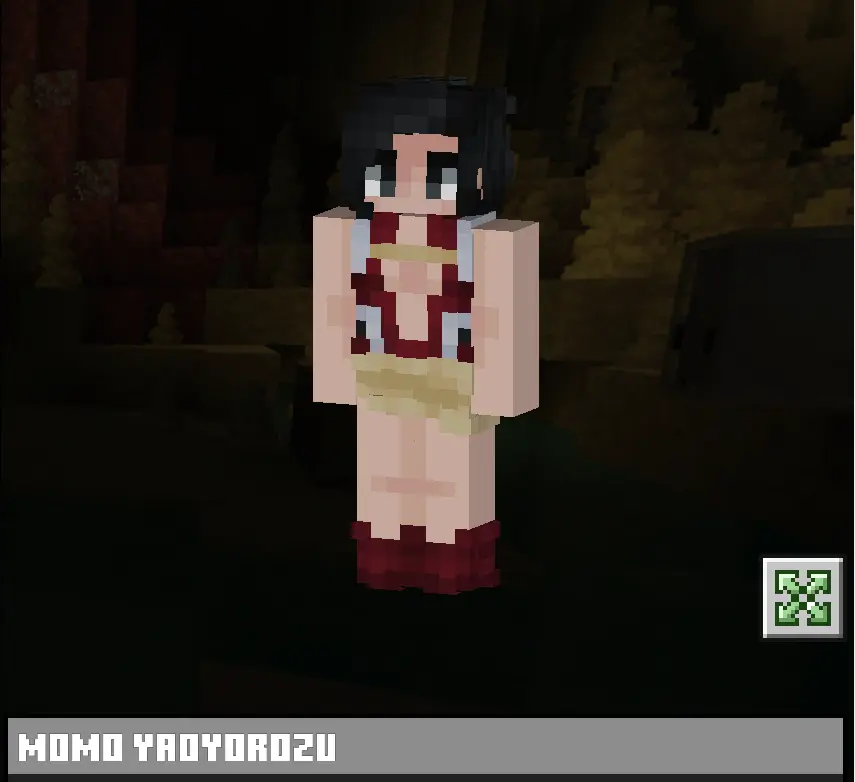
A lot of Minecraft Bedrock anime skins out there try to get way too complicated with fake 3D geometry that ends up glitching out or clipping through your Netherite armor. This one keeps it simple and lightweight. You literally just run the pack file, boot up your client, and select her right from your standard dressing room. No weird external apps or messy folder installations are required. If you are trying to assemble the rest of Class 1-A with your squad, this MCPE My Hero Academia skin is the perfect starting point. Grab this custom Bedrock character skin, load into your server, and go show off your new aesthetic.
What really sells this custom skin in live gameplay is how it handles lighting transitions. When you drop beneath y-level zero into deepslate territory, the high-contrast crimson fabric and gold utility belt keep your avatar instantly identifiable. The shading across the high boots and tactical utility shelf creates an optical trick that makes the standard model feel three-dimensional without relying on buggy custom geometry packs that desync your hitbox. You get zero awkward pixel stretching under the arms when you pull back a power-enchanted bow or raise a shield to deflect a skeleton barrage. Everything tracks tight to the player model, keeping your crosshair locked and your peripheral vision clear.
For survival SMPs, this cosmetic brings serious party-role flavor to your crew. If your squad loves running thematic dungeon crawls through trial chambers or woodland mansions, rocking the creation-quirk mastermind immediately sets you up as the team’s tactical backbone. You’re the one handing out golden apples, dropping crafting benches mid-skirmish, and managing the shulker boxes while your frontline bruisers dive into the fray. It adds that perfect layer of shonen roleplay without feeling cheesy, letting you stand out in crowded server hubs where everyone else is rocking the same tired aesthetic.
Ready to bring proper heroics to your world? Load the pack into your Dressing Room, grab your best enchanted gear, and show the lobby what top-tier tactical prep actually looks like.
Quick guide: How to install this Minecraft skinpack
Downloaded the .mcpack file? Here is exactly how to get it into your game depending on what device you are using right now.
- On Windows or Android: Just click or tap the downloaded file twice. Minecraft will open up on its own and load the skins immediately.
- On iPhone or iPad: Save the file, open your Files app, and hold your finger on it. Hit Share, select Minecraft from the list, and the game will handle the rest.
To put the skins on, just open Minecraft, head over to the Dressing Room (Profile), click on Classic Skins on the left, find this pack under Owned, and tap Equip.
Comments (0)