Technoblade Youtuber Skin
- 13-08-2026, 01:23
- 386
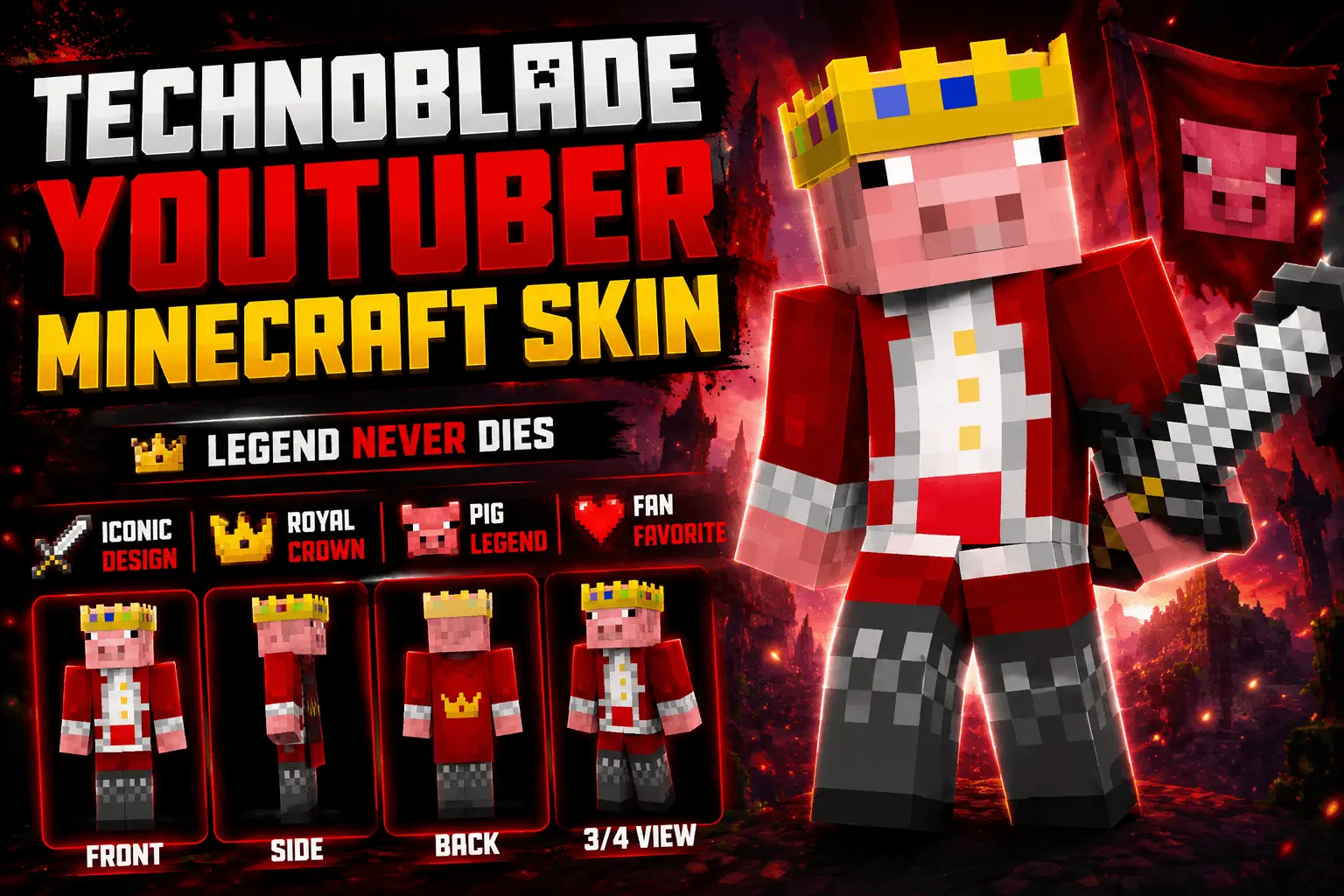
Pay tribute to the absolute legend of the community with the Technoblade Youtuber Skin, bringing that iconic royal pig look straight into your Bedrock game. If you want to dominate your next BedWars match while repping one of the best to ever do it, this is the only avatar you need.
Everyone knows that throwing on this red and white regal outfit instantly gives you a buff in PvP. Okay, maybe not officially, but logging into a multiplayer server rocking the legendary golden crown definitely makes a statement. Whether you are sweating out intense SkyWars lobbies or just building up a massive potato farm on your private SMP, this design carries some serious weight. It is not just about nostalgia either; the pixel art is insanely clean. You get all the classic details without any of the messy shading that usually ruins a lot of fan-made community creations.

Finding a high-quality Minecraft Bedrock YouTuber skin that actually looks accurate can be a huge hassle, as most of them are weird knock-offs. This one gets the pig aesthetic perfectly right, ensuring you look sharp from every angle. Plus, the high-contrast colors mean you won't lose track of your character during chaotic arena fights. If you are looking to update your locker with a piece of history, grabbing this MCPE custom skin is an absolute no-brainer. Download this top-tier Minecraft PvP skin today, equip it in the lobby, and remember—Technoblade never dies.
Quick guide: How to install this Minecraft skinpack
Downloaded the .mcpack file? Here is exactly how to get it into your game depending on what device you are using right now.
- On Windows or Android: Just click or tap the downloaded file twice. Minecraft will open up on its own and load the skins immediately.
- On iPhone or iPad: Save the file, open your Files app, and hold your finger on it. Hit Share, select Minecraft from the list, and the game will handle the rest.
To put the skins on, just open Minecraft, head over to the Dressing Room (Profile), click on Classic Skins on the left, find this pack under Owned, and tap Equip.
Comments (0)