Jujutsu Kaisen Classic Skin
- 17-08-2026, 09:53
- 460
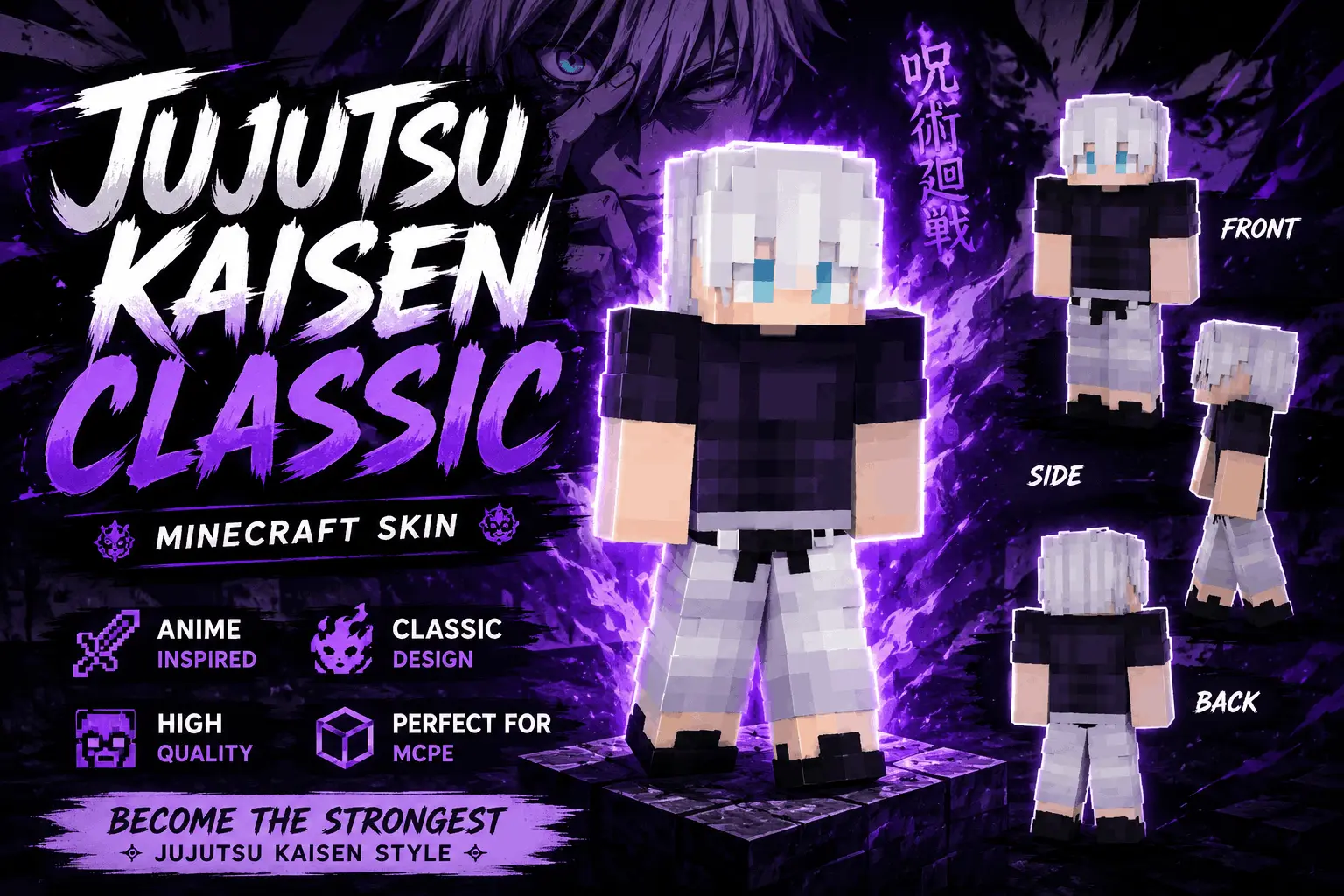
Bring Tokyo Jujutsu High straight to your Bedrock realm with this incredibly clean Jujutsu Kaisen Classic Skin. If you are hunting for a sleek, anime-inspired look that doesn't feel overly cluttered, this dark uniform and light hair combo is an instant lock.
A lot of custom cosmetics try way too hard with excessive shading that just looks terrible once you actually load into a world. This model takes the complete opposite route. You get the iconic, minimalist dark sorcerer outfit that contrasts perfectly with the bright, spiky hair. It is a super sharp aesthetic that looks awesome whether you are throwing ender pearls in a sweaty SkyWars lobby or just hanging out at a casual SMP spawn hub. Because the design stays slim without any bulky external geometry jutting out, your screen remains completely clear for crucial third-person combat.
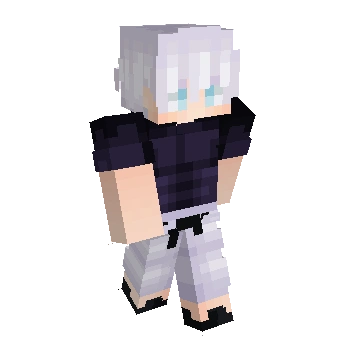
Running a darker color palette also naturally gives you a slight edge when you are sneaking through the Deep Dark or raiding an enemy faction base at midnight. You become way less of a glowing target compared to players running massive, brightly colored outfits. It just feels satisfying to equip a crossover design that respects the original show's vibe without making the pixel art messy.
Trying to track down a top-tier Minecraft anime skin can easily consume your whole afternoon. Skip the endless scrolling and grab this MCPE custom skin right away. It is hands-down one of the sharpest Minecraft Bedrock skins available for fans of the series, so upgrade your wardrobe and start exorcising those hostile mobs.
Quick guide: How to install this Minecraft skinpack
Downloaded the .mcpack file? Here is exactly how to get it into your game depending on what device you are using right now.
- On Windows or Android: Just click or tap the downloaded file twice. Minecraft will open up on its own and load the skins immediately.
- On iPhone or iPad: Save the file, open your Files app, and hold your finger on it. Hit Share, select Minecraft from the list, and the game will handle the rest.
To put the skins on, just open Minecraft, head over to the Dressing Room (Profile), click on Classic Skins on the left, find this pack under Owned, and tap Equip.
Comments (0)