Blue Boy Skin
- 18-08-2026, 02:38
- 321
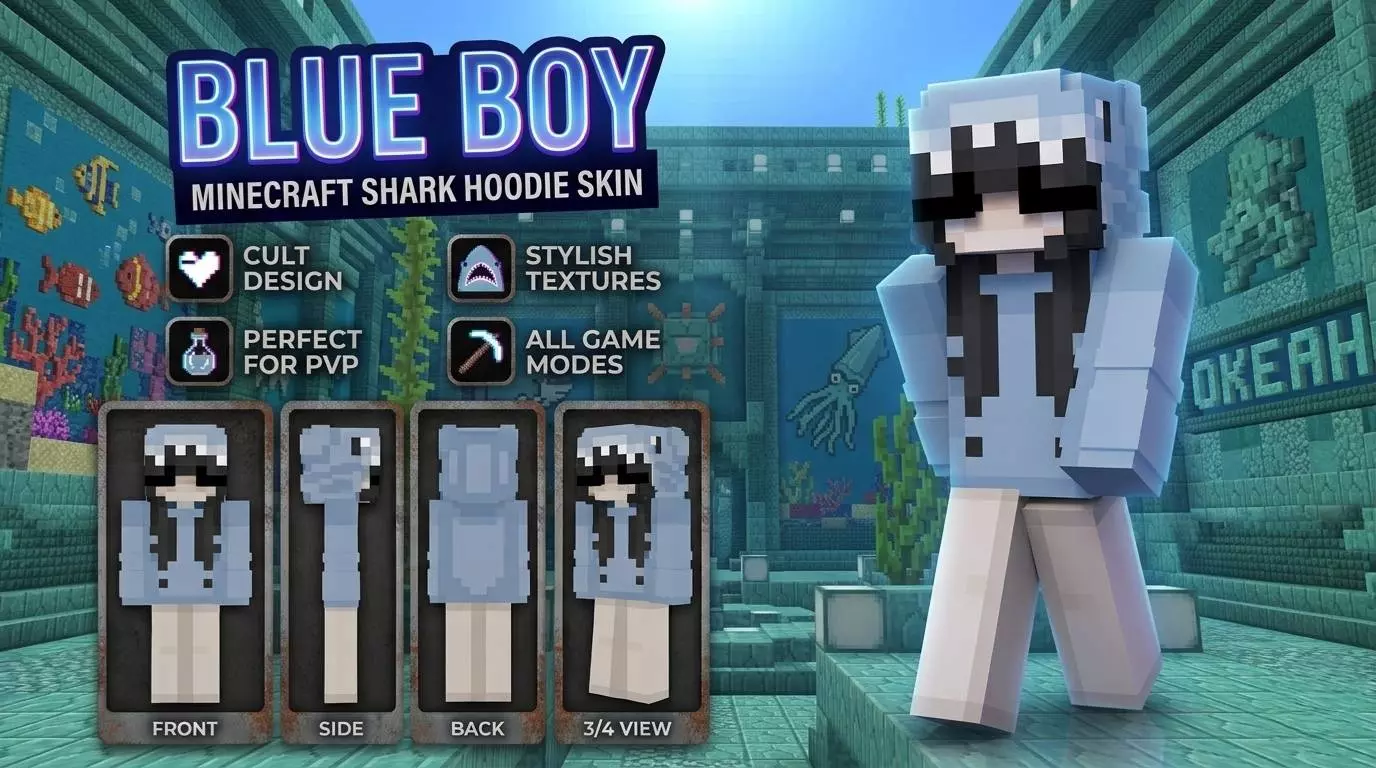
Grab the Blue Boy Skin if you need a clean, minimalist blue-and-white aesthetic that won't distract you during intense gameplay. It is the perfect balance of subtle and stylish.
Sometimes, less is absolutely more. Half the custom cosmetics in lobbies today are overloaded with glowing neon colors, bulky extra geometry, or hyper-complex shading that just looks terrible from a distance. This outfit steps completely away from that noise. The soft blue tones and crisp white accents create a super relaxed vibe that fits perfectly into a laid-back SMP session. If you just want to farm resources, build houses, and hang out on a realm without looking like a walking billboard, this straightforward design hits the mark.
Minimalism is also a massive tactical advantage for competitive players. When you are queuing up for BedWars or sweating out a duel, you do not want a chunky character model blocking your peripheral vision. The sleek, flat pixel art here keeps your screen totally clear in third-person view. Plus, the cool color palette naturally blends into snowy biomes or nighttime environments, giving you a slight edge when sneaking up on enemy bases.
Finding high-quality Minecraft Bedrock skins that nail this level of simplicity is surprisingly difficult because most creators overthink their designs. Keep your locker looking fresh by grabbing this MCPE custom skin today. It is an incredibly versatile Minecraft PvP skin ready to handle whatever your favorite server throws at you.
Quick guide: How to install this Minecraft skinpack
Downloaded the .mcpack file? Here is exactly how to get it into your game depending on what device you are using right now.
- On Windows or Android: Just click or tap the downloaded file twice. Minecraft will open up on its own and load the skins immediately.
- On iPhone or iPad: Save the file, open your Files app, and hold your finger on it. Hit Share, select Minecraft from the list, and the game will handle the rest.
To put the skins on, just open Minecraft, head over to the Dressing Room (Profile), click on Classic Skins on the left, find this pack under Owned, and tap Equip.
Comments (0)