Backroom Entity Skin Pack
- 18-08-2026, 02:59
- 566

Transform your character into pure nightmare fuel with the Backroom Entity Skin Pack, bringing the internet's creepiest liminal space monsters straight to your Bedrock world.
If your squad loves running custom horror maps or just scaring the absolute life out of each other, standard outfits won't cut it anymore. These entity designs capture that exact unsettling vibe of being trapped in an endless maze of yellow wallpaper and buzzing fluorescent lights. You get a lineup of distorted, faceless, and deeply disturbing figures that look totally wrong in a normal blocky environment. Stalking your friends through a dense dark oak biome at midnight wearing one of these guarantees serious panic.

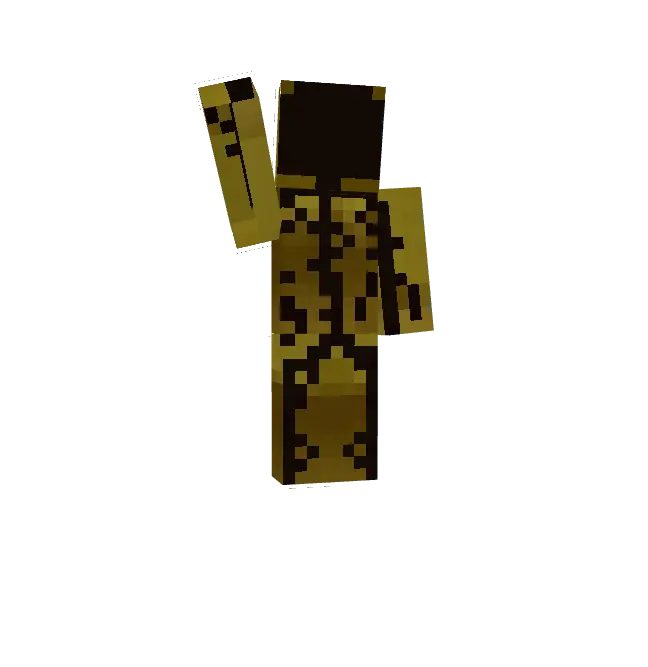
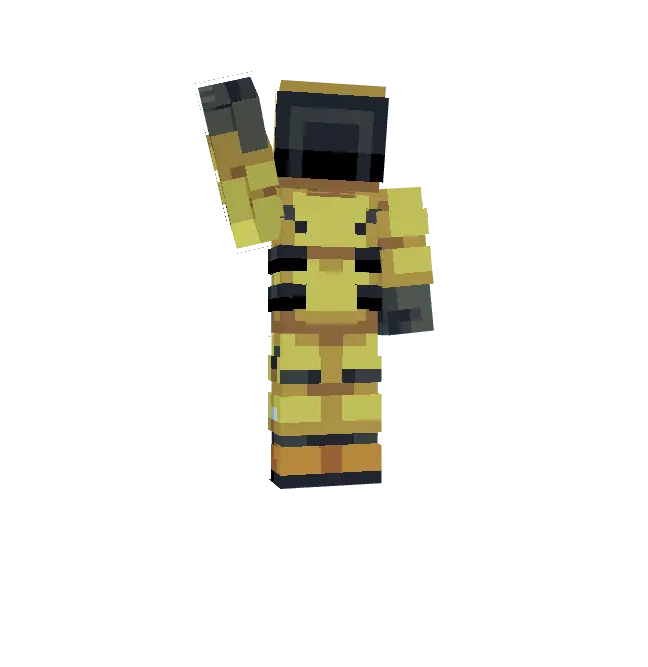

Most spooky cosmetics rely on basic gore, but these hit you with pure psychological dread. The pixel artists completely nailed the uncanny valley aesthetic without making the models look awkwardly shaded. They are absolutely perfect for creepy roleplay scenarios or gaining a weird psychological edge in competitive matches. Nobody wants to get pushed in BedWars by a glitchy cryptid.
Stop wasting time scrolling through cheap, neon Halloween costumes. If you need a high-quality Minecraft Bedrock skin pack that actually creeps people out, this is the drop for you. Secure these MCPE horror skins right now, equip your favorite custom Minecraft skin, hide your nametag, and give your server a reason to sleep with the lights on.
Quick guide: How to install this Minecraft skinpack
Downloaded the .mcpack file? Here is exactly how to get it into your game depending on what device you are using right now.
- On Windows or Android: Just click or tap the downloaded file twice. Minecraft will open up on its own and load the skins immediately.
- On iPhone or iPad: Save the file, open your Files app, and hold your finger on it. Hit Share, select Minecraft from the list, and the game will handle the rest.
To put the skins on, just open Minecraft, head over to the Dressing Room (Profile), click on Classic Skins on the left, find this pack under Owned, and tap Equip.
Comments (2)