Red & White Egirl Skin
- 18-08-2026, 03:54
- 452
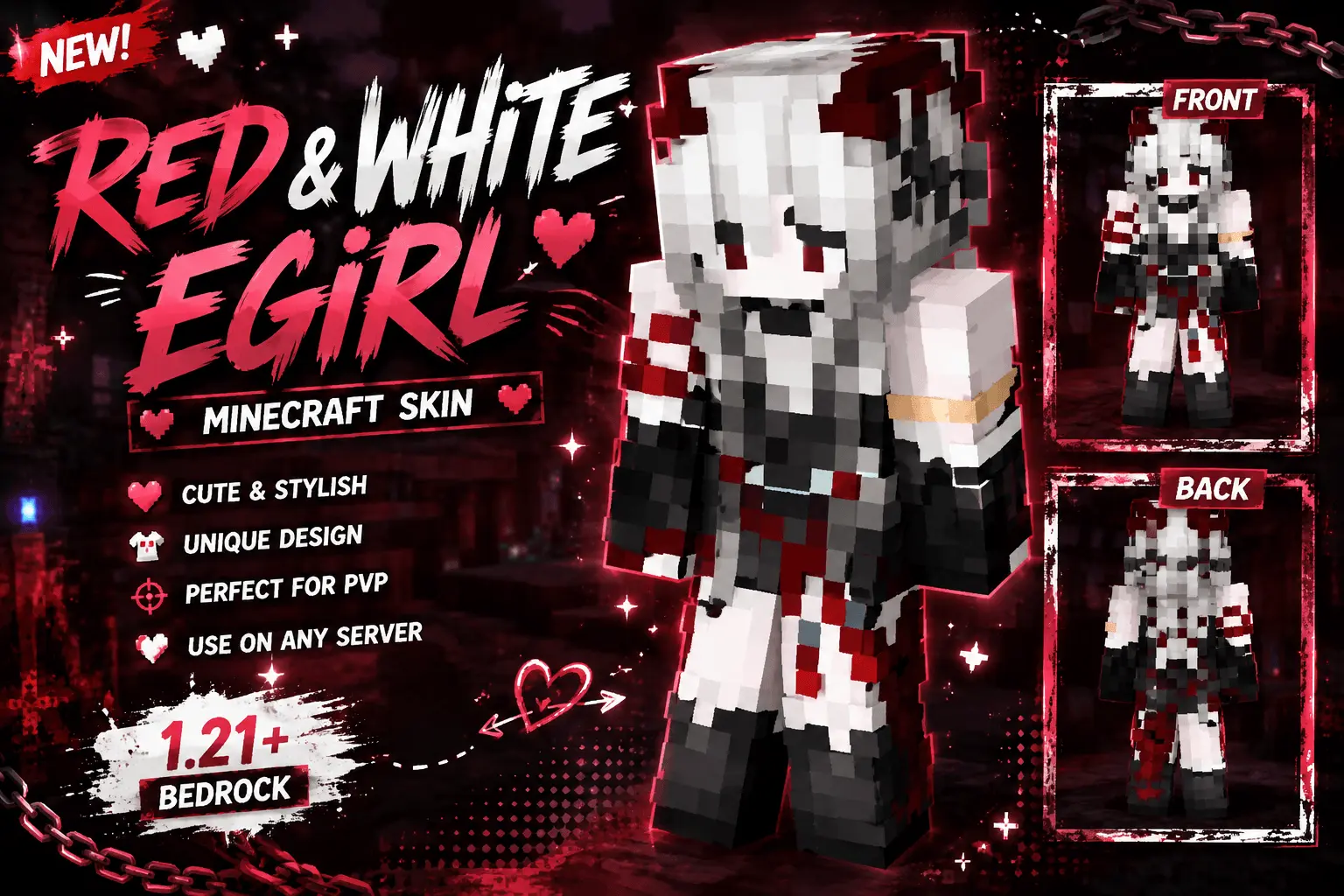
Change up your everyday look with the Red & White Egirl skin, blending icy white hair with aggressive crimson accents for a truly standout aesthetic. It is a top-tier choice for players wanting a sharp, modern streetwear vibe in their next server session.
Walking into a crowded lobby looking like a generic default is just not the move anymore. This specific cosmetic brings a heavy dose of alt-fashion to your blocky adventures, mixing a sleek dark outfit with bright red details that seriously pop. The stark white hair ties the whole look together, giving off that perfect combination of chill and tryhard. Whether you are expanding a massive survival base with your crew or just showing off your style in a casual minigame hub, this character model easily grabs attention without being obnoxiously bright.
Beyond just looking incredibly clean, the minimalist nature of this design is exactly what you need for competitive modes. Sweaty matches in BedWars require a screen completely free of distractions, and this slim model keeps your peripheral vision wide open. You get high-contrast pixel art that stays crisp during crazy combat, dodging the blurry mess you usually find on random modding sites.
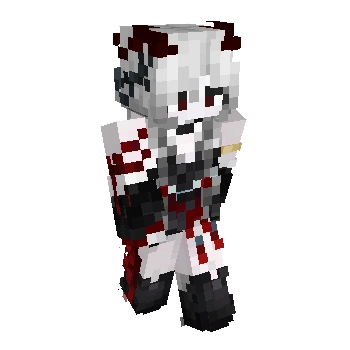
If you are hunting for an aesthetic that perfectly balances dark streetwear with a splash of color, this Minecraft Bedrock egirl skin is a must-add to your locker. Secure this MCPE custom skin today, flex your new Minecraft PvP skin, and completely dominate the leaderboards.
Quick guide: How to install this Minecraft skinpack
Downloaded the .mcpack file? Here is exactly how to get it into your game depending on what device you are using right now.
- On Windows or Android: Just click or tap the downloaded file twice. Minecraft will open up on its own and load the skins immediately.
- On iPhone or iPad: Save the file, open your Files app, and hold your finger on it. Hit Share, select Minecraft from the list, and the game will handle the rest.
To put the skins on, just open Minecraft, head over to the Dressing Room (Profile), click on Classic Skins on the left, find this pack under Owned, and tap Equip.
Comments (1)