Grey Wolf Skin Pack
- 21-08-2026, 02:48
- 454

Let everyone in your SMP know you aren't messing around by equipping the Grey Wolf Skin Pack. This collection gives you a crazy aggressive, predator-inspired aesthetic that looks super intimidating on any server.
Most animal-themed cosmetics end up looking totally goofy or cartoonish, but the creators completely dodged that trap here. Instead of a basic onesie, you get these hyper-detailed, shadowy grey designs that actually look dangerous. If your crew is building out a massive forest base or setting up a hidden faction vault, running these fits just matches that gritty, lone-wolf vibe perfectly. It honestly makes you feel like you belong out in the taiga biomes, staking out your next target.
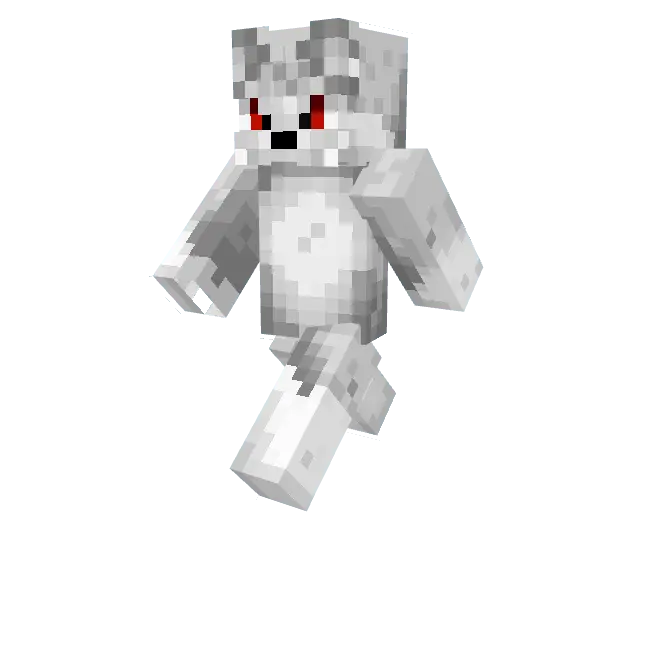
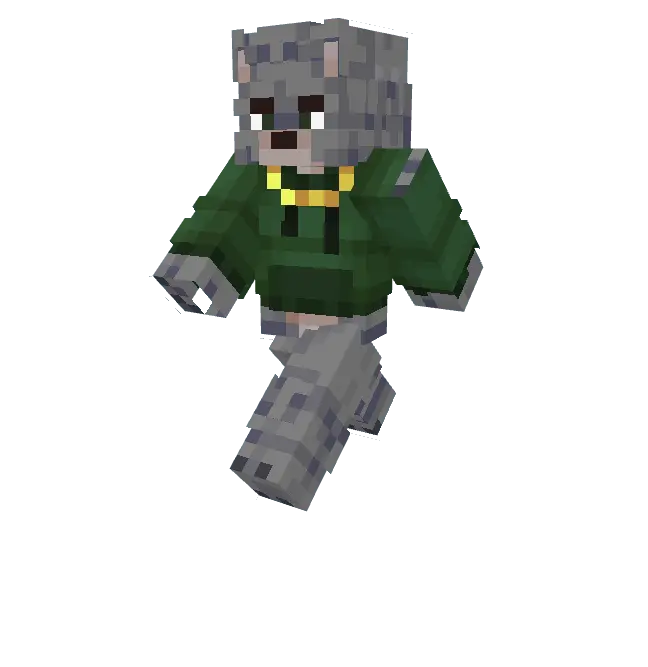
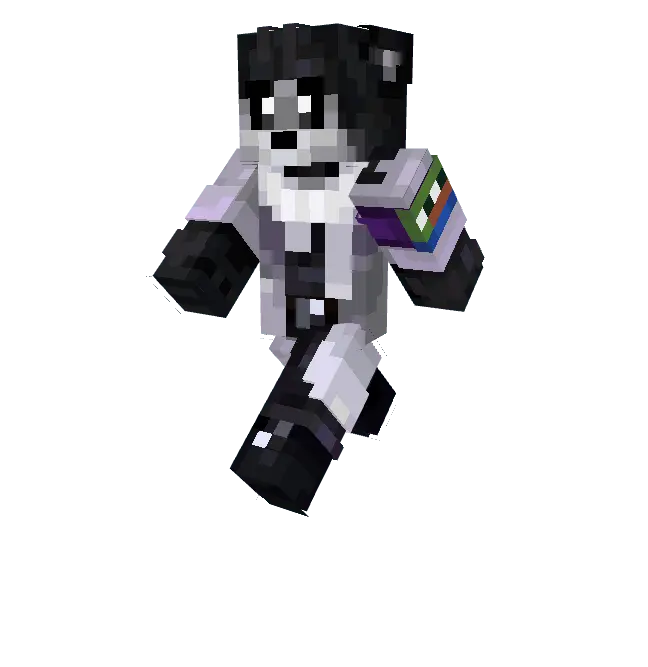
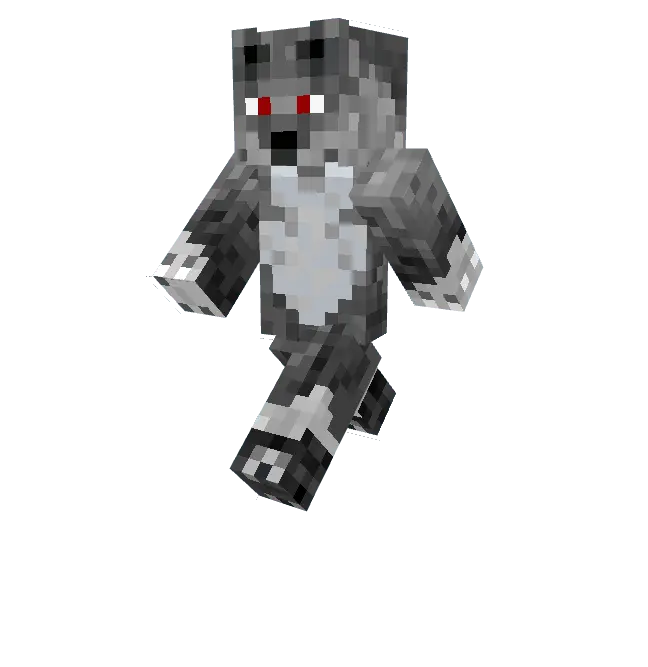
If you actually play competitive modes, this dark color palette is practically a cheat code. Rocking muted greys means you naturally blend into stone blocks, dark caves, and nighttime environments during a sweaty SkyWars match. You instantly stop being a walking neon target for everyone else in the lobby. The character models are also kept entirely slim, so your third-person camera angle stays completely open for landing clutch combo hits.
Hunting down a solid Minecraft PvP skin that balances stealth and style shouldn't be an absolute grind. Ditch the boring vanilla locker and add this Minecraft Bedrock skin pack to your daily rotation. Grab these MCPE custom skins today, link up with your squad, and go take over the realm.
Quick guide: How to install this Minecraft skinpack
Downloaded the .mcpack file? Here is exactly how to get it into your game depending on what device you are using right now.
- On Windows or Android: Just click or tap the downloaded file twice. Minecraft will open up on its own and load the skins immediately.
- On iPhone or iPad: Save the file, open your Files app, and hold your finger on it. Hit Share, select Minecraft from the list, and the game will handle the rest.
To put the skins on, just open Minecraft, head over to the Dressing Room (Profile), click on Classic Skins on the left, find this pack under Owned, and tap Equip.
Comments (0)