Mint's Ultimate Skin Pack
- 29-09-2026, 00:34
- 468
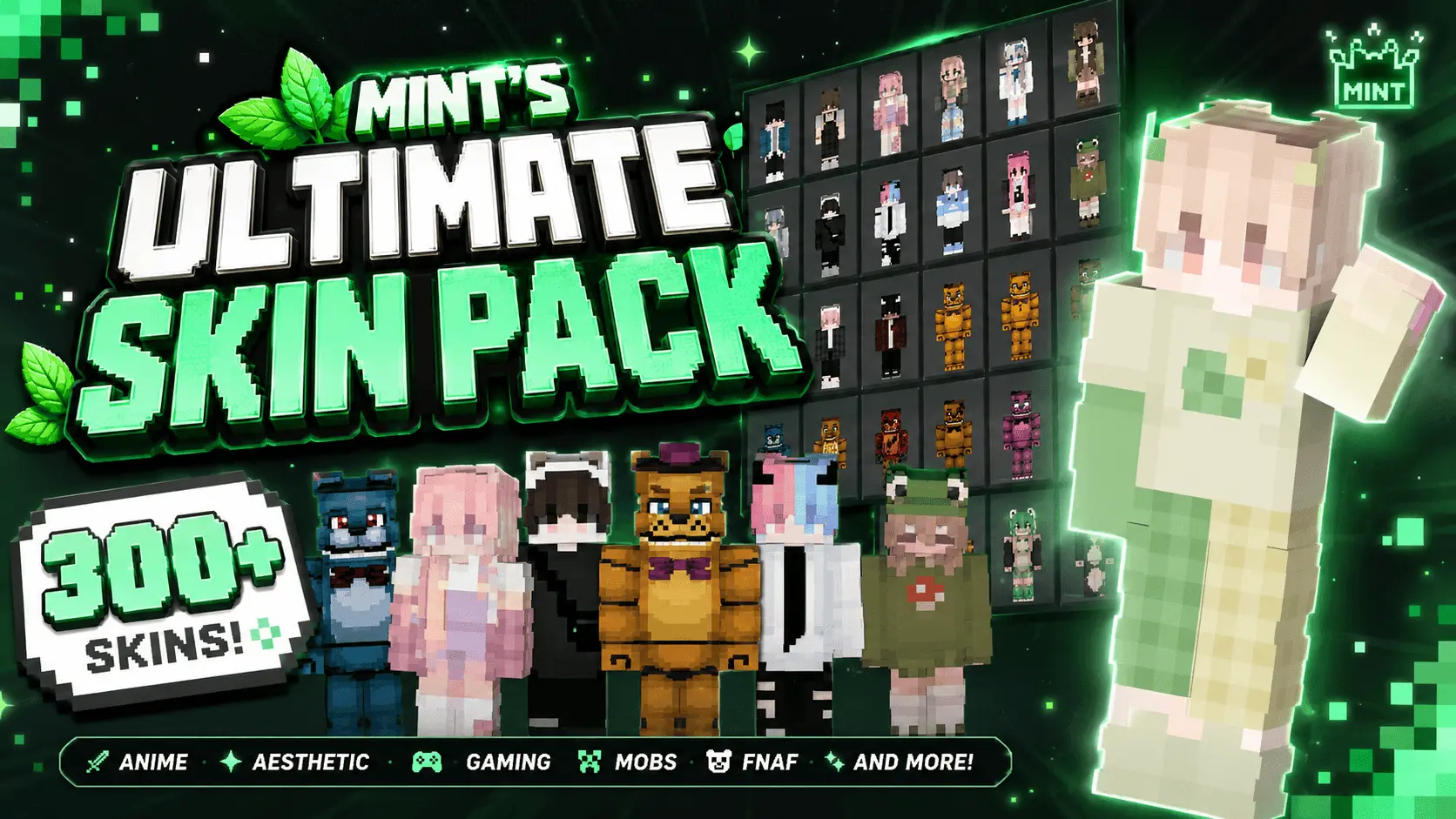
Constantly backing out to the main menu just to swap between ten different cosmetic files is completely dead. Mint's Ultimate Skin Pack solves your entire wardrobe crisis by cramming over 300 insane outfits into a single, massive download so you never have to hunt for a fresh look again.
Instead of gatekeeping specific themes behind a paywall, this massive Minecraft Bedrock skin pack literally gives you everything at once. If you are trying to set up a spooky vibe for a custom adventure map, you can instantly pull from the full FNAF Movie roster or terrorize your friends with hyper-accurate Poppy Playtime characters. But it doesn't stop at horror. For the sports fans trying to flex on their SMP, the pack includes a cracked lineup of football legends, letting you run around the server looking exactly like Ronaldo, Messi, or Mbappé. There is even a dedicated tier of Ultimate Steve variants that completely meme on the original default character, giving you the perfect disguise for trolling your squad during casual survival runs.
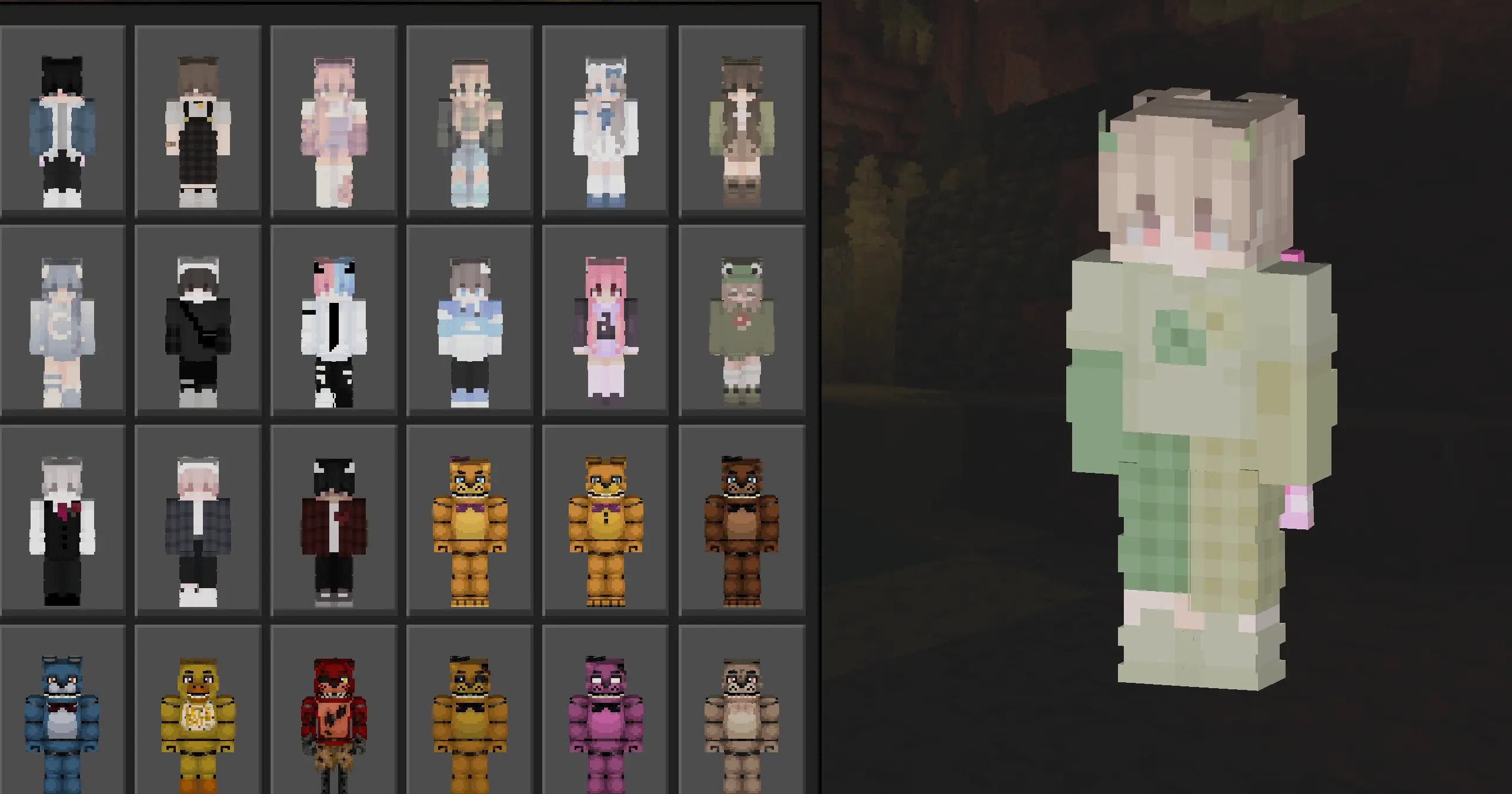
Where this file truly shines is in the competitive scene. Loading into a sweaty Treasure Wars lobby requires the exact right drip, and this download is absolutely loaded with premium MCPE PvP skins. You get full access to the Blue, Dark, and Freestyle collections, alongside blinding Neon loadouts and gritty Hacker outfits that make your hitbox look incredibly slick during intense combat. Whether you prefer the bulky classic Steve model or the slim Alex geometry for that extra tryhard feel, every single outfit is optimized to support both formats natively. You also get a massive vault of Aesthetic boy and girl designs, meaning you can swap from a hardcore duels sweat to a chill builder aesthetic the second you jump back into your private Realm.
The absolute biggest W for this custom Minecraft skins collection is the actual file organization. Most mega-packs on the internet are a complete mess of unnamed, randomly sorted files that make finding your favorite outfit an absolute nightmare. The creator actually took the time to name and categorize every single one of the 300 options, so navigating the dressing room UI is incredibly fast and intuitive. You just install one lightweight file, and your entire cosmetic rotation is permanently locked in without bloating your storage.
Stop cluttering your hard drive with a hundred different outdated templates. Grab this all-in-one Bedrock cosmetic pack, load up your favorite multiplayer server, and start flexing a brand new identity every single time you log in.
Quick guide: How to install this Minecraft skinpack
Downloaded the .mcpack file? Here is exactly how to get it into your game depending on what device you are using right now.
- On Windows or Android: Just click or tap the downloaded file twice. Minecraft will open up on its own and load the skins immediately.
- On iPhone or iPad: Save the file, open your Files app, and hold your finger on it. Hit Share, select Minecraft from the list, and the game will handle the rest.
To put the skins on, just open Minecraft, head over to the Dressing Room (Profile), click on Classic Skins on the left, find this pack under Owned, and tap Equip.
Comments (0)