Roblox Skin Pack
- 29-09-2026, 08:13
- 460
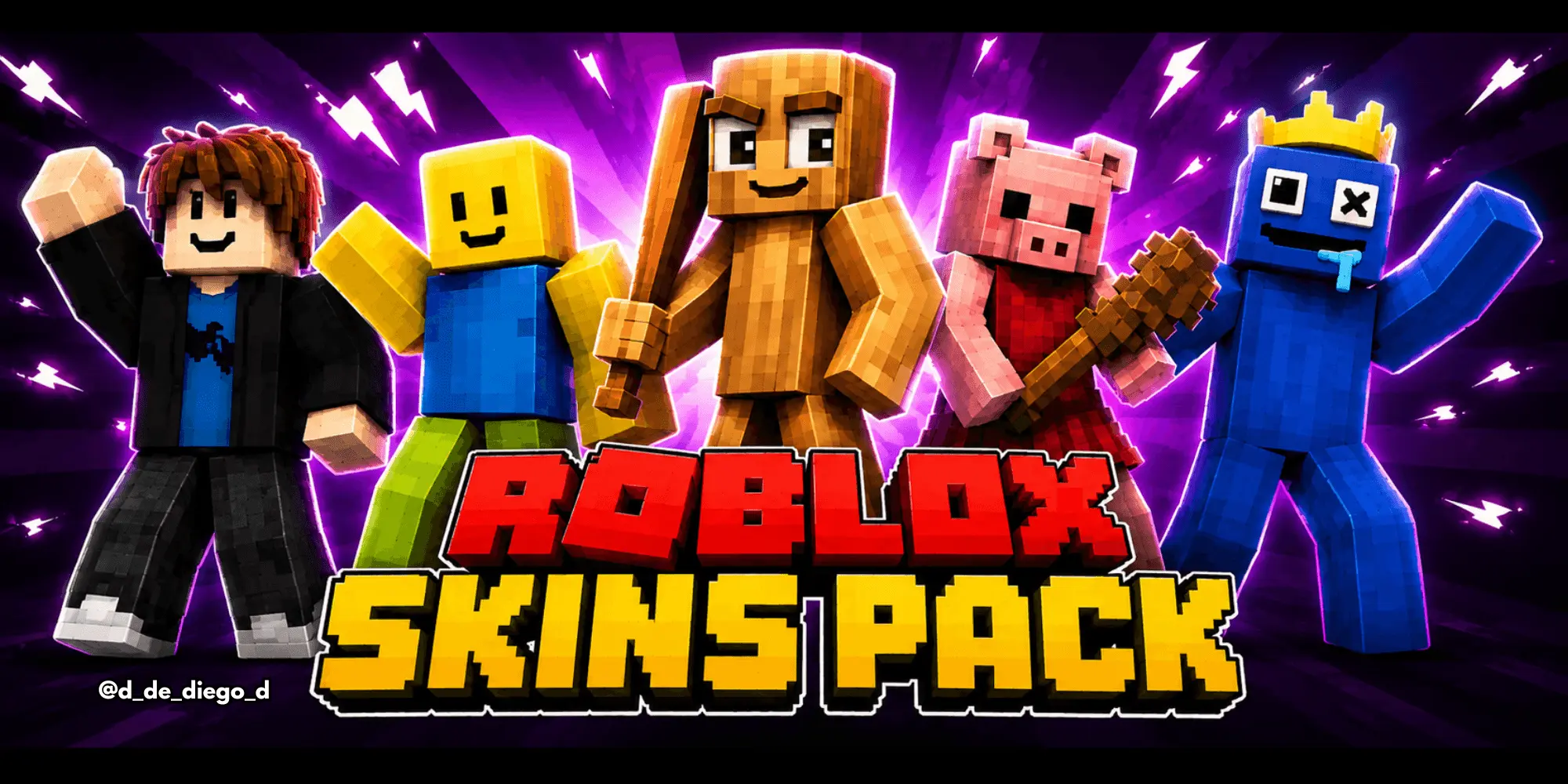
Smashing two of the biggest sandbox gaming giants into one client is absolute peak chaos, and the Roblox Skin Pack delivers that exact crossover madness straight to your Bedrock world. If you’ve ever wanted to jump into a survival server rocking pure meme energy or freak out your squad with viral horror icons, this bundle is an instant win for your locker.
Instead of limiting you to just one boring genre, this roster pulls the most cracked characters from across the entire Roblox platform. Horror fans get direct access to modern gaming royalty, featuring nightmare fuel from DOORS alongside the colorful terrors of Rainbow Friends and classic Piggy. Imagine sprinting through a dark Nether fortress looking like a terrifying entity straight out of a hallway chase sequence—it completely flips the vibe of your late-game exploration. On the flip side, nostalgic players can flex the legendary yellow-skinned Noob fit or rock the iconic Bacon Hair default style to pay homage to the golden era.
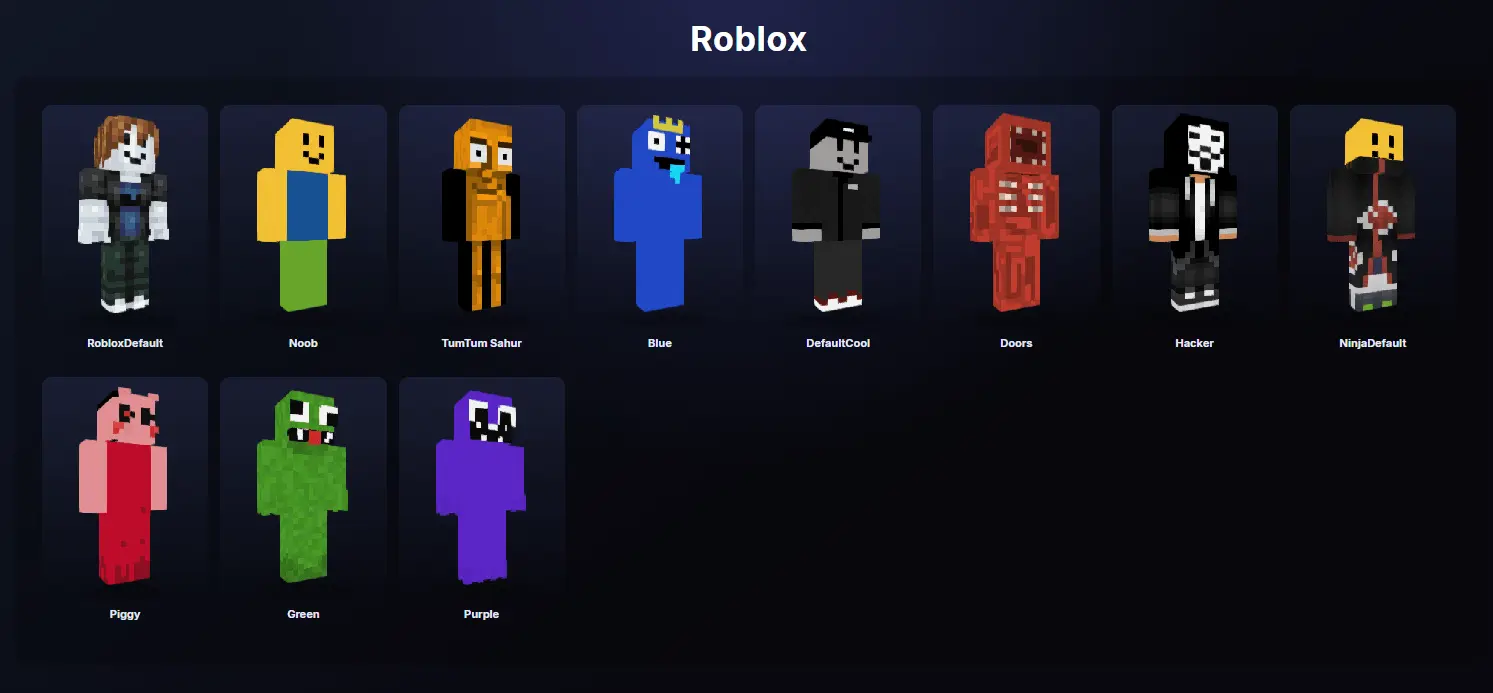
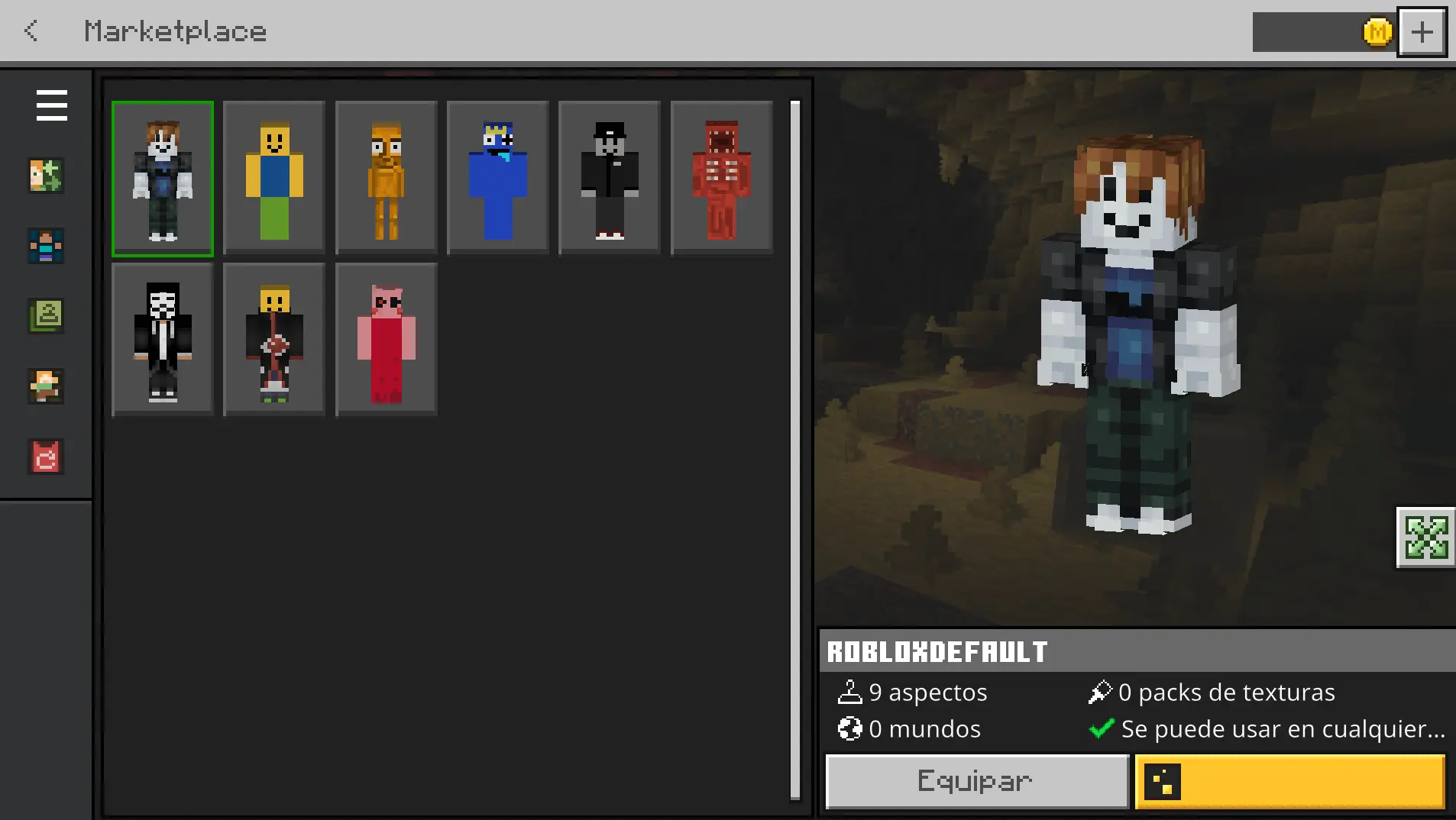
The psychological warfare you can unleash in multiplayer lobbies with this pack is legitimately hilarious. When you queue into a sweaty BedWars or SkyWars match on The Hive disguised as an oblivious yellow Noob or a trending Brainrot meme avatar, your opponents immediately assume you’re an easy kill. The moment you pull off an insane speed-bridge, clutch an ender pearl play, and wipe their entire bed defense, the disrespect is legendary. It’s the ultimate bait-and-switch setup for competitive players who love trolling tryhards while dominating the leaderboard.
Beyond the memes, the artistic translation in this Roblox skins in Minecraft PE collection is surprisingly clean. Because Roblox characters already rock a signature blocky aesthetic, they translate flawlessly onto native Minecraft player models. You won’t deal with awkward texture stretching, distorted pixel grids, or broken hitboxes that mess up your sword reach and fluid sprint-jumping. It imports directly into your Bedrock dressing room across console, PC, and mobile, meaning you can swap styles in seconds without lagging out your game. Plus, with promised updates adding even more trending community styles down the road, your cosmetic rotation isn't going stale anytime soon.
Stop blending into the background with basic, overused marketplace templates. Grab the Minecraft Bedrock Roblox skin pack, equip your favorite viral avatar, and turn your next realm playthrough into an unforgettable crossover event.
Quick guide: How to install this Minecraft skinpack
Downloaded the .mcpack file? Here is exactly how to get it into your game depending on what device you are using right now.
- On Windows or Android: Just click or tap the downloaded file twice. Minecraft will open up on its own and load the skins immediately.
- On iPhone or iPad: Save the file, open your Files app, and hold your finger on it. Hit Share, select Minecraft from the list, and the game will handle the rest.
To put the skins on, just open Minecraft, head over to the Dressing Room (Profile), click on Classic Skins on the left, find this pack under Owned, and tap Equip.
Comments (0)