Classic Textures Fix Texture Pack
- 30-09-2025, 10:17
- 1 471

Classic Textures Fix — the Bedrock port of Programmer Art Fix that lets you keep the old-school look without dealing with the busted Marketplace Classic Textures pack. It smooths out the visual weirdness and inconsistencies while keeping that OG vibe intact, so your world still looks like classic Minecraft—just… correct. Bonus: it supports Vibrant Visuals, and it brings back the Save Cats in Danger classic texture panoramas for that proper throwback energy on the menu.
I dropped it into a survival world and the difference was instant. Blocks read the way I remember, colors sit where they should, and nothing random jumps out at you mid-build. That nostalgia hits hard when you’re punching trees at spawn or walking a village at sunset; it feels like the old assets, just tightened up so they don’t clash with modern Bedrock rendering. If you’re picky about cohesion—farms, town streets, or a cavelight screenshot—this keeps the whole scene consistent instead of mixing “classic” with accidental scuffs.
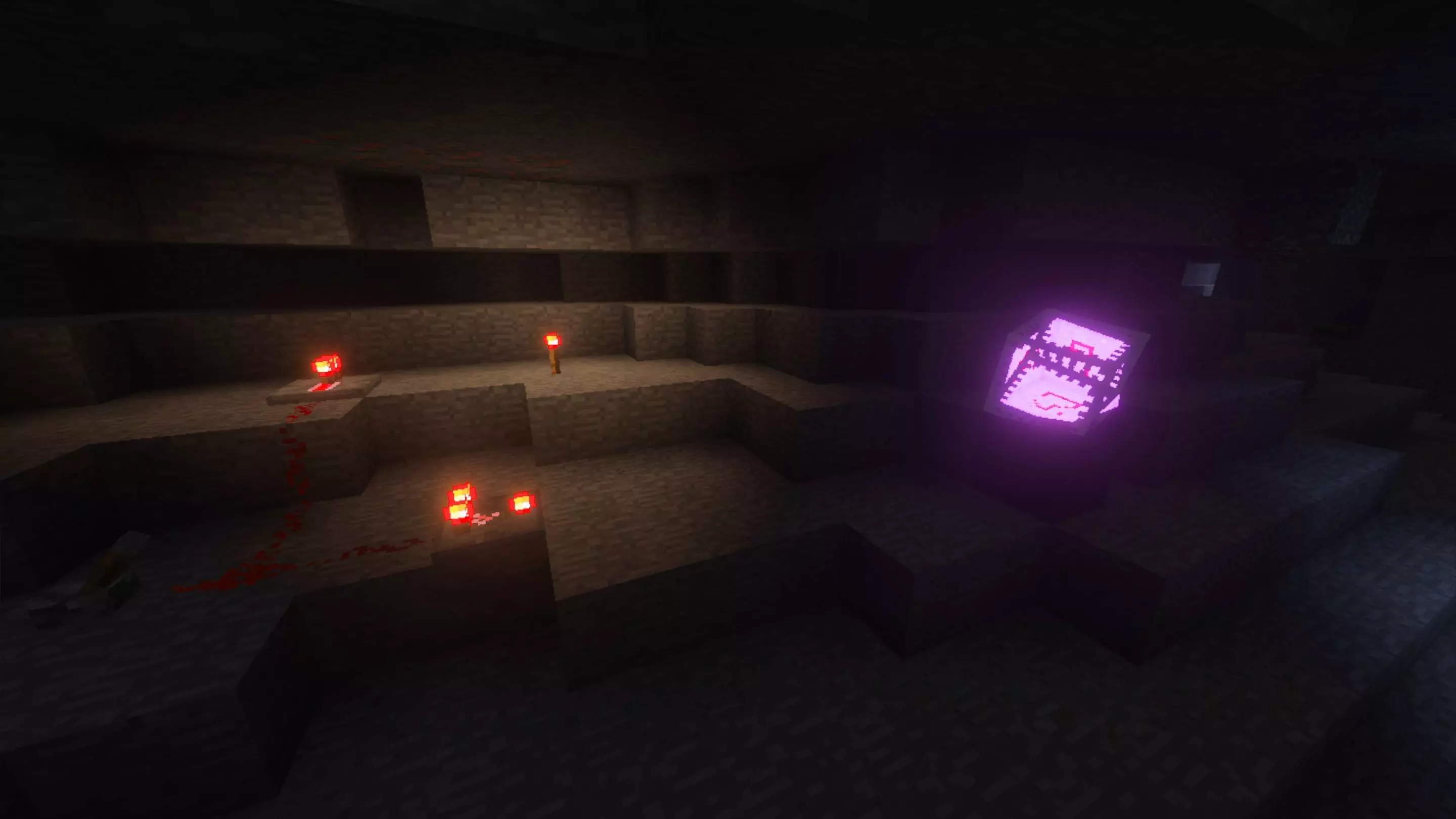
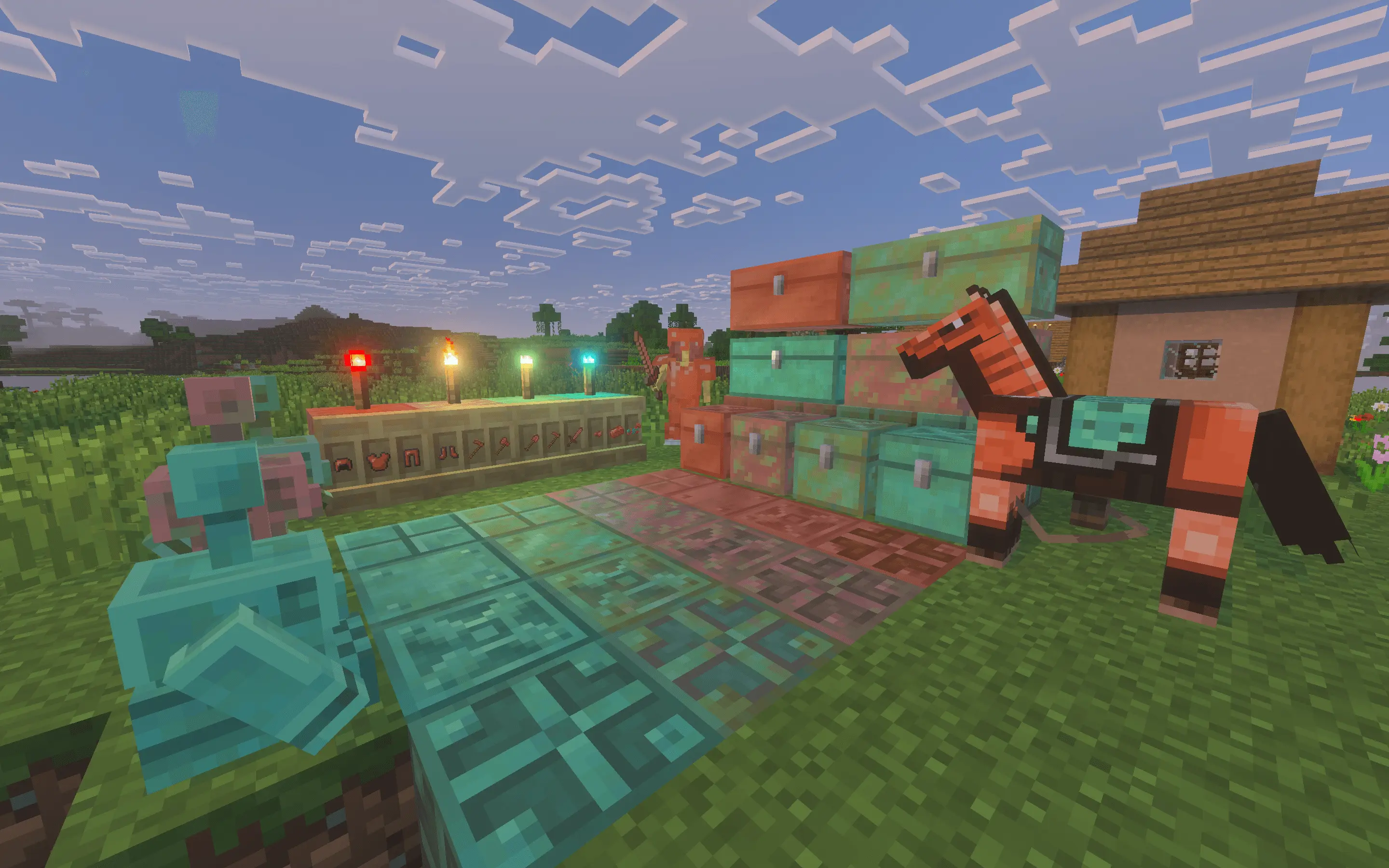
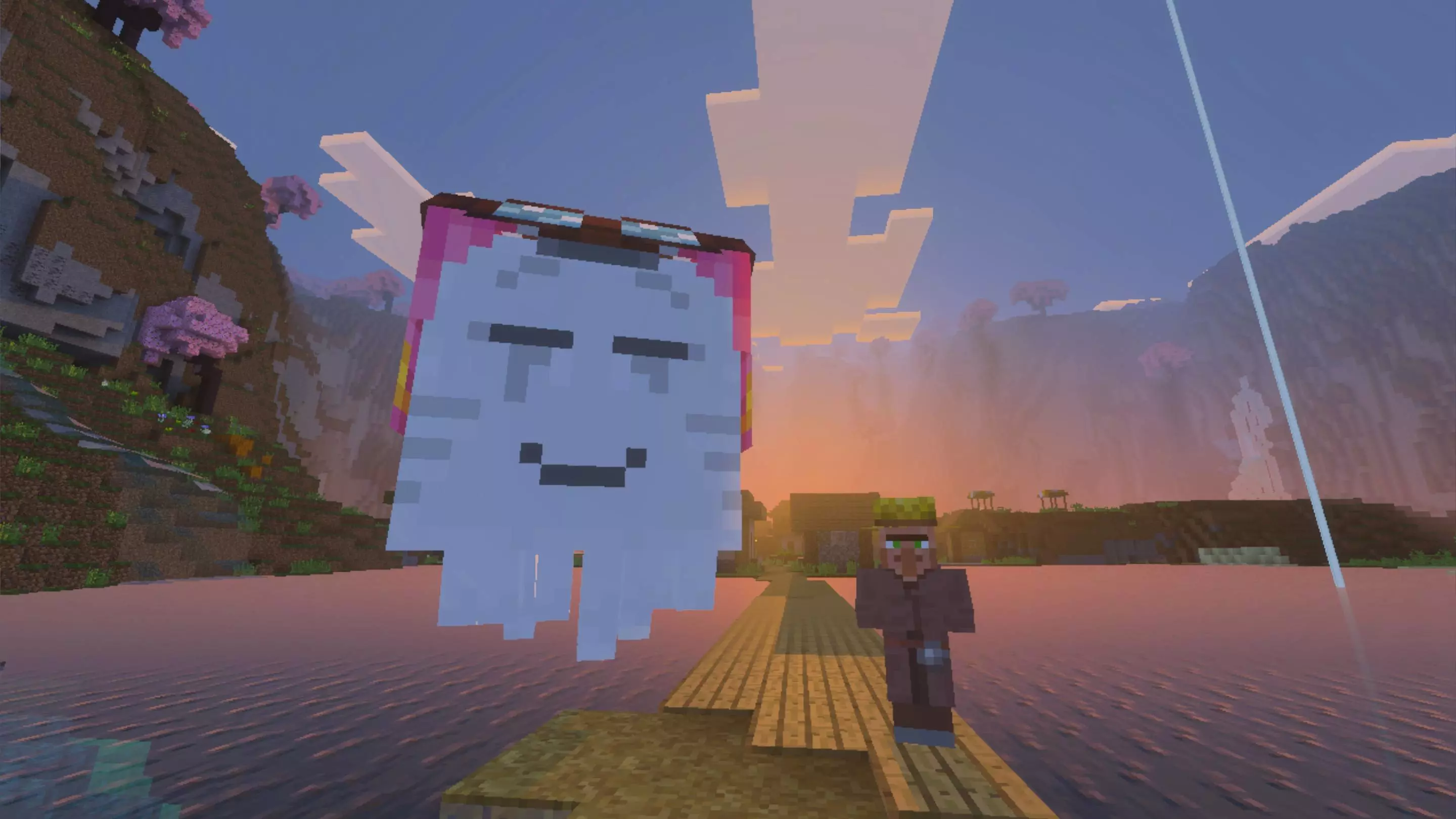
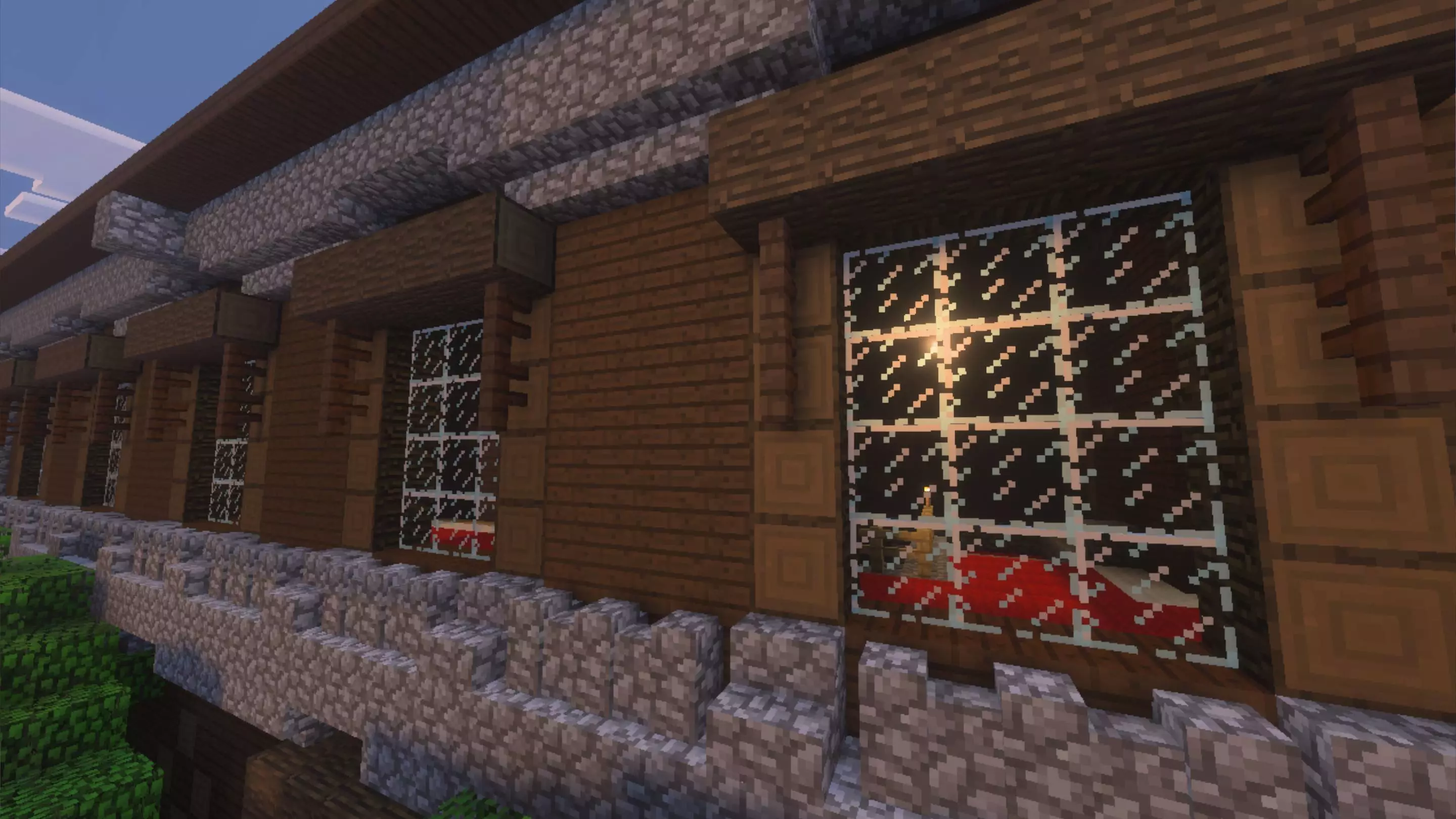
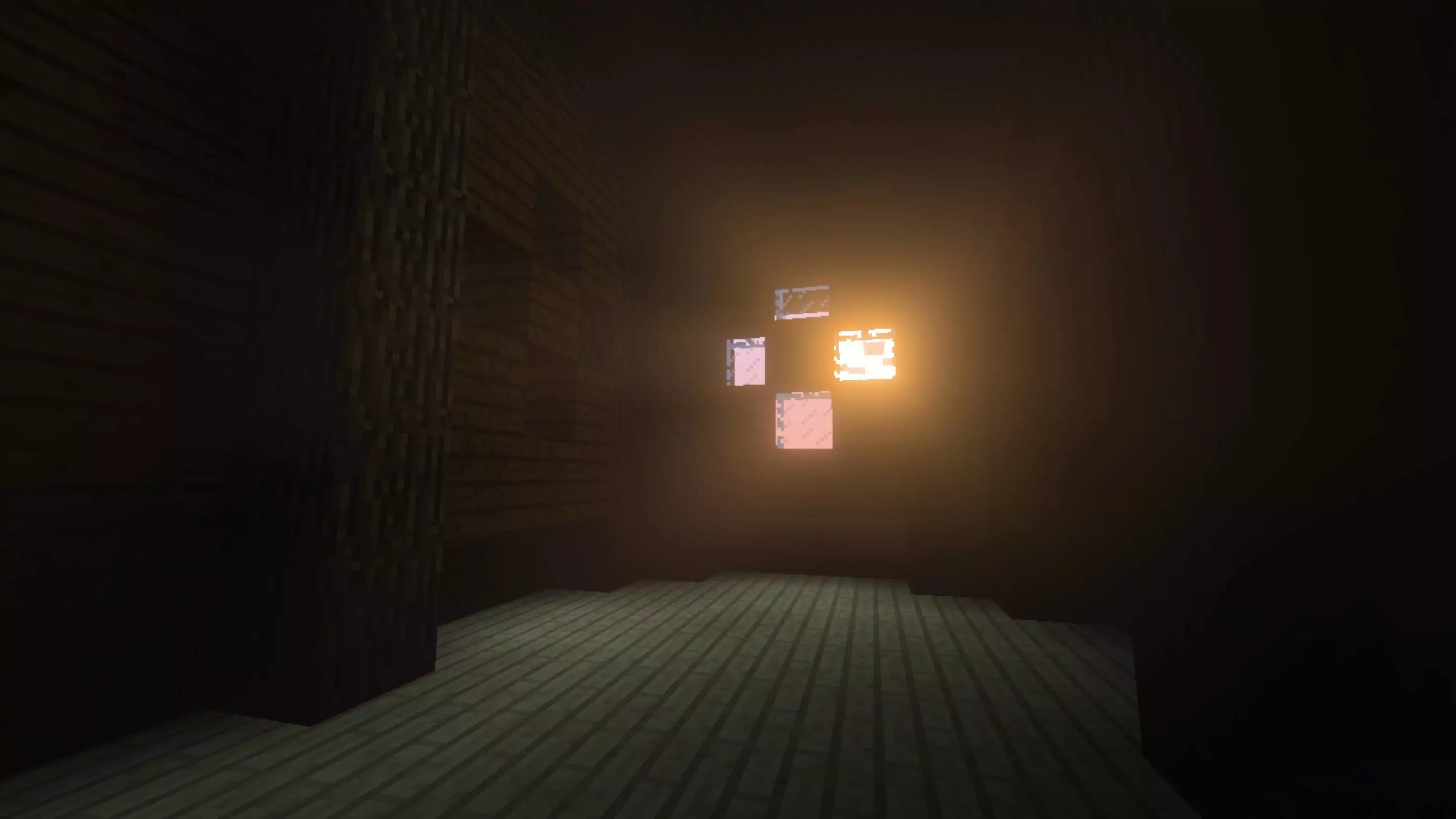
The first block you punch looks familiar, but so does the new wood you bring home later. Classic Textures Fix gives Minecraft Bedrock a nostalgic look while helping newer blocks and details fit into the same old-school world.
The pack is designed around the classic Minecraft texture style, updating and correcting visual details that can look inconsistent when old and newer assets appear together. That matters most in a world you’ve spent time building. A village street might combine familiar cobblestone with different kinds of wood, signs, doors, and decorations. When those pieces share a similar visual style, the whole place feels more cohesive. Classic Textures Fix also gives some newer content textures that sit more comfortably beside older-looking blocks. You can keep expanding a favorite survival base without every recent addition looking like it came from a completely different texture pack. The changes reach beyond basic building materials too, with attention given to items, mobs, and other visual details. Some fixes are the sort you might notice immediately; others reveal themselves when you open an inventory, inspect a block up close, or revisit a familiar area.
For builders, the appeal is having more materials to work with while keeping that classic atmosphere. Imagine putting together a small village with cobblestone paths, wooden homes, and a workshop full of useful blocks. You can add details from across Minecraft’s selection without abandoning the look that inspired the build in the first place. The pack includes classic-style treatment for a range of objects, including wood-related textures and doors, and offers settings for players who prefer certain variations. Take a walk around an existing build after enabling it and compare the parts you know best. A favorite storage room is a good place to start: look at the blocks, signs, and items you pass every time you come home from mining. Then head outside and see how the same style carries through the village, the fields, and the landscape beyond. It’s an excuse to revisit a world you’ve already put hundreds of blocks into.
The pack also supports Vibrant Visuals, so you can try the classic art style alongside Minecraft’s enhanced lighting if that’s how you like to play. The contrast can be interesting: familiar-looking textures meet a different lighting setup, while the world and its survival mechanics stay the same. There are subpack options to explore too, including a Classic Improved selection with its own visual adjustments. After importing the resource pack, check its settings and choose the look you prefer. If you use other texture packs, their order matters; place this one higher when you want its textures to take priority. Then load a familiar save, step outside your base, and look around. Classic Textures Fix is a good fit for players who miss Minecraft’s older visual style but still enjoy building with the materials available today. That first walk through your world might feel a little like coming home.
Day-to-day play is smooth. Mining runs don’t turn into “why does that texture look off,” PvP silhouettes stay familiar, and your builds photograph like vintage Minecraft without the Marketplace pack’s rough edges. If you’re running Vibrant Visuals, it slots right in—the classic art style holds, the lighting pass does its thing, and the combo looks clean. Setup is the usual drill for a resource pack: enable it, put it above other packs if you want its look to win, and jump in. No behavior changes, no gimmicks—just a fixed classic style that feels right on Minecraft Bedrock. If you want pure Programmer Art vibes without the glitches, Classic Textures Fix is the one I’d keep on.
Installation:
- Download Texture;
- Use Minecraft PE
- Open the downloaded .mcpack to install;
- Select texture in settings;
- Done.
Comments (0)