Manyzz Texture
- 30-09-2025, 06:39
- 839
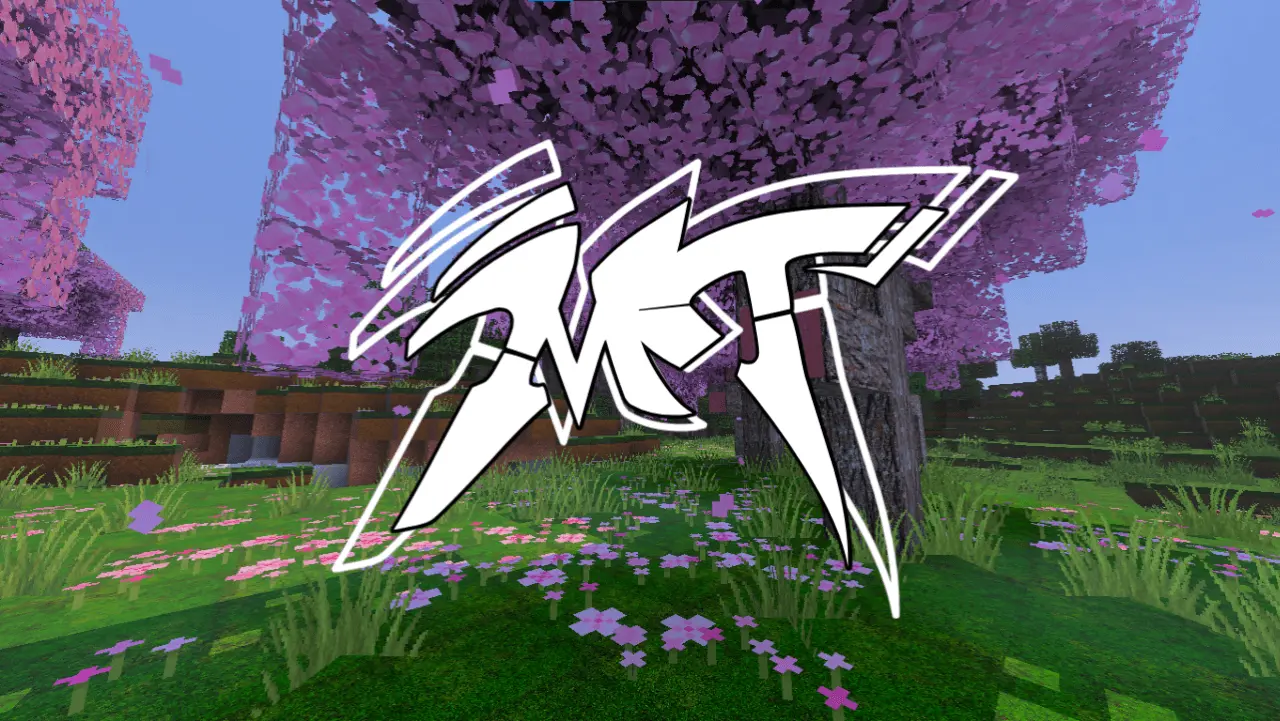
Manyzz Texture — a 128x HD upgrade that keeps Minecraft Bedrock’s blocky silhouette and dials the materials way up. Think weathered stone that looks hand-cut, timber with real grain, and foliage that reads lush without breaking the classic layout. I dropped it on a fresh world and the vibe shifted fast: same builds, way more presence. Cobble streets feel laid by hand, deepslate pops in torchlight, and deserts pick up that crisp, wind-carved look that sells the scene.
In survival, it hits across the whole loop. Mining’s cleaner because ores shimmer out of the wall just enough to catch your eye, and caves feel grounded instead of smudgy. Building is where it sings—planks stack into believable walls, brickwork photographs like a flex, and little garden details (leaves, flowers, path blocks) finally pull their weight. Exploration gets that “wish I had my camera� energy: misty forests, sharp beach lines, snowy ridges that actually read cold. Combat stays readable; silhouettes don’t get lost under the realism, so raids and dungeon clears still feel tight.
There's something satisfying about discovering a Minecraft feature without immediately knowing how you'll use it. I don't always need a complete plan before exploring new Bedrock content. Occasionally, I'll find something interesting, spend a while figuring it out, and remember it later when I'm working on an unrelated project. That happened while I was renovating an old stone fortress near my survival base. I'd been struggling to decide what to do with a few empty rooms when an idea from an earlier session came back to me. I opened another world, checked a couple of details, and returned to the fortress with a much clearer plan. The rooms finally started looking like they belonged in the building. My friend visited afterward and asked whether I'd been following a tutorial. I told him the idea came from messing around in Minecraft several days earlier. He said that explained why I'd been ignoring his messages all week.


Setup is the usual: enable the pack in Minecraft Bedrock and go. The screenshots were taken with Vibrant Visuals, and yeah—running it alongside a shader pass pays off with nicer lighting and reflections. Heads-up: this pack is still in development, so you might bump into missing or fallback textures as new updates roll out. That’s normal here, and patches aim to fill those gaps and polish surfaces over time. If you want a faithful-but-fresher world that leans into high-res detail without ditching vanilla structure, Manyzz Texture is a strong pick—builders get richer materials, explorers get deeper views, and your everyday Bedrock play just looks better.
Installation:
- Download Texture;
- Use Minecraft PE
- Open the downloaded .mcpack to install;
- Select texture in settings;
- Done.
Comments (0)