Simple Clean – Texture Pack
- 11-11-2025, 11:55
- 675
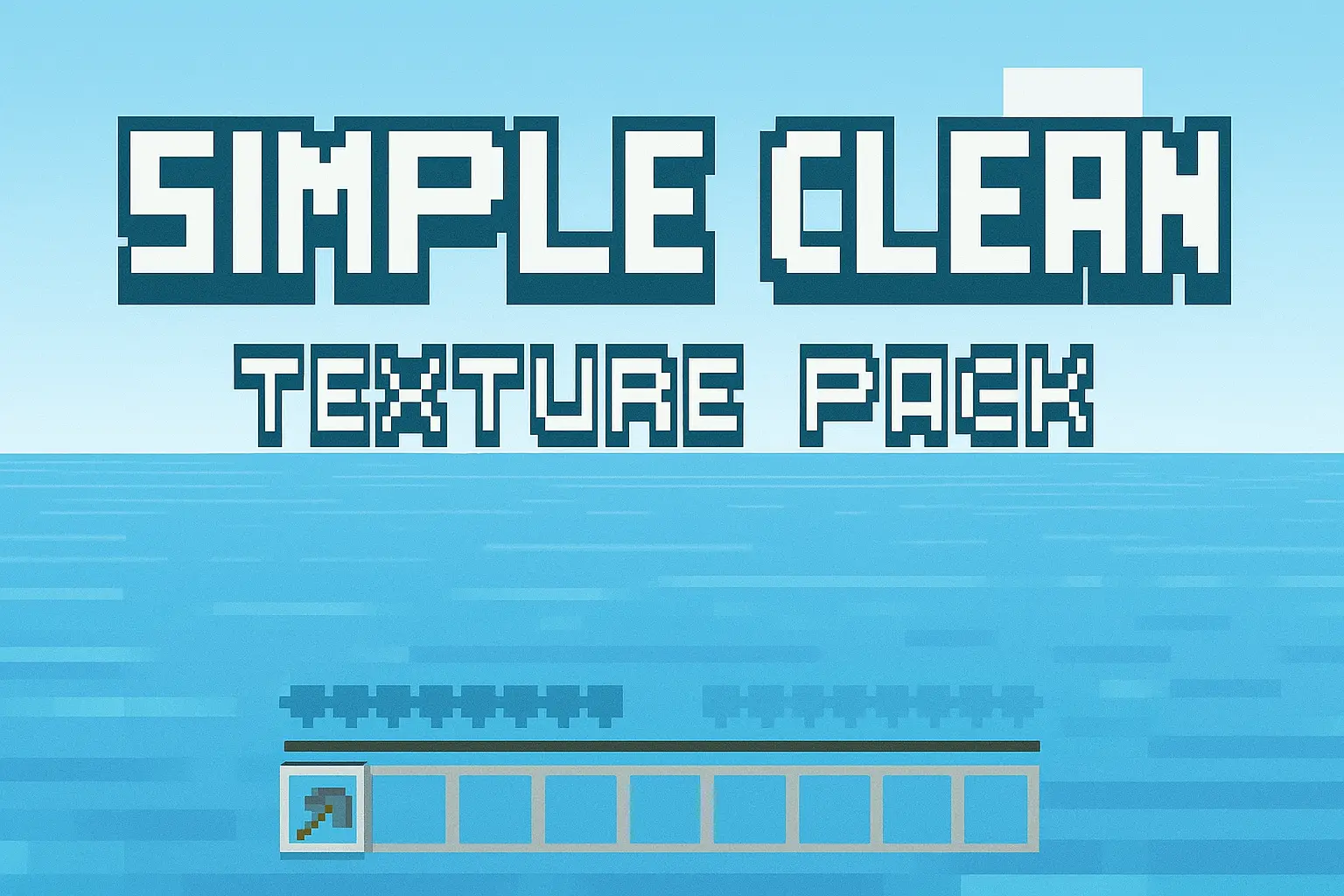
Simple Clean Texture Pack is all about signal over noise. Instead of cranking saturation or slapping on heavy post-effects, it quietly tidies the view you already love: a cleaner interface that stays out of the way, reduced or removed fog so long valleys and cave shafts actually read, and clearer water so rivers, reefs, and drowned ruins are visible without torch spam or night-vision chugging. The result is play that feels calmer and sharper—perfect for survival routes, redstone rooms, and screenshot sessions where you want the world to be the focus, not the UI.
Exploring with it hits different. Coastlines and mountain passes are easier to scout, cave pathing is less guessy, and underwater runs become practical without juggling extra gear. Builders get honest color reads on palettes and silhouettes from a distance, so planning roofs, gradients, and landscaping is way simpler. PvP and raid defense benefit too: fewer on-screen distractions, faster target tracking, cleaner sightlines.


Drop it into an existing world and you’re good—no gimmicks, just clarity. If you stack other packs, put Simple Clean Texture Pack toward the top so its interface and fog tweaks win. Leave brightness near default first and let the cleaner water/fog do the work; bump render distance if your device can handle it to really enjoy the wide-open views. It’s the kind of pack you forget is installed until you turn it off and realize how busy things used to look.
Installation:
- Download Texture;
- Open the downloaded .mcpack to install;
- Select texture in settings;
- Done.
Comments (0)