NeBux UI+ – Texture Pack
- 27-02-2026, 18:31
- 971
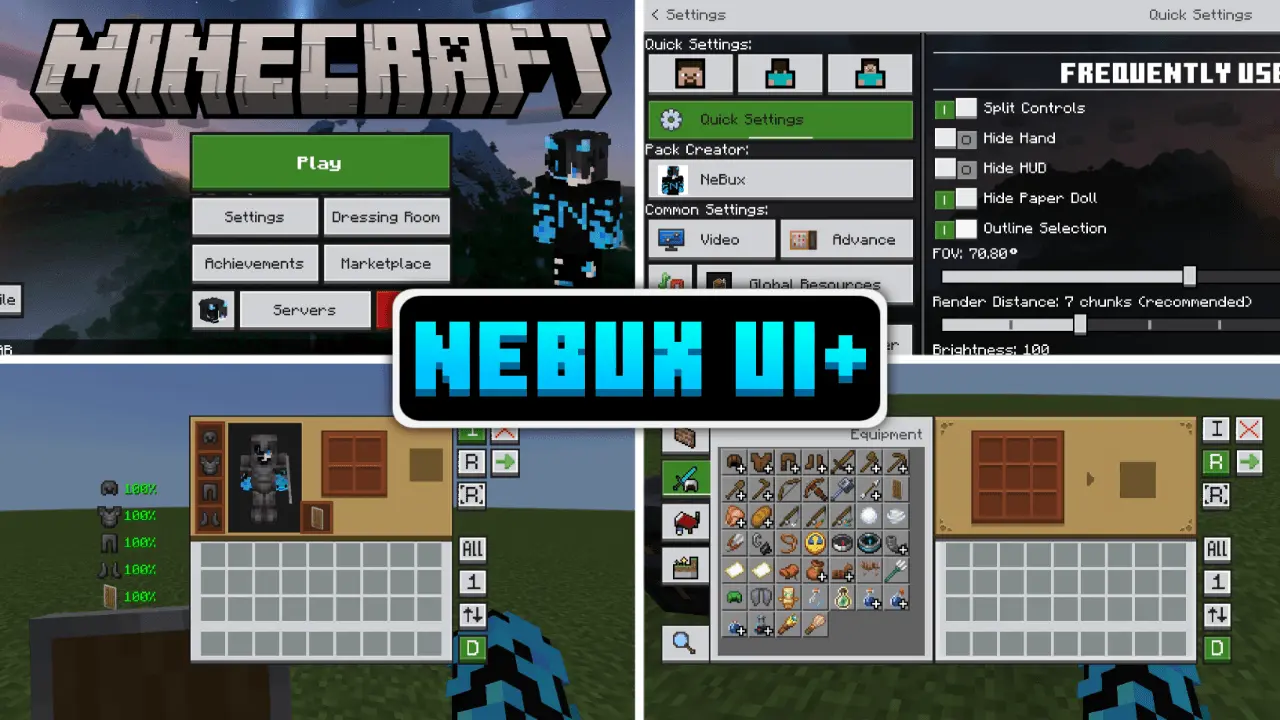
NeBux UI+ Texture Pack is built for players who love Minecraft Bedrock but get tired of how many clicks it can take to do basic stuff. The pack is described as simple and accessibility-focused, and it refines the UI while adding quick-access features that speed up everyday gameplay. The biggest quality-of-life win is that it focuses on reducing extra navigation steps, so you can spend more time playing and less time fighting menus.
A major feature in NeBux UI+ Texture Pack is the quick access layer. Quick Settings adds a new menu for common toggles like FOV and camera view, and Quick Buttons adds shortcuts like a direct servers button plus actions like quick craft, quick drop, drop all, and quick move. That makes routine tasks feel faster, especially during survival sessions where you’re constantly crafting, shifting loot, and moving items around. It also includes Quick Craft & Quick Loot with optimized UI elements, which pairs perfectly with fast-paced play where you’re looting chests, managing resources, and jumping back into action quickly.
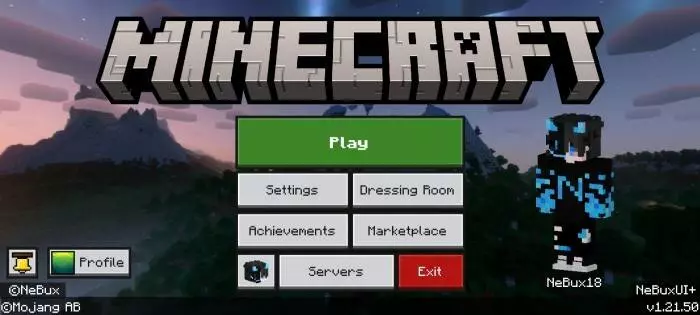
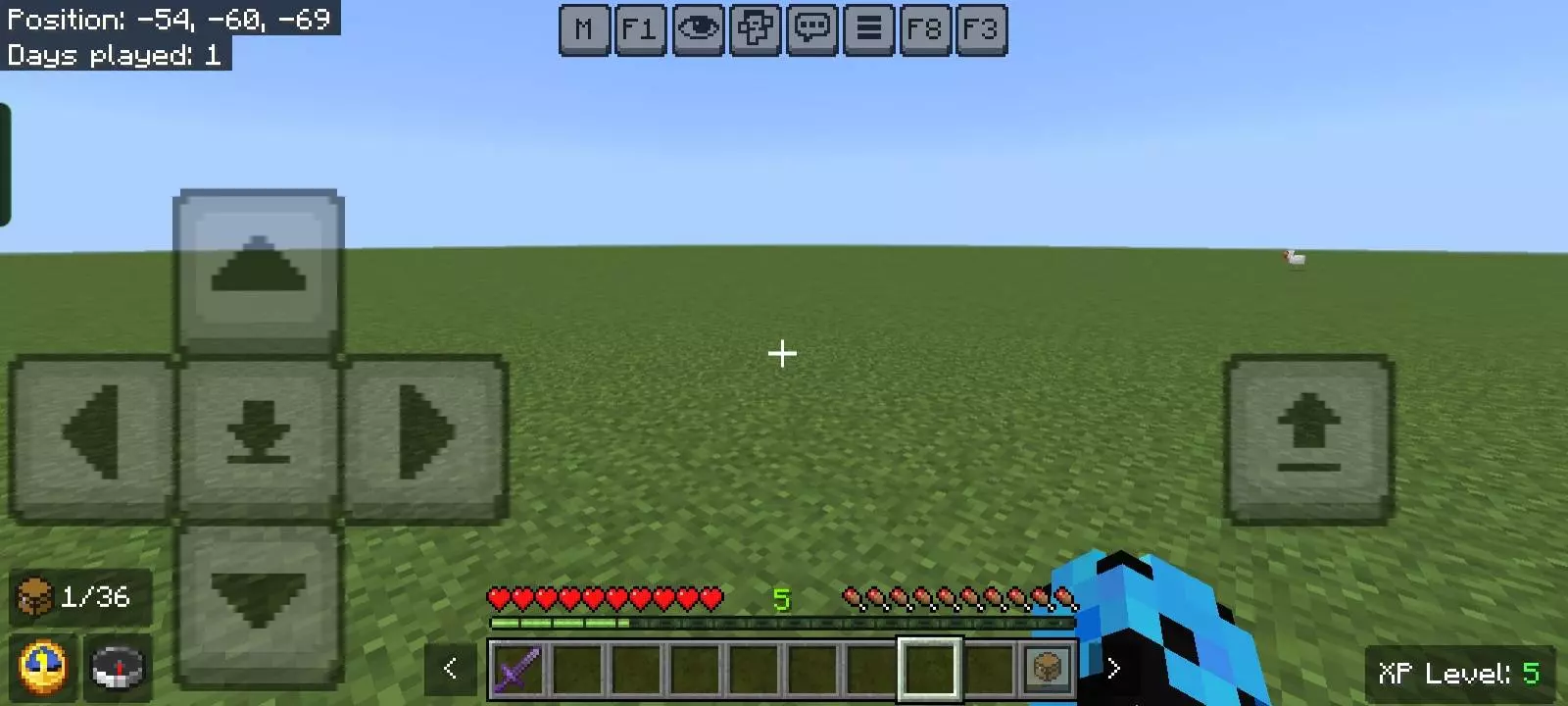
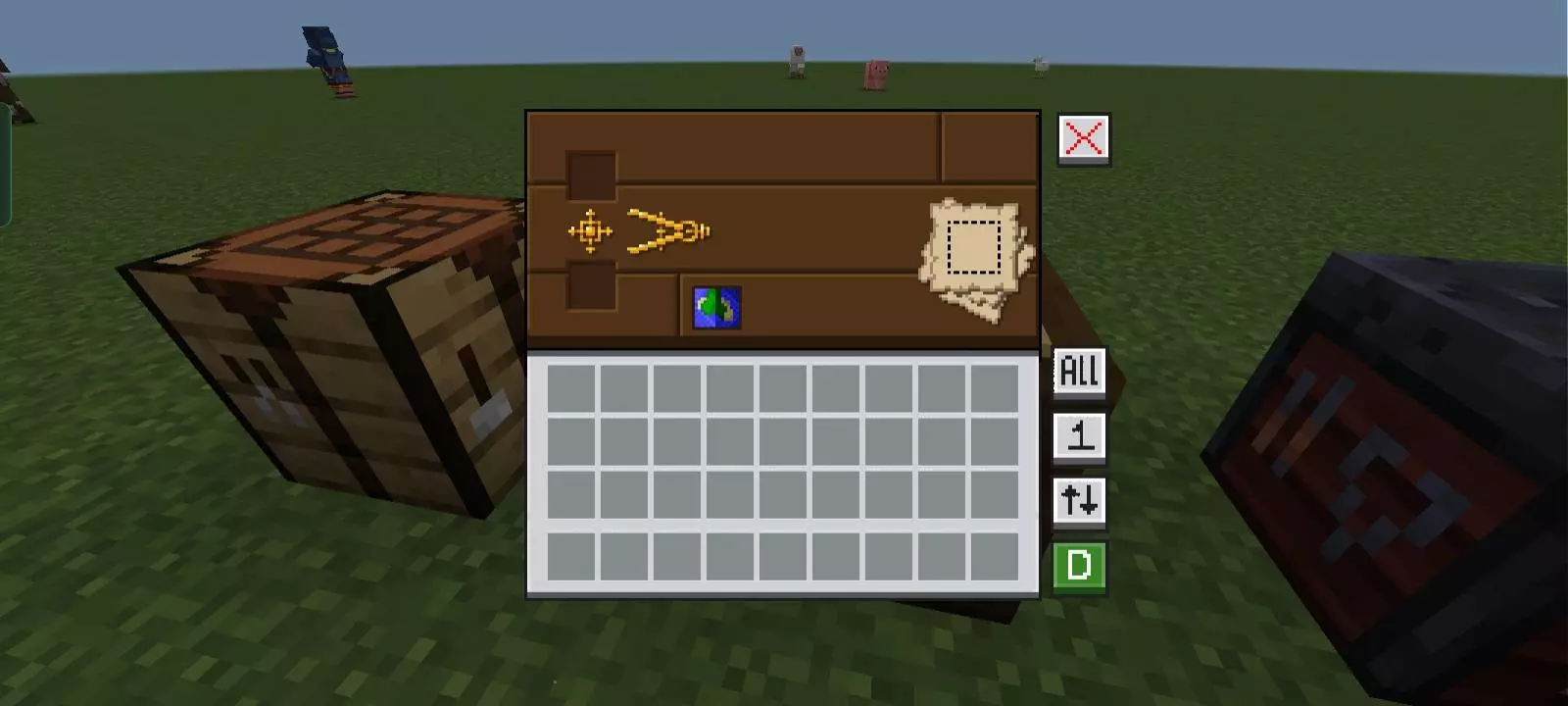
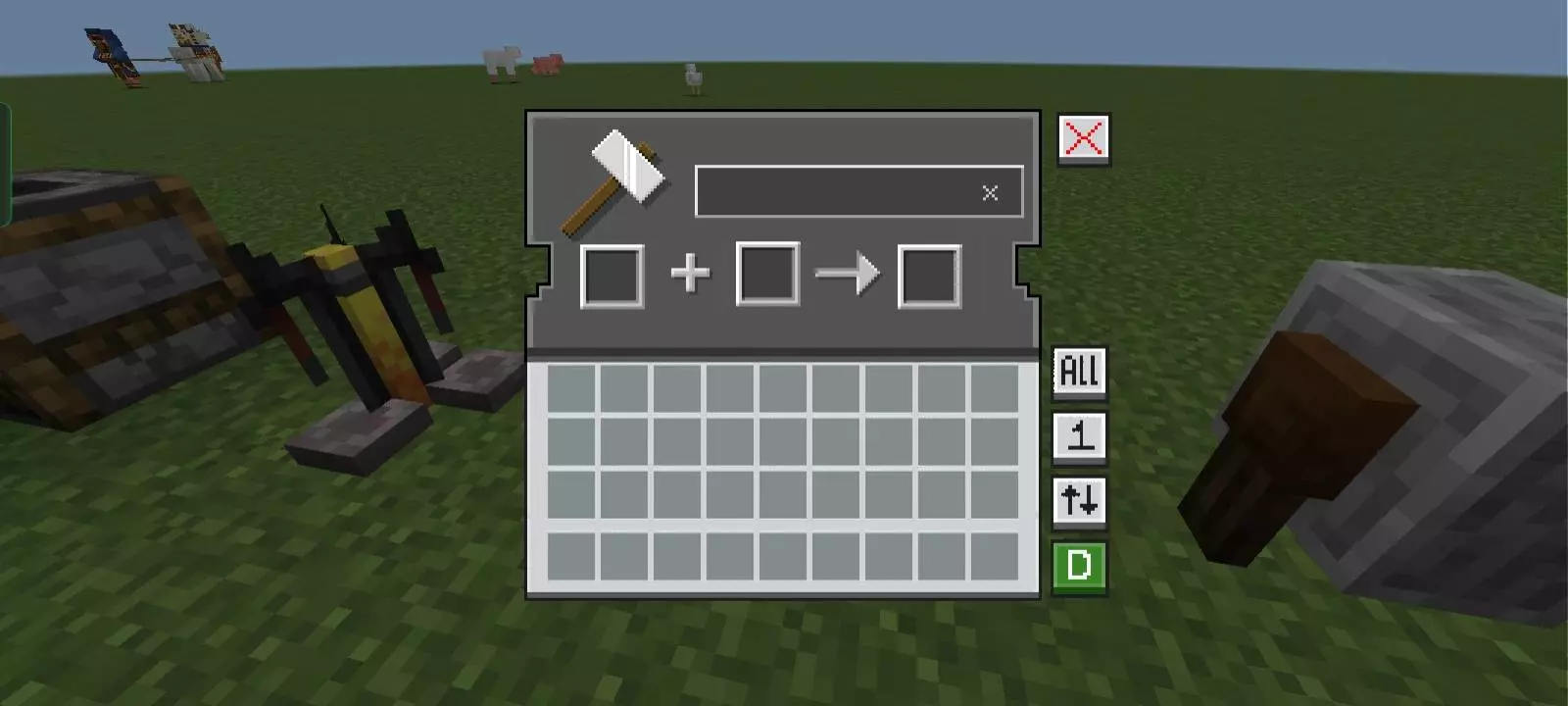
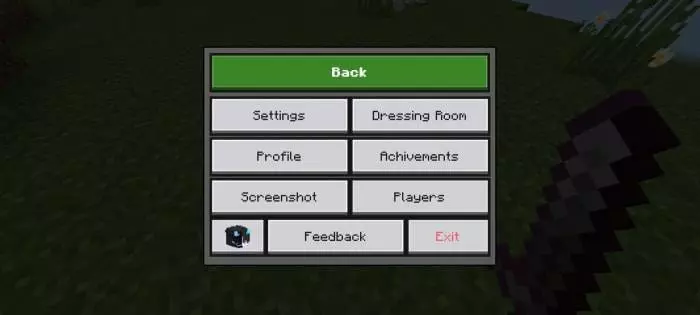
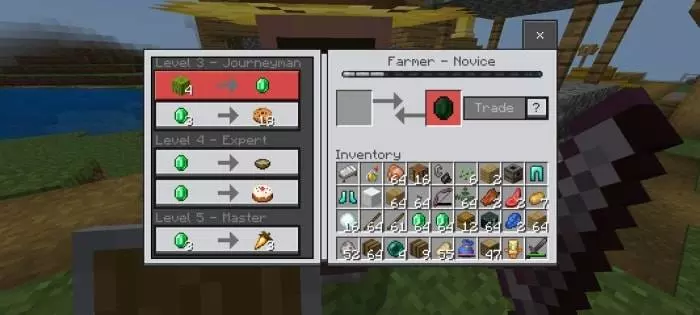
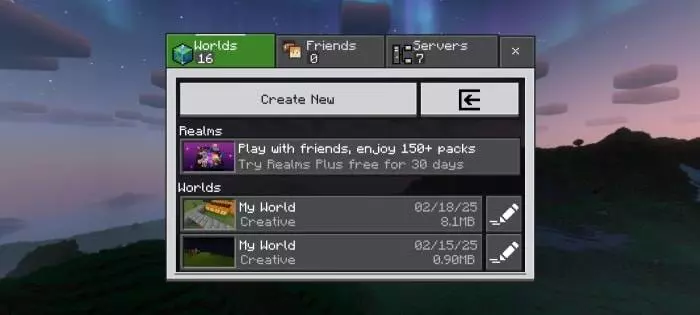
NeBux UI+ Texture Pack also adds a bunch of UI behavior changes that can make the game feel smoother. It includes F1 and F8 buttons like Java Edition, an exit warning to prevent accidental quits, and persistent screens so inventory and crafting won’t close when you take damage. It also removes the chat input character limit, adds chat quick buttons like Undo and Next, and includes chat select so you can click a chat line to pick command or chat. On top of that, it brings UI animations and tooltip animations that make the interface feel more modern without changing gameplay mechanics.
There are also a lot of HUD and inventory improvements built in. NeBux UI+ Texture Pack shows durability for armor and tools on the inventory screen, adds an inventory counter for remaining slots, and gives an inventory full warning on the HUD. It adds a working compass and clock on the HUD so you don’t need to craft them, and it includes an XP counter that’s visible in creative mode too. It also upgrades inventory buttons, adds custom GUIs for usable blocks like crafting tables and furnaces, and includes dimension loading screens matched to the dimension.
NeBux UI+ Texture Pack includes a fixed storage section in settings, adds a mod menu, and lets you adjust custom crosshairs through that menu. It also includes guides like an enchantment guide plus furnace, blast furnace, and smoker guides, and even adds an F3 debug screen. Dark mode is supported through a separate NeBux UI Dark Mode Extension pack that should be placed above the main pack. NeBux UI+ Texture Pack is a feature-packed Bedrock UI upgrade for players who want faster menus, better HUD info, and a more convenient interface for daily play.
Installation:
- Download Texture;
- Open the downloaded .mcpack to install;
- Select texture in settings;
- Done.
Comments (0)