Luvid Visuals – Shader
- 8-06-2026, 11:35
- 1 214
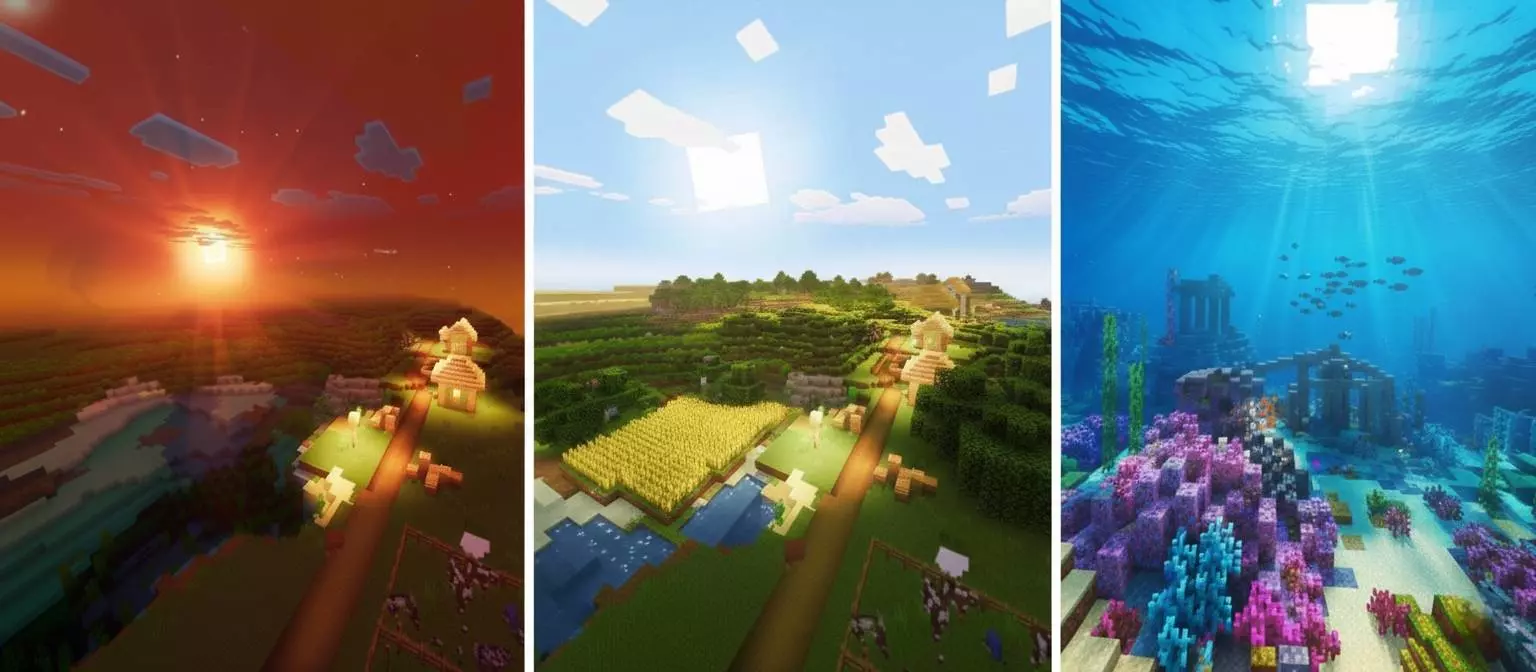
Luvid Visuals Shader is built like a full visual upgrade, not just a tiny lighting tweak. The whole idea behind it is clear from the start: take the world and make it feel cleaner, brighter, deeper, and more polished through a mix of cinematic styling and strong optimization. The description leans hard into that “lucid and vivid� identity, and that fits the pack really well, because every featured part is about clarity, depth, and stronger atmosphere instead of random visual noise.
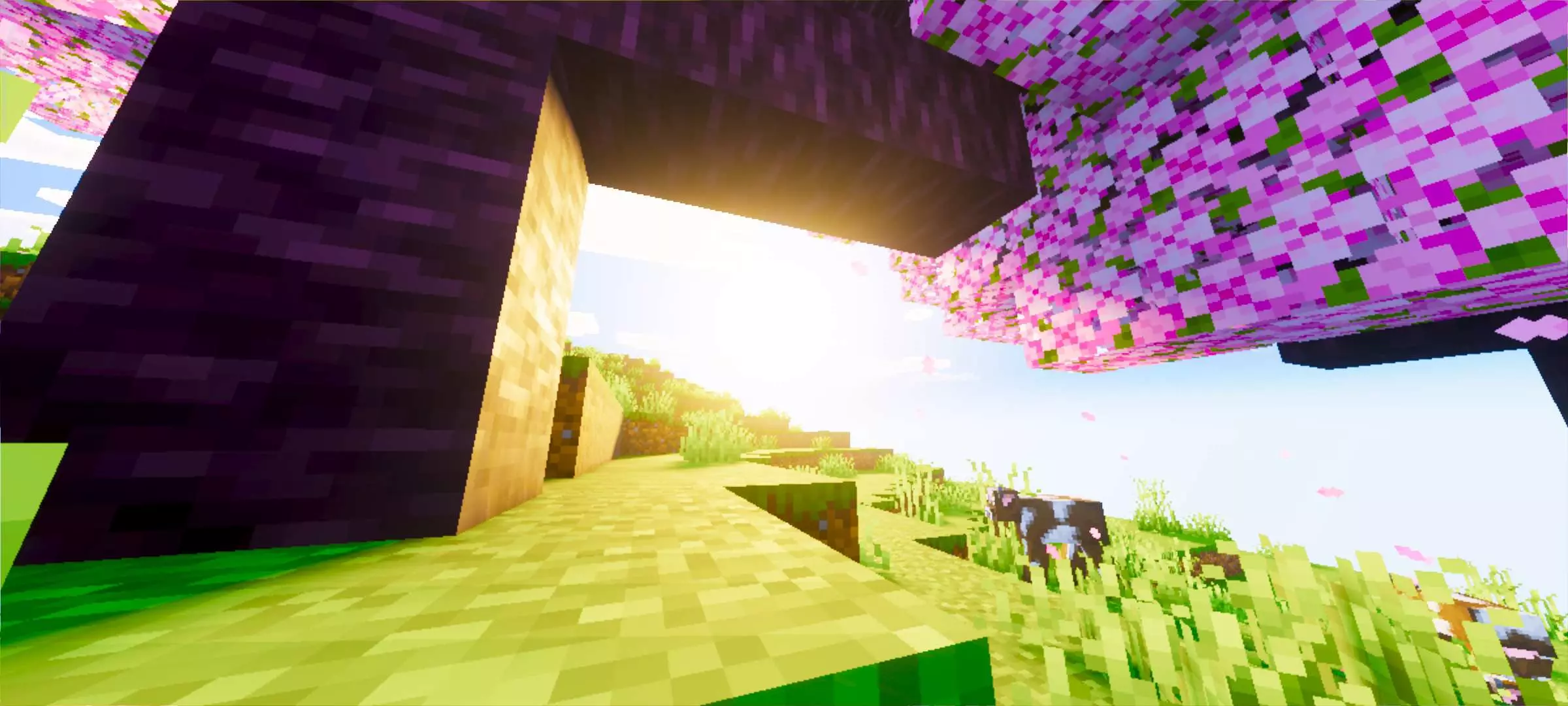
One of the biggest draws in Luvid Visuals Shader is the lighting work. The Dynamic Illuminance Engine is described as giving advanced sun and moon lighting, soft shadows, natural depth, and realistic light bounce across blocks. In actual play, that is the kind of thing you notice everywhere, not just in screenshots. Morning base work, late-night travel, cave entrances, rooftops, and even simple paths between buildings can feel better when the light has more shape and the shadows are softer instead of flat. The sky side sounds just as important, with deep atmosphere scattering, smooth horizon blends, rich Rayleigh scattering, and those “Alexandrite� sunset tones. That gives Luvid Visuals Shader a strong time-of-day identity, especially during the hours when the sky is supposed to carry the mood of the whole world.
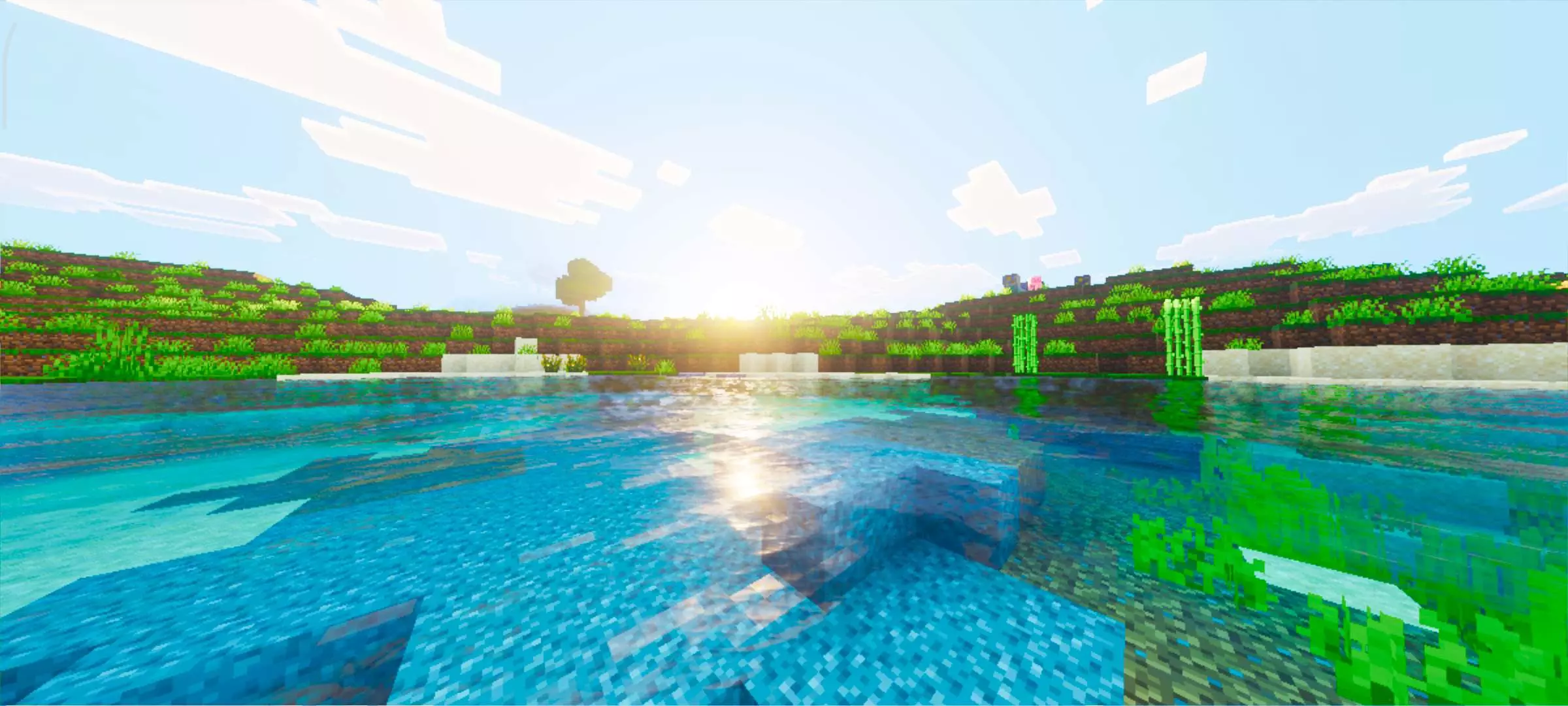
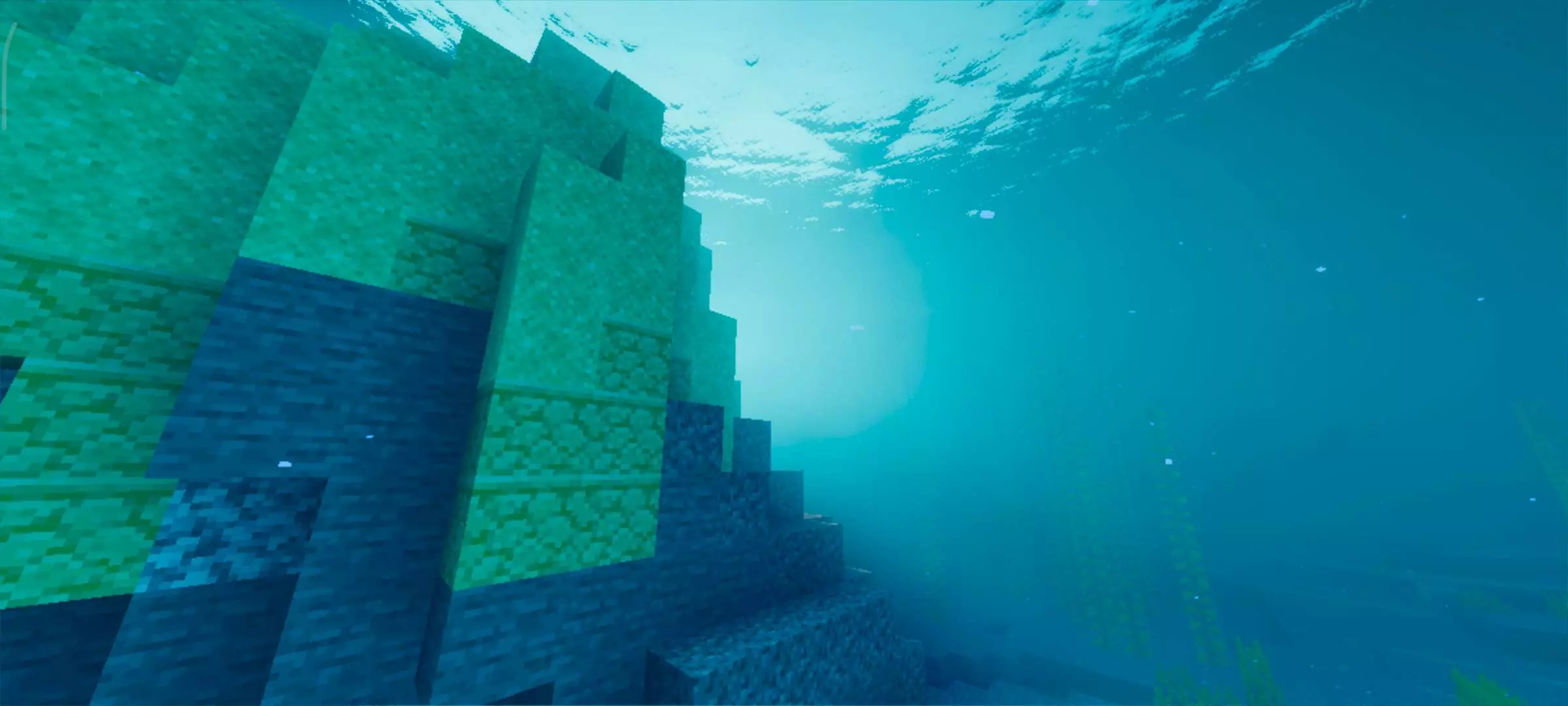
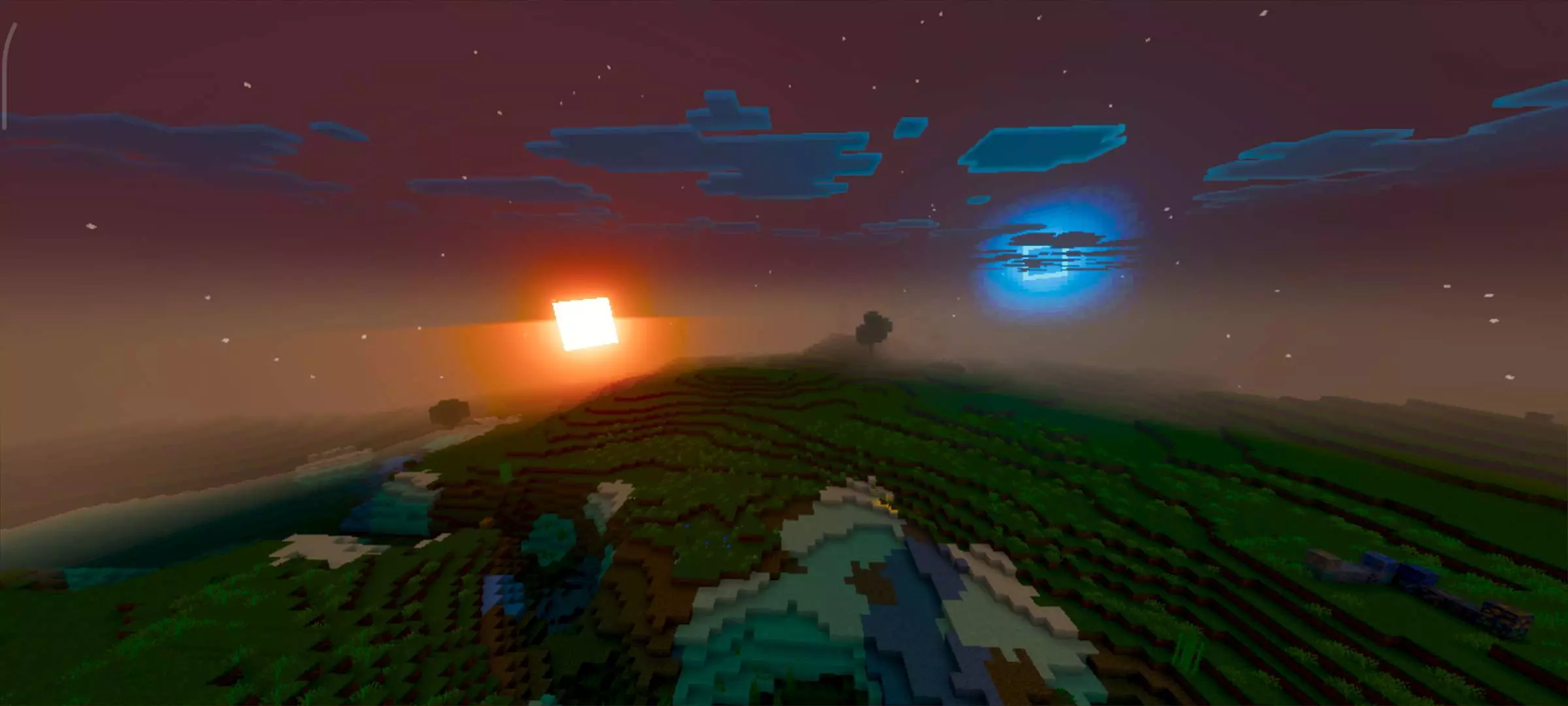

The water work also sounds like a major part of the pack’s style. Luvid Visuals Shader includes Crystal Clear Water 3.0, with ultra-transparent water physics, refined wave depth, realistic pull, and high-fidelity surface reflections. That is the kind of feature you end up noticing constantly in Minecraft Bedrock, because water is everywhere. Rivers, beaches, docks, lakes, and oceans all get more visual weight when the surface reflections and wave depth look cleaner. If you like building near water or just spend a lot of time exploring coastlines, this part alone can make the world feel much richer during normal gameplay.
The material and color side finishes the whole look. Luvid Visuals Shader uses a PBR fallback with custom metalness and roughness settings for a more polished surface feel, and it also uses ACES color grading to keep saturation, contrast, and highlights balanced. That matters because it stops the world from looking messy or overcooked even when the visuals are strong. Everything in the description points toward one goal: a world that looks premium, sharp, and cinematic while still feeling playable instead of overloaded. Luvid Visuals Shader sounds like a strong pick for players who want clearer lighting, better skies, cleaner water, and a more refined overall atmosphere in Minecraft Bedrock.
Installation:
- Download Shader;
- Open the downloaded .mcpack to install;
- Select texture in settings;
- Done.
Comments (0)