Saturation – Texture Pack
- 4-05-2026, 04:13
- 471
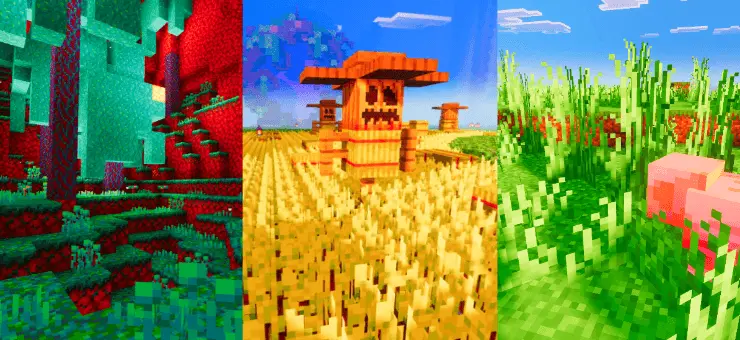
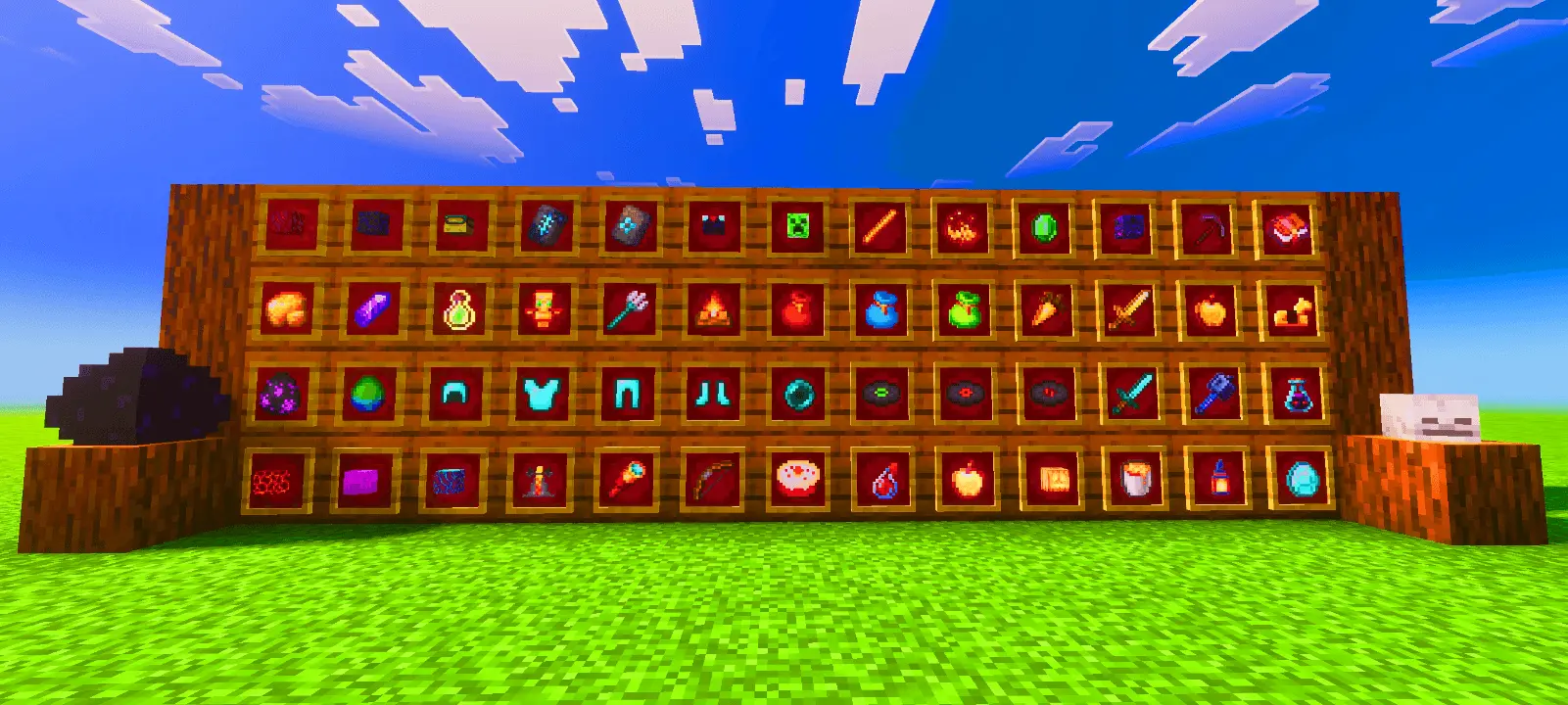
Saturation - The texture will add color saturation to the Minecraft Bedrock game. There are several options to increase the saturation by 100% or 200%. Saturation gives Minecraft Bedrock a richer color palette while keeping its familiar textures recognizable. Blocks, items, and the surrounding scenery receive stronger tones, making it an appealing choice if you like vanilla Minecraft but want a more colorful world.
The idea is straightforward: increase the intensity of the existing colors while preserving the original visual style. That matters if you’ve spent time choosing materials for a build and want to keep the patterns you already know. A texture pack can have a big effect on how a house or village looks, so familiarity has value. Here, the appeal comes from seeing those recognizable surfaces with more color behind them. It suits players who enjoy Minecraft’s pixel art and want that artwork to remain central to the scene. You can still appreciate the same block combinations, with the color treatment giving them a different overall mood.
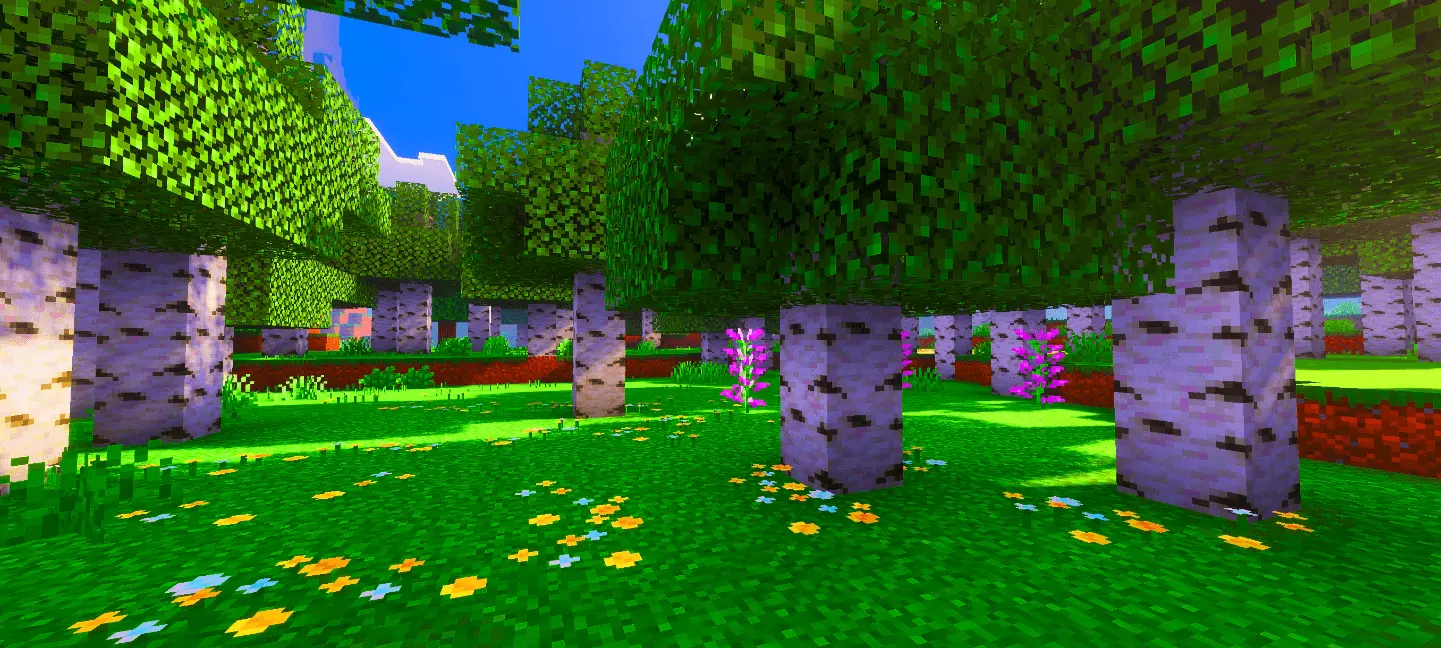
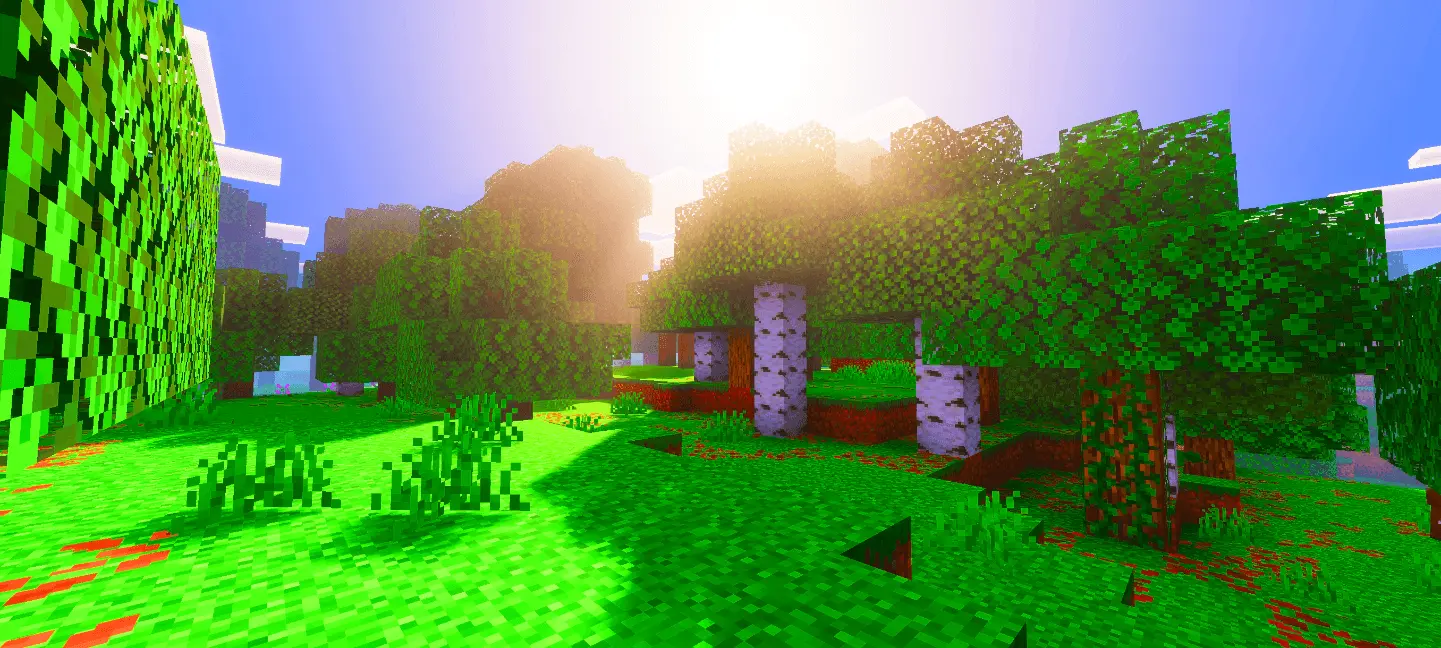
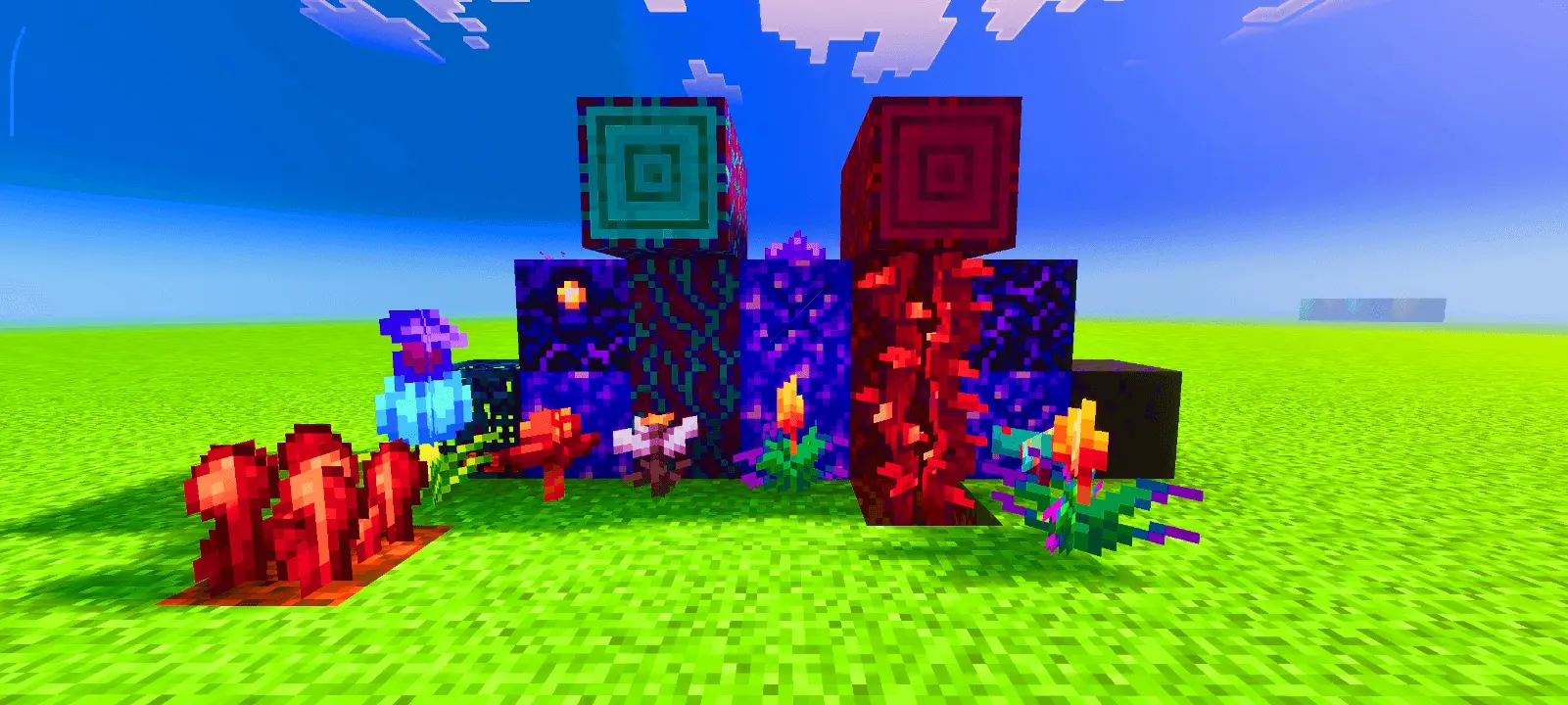
Outdoor locations offer plenty of opportunities to judge whether that mood works for you. A garden, a wooded hillside, or a village surrounded by fields gives you several colors to compare in one view. Saturation describes color intensity, so a colorful location is especially useful for understanding what the pack is trying to achieve. You could look at the flowers beside a path, then step back and take in the whole garden. Both views matter: individual textures should look appealing up close, and their colors should work together across the landscape. A familiar area near your base makes that comparison easier because you already have a clear picture of its usual appearance.
The pack also works without Vibrant Visuals, making its texture changes available independently of that graphics mode. It can be paired with a shader for a different presentation, although the lighting and color adjustments from another pack will influence the final look. The preview images deserve some context here: their saturation was increased externally, and a separate visual pack was used for those scenes. The textures on their own will therefore look less intense than those pictures suggest. Judging the pack in your own world is the clearest way to decide whether its colors suit your preferences, particularly if you already use other visual adjustments.
For building, a richer palette gives you another reason to revisit combinations of colorful and neutral materials. A bright roof, a decorated market stall, or a flower bed can become the focal point of a scene, with simpler surroundings giving the eye somewhere to rest. You don’t need to redesign an entire base to explore that idea. Start with a room, a courtyard, or the path outside your front door and see how the colors feel together. Saturation is a simple concept with a broad visual effect, aimed at players who want everyday Minecraft scenery to feel more lively while retaining the artwork they enjoy.
Installation:
- Download Texture;
- Open the downloaded .mcpack to install;
- Select texture in settings;
- Done.
Comments (0)