Custom Black Hole Cubemap – Texture Pack
- 22-09-2026, 04:37
- 464
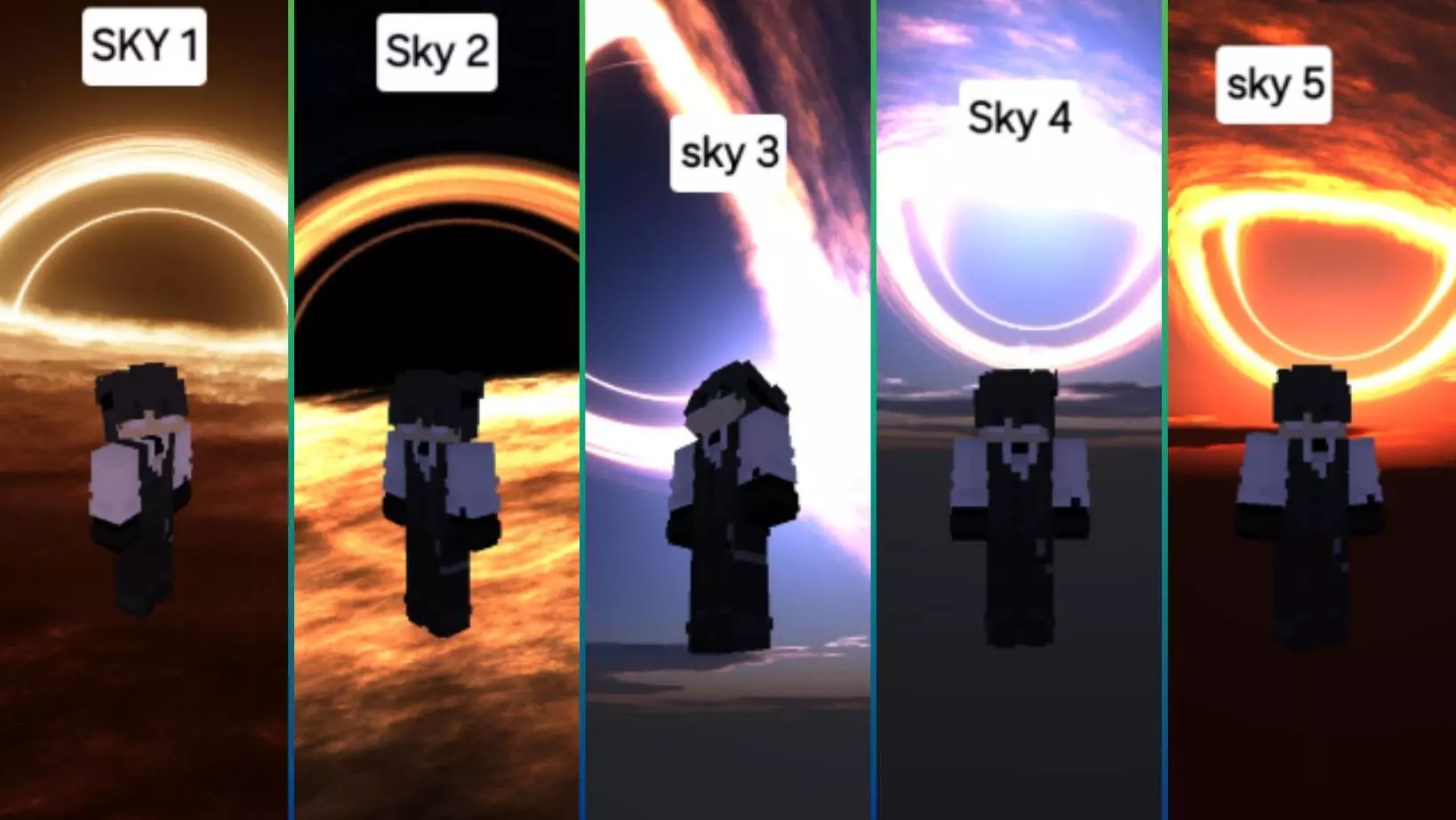
Staring at the exact same basic blue sky while you are sweating in a competitive PvP match gets incredibly boring, so the Custom Black Hole Cubemap completely revamps your Overworld into an insane cosmic backdrop. It drops a massive, high-resolution black hole right above your map to give your arena fights a super cinematic vibe without tanking your frame rate.
I swap out my skies all the time to keep things looking fresh, and honestly, trying to get a decent custom skybox to work on Bedrock usually means messing around with weird third-party MB loaders or dealing with awful lag spikes. This pack completely bypasses all that technical garbage. It runs incredibly smoothly right out of the box on the official Minecraft engine, meaning you literally just activate it in your settings and jump straight into your fights. The creator actually packed in five completely different subpacks, so you get five distinct, highly detailed black hole variants to choose from. Whether you want something that looks terrifyingly realistic or a sky that has more of a vibrant, sci-fi energy, you can easily swap the aesthetic depending on the vibe you want for your current session.

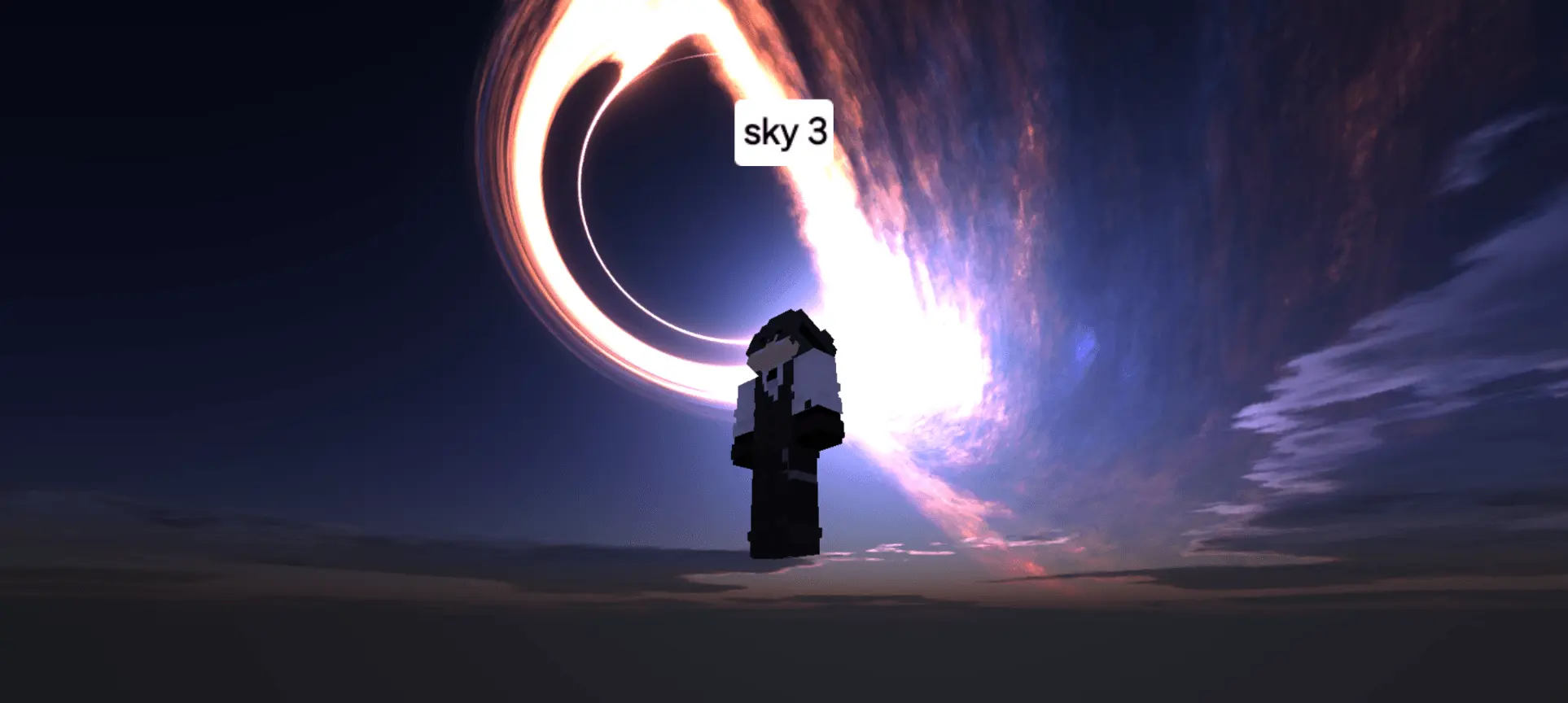


Running a clean, dark cosmic background completely changes the feel of standard combat. It makes your gameplay clips look way more professional, especially if you are recording your duels or streaming your survival runs. Since the entire pack is heavily optimized for performance, you do not have to worry about random input delay right when you are trying to land a critical combo on another player. A lot of aesthetic mods end up ruining your client's stability, but this one is built specifically to keep your FPS high while making your game look absolutely cracked.
If you usually run high-performance texture packs but absolutely hate how empty and lifeless the vanilla sky looks, this is a must-have download for your loadout. Drop this massive visual upgrade into your active MCPE worlds, tell your squad to equip their sweatiest PvP skins, and swap out those boring clouds for an actual cosmic anomaly today. It is easily one of the cleanest visual tweaks you can add to your client right now.
Installation:
- Download Texture;
- Open the downloaded .mcpack to install;
- Select texture in settings;
- Done.
Comments (0)