Red Black Anime Skin
- 14-08-2026, 04:52
- 348
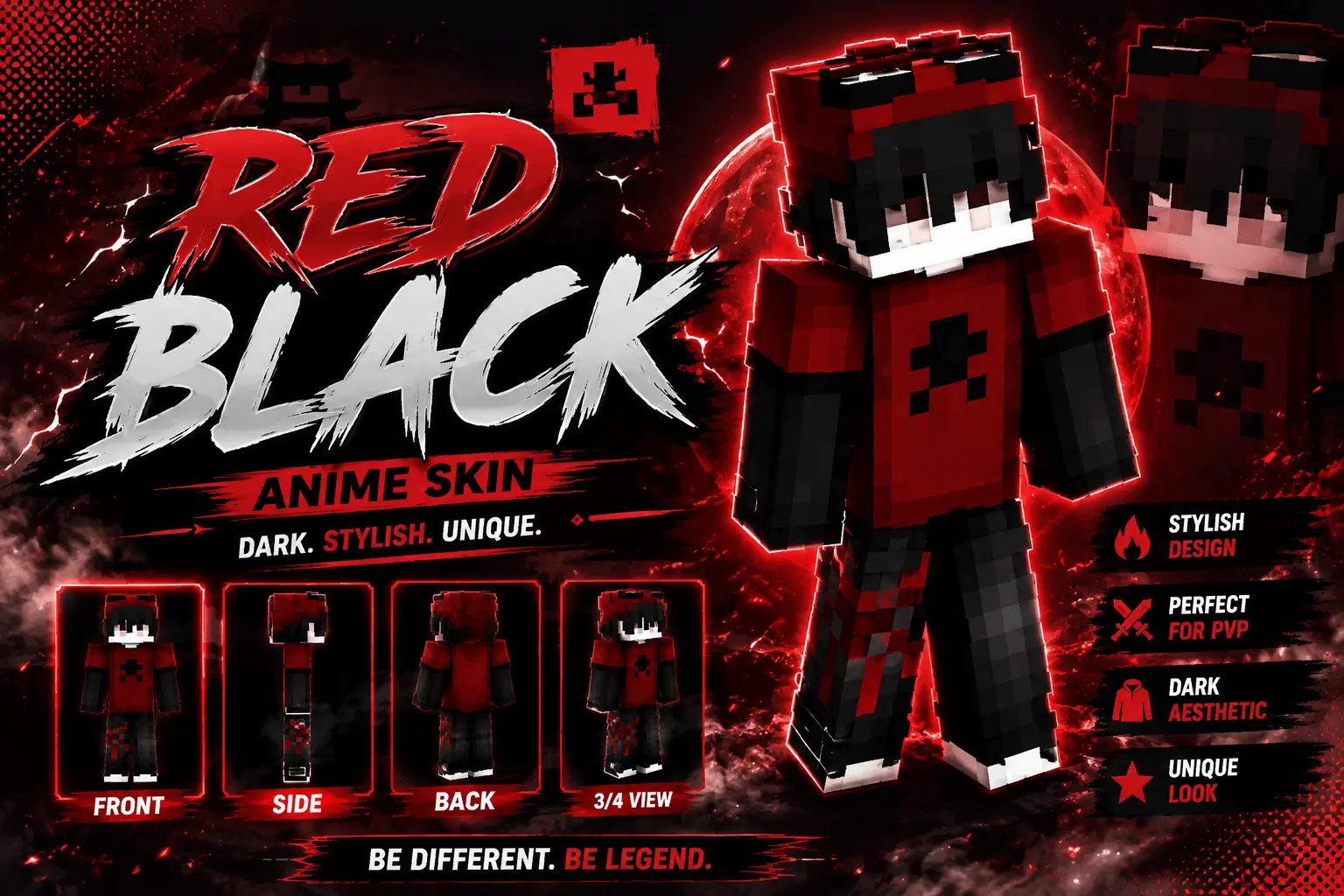
Throwing on the Red Black Anime Skin instantly gives your character that classic, edgy streetwear look. It’s a clean, dark design made specifically for players who want to sweat out PvP matches without looking like a total noob.
I don't know about you, but I get incredibly annoyed scrolling through pages of custom outfits that are totally over-shaded. You finally download one, load into a world, and it just looks like a blurry mess of pixels. This specific outfit dodges all that garbage. The creator kept the colors super flat and high-contrast. You get stark black hair, a deep red hood, and a dark jacket that actually looks sharp when you're sprinting around.
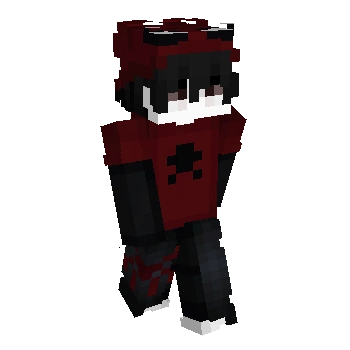
If your main thing is grinding SkyWars or running duels, you kind of need a slimmer, distraction-free model. Bulky character designs just block your screen when you switch to third-person view. This setup is lightweight and keeps your field of view wide open. Plus, the dark color scheme is actually a huge advantage if you're trying to sneak around unlit bases on a multiplayer server.
There are thousands of edgy Minecraft Bedrock skins floating around the internet, but most of them are completely unusable. This MCPE anime skin is one of the rare exceptions that actually looks decent in-game. Do yourself a favor, grab this custom Minecraft PvP skin, and swap out that tired old avatar before you queue up again.
Quick guide: How to install this Minecraft skinpack
Downloaded the .mcpack file? Here is exactly how to get it into your game depending on what device you are using right now.
- On Windows or Android: Just click or tap the downloaded file twice. Minecraft will open up on its own and load the skins immediately.
- On iPhone or iPad: Save the file, open your Files app, and hold your finger on it. Hit Share, select Minecraft from the list, and the game will handle the rest.
To put the skins on, just open Minecraft, head over to the Dressing Room (Profile), click on Classic Skins on the left, find this pack under Owned, and tap Equip.
Comments (0)