Half Bright-Dark UI – Texture Pack
- 22-09-2026, 09:26
- 146
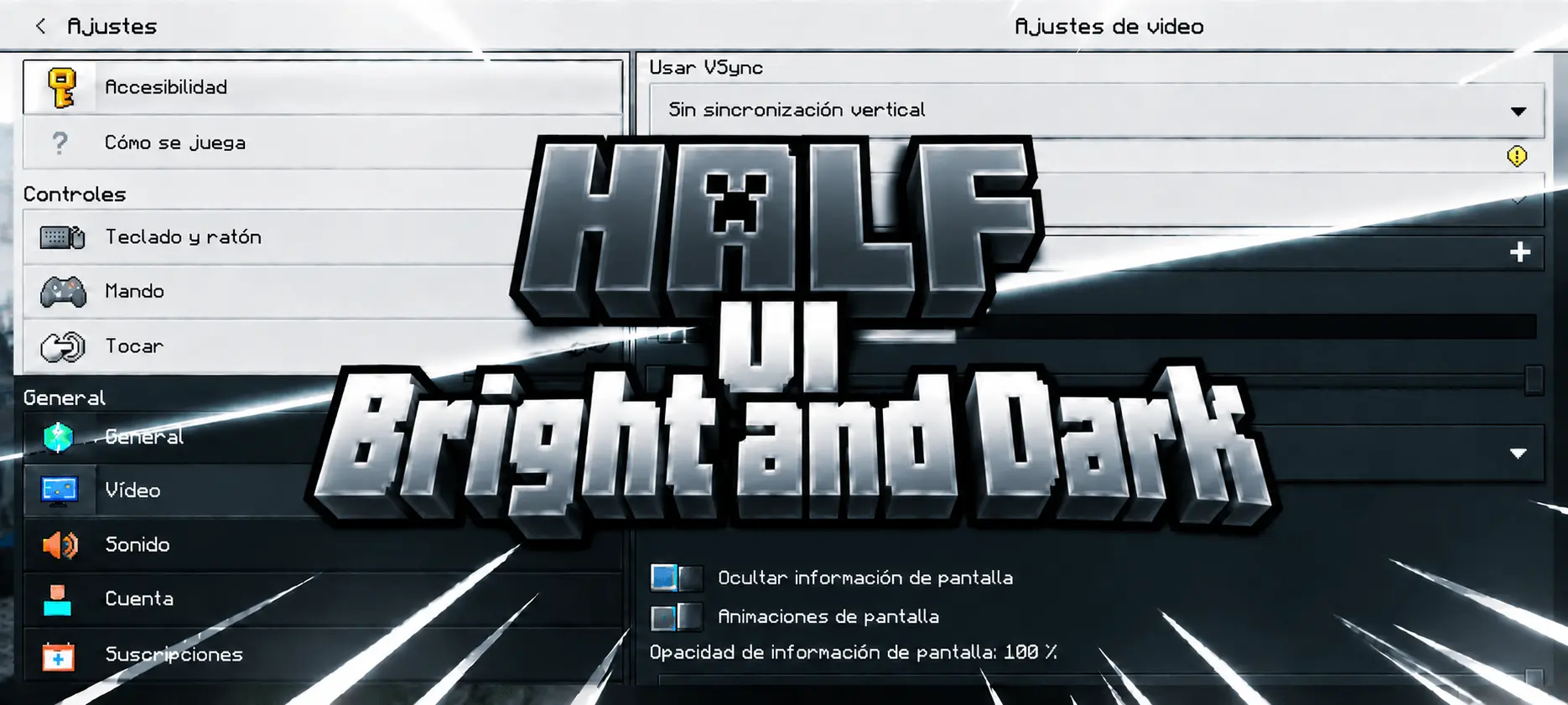
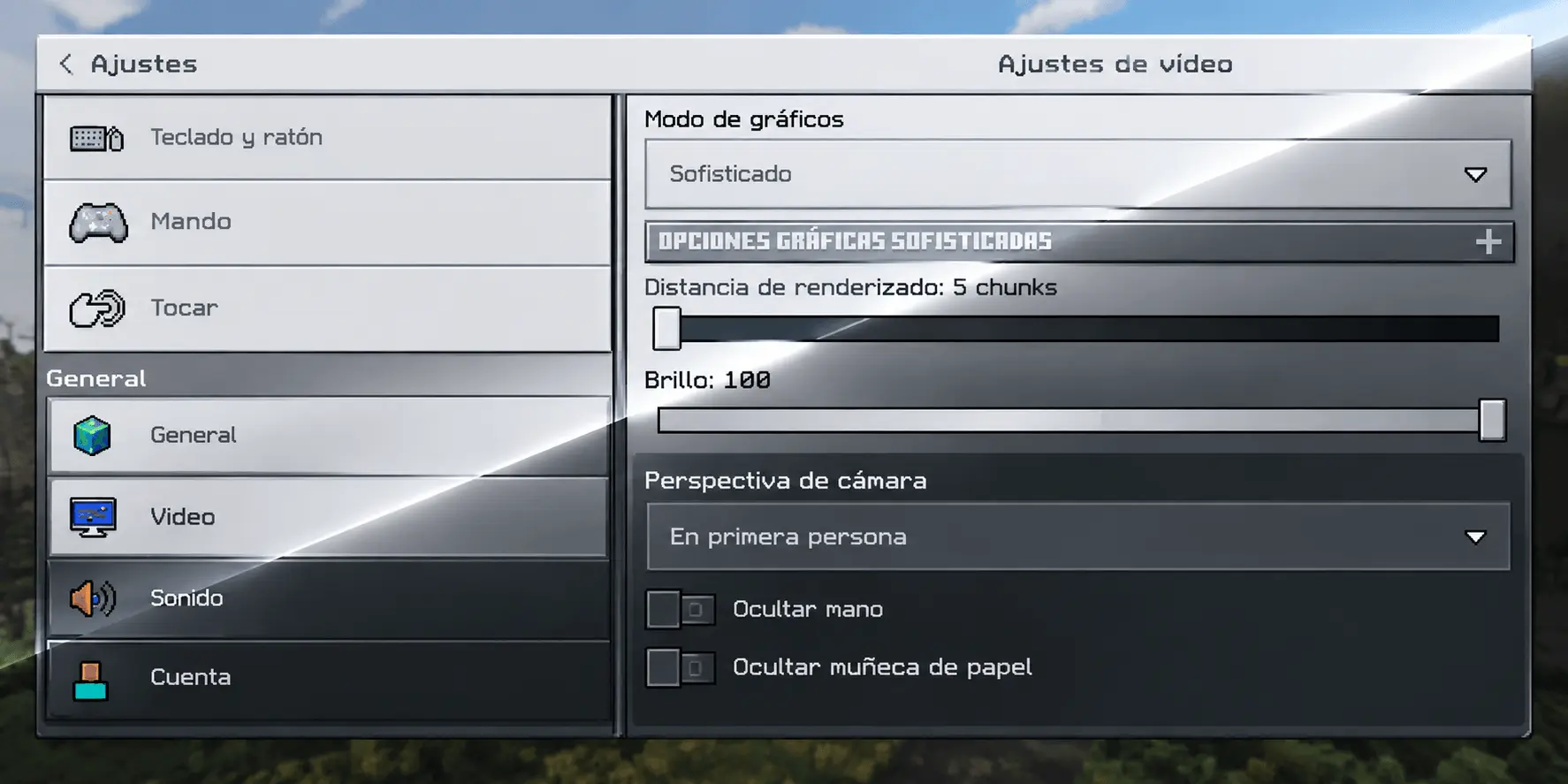
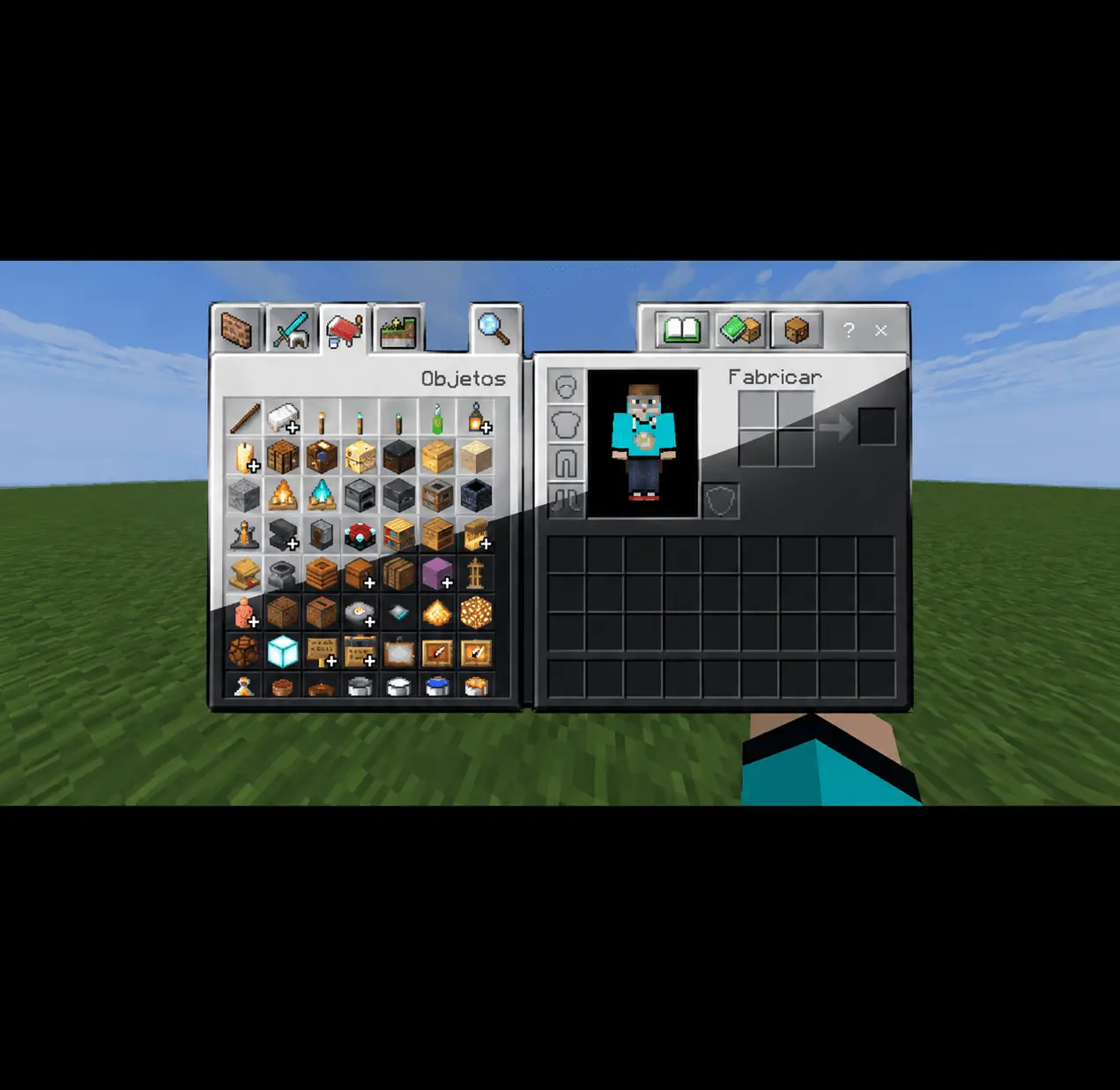
Getting flashbanged by the default inventory screen at 2 AM is actual torture, but the Half Bright-Dark UI completely overhauls your menus with a clean, cinematic gradient. It perfectly bridges the gap between a harsh light mode and a basic dark theme, giving your entire interface a highly polished, modern upgrade.
If you grind Bedrock Edition for hours on end, you already know how exhausting the standard GUI can be on your eyes. A lot of people just download a basic dark mode that aggressively turns every single panel pitch black, which honestly looks incredibly cheap and makes item sorting feel lifeless. This specific pack takes a completely different approach. Instead of a flat, lazy recolor, the creator designed a smooth silver-blue tone at the top of the screen that slowly fades down into a deep, almost-black shade at the bottom. It gives your menus actual depth, making the game feel like a premium, high-end RPG.
The craziest part about this download is the pure attention to detail. The developer didn't just slap a single gradient over the main pause menu and call it a day. Every single piece of your interface has been meticulously redesigned so the color fade reads correctly. Whether you are checking compact tooltips, opening your crafting table, or scrolling through chat boxes, the gradient scales perfectly to fit the element. Massive screens like your profile page get the full dramatic visual sweep, while smaller buttons get a tight, compressed version of the fade.
Because this is strictly an interface tweak, it runs flawlessly on any device without causing random lag spikes. It is honestly the ultimate baseline add-on to pair with your favorite high-resolution texture packs or PvP resource packs, since it only overhauls your menus and leaves your block textures completely untouched. If you are tired of settling for ugly, flat screens and want a genuinely elegant setup for your Minecraft Bedrock client, you absolutely need this installed. Grab this custom UI tweak, organize your inventory in style, and give your eyes a much-needed break during your next late-night session.
Installation:
- Download Texture;
- Open the downloaded .mcpack to install;
- Select texture in settings;
- Done.
Comments (0)