Ultimate Asset Pack Map
- 19-02-2026, 05:30
- 606
Adventure Maps / Creation Maps / Survival Maps
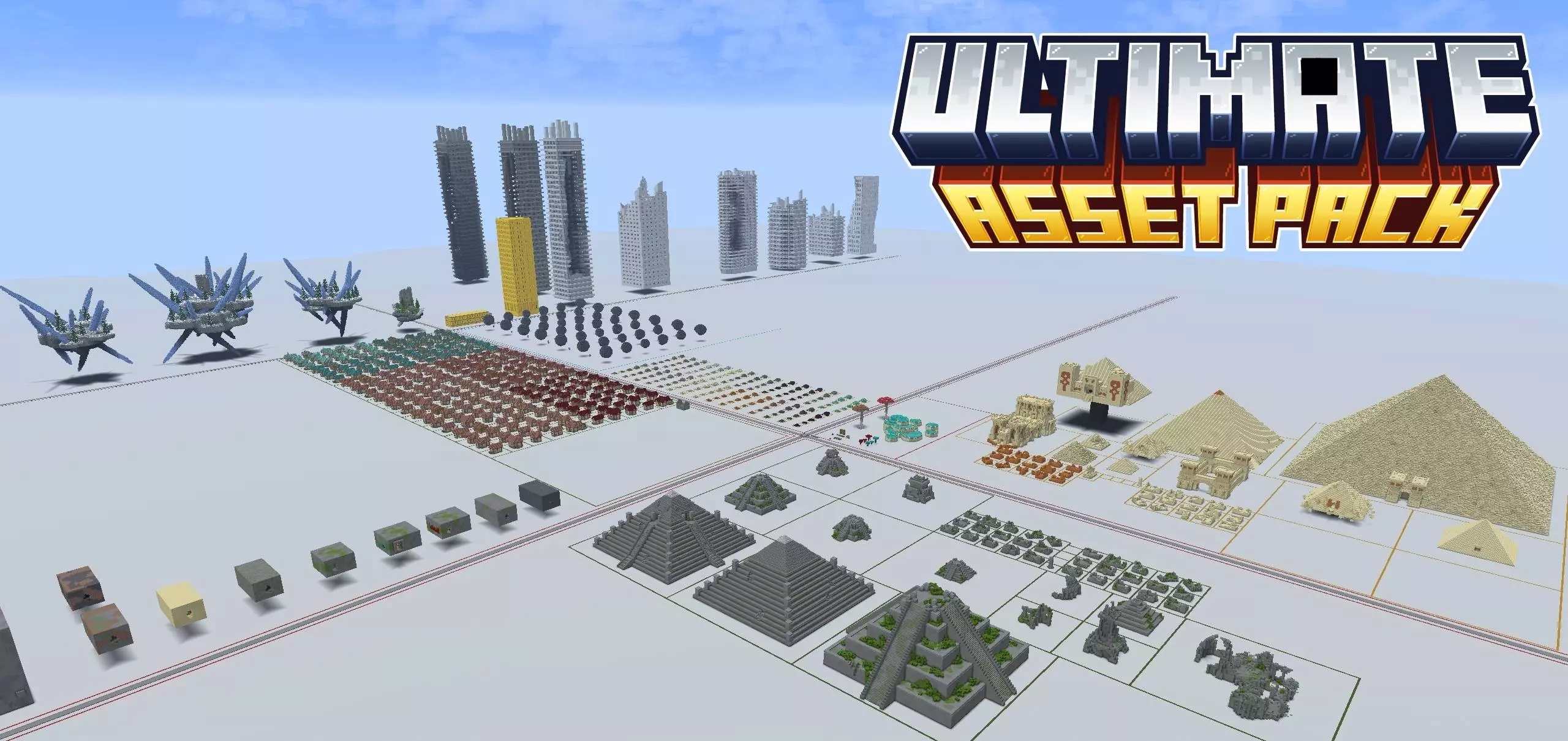
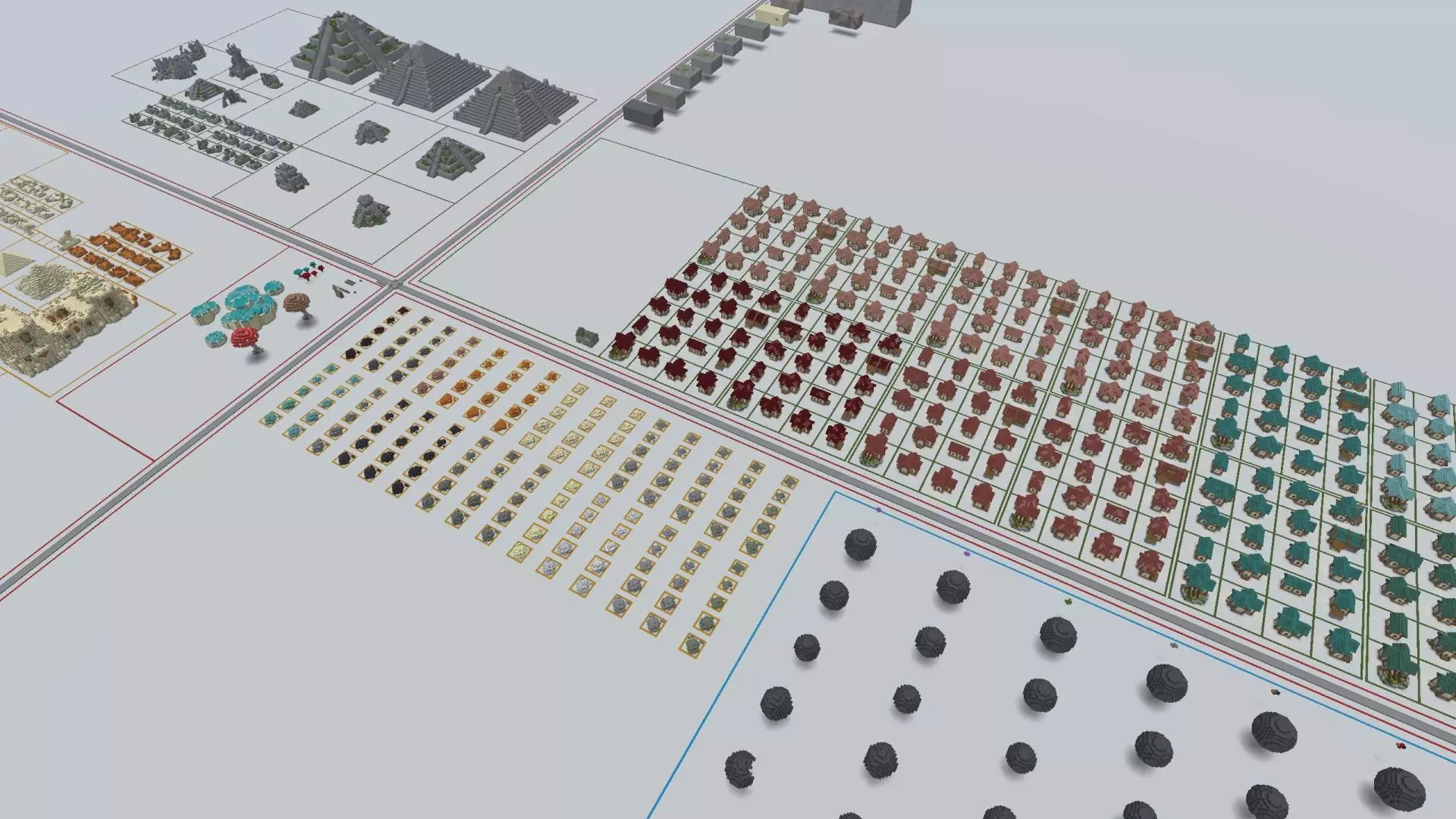
Ultimate Asset Pack Map is basically a builder’s playground where the main value is how much variety is sitting right in front of you. Instead of hunting for references or trying to remember how you built something weeks ago, you can load this world and immediately browse through a massive set of custom assets in one place. With 530 different pieces included, it’s the kind of map you keep installed and come back to whenever you need inspiration or a clean starting point for a new project.
The assets cover a wide range of themes and shapes, so you’re not locked into one aesthetic. You’ve got rocks and geodes for natural terrain dressing, medieval and fantasy houses for cozy towns or quest hubs, and desert temples, ruins, and houses when you want that sunbaked adventure vibe. On top of that, there are jungle ruins and temples for overgrown exploration builds, plus abandoned buildings that instantly sell that “this place used to be alive� feeling without you needing to design decay from scratch.
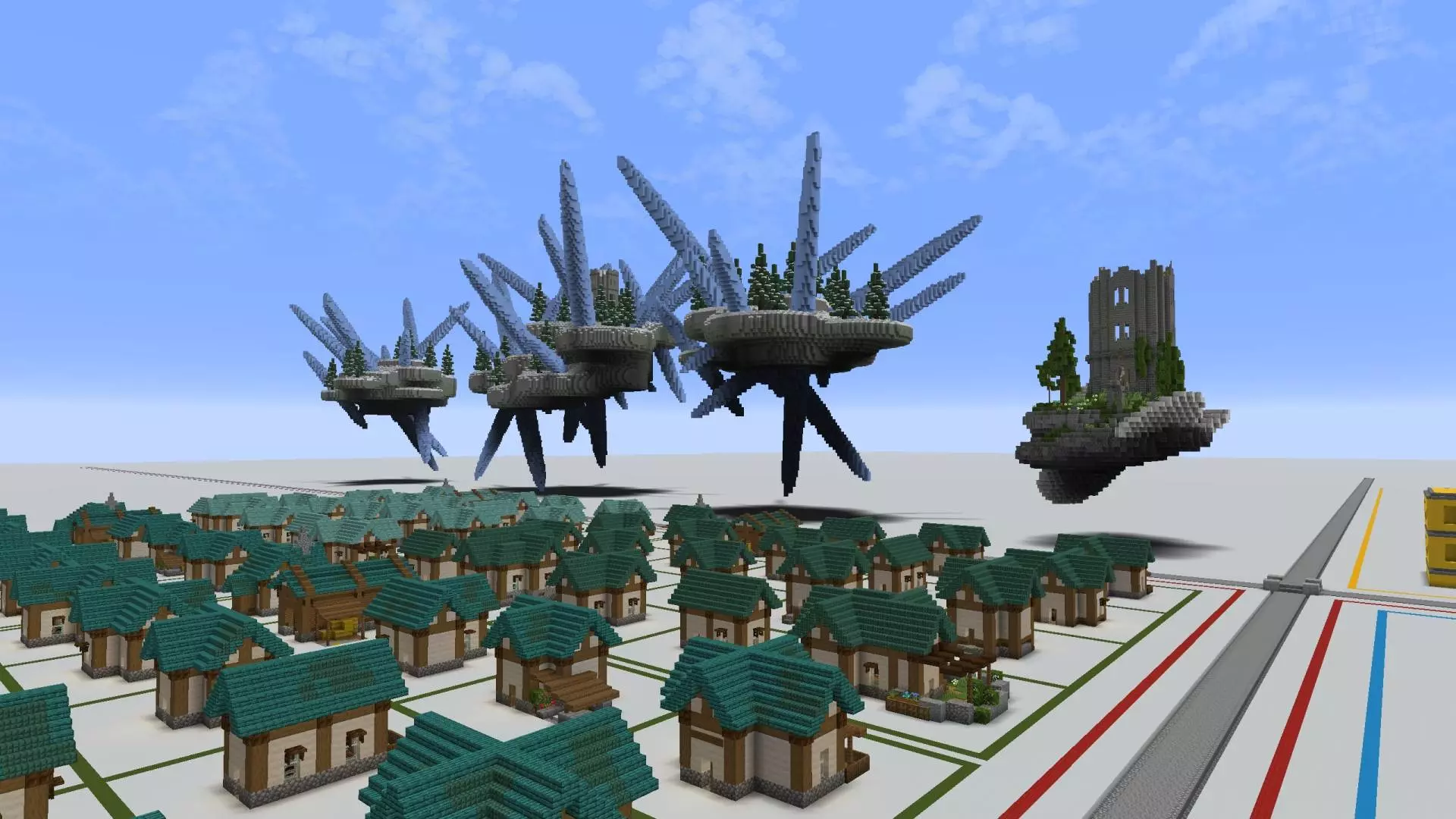
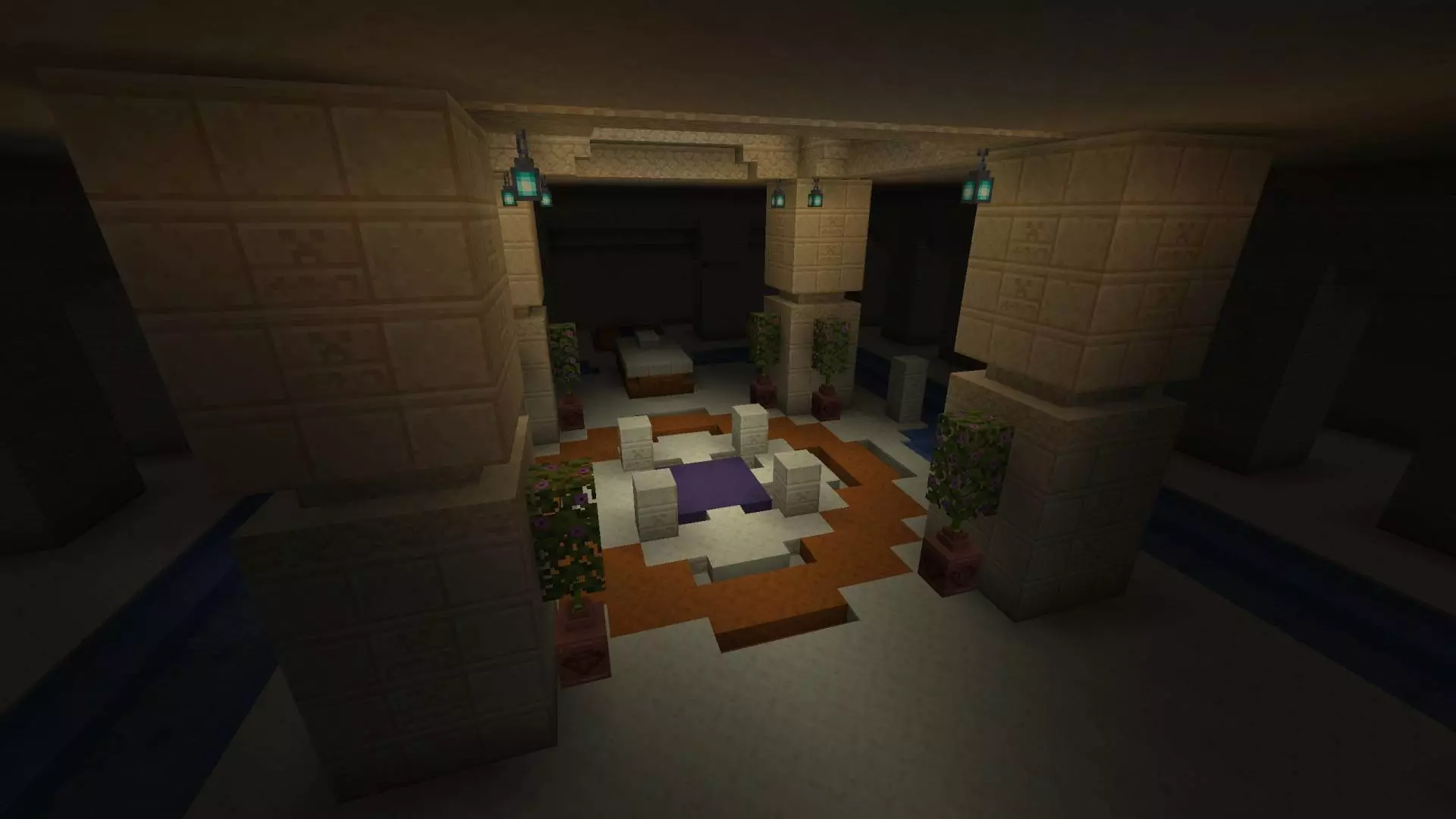
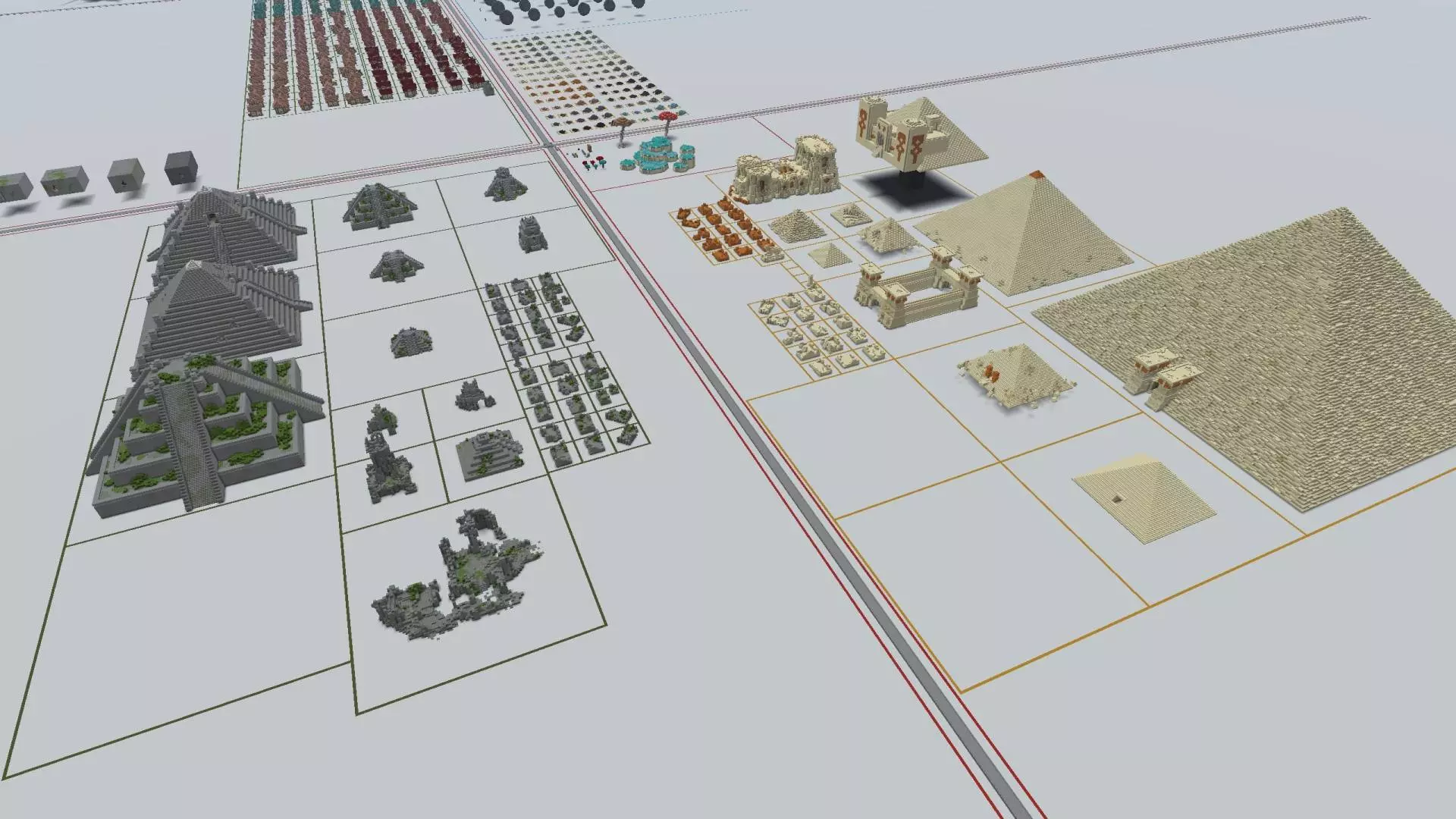
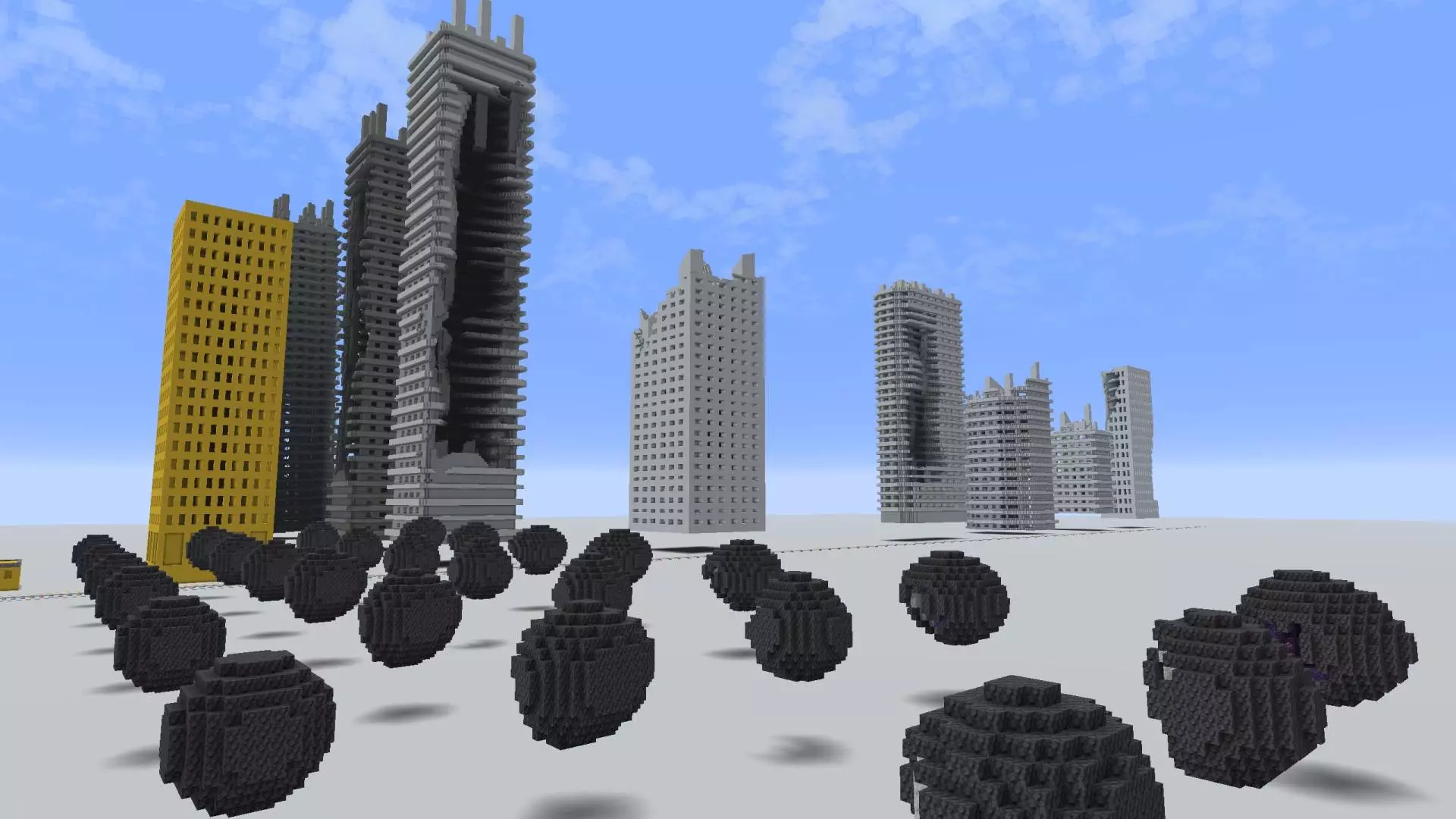
What makes Ultimate Asset Pack Map especially useful is how easily you can mix moods. You can grab a few medieval-style houses and set them near ruins to make a story location, or use rocks and geodes to make the environment feel less flat and more intentional. Sky islands are also included, which is perfect when you’re trying to build something that feels dramatic and separated from the normal ground-level world. And having dungeon assets ready to reference is clutch when you want compact, game-like spaces that feel structured instead of random caves.
Practical tip: don’t treat Ultimate Asset Pack Map like something you “finish.� Treat it like a toolbox. When you’re building in Minecraft Bedrock and you hit that moment where you’re stuck—like your town feels empty, your desert area looks bland, or your jungle build needs a centerpiece—jump back into Ultimate Asset Pack Map, pick a matching asset style, and use it as a visual guide so your next build stays consistent. Ultimate Asset Pack Map is at its best when you use it as your personal asset library that keeps your worlds looking more detailed without you having to reinvent everything every time.
How to install?
Android: you need to find the downloaded file on your phone, use any file manager for this and import the map into the game by opening it.
IOS: after receiving the map, the device itself will offer to install it.
Windows 10: go to the folder where the files are downloaded, find mcworld there and activate it.
Comments (0)