Chest + bed esp – Addon / Texture Pack
- 17-01-2026, 13:06
- 3 367
Mods 1.21 / Mods 1.20 / Textures
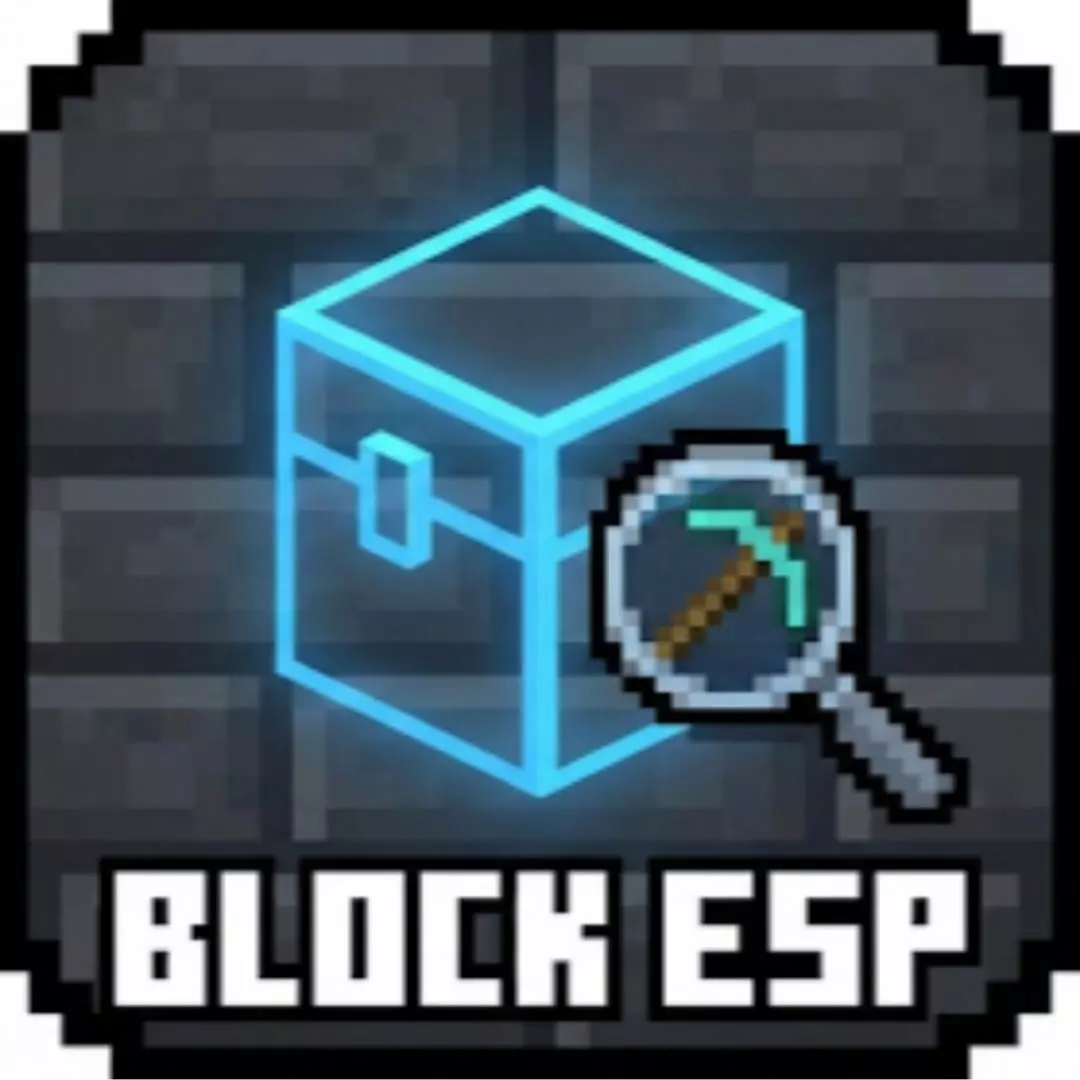
Block ESP is basically “X-ray, but only for the stuff you actually stash things in.” Instead of lighting up every block in the world, it’s tuned to highlight storage and utility objects so you can navigate messy terrain and still find the important containers quickly.
The main idea is focused detection. Block ESP is made to outline Chests clearly through solid blocks, and that usually includes Trapped Chests too. Depending on the version you’re using, it may also catch things like Ender Chests or Barrels, but the point stays the same: you’re hunting for storage targets and nothing else. It also highlights Bells, which is clutch when you’re trying to locate village centers without wandering in circles.
A buried chest can be only a few blocks away while you spend ten minutes digging in every wrong direction. Chest + Bed ESP makes certain useful objects visible through blocks, giving you a clearer way to spot them without turning every ore in the world into a glowing marker.
The pack focuses on chests and other specific objects rather than highlighting the entire landscape. Chests can show through terrain and walls, while beds and enchanting tables are supported as well. Bells are another highlighted object, making them useful landmarks when you’re looking around a village. The result is a focused visual aid: you can notice a target behind obstacles, then decide how to reach it. You might see a chest while approaching a structure and choose to investigate it before moving on to the next part of your trip. The pack doesn’t open a container for you or reveal what’s inside, so you still need to make the trip and check the contents yourself.
Buried treasure is an obvious place to try it. If you’ve reached the right stretch of coast but can’t tell where the chest is hidden, the outline can help narrow down where to dig. The same idea is useful in a complicated structure where rooms, corridors, and levels overlap. A chest visible beyond a wall can tell you there’s something worth checking nearby, though you’ll still need to find a route and deal with whatever is in the way. That can save a lot of backtracking when you’re exploring a place with several floors and aren’t sure which rooms you’ve already checked. Bring your normal supplies; seeing a container doesn’t make the surrounding area safe.
Beds and enchanting tables give the pack uses beyond looking for loot. You might spot a bed while navigating a village or locate an enchanting setup in a building you’re trying to find your way through. At your own base, the highlights can help you locate a chest you placed behind a wall or misplaced during a large renovation. If you’ve expanded your storage over several sessions, that visual cue may help you find the room you’re looking for without opening every doorway. Because the pack is aimed at specific objects rather than ores, the screen is less crowded than it would be with every diamond and gold block highlighted at once. That makes the information easier to read while you move.
Chest + Bed ESP is a handy resource pack for players who want help finding particular objects in their Bedrock worlds. Use it to track down a buried chest, orient yourself around a building, or locate storage you’ve lost track of in your own base. On multiplayer servers, check whether ESP-style packs are allowed before using it, since the ability to see through blocks can give players an advantage. For a private world or a group that agrees to use it, the pack offers a focused way to spend less time searching and more time deciding what to do with what you find.


My survival house is a pretty good place to find out whether I actually like something I've installed. It's not an impressive build. The roof is slightly uneven, my storage room is overcrowded, and there's a cow that keeps wandering around the front garden. But I know every corner of that place. When I try something unfamiliar, I can tell pretty quickly whether it feels comfortable in a world where I'm already busy doing other things. I'll spend some time around the house, head toward the nearby forest, and occasionally check what happens in a different location. I don't always need to construct some elaborate testing area. Last week, I got distracted while checking out a download and ended up repairing the path beside my farm. That wasn't part of the plan, but I had a good time anyway. The cow was still standing in the garden when I finished. Some problems are apparently permanent.
What it doesn’t do is just as important. Block ESP is ore-free, so you won’t get diamonds, gold, netherite, or random building blocks glowing everywhere. That keeps the view clean and readable, which matters a lot in places like dark caves, dungeons, bastions, and other cramped areas where cluttered visuals usually make you miss the thing you’re looking for.
In real gameplay, this pack is a straight-up time saver when you’re exploring generated structures and you don’t want to comb every room the slow way. It also fits treasure-hunting vibes, like tracking down buried chests, and it helps you spot Bells to find villages faster. Just keep it respectful: on multiplayer worlds and servers, packs like Block ESP can be against rules or feel unfair, so it’s best used where you have permission and everyone’s cool with it. If you want a targeted “loot finder” feel without turning your game into full X-ray chaos, Block ESP is built to do exactly that in Minecraft Bedrock.
Installation:
- Download Texture;
- Open the downloaded .mcpack to install;
- Select texture in settings;
- Done.
Comments (0)