Storage Network Mod / Addon
- 18-01-2026, 12:50
- 751
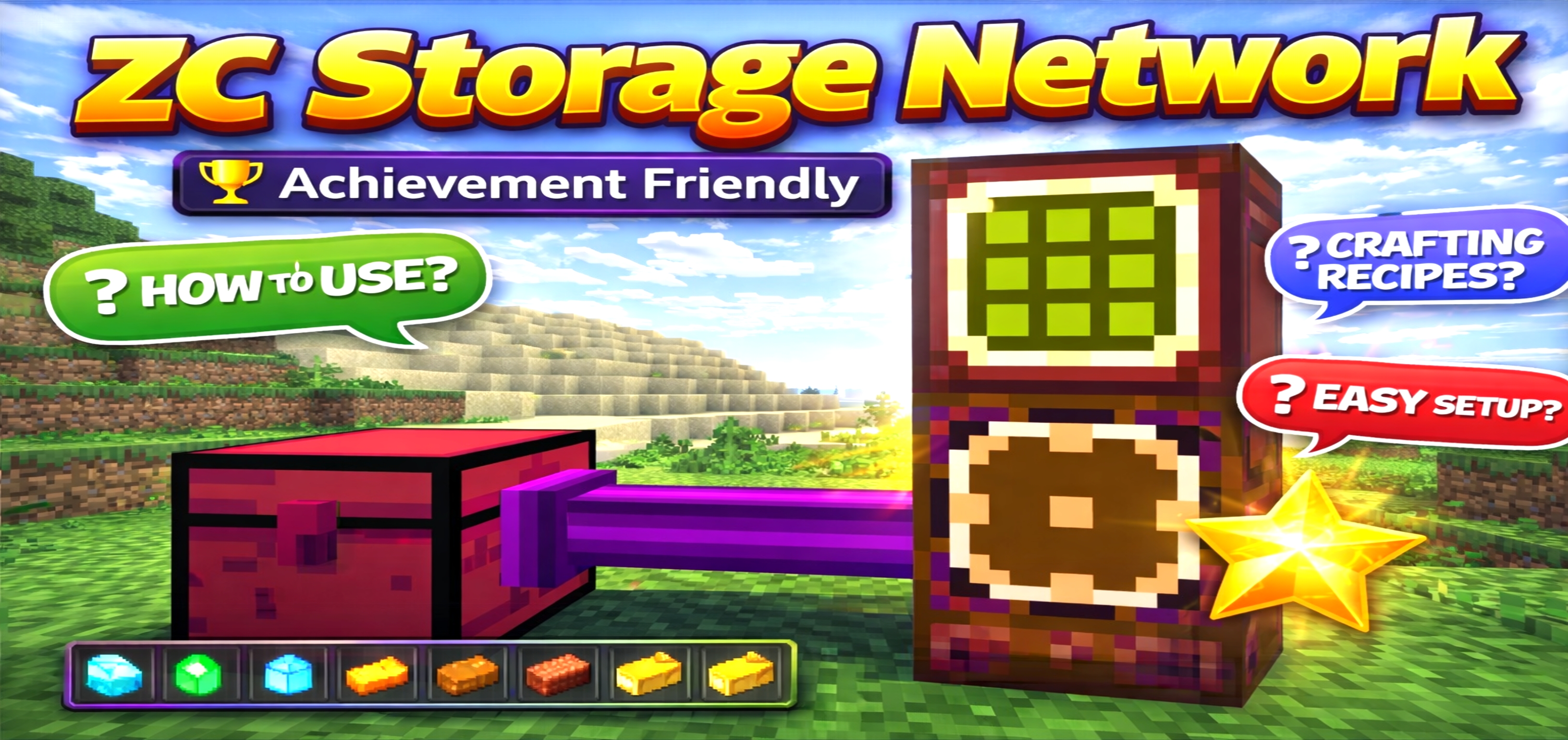
Storage Network Mod is for players who are done living out of scattered-chest chaos. The heart of the whole system is the Cargo Box, which links every storage block together and keeps your network running. Once that’s down, you’re basically building a hub that your chests connect back to, so your base storage stops feeling like a maze and starts feeling like one organized system.
The Storage Terminal is where the network becomes actually usable. It lets you access items like a Simple Storage Chest, but smarter, so you’re not running room-to-room checking ten different chests. The mod even calls out a practical rule: place the Storage Terminal near the Cargo Box only once, because multiple terminals may cause lag. That’s a good reminder that this addon rewards a clean setup—one main terminal, one central access point, and everything else wired in behind the scenes.


Connecting things is handled by Storage Cable and Storage Cable Connect, which act like the bridge between your chests and the Cargo Box. You attach your storage to the network using those parts, and now your items are effectively unified. For actual storage space, the Simple Storage Chest is the heavy lifter: it comes with a massive 500 slots, and you can place multiple chests while still managing everything from one place. There’s also a handy safety move built in—click the chest anytime to send it back safely, which is clutch if you’re reorganizing a build or you don’t want a giant storage block sitting in the way.
The biggest “wow� item is the Storage Remote. It gives you access to your storage from unlimited distance, meaning your items stay reachable no matter where you are. That changes the whole survival rhythm: you can go mining, building, or exploring, and still pull what you need without trekking back and forth. The smart way to keep it feeling smooth is to stay disciplined with your network layout—central Cargo Box, one Storage Terminal, tidy cable routing—so you get the convenience without creating lag issues. Storage Network Mod is basically the “stop wasting time in storage rooms� upgrade for Minecraft Bedrock, and once you get used to remote access, normal chest life feels slow.
Installation Mod:
- Download the .mcaddon / .mcpack;
- Open the file to import into the game;
- In World Settings → Resource Packs and Behavior Packs, enable it (turn on Experiments if needed);
- Have fun!
Comments (0)