Usefull Mod / Addon
- 25-01-2026, 08:16
- 590
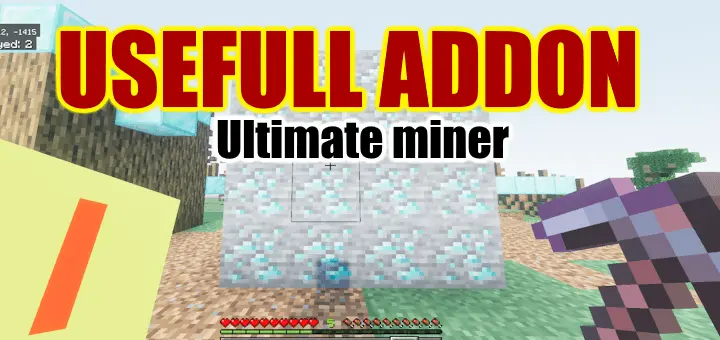
Usefull Addon is the kind of toolpack you turn on when you’re done wasting time doing the same actions 500 times. It has two big parts: bulk breaking and bulk placing. On the breaking side, you can destroy blocks “in one go” by sneaking while you break them, which gives you that Mineall/Tree Harvest vibe without needing separate addons for each job. It also supports Fortune and Silk Touch, and the drops aren’t left all over the ground—items dropped by blocks get automatically added to your inventory, so clearing out stone, wood, or big patches of terrain feels way cleaner.
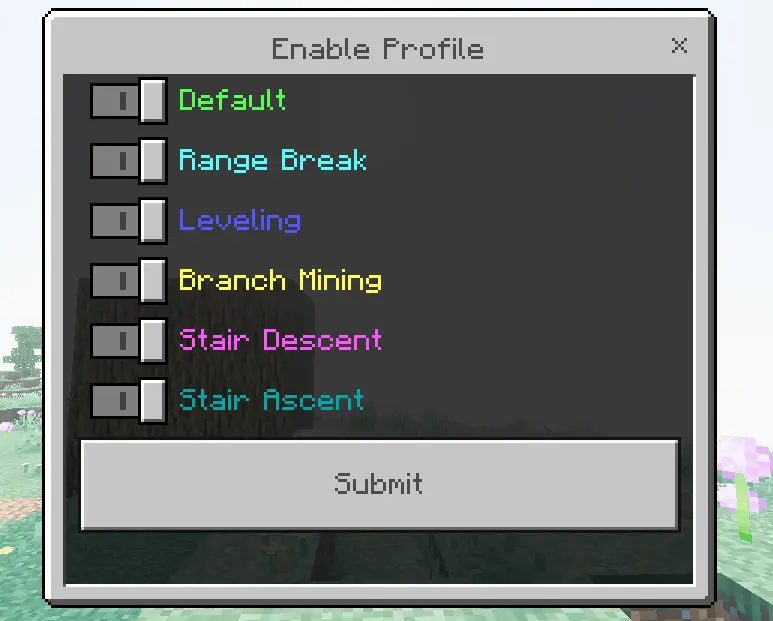
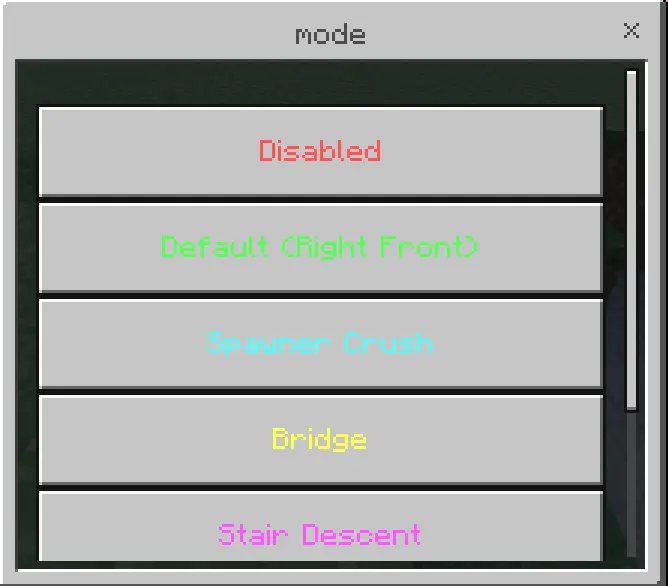
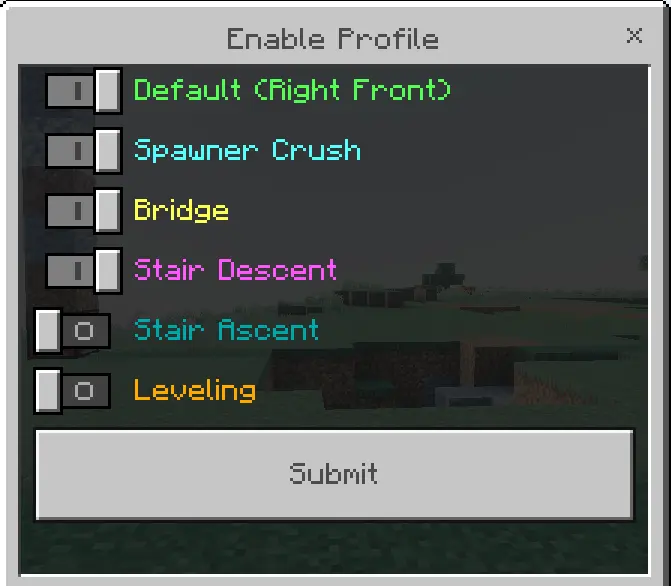
The breaking system is profile-based, which is where the real power comes from. You can hold a tool like a pickaxe and press the use button (right click) while sneaking to select a profile. If you want the profile visibility to be clearer, you use the “Useful addon settings” item, go to “break setting,” and hit “Enable Profile.” To set up or change how profiles work, you use the same settings item, go to “break setting,” and open “Profile List,” where you can configure things in more detail (the addon says the tooltip explains specifics). Durability is also handled in a fair way: when you break blocks, durability is consumed equal to the number of blocks destroyed, so you’re trading tool wear for speed.
The included break profiles cover a lot of real survival routines. Default destroys adjacent blocks of the same type (default is 64 blocks), which is perfect for clearing logs, mining out a vein, or removing a wall fast. Range Break destroys blocks in an area (default 3x3x3), great for quick room carving. Leveling destroys blocks above the broken block for flattening terrain. Branch Mining mines in a straight line for ore searching. Stair Descent automatically mines downward stairs, which is basically a safer, faster way to dig down when you don’t want a messy hole.
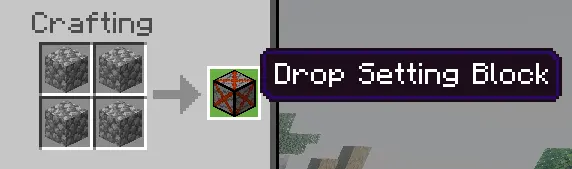
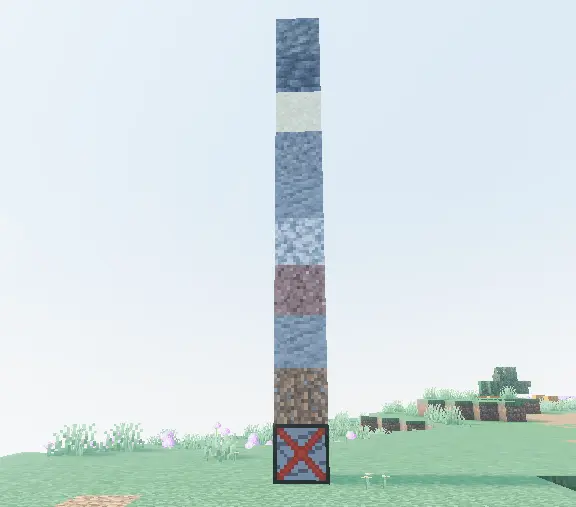
There’s also a drop control system using a crafted “Drop Setting Block.” You stack blocks you want to disable drops on top of it, and you can set presets for drop items with it. That preset is used with the “Item Drop Ignore” block destruction profile, which is super useful when you’re clearing junk blocks and don’t want your inventory flooded.
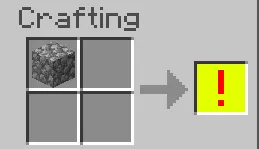
The placing side is the other half of the addon and it’s huge for builders. To use auto-placement, you need an off-hand item you can craft using cobblestone. With that set, you can place blocks in bulk by sneaking and placing them, and it consumes the blocks you place like normal (so it’s not free). To select a placing profile, you line your eyes up on any block, sneak, and press the attack button (left click). The addon notes that in creative mode, this destroys blocks, so you’ll want to be careful there. Placing profiles are configured and enabled the same way as the break profiles.
Placing profiles include Default (places right, forward, and upwards, default 4x4x4) for quick fills, Spawner Crush (covers surrounding blocks, used for placing half blocks over a wide area to prevent monster spawning), Bridge (builds a one-block bridge), and Leveling (fills blocks at the same height). Put together, Usefull Addon is basically a Minecraft Bedrock “speed toolkit” that helps with mining, terraforming, and building—fast—without turning it into mindless creative-mode vibes, since durability and block consumption still apply.
Installation:
- Download Mod;
- Open the downloaded file to install;
- Select it in the settings;
- Have fun!
Comments (0)