Wrenches Mod / Addon
- 14-03-2026, 12:44
- 565
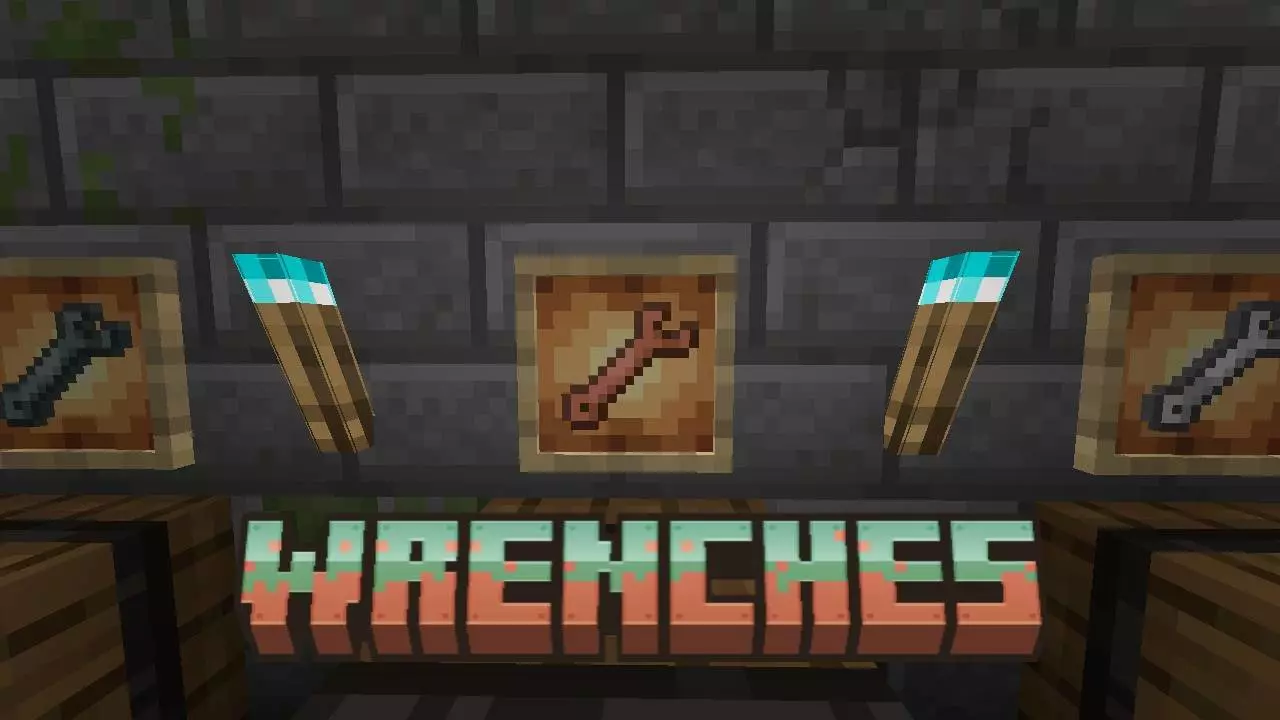
Wrenches Addon is a useful tool that will allow you to rotate installed blocks, repair and fix them. You’ve placed a block, stepped back to check your work and noticed that it’s facing the wrong way. Usually, fixing that means breaking it and trying again, sometimes more than once. Wrenches adds a set of tools that can help you adjust blocks after they’ve been placed. It’s a useful addition for anyone who spends time building in Minecraft, especially when working in a cramped space where getting into the right position can be awkward.


The idea is straightforward: use a wrench on a placed block to change its orientation. Instead of removing the block and putting it back, you can adjust it where it stands. Keep using the tool until the block faces the direction you want. This can save a surprising amount of time when you’re adding the finishing touches to a room or correcting a mistake you only noticed after building around it. If you’re working high above the ground or in a narrow corner, being able to make the adjustment in place is particularly welcome. You can concentrate on how the finished build looks instead of repeatedly moving around to find the right placement angle.
Redstone builders have their own reasons to keep a wrench nearby. It’s easy to put a component down facing away from the rest of a mechanism, especially when several blocks are packed together. Spotting the mistake is one thing; reaching it without disturbing the surrounding work can be another. A tool for adjusting a block in place makes those little corrections more manageable. It’s worth checking how each block responds as you use the wrench, since different blocks have different possible orientations and states. Once the component is facing the way you need, you can carry on testing the mechanism.
The same convenience applies to decorative work. A misplaced log can interrupt the pattern of a wall, while a block with a directional texture may look odd beside the others. These mistakes aren’t always obvious up close. You might finish an entire section, climb down from your scaffolding and only then notice the one detail that doesn’t line up. With a wrench in your inventory, you can go back and make a correction without turning it into a larger rebuilding job. It’s the sort of tool that may spend some time in a chest, but feels useful the moment you need it.
Wrenches fits naturally into a survival world because the tools are intended for everyday building work. Keep one near your other equipment if you regularly work on houses, farms or redstone projects. When you’re installing the addon, import and enable both the behavior pack and the resource pack in your world settings. After that, try the wrench on a few blocks and get a feel for how it changes them. The next time a block refuses to face the right direction, you’ll have another way to deal with it without taking that part of your build apart.
Installation Mod:
- Download the .mcaddon / .mcpack;
- Open the file to import into the game;
- In World Settings → Resource Packs and Behavior Packs, enable it (turn on Experiments if needed);
- Have fun!
[center]
Comments (0)