Advanced Zoom Mod / Addon
- 15-03-2026, 10:42
- 543
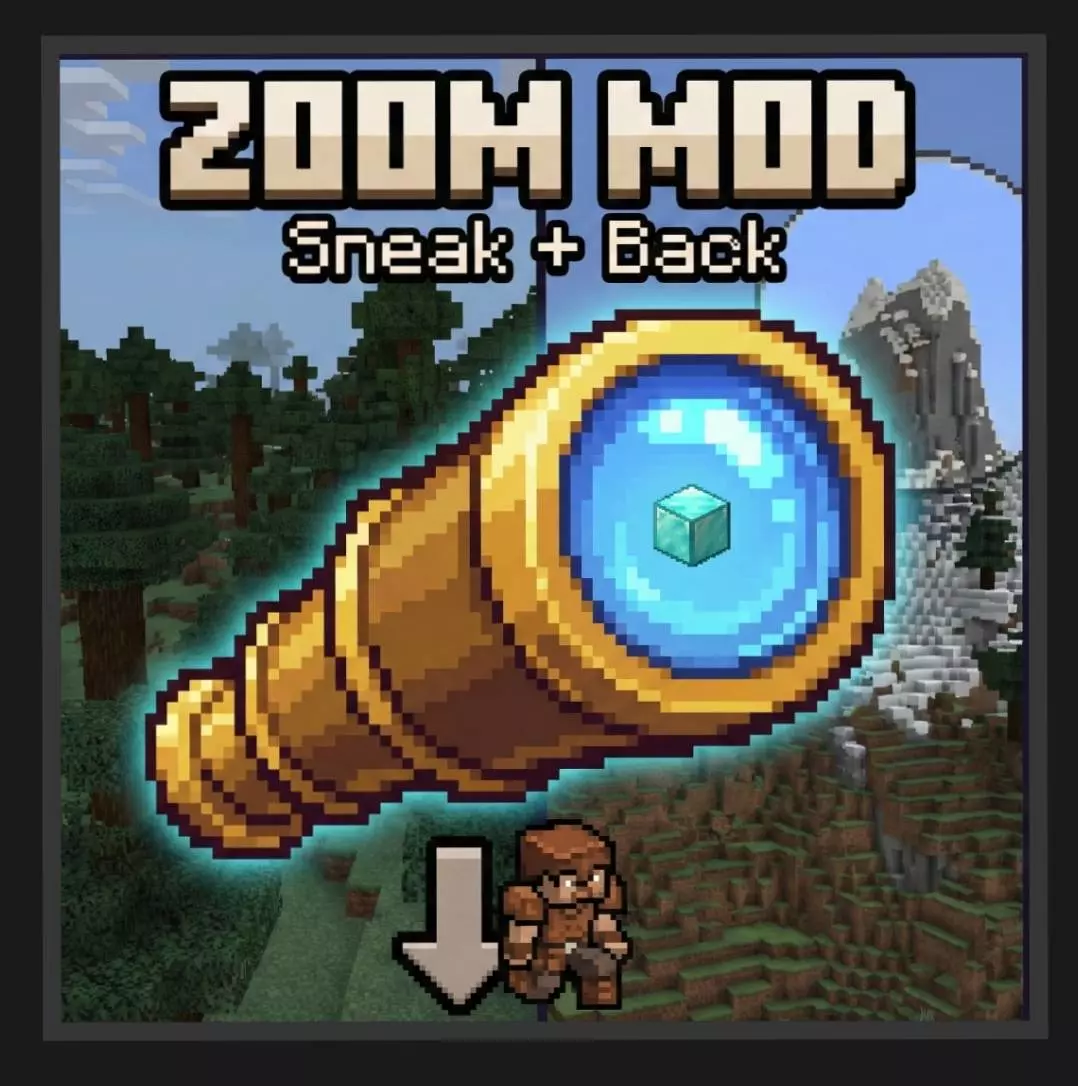
Advanced Zoom Minecraft mod will add the ability to zoom at any time you need. Advanced Zoom is a handy addon for players who often find themselves stopping to look at something in the distance. Maybe there’s a village across the water, a strange shape on a mountain, or a mob you’d rather identify before walking any closer. Instead of reaching for a spyglass, you can zoom in using a simple combination of movements. It’s a small change, but once you get used to it, you may find yourself using it more often than you expected.
To activate the zoom, crouch and move backwards at the same time. On a keyboard, that means holding Shift and S. If you play with touch controls or a controller, use your usual sneak control while moving backwards. Your view will narrow, bringing distant objects into focus. Let go of the controls and the view returns to normal. There’s no item to craft, no tool taking up space in your inventory, and no need to remember where you left your spyglass. The addon also gives you night vision while the zoom is active, making it easier to see what you’re looking at in dark places.
That combination comes in useful during ordinary exploration. Standing at the entrance to a cave, for example, you can take a closer look before deciding which way to go. Out in the open, you might use it to check a distant shoreline or see whether that shape among the trees is a building. It can help when you’re working on a large construction project, too: step back and inspect the roof, windows, or other details without having to climb all over the build. The zoom won’t make unloaded parts of the world appear, so what you can see still depends on your render distance.
It’s just as useful when you’re playing with friends. If someone points out a distant landmark, you can quickly see what they mean without asking for coordinates. On a shared building project, it gives you a way to look over another player’s work from across the area. And if you’re travelling through unfamiliar terrain, a quick look ahead may help you choose a route before you commit to a long climb or swim. Since crouching and moving backwards are already familiar controls, there’s very little to learn. You may occasionally move a little while using the feature, though, so be careful near cliffs and other dangerous edges.
After importing Advanced Zoom, activate its packs in your world settings. If the view doesn’t zoom when you use the controls, check the video settings and make sure “Field of View Can Be Altered by Gameplay� is enabled. Once everything is working, you can carry on playing as usual and use the feature whenever you want a closer look. It’s especially nice for survival worlds, where inventory space fills up quickly and you don’t always have the right item on hand.
Installation Mod:
- Download the .mcaddon / .mcpack;
- Open the file to import into the game;
- In World Settings → Resource Packs and Behavior Packs, enable it (turn on Experiments if needed);
- Have fun!
Comments (0)