FPS Booster | No Lag & Fps Boost – Addon / Texture Pack
- 8-06-2026, 05:02
- 562
Mods 1.26 / Mods 1.21 / Mods 1.20 / Textures
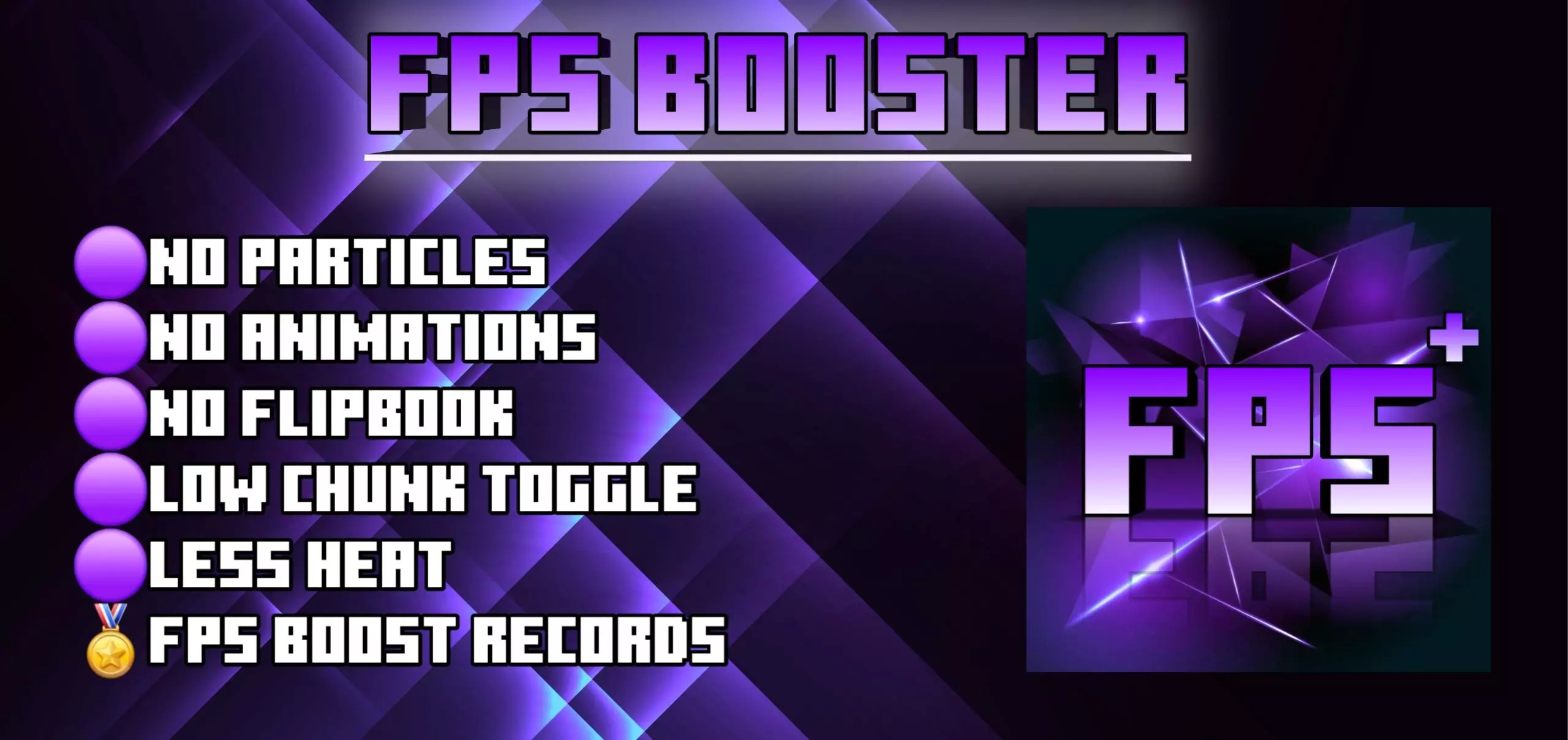
FPS Booster | No Lag & Fps Boost Addon removes unnecessary animations, details, textures and graphics to increase your FPS in Minecraft Bedrock. Nothing kills the rush of a clutch PvP brawl or an intense survival raid faster than sudden frame drops and brutal screen freeze, but the FPS Booster (No Lag & FPS Boost) Addon & Texture Pack steps up to strip out the visual garbage and give your Minecraft Bedrock client pure, unthrottled speed.
Every Bedrock grinder knows the frustration: you load onto an active server like The Hive or jump into your endgame base loaded with redstone farms and villager stalls, and your phone or console instantly begins to cook. Render Dragon handles lots of lighting well, but it chokes hard on micro-animations, wild particle explosions, and unculled background data. Splash a couple of lingering potions or step into a crowded mob spawner, and your smooth 60 frames immediately tanks into an unplayable slideshow. This performance pack gets under the hood to surgically clean up that bloat without turning your world into an ugly, washed-out cardboard box.
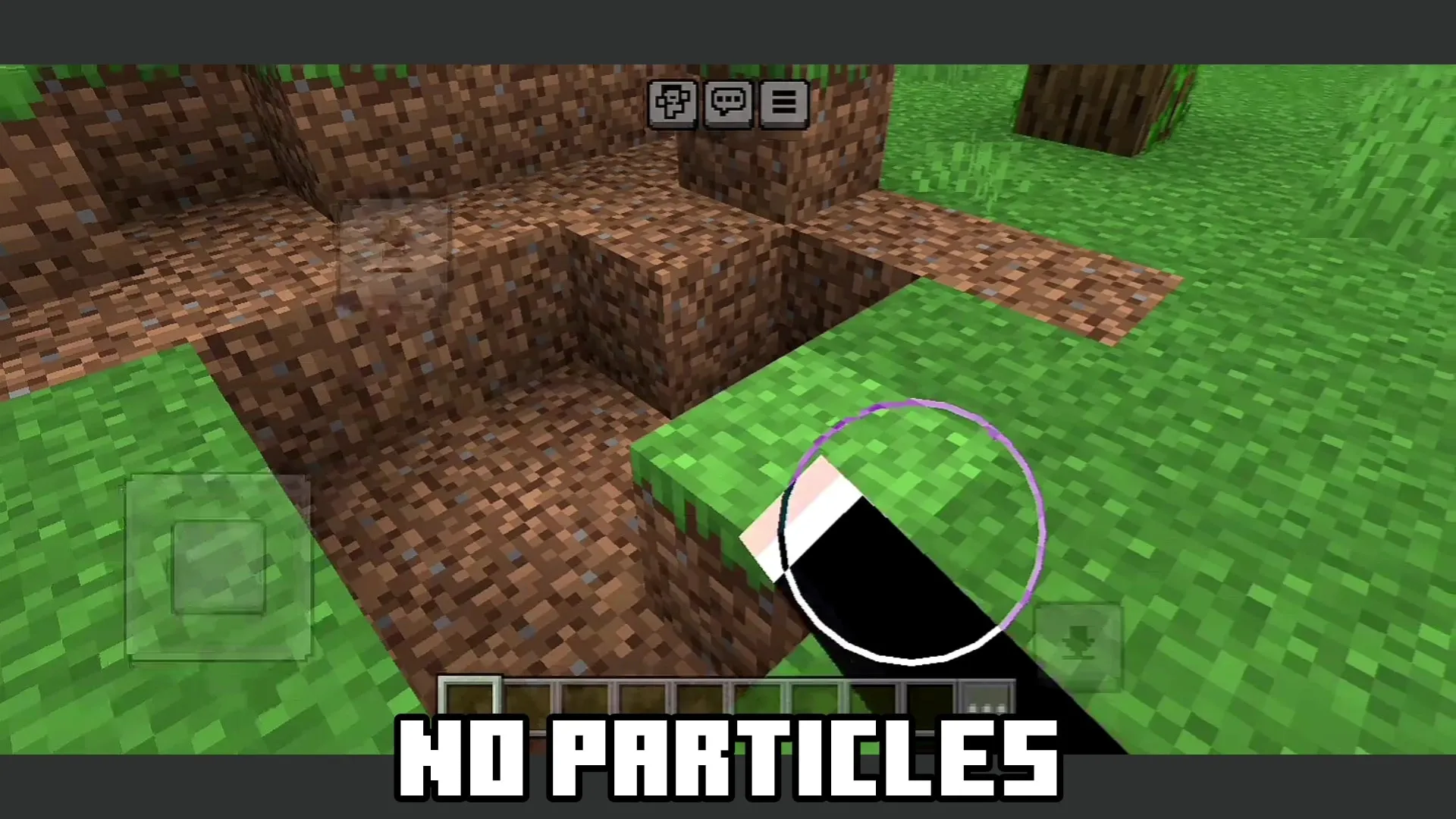
The real game-changer here is how it handles the game's heaviest particle emitters and looping texture files. Instead of letting splash potions and arrow trails vomit dozens of complex particle sprites that chew through memory, the pack aggressively scales down the burst caps and kills unnecessary effect spam. Heavy animated blocks like campfires, Nether portals, and bubbling water columns get streamlined into clean, static-rendered profiles that save massive GPU cycles. Even the weather cycles and dense skybox fog layers receive a lean makeover, preventing sudden rainy downpours from ruining your framerate while you’re running across open plains or crossing a narrow Nether bridge over lava.
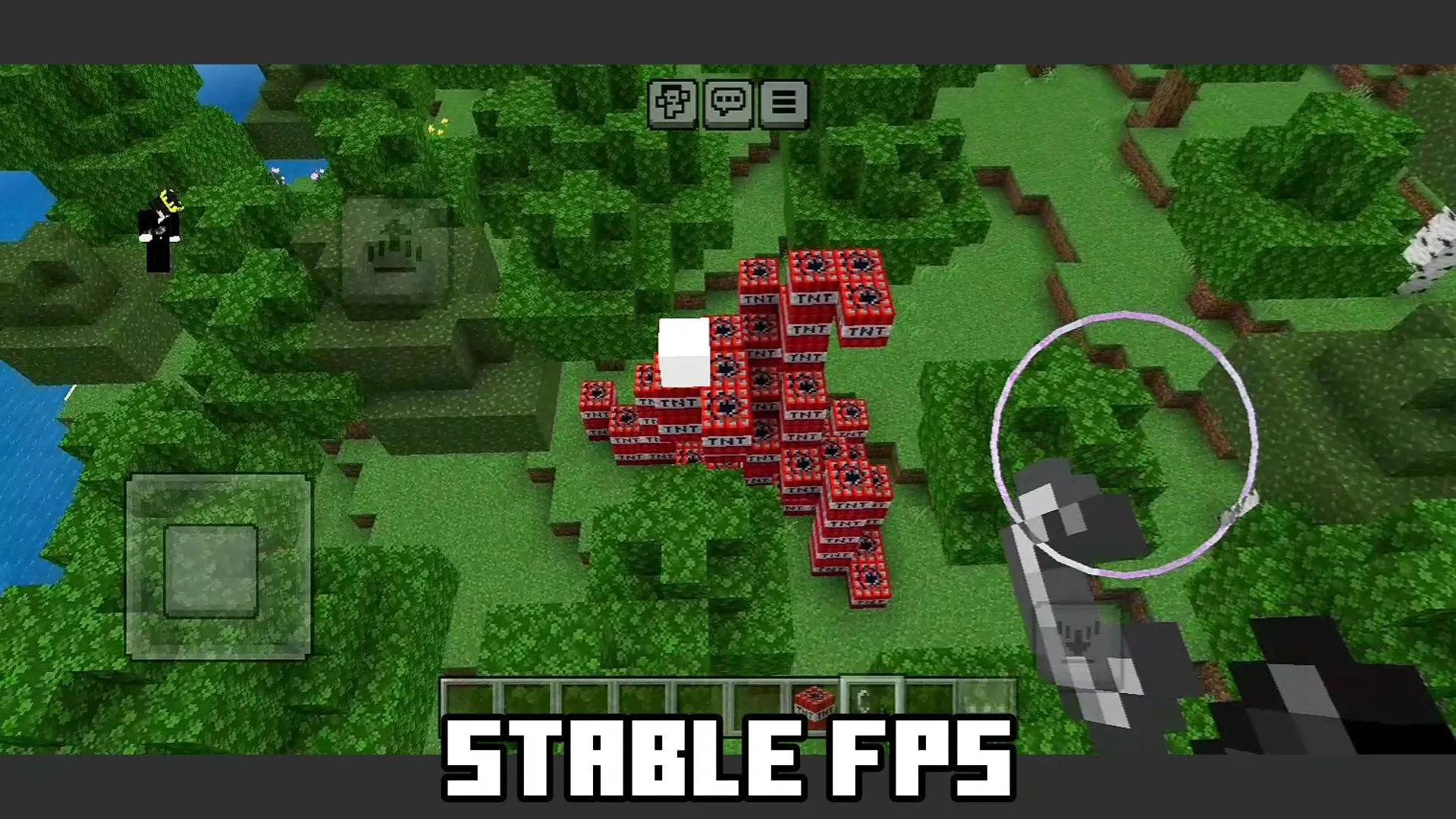
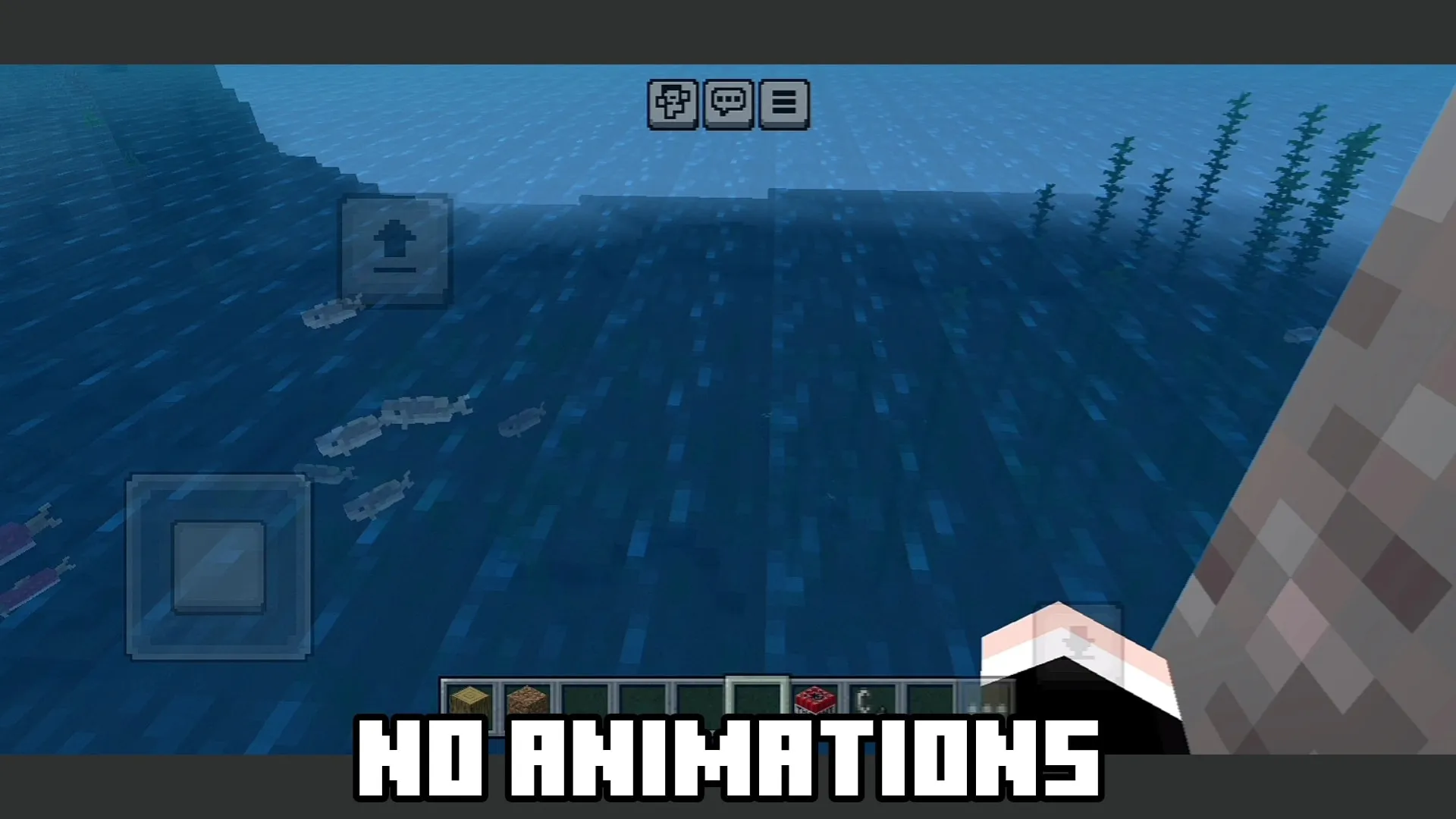
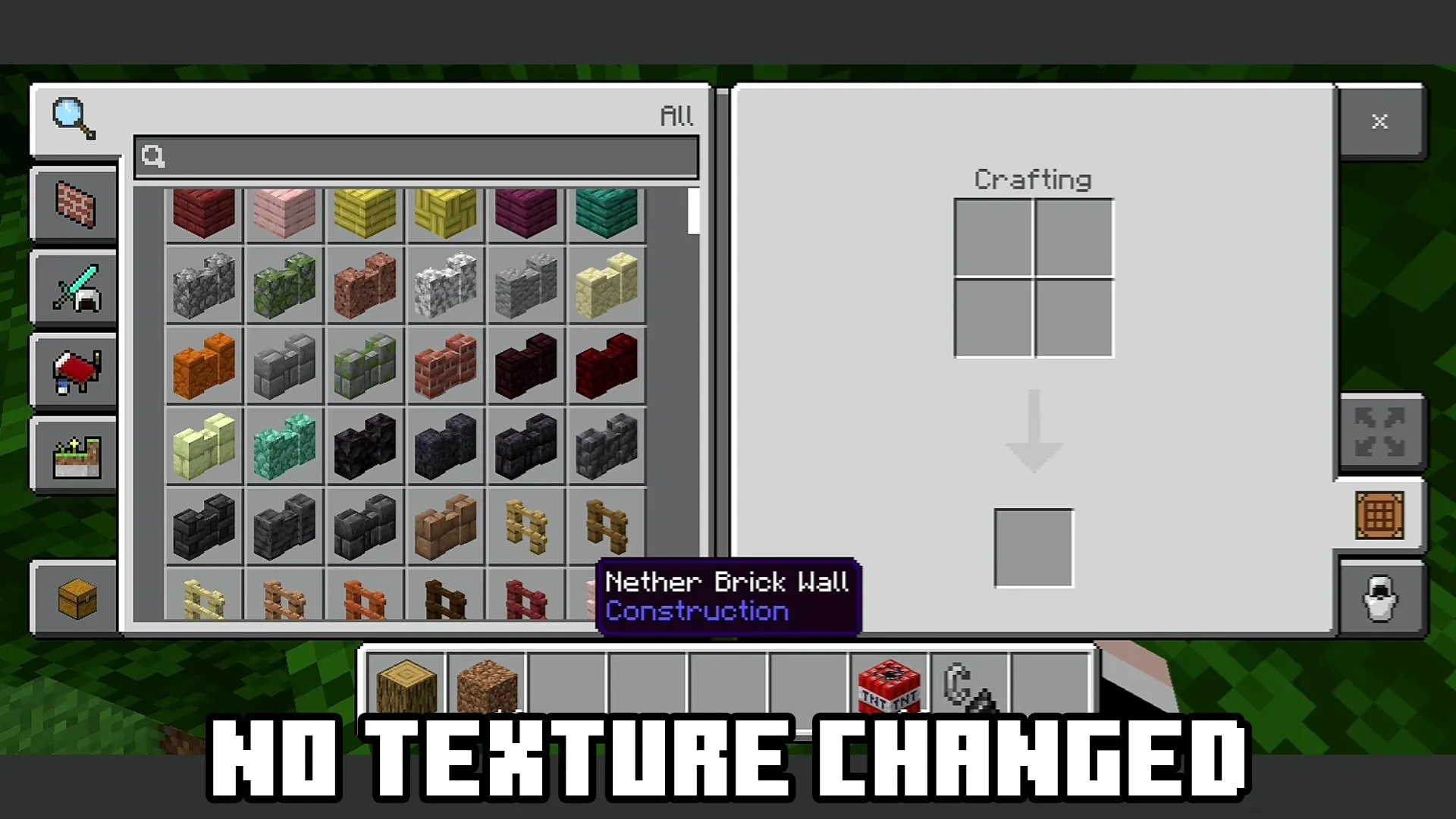
PvP sweats and mini-game regulars will notice the upgrade where it matters most: direct input tracking and crosshair stability. When you aren't fighting dropped frames, landing critical sprint-hits, executing split-second water drops, and hotbar-swapping under pressure feels crisp and instantaneous. The reduced visual clutter cleans up your screen during chaotic team fights, letting you track enemy movement behind arrow barrages and potion clouds without losing your target in a haze of smoke sprites.
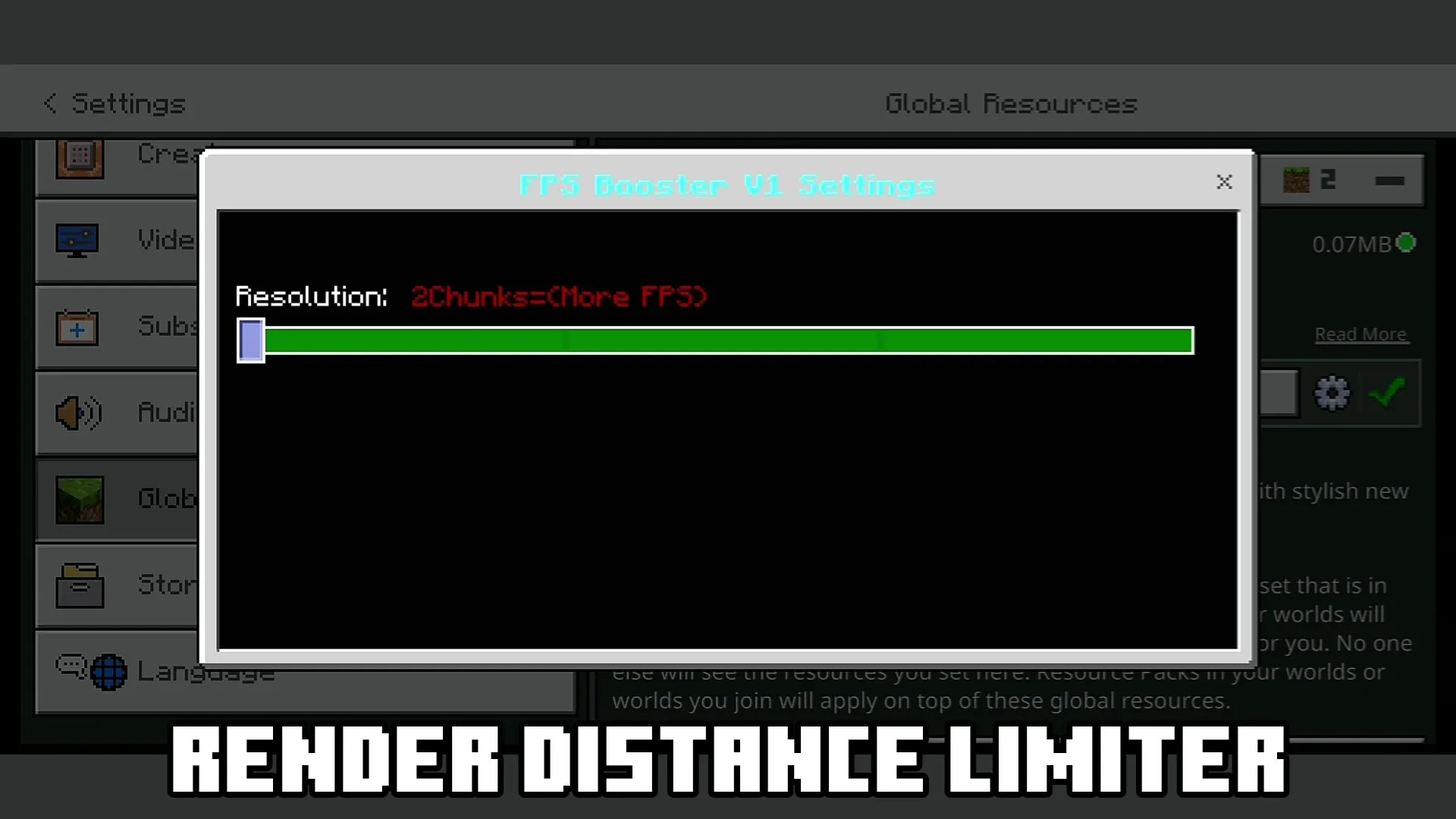
Flexibility is built right into the setup thanks to the integrated subpack settings gear. If you are gaming on a modern phone or mid-tier PC and just want an easy performance lift while keeping full render distance, the balanced profile trims background lag and keeps the classic vanilla aesthetic intact. If you're stuck on an older phone, a low-spec laptop, or a budget tablet that desperately needs every single frame it can find, switching over to the aggressive maximum performance mode tightens the fog perimeter, silences hundreds of particle triggers, and locks down textures to keep your device running cool and responsive during long sessions.
Everything is packed into a clean, drag-and-drop `.mcpack` file that imports directly into your Bedrock storage in seconds. You slide it right to the top of your active global resources, tweak your preferred subpack tier, and jump into your worlds without sweating over broken scripts or disabled Xbox achievements. If you are sick of choppy gameplay and want butter-smooth motion across survival realms, public servers, and offline seeds alike, grabbing the FPS Booster (No Lag & FPS Boost) Addon & Texture Pack is hands-down the easiest way to give your client an instant competitive edge.
Installation:
- Download Texture;
- Open the downloaded .mcpack to install;
- Select texture in settings;
- Done.
Comments (0)