Death Grave Addon
- 1-06-2026, 13:00
- 312
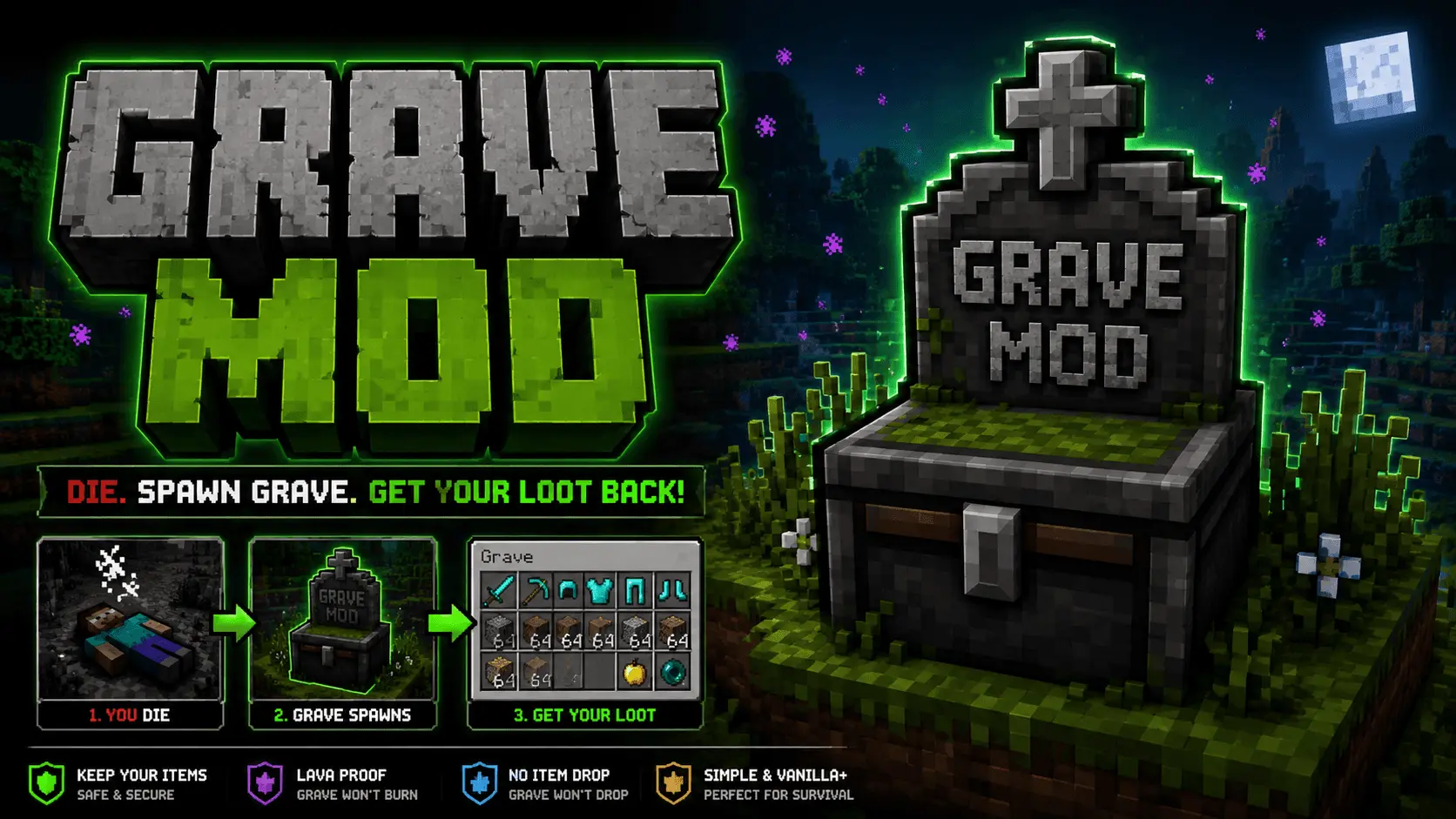
Death Grave Addon is specially created so that you can dig up a grave in survival after death and pick up all lost resources and items. Dropping into a sudden pocket of lava and watching your entire enchanted diamond loadout sizzle into ash is the quickest way to kill a survival session. Death Grave fixes that brutal vanilla heartbreak by sealing your whole inventory inside a protected tombstone the second you take a dirt nap.
Anyone who has put serious hours into Minecraft Bedrock knows the sheer panic of a corpse run. The clock starts ticking the moment those death chunks stay loaded, giving you a measly five minutes to scramble back through dark caves, dodge stray phantoms, and pray your gear did not scatter across half a ravine. If you got sniped by a skeleton near a fire source or caught an unlucky creeper blast to the back, half your high-tier tools are gone for good. That punishing penalty forces players into turning on keepInventory, which completely strips away the stakes, or quitting the world out of pure frustration.
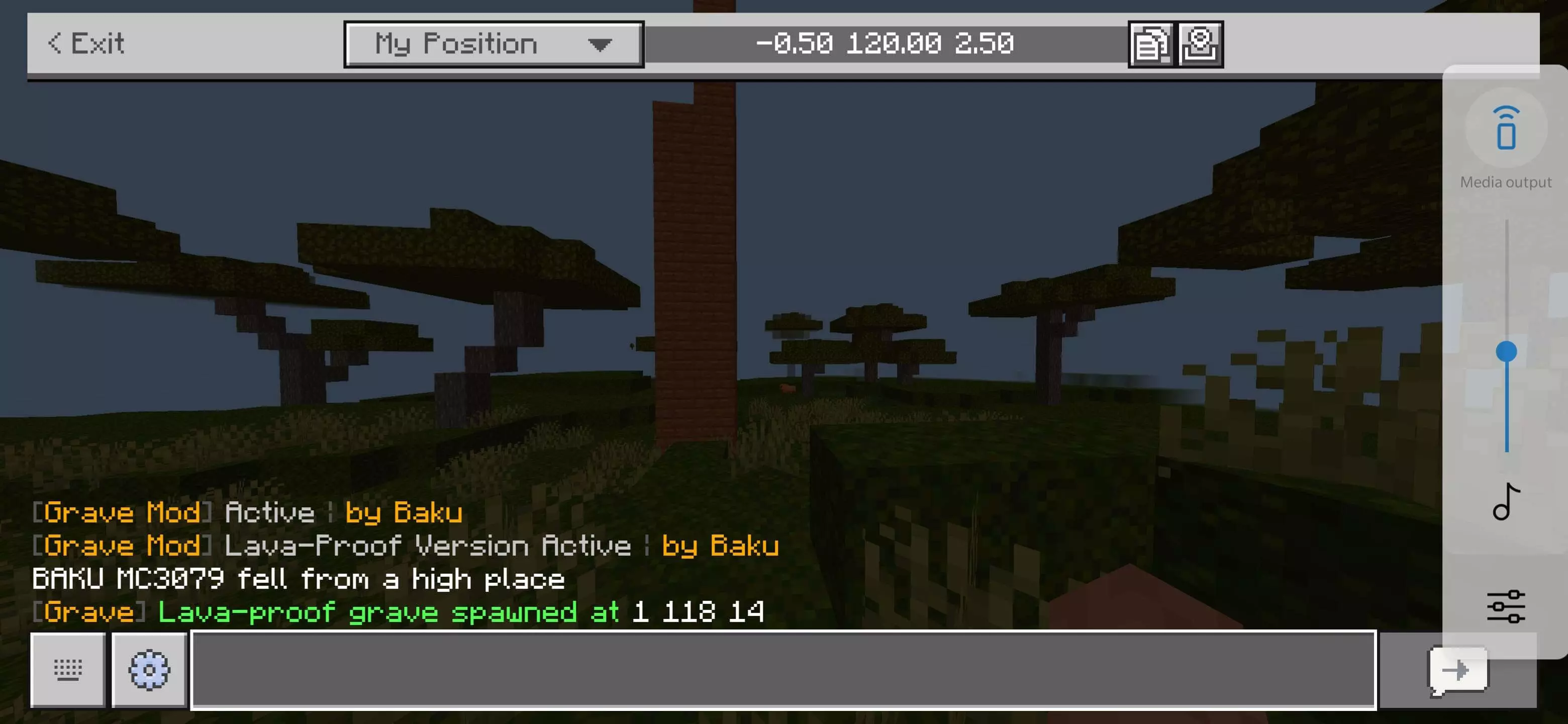
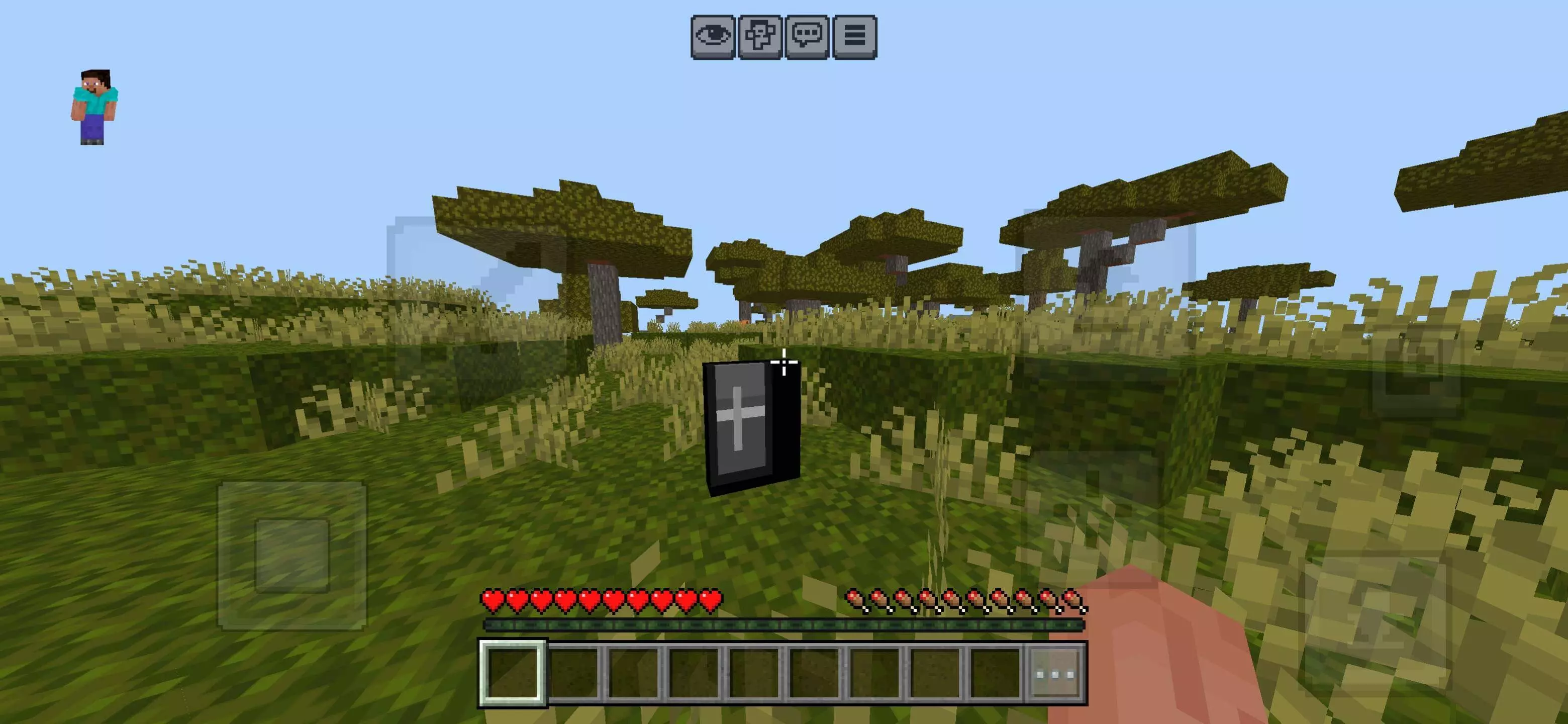
This addon strikes the exact middle ground survival players have wanted for years. When your health bar hits zero, the game drops a clean grave marker right at your exact coordinates instead of spraying sixty-four loose item stacks across the terrain. Everything you were holding, wearing, and stashing in your backpack gets tucked inside that solid container. It completely ignores environmental damage, meaning lava flows, fire ticks, and explosive blasts cannot touch your precious netherite tools while they rest underground. You actually have room to breathe, gear up with spare armor, brew some potions, and map out a smart recovery plan.
Retrieving your gear feels effortless once you track down your marker. Instead of frantically vacuuming up scattered junk while dodging ambient cave spawns, you simply break or interact with the tombstone to reclaim your entire kit in one tidy swoop. Your hotbar layout comes back together without forcing you to spend ten minutes sorting disorganized stacks in the middle of a hostile mob biome. It keeps the tension of having to hike back to your point of failure, but removes the cheap griefing caused by Bedrock chunk loading and runaway despawn clocks.
This system makes an even bigger difference when you are running a shared realm with friends. Nothing drains the energy out of a late-night mining party faster than someone rage-quitting because an unexpected glitch or warden blast deleted their best gear while the rest of the crew was loaded nearby. With grave markers planted safely in the world, your squad can actually coordinate a rescue mission, secure the perimeter around your death point, and watch your back while you reclaim your stuff.
Setting it up is about as straightforward as it gets on any console, mobile device, or PC. You just open the mcaddon file to import it into your client, apply the pack under your active world behavior settings, ensure experimental toggles are turned on, and hop back into the action. It turns cheap, catastrophic deaths into fun rescue ops, keeping your hard-earned progress intact while keeping survival mode thrilling.
Installation Mod:
- Download the .mcaddon / .mcpack;
- Open the file to import into the game;
- In World Settings → Resource Packs and Behavior Packs, enable it (turn on Experiments if needed);
- Have fun!
Comments (0)