magical atmosphere – Shader
- 29-04-2026, 03:23
- 412
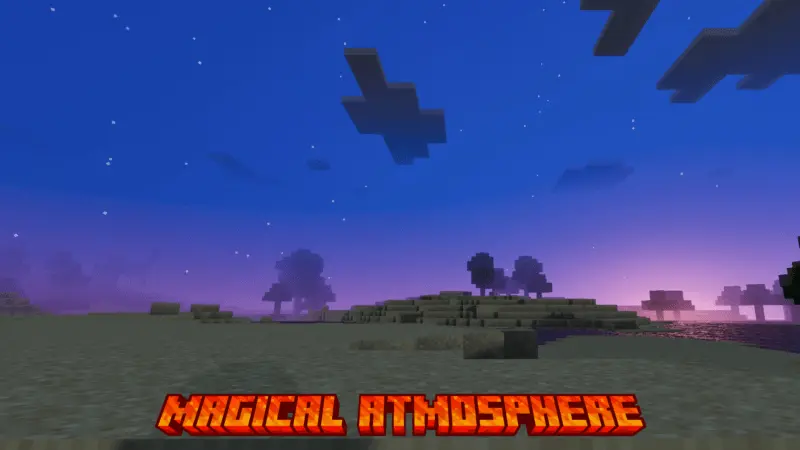
magical atmosphere - Shaders give the game a wonderful, magical and enchanted atmosphere. Magical Atmosphere gives your Minecraft world a different mood without taking away the places you already love. Your house is still where you left it, the path still leads through the same forest, and there’s probably a half-finished project waiting near your base. What changes is the way the world looks around you. The shader adds richer colors and a more magical atmosphere, so even a short walk through familiar terrain can feel like a new experience.
The sky is a good place to start. When you’re busy collecting wood or looking for a cave, it’s easy to spend an entire Minecraft day without looking up. With Magical Atmosphere, you may find yourself paying more attention to the view above the trees and the way the scenery changes as the day goes on. Try standing somewhere you know well—a hill near your base, the shore where you keep your boat, or the roof of a house you built weeks ago. You don’t need a special map to enjoy the shader. In fact, seeing the change in a world you’ve played for a long time can be more interesting because you already know what everything usually looks like.
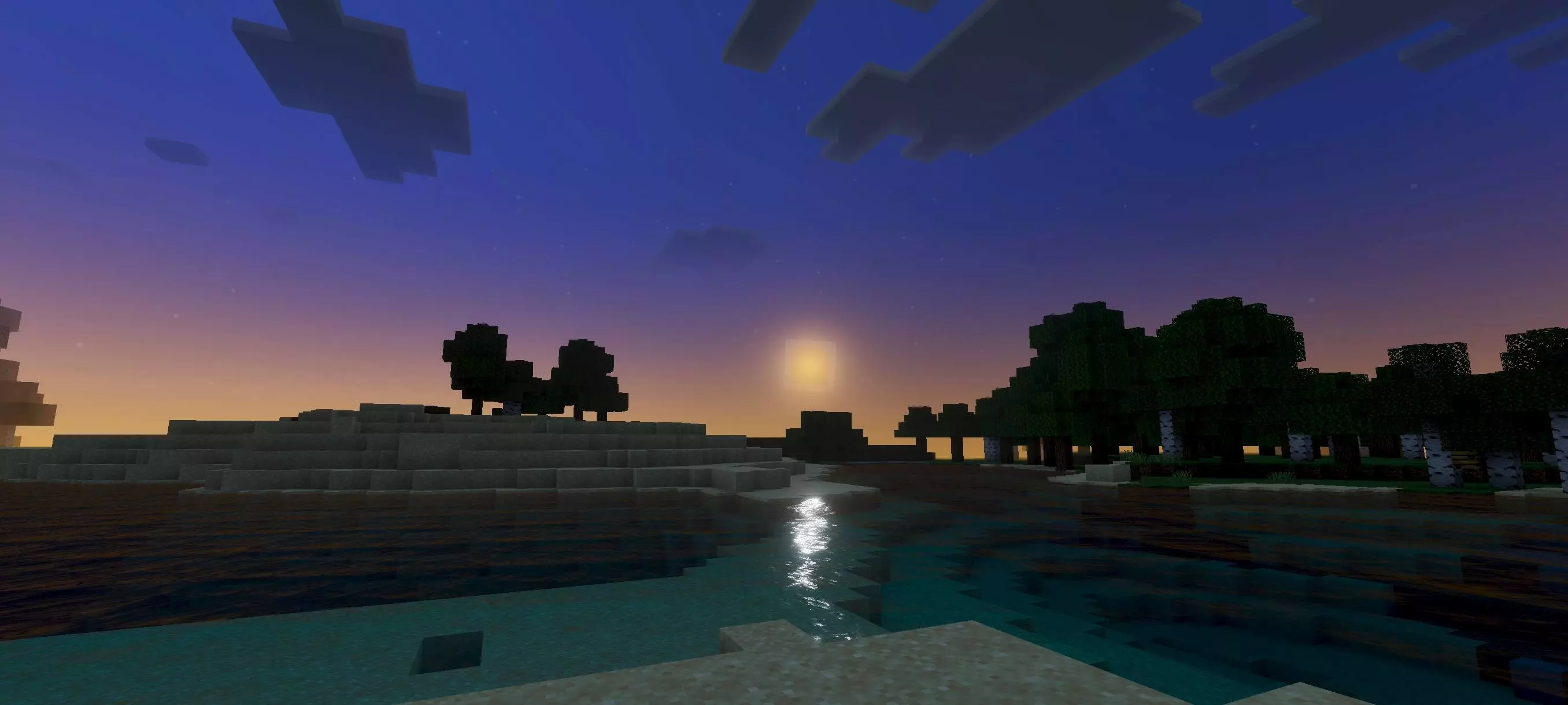
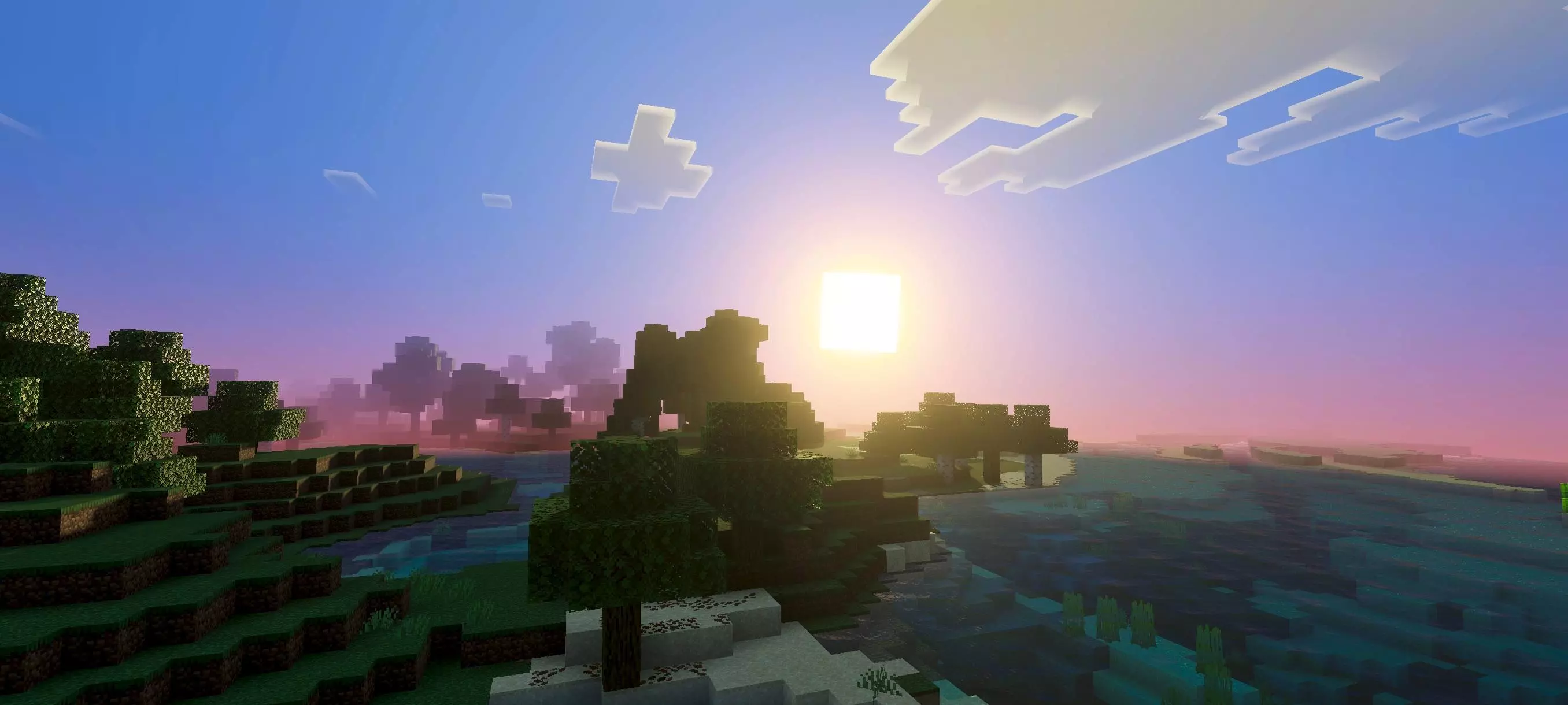
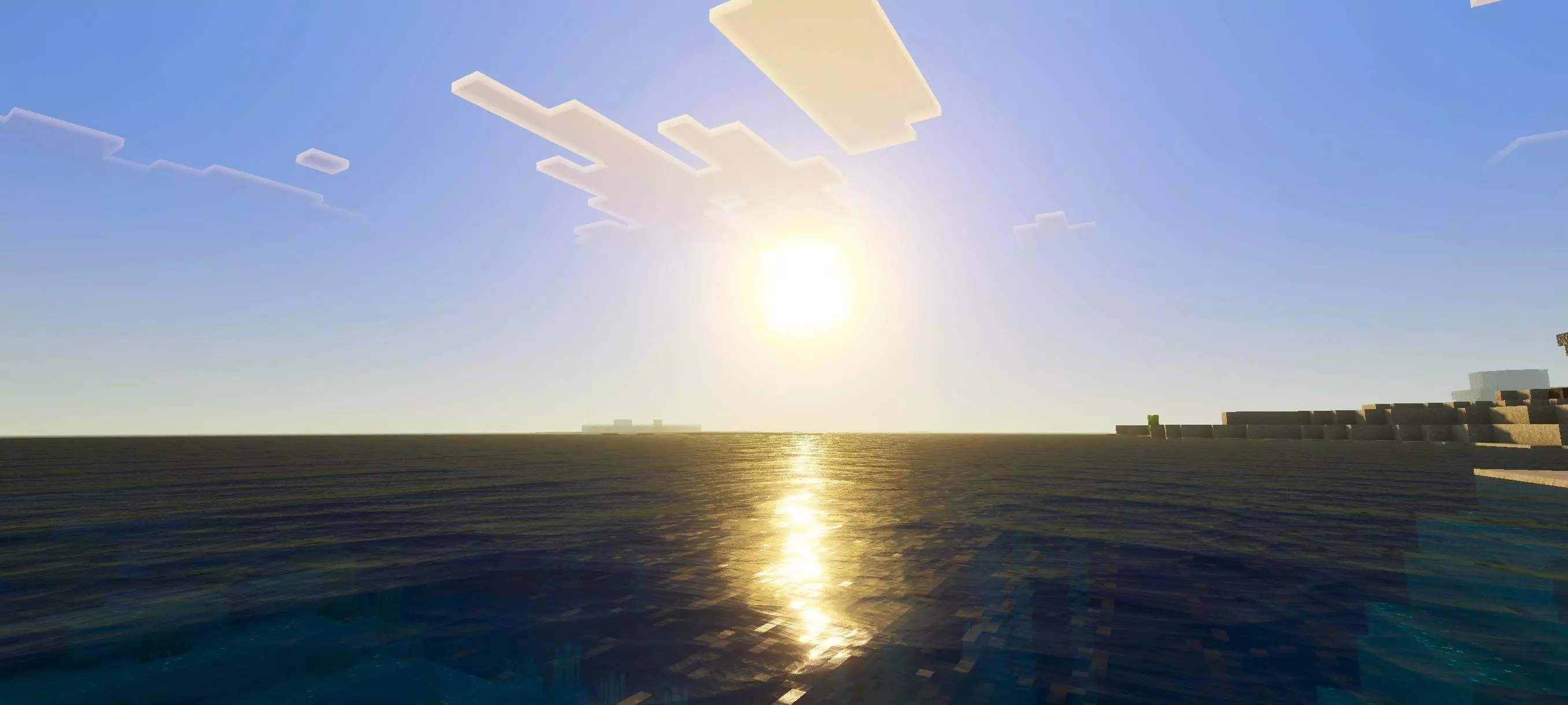
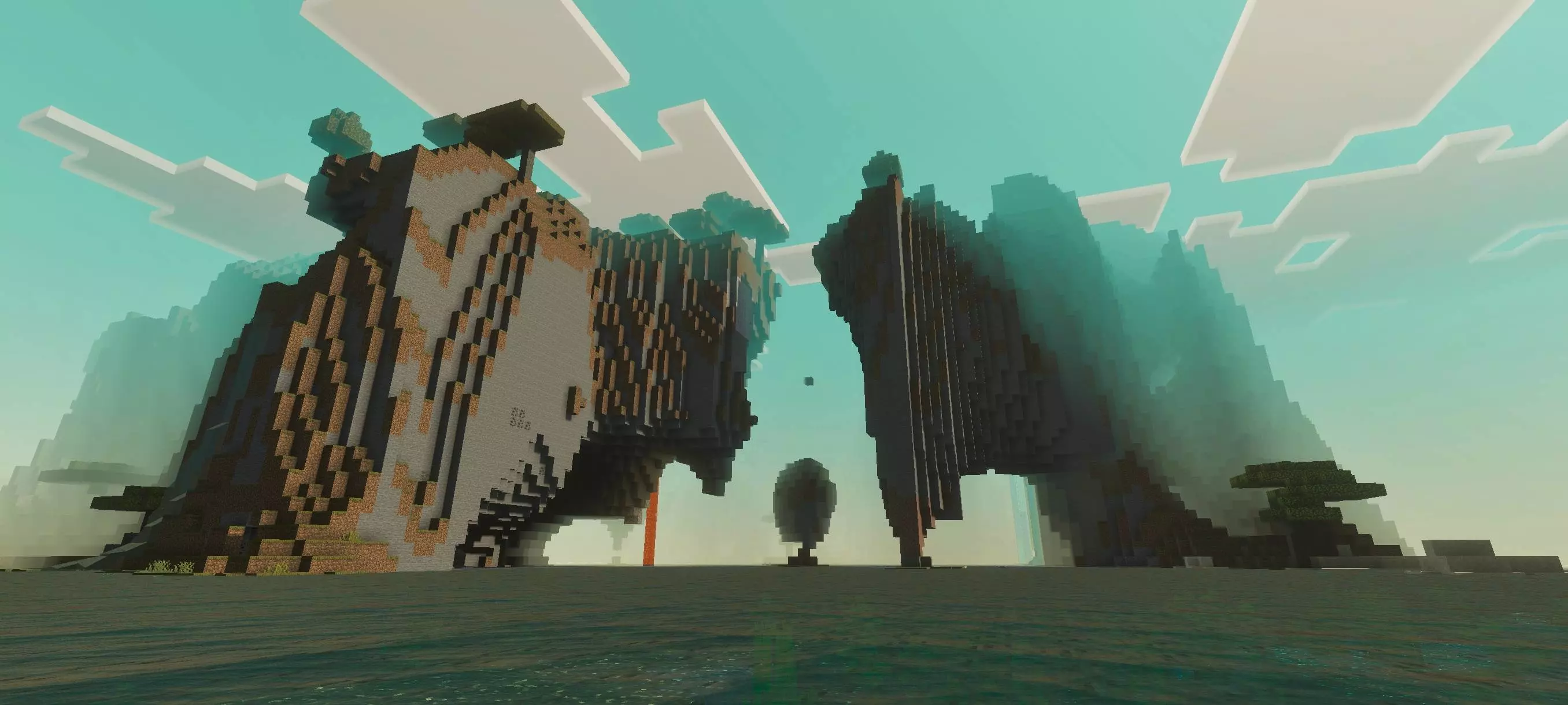
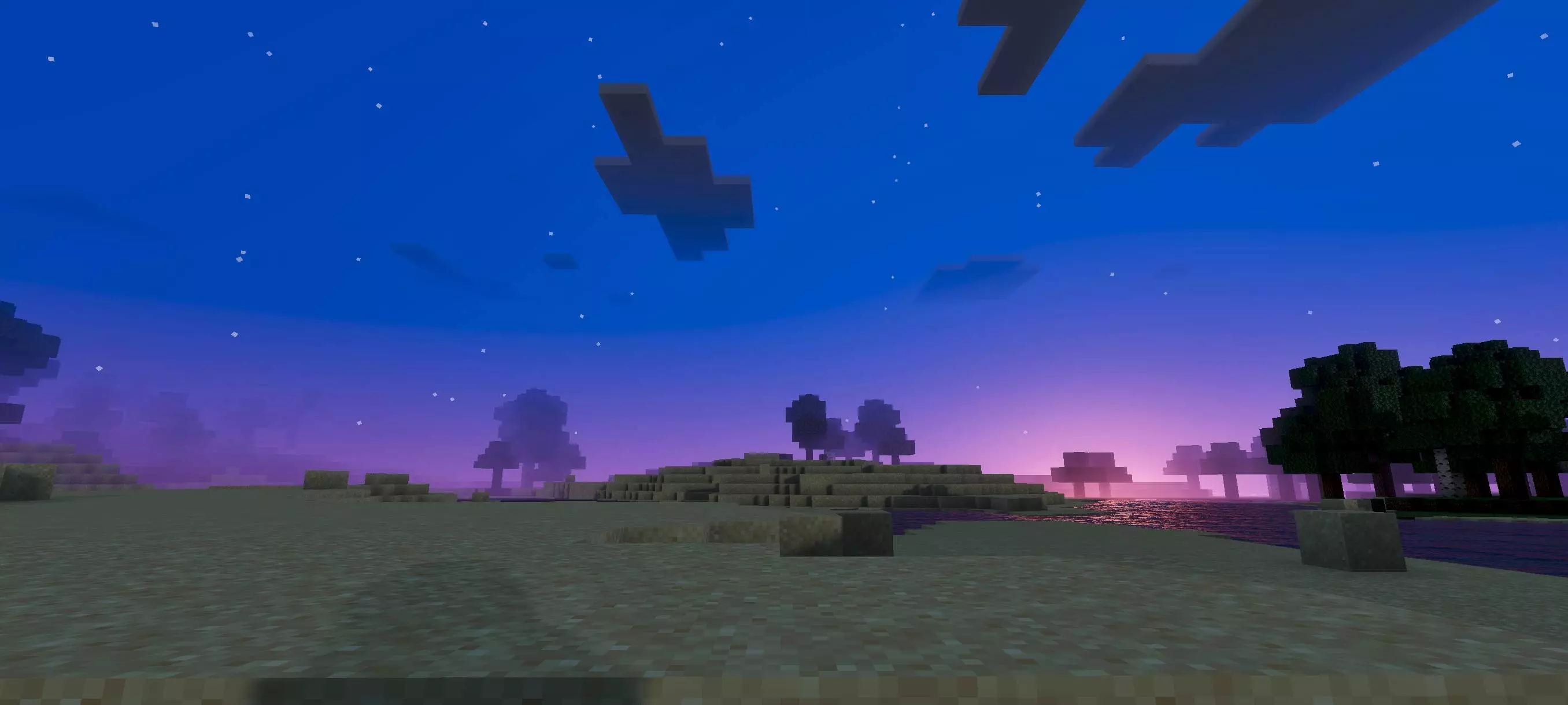
If you enjoy building, the shader can make you want to revisit some of your older projects. That little cottage you made as a temporary home might suddenly be worth keeping. A path between two buildings might look like the perfect place for a garden or a few lanterns. You could even decide to build a lookout just because you’ve found a view you like. A fantasy castle or a house hidden among trees would suit the magical theme, but you don’t have to build something elaborate. A small home with a good view can be just as enjoyable, especially when it’s somewhere you return to after a long trip.
Magical Atmosphere is easy to enjoy during an ordinary survival game too. Imagine leaving home in the morning to gather supplies, finding a place you haven’t explored yet and deciding to stay out a little longer because you want to see what’s beyond the next hill. Later, when you come back with a full inventory, your base is waiting in the same place, but the changing atmosphere gives the return journey its own feel. Those everyday moments are a big part of Minecraft, and a shader can make you notice them again. It doesn’t add new mobs or give you a list of tasks to complete; you make your own plans and enjoy the world’s new appearance along the way.
If you like sharing screenshots of your builds, try taking a few from places you already know. Stand at the entrance to your base, look back at it from a nearby hill, or find a view where the landscape and sky are both visible. Then visit the same spot at another time of day. You may prefer one view over another, and that’s part of the fun. The shader is also pleasant to use when you simply want a quieter session: work on your house, travel between villages or explore without rushing toward a particular goal.
Magical Atmosphere uses Vibrant Visuals, so that graphics mode needs to be enabled for its effects. Once it’s active, spend some time in your world and see which places you want to revisit. Whether you’re building something new or returning to a base you made long ago, the shader gives the surroundings a richer look and brings a little magic to familiar Minecraft scenery.
Installation:
- Download Shader;
- Open the downloaded .mcpack to install;
- Select texture in settings;
- Done.
Comments (0)