One Piece Skin Pack
- 12-01-2026, 22:03
- 1 289
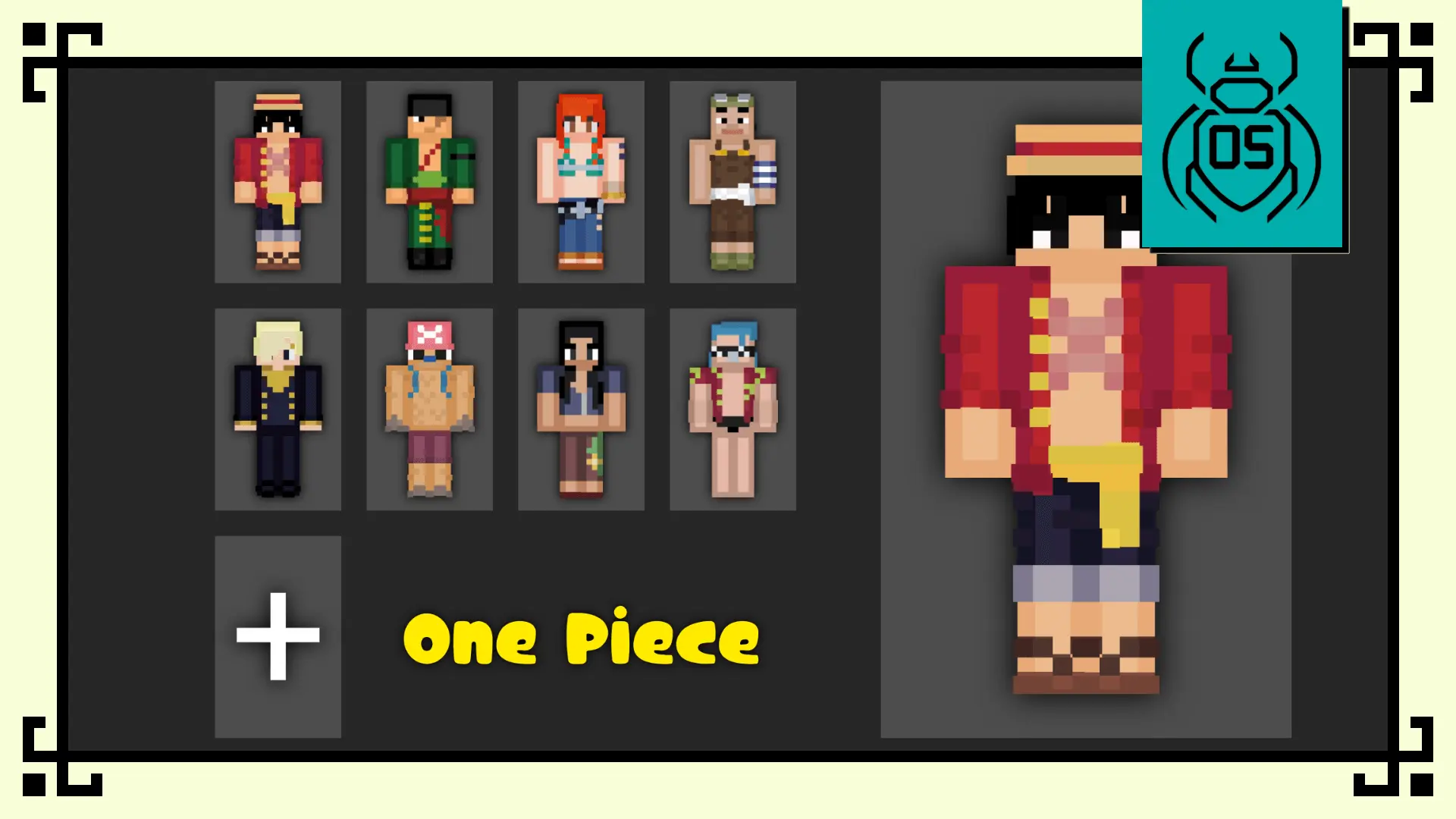
One Piece Skin Pack brings the Straw Hat crew into your world with a Funko-inspired look that’s meant to feel playful, recognizable, and “collectible” the second you load in. The whole point is the style: cute proportions, bold character identity, and a design that stands out when you’re running around with friends.
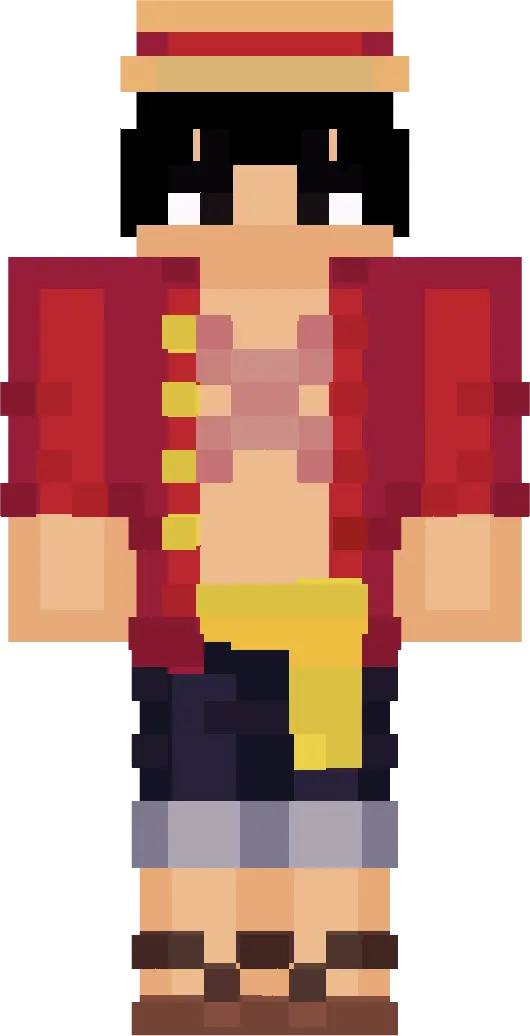
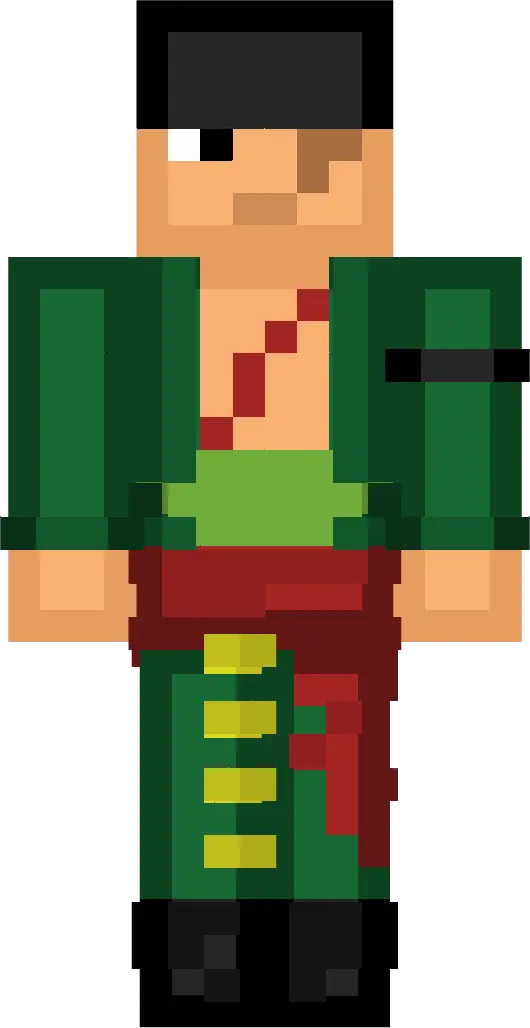
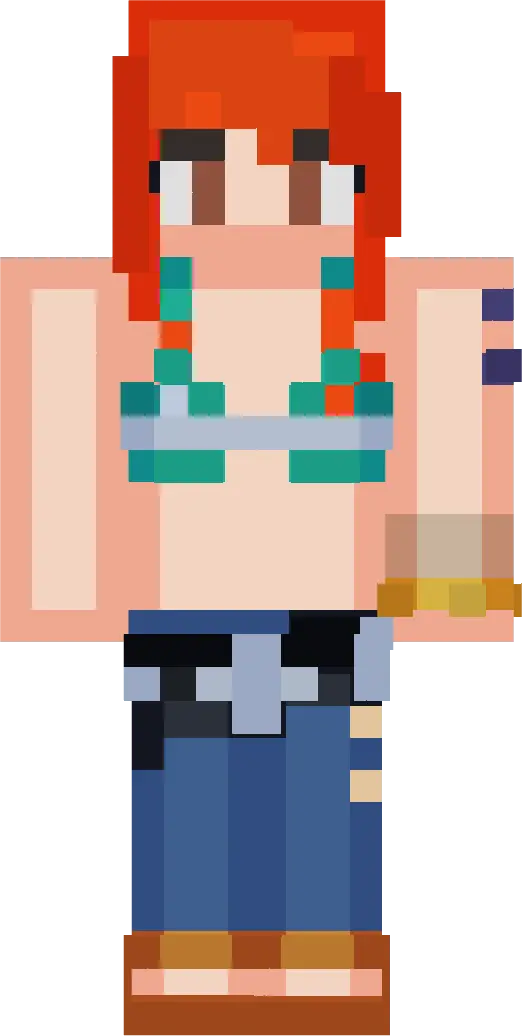
You’re getting eight iconic pirates here, so it’s an easy pick for multiplayer nights where everyone wants a different vibe without clashing. Monkey D. Luffy comes off cheerful and energetic, like the friend who’s always sprinting ahead and starting trouble. Roronoa Zoro has that tough warrior presence that fits perfectly if you’re the one clearing caves or jumping into fights first. Nami’s confident, clever feel works great for the “planner” role in a group world, while Usopp’s expressive, playful style is perfect for goofing around, storytelling, and screenshot moments that don’t need to be serious.
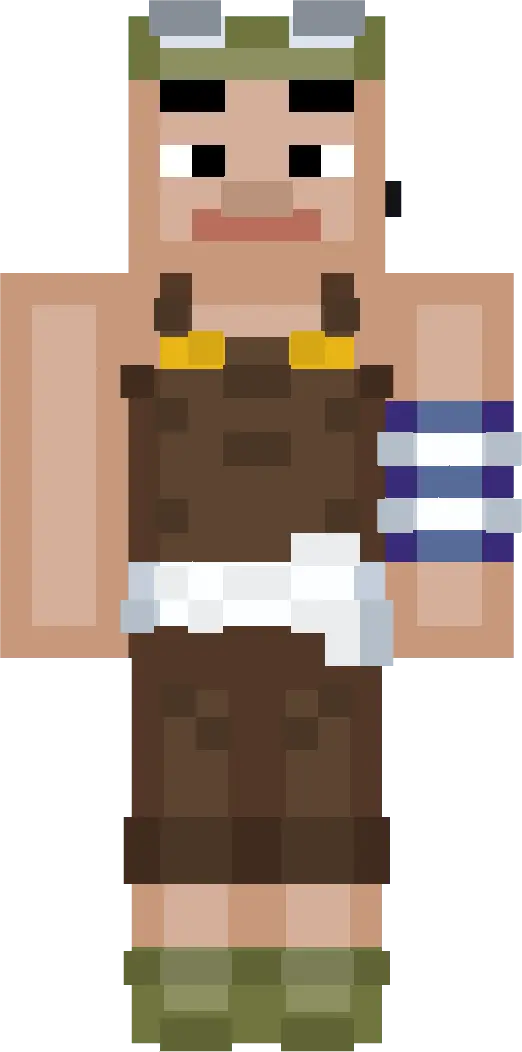
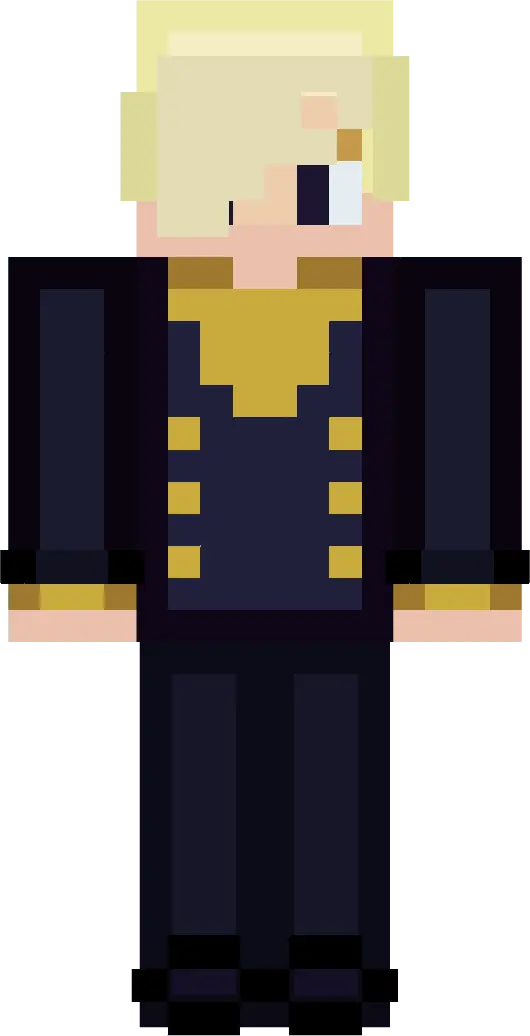
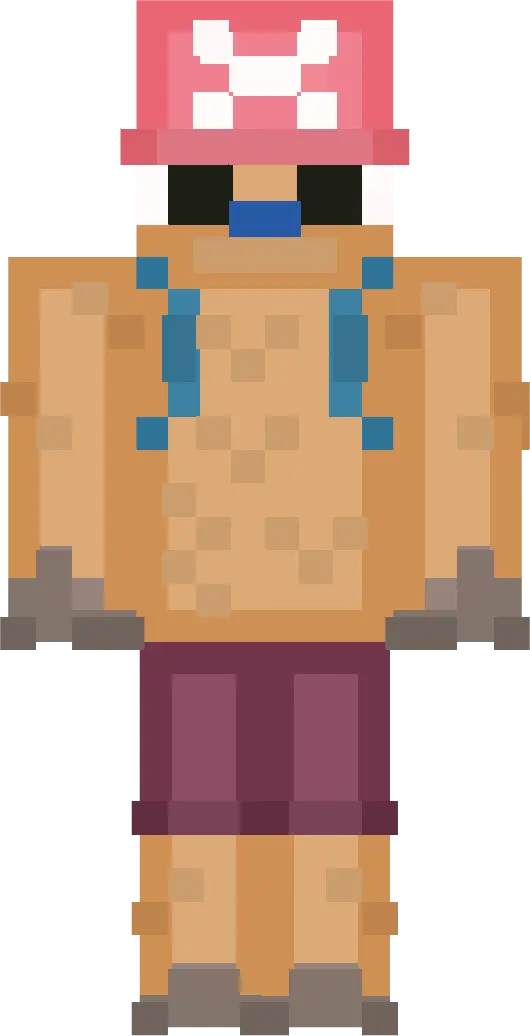
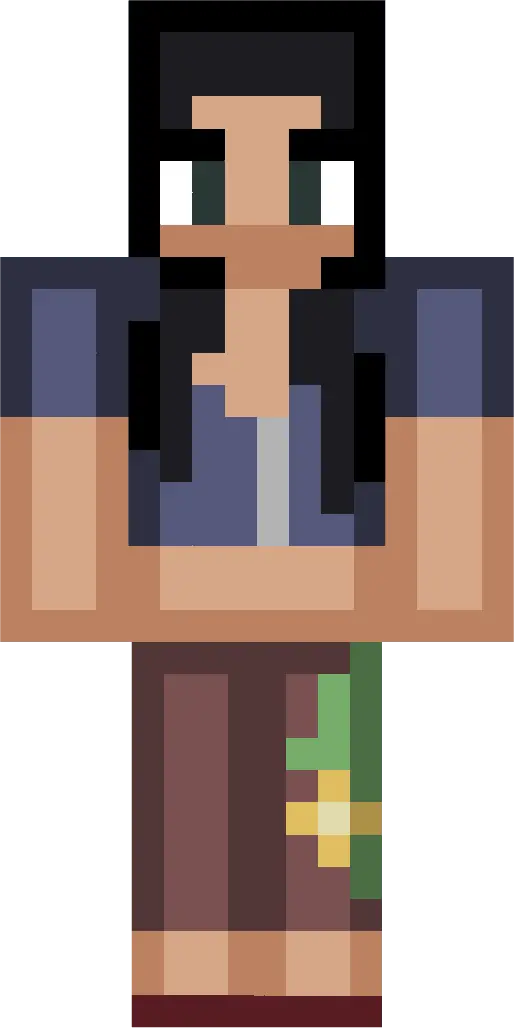
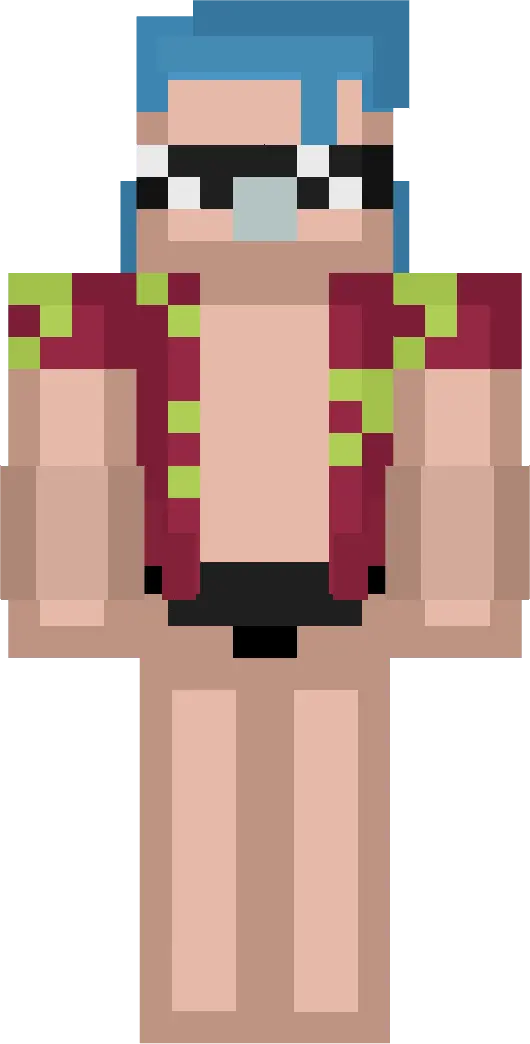
Sanji’s cool, charismatic flair is a fun match for base life—cooking, organizing, and acting like the place is a five-star hangout even when it’s just a messy survival shack. Tony Tony Chopper is straight-up adorable in this Funko collectible style, and it’s the kind of skin you pick when you want everyone to instantly go “okay yeah, that one’s cute.” Nico Robin’s calm, intelligent vibe fits those quieter sessions where you’re exploring, building, or just cruising around without chaos. Franky brings bold, mechanical energy that pops in crowded multiplayer areas, especially when you want your character to scream personality from a distance.
Because One Piece Skin Packs is designed to stand out in survival and multiplayer worlds, it really shines when you’re doing co-op projects, roleplay moments, or content creation where character silhouettes matter. Little tip: if you’re doing group screenshots or recording, keep everyone in good lighting and let the different personalities read on screen—these skins are made to be noticed. In Minecraft Bedrock, One Piece Skin Packs feels like an easy way to turn an average session into a themed crew night without changing how you play, just how your world looks and feels.
How to Install Skins in Minecraft Bedrock
- Download a .png skin (64×64 or 128×128).
- Open Minecraft Bedrock.
- Go to Profile (hanger icon) → Edit Character.
- Tap Owned → Import → Choose New Skin.
- Select your .png file.
- Pick a model: Classic (Steve) or Slim (Alex).
- Confirm to equip and play.
Comments (0)