Corrupt Steve Skin
- 22-01-2026, 23:43
- 759
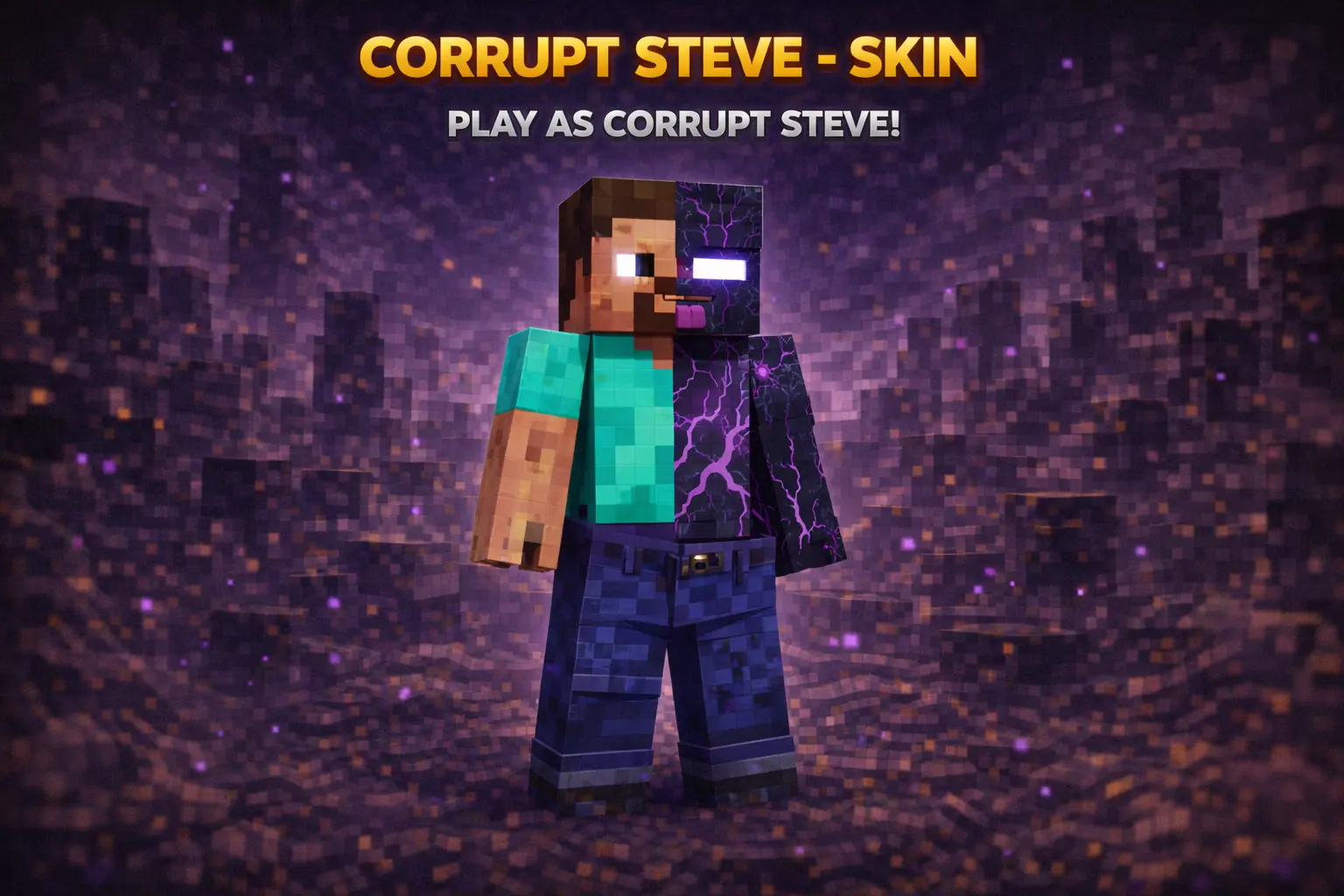
Corrupt Steve - Skin is for when you want the classic Steve vibe, but with a weird corrupted twist that makes everyone do a double-take. The whole point is the “half Steve, half what?� energy, like your character got touched by some cursed chunk border and came back different. It’s simple, recognizable, and instantly turns your player into a little walking story.

On multiplayer servers, Corrupt Steve - Skin is great for trolling in a harmless way: standing in the distance, popping out of a cave, or just showing up at spawn looking slightly wrong. It hits that sweet spot where it’s creepy-looking without needing a full horror costume, and it still fits in regular gameplay without feeling out of place.
In survival, it’s an easy main skin because it works with any biome and any build theme. Whether you’re grinding caves, building a base, or running around in PvP armor, Corrupt Steve - Skin keeps that familiar silhouette while adding just enough mystery to make your character feel like more than “default Steve.�
How to Install Skins in Minecraft Bedrock
- Download a .png skin (64×64 or 128×128).
- Open Minecraft Bedrock.
- Go to Profile (hanger icon) → Edit Character.
- Tap Owned → Import → Choose New Skin.
- Select your .png file.
- Pick a model: Classic (Steve) or Slim (Alex).
- Confirm to equip and play.
Comments (0)