Criminal Steve Skin
- 19-01-2026, 15:16
- 559
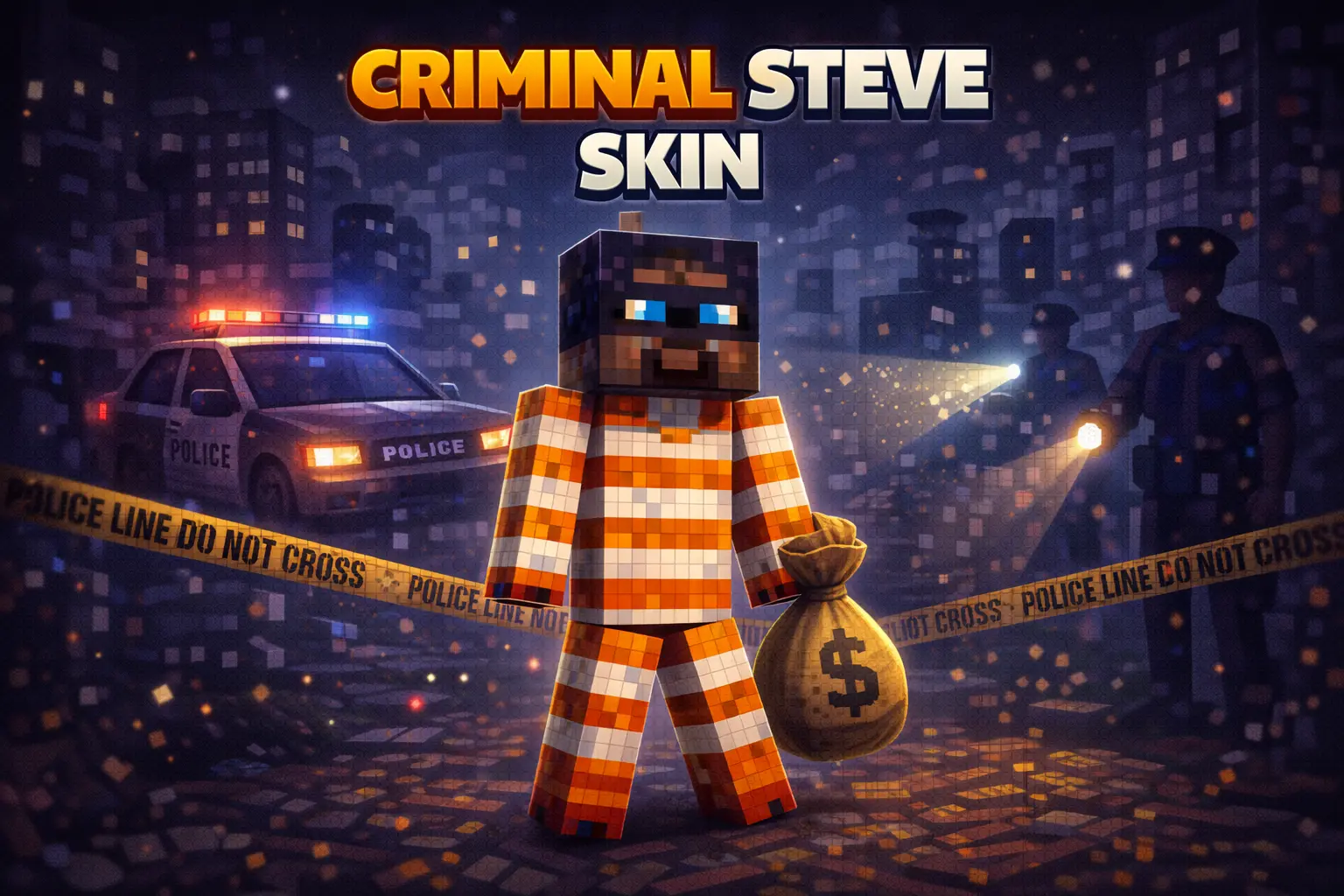
Criminal Steve Skin takes the most familiar face in Minecraft Bedrock and flips the vibe into something more mischievous. Since it’s still “Steve” at the core, it feels instantly readable and fits any world—survival, creative builds, servers, whatever—while the “criminal” angle makes it feel like your character has a story. It’s not trying to be a whole costume closet; it’s more like a simple identity change that makes your gameplay feel different right away.
In survival, this skin is fun because it matches the way most players actually play sometimes: sneaking around at night, grabbing resources, dipping into caves, and trying not to get caught lacking. If you’re doing solo survival, Criminal Steve Skin fits those moments where you’re living off quick decisions—raiding a structure, sprinting home with loot, or slipping through tight terrain when you’re low on gear. It also pairs nicely with base styles that feel a little gritty, like hidden bunkers, underground storage rooms, or small “hideout” builds tucked into cliffs.

Multiplayer is where Criminal Steve Skin really clicks. It’s an easy pick for roleplay worlds, prison maps, and any mini-game where there’s a chase element. You can be the “get in, get out” player who’s always moving, always slipping away when people try to corner you. Even on normal servers, it’s a funny vibe to walk into spawn like you’re on the run, then casually trade or build like nothing’s going on. If your friends are into themed sessions, you can split into teams—guards vs. escapees—and this skin makes your role obvious without needing a bunch of explanation.
Small tip: to make the “criminal” vibe feel stronger without pretending the skin has special mechanics, play a little smarter. Use paths, shortcuts, and quick exits in your base layout, keep your storage organized for fast grab-and-go trips, and always have a plan for night travel. Criminal Steve Skin is simple, recognizable, and way more fun when you lean into that “I’m definitely up to something” energy in Minecraft Bedrock.
How to Install Skins in Minecraft Bedrock
- Download a .png skin (64×64 or 128×128).
- Open Minecraft Bedrock.
- Go to Profile (hanger icon) → Edit Character.
- Tap Owned → Import → Choose New Skin.
- Select your .png file.
- Pick a model: Classic (Steve) or Slim (Alex).
- Confirm to equip and play.
Comments (0)