Fancy Herobrine Skin
- 23-01-2026, 10:23
- 582
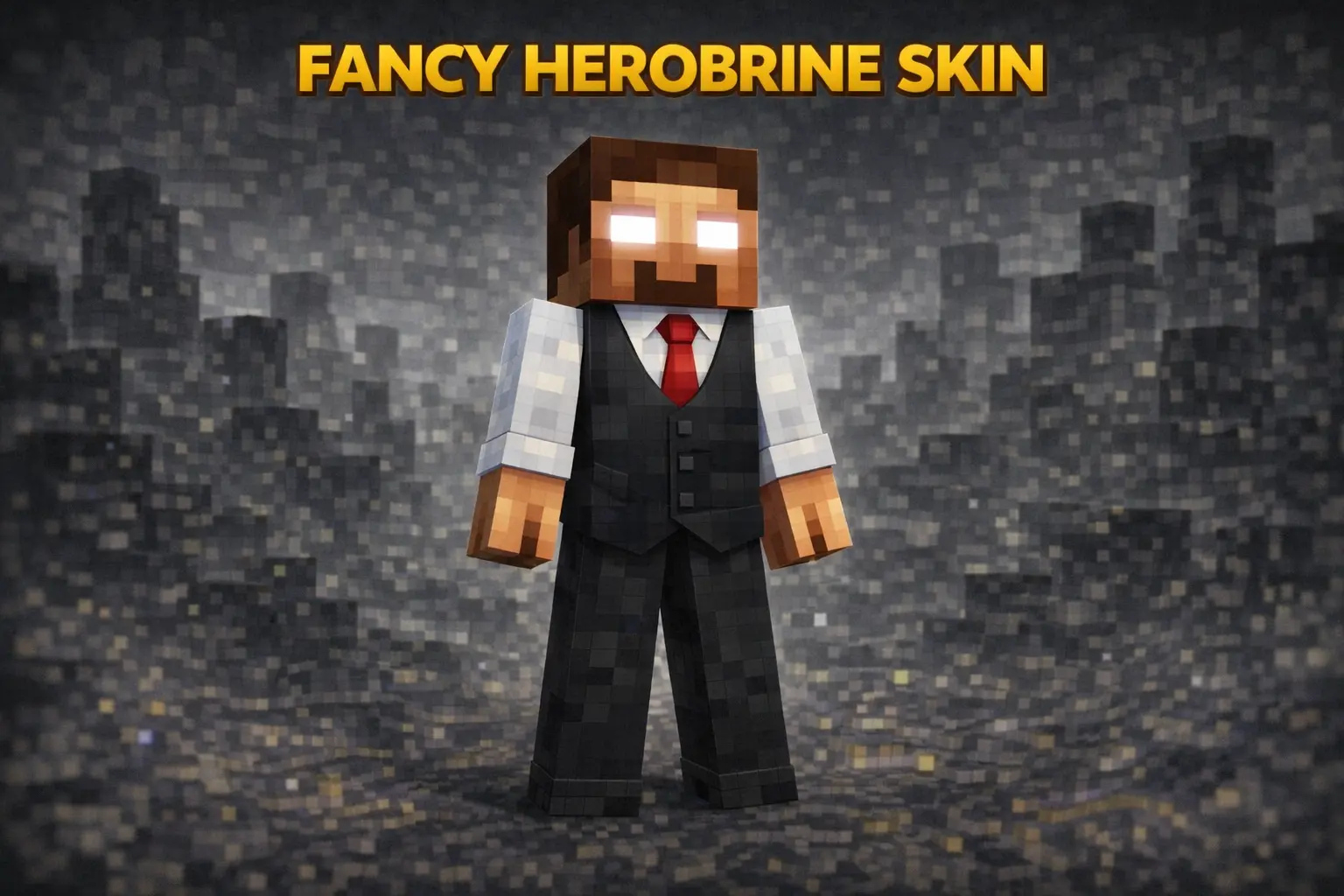
Fancy Herobrine Skin is what you wear when you want to look dangerous and classy at the same time. It keeps the instantly recognizable Herobrine vibe, but instead of the usual plain outfit, you’re rocking a vest and dress pants like you just walked out of a fancy event and decided to haunt someone’s world on the way home.
This skin is perfect for multiplayer because it’s hilarious and intimidating in a weird way. You can show up at spawn looking like a businessman creepypasta, stand silently in someone’s doorway, or pull up to a PvP duel like it’s a formal appointment. It’s also great for roleplay servers where you want your character to feel like a boss, a mafia leader, or the “polite� villain who still causes chaos.

In survival, Fancy Herobrine Skin stays clean and readable in any biome, and it doesn’t rely on flashy patterns to stand out. Even when you throw armor on, the core identity of the skin still hits whenever you’re unarmored at base or in screenshots. If you want Herobrine energy with a dressed-up twist, Fancy Herobrine Skin nails it.
How to Install Skins in Minecraft Bedrock
- Download a .png skin (64×64 or 128×128).
- Open Minecraft Bedrock.
- Go to Profile (hanger icon) → Edit Character.
- Tap Owned → Import → Choose New Skin.
- Select your .png file.
- Pick a model: Classic (Steve) or Slim (Alex).
- Confirm to equip and play.
Comments (0)