Dual User Skin Pack
- 24-03-2026, 14:57
- 662
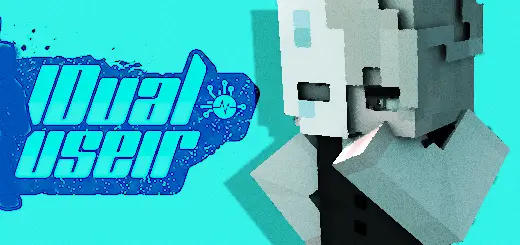
Dual User Skin Pack is a new set of cool Dual User skins for Minecraft Bedrock.

How to Install Skins in Minecraft Bedrock
- Download a .png skin (64×64 or 128×128).
- Open Minecraft Bedrock.
- Go to Profile (hanger icon) → Edit Character.
- Tap Owned → Import → Choose New Skin.
- Select your .png file.
- Pick a model: Classic (Steve) or Slim (Alex).
- Confirm to equip and play.
Comments (0)